
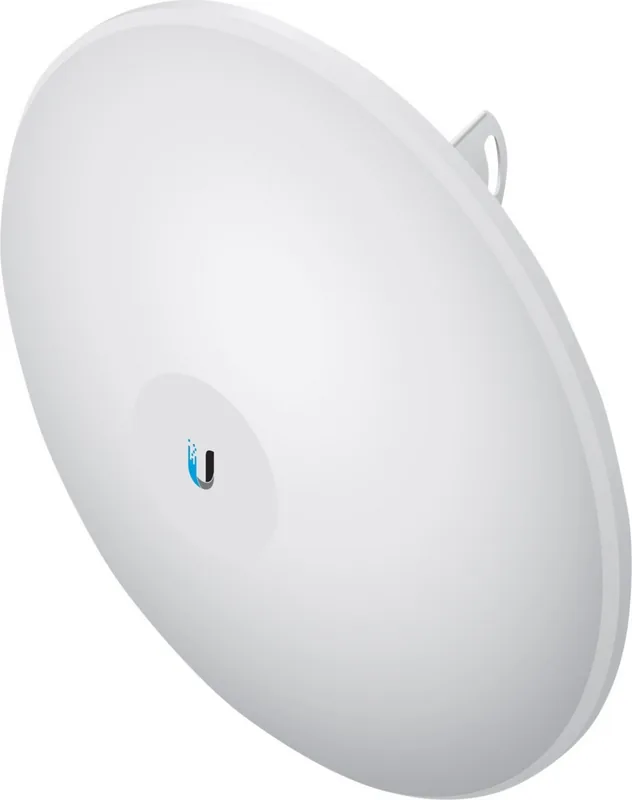
Ubiquiti PowerBeam AC PBE-5AC-500 Manual
PDF manual · 28 Pages
English



Quick check
Incorrect answer, please try again.
Chat with your Ubiquiti PowerBeam AC PBE-5AC-500 manual using AI
Get instant AI answers from your Ubiquiti PowerBeam AC PBE-5AC-500 manual
Ask anything about the Ubiquiti PowerBeam AC PBE-5AC-500. Answers come from this manual, with the pages they are based on.
Ask a Question
Do you recommend PowerBeam AC PBE-5AC-500?
Yes NoFrequently Asked Questions
It is best used for outdoor wireless bridging, especially point-to-point links and other directional deployments where stable range and focused signal delivery are important.
Is this answer helpful?
Yes. It uses passive PoE and includes a Gigabit PoE adapter, which powers the device and carries data over Ethernet for a cleaner installation.
Is this answer helpful?
Connect your computer by Ethernet, set a static IP in the 192.168.1.x range, then open https://192.168.1.20 in a browser and log in with the default credentials.
Is this answer helpful?
Yes, it can be used in different configurations. Without the dish reflector, it can support shorter outdoor-to-indoor style coverage using the antenna feed alone.
Is this answer helpful?
Shielded Category 5 or better cabling is recommended, and outdoor runs should be properly grounded. This helps protect the installation and maintain reliable performance.
Is this answer helpful?
Yes, it is designed for outdoor use and has a UV-stabilized enclosure and strong wind survivability, but it should not be installed where it can be submerged in water.
Is this answer helpful?
Advantages and Disadvantages
Advantages

- 29 dBi dish gain supports strong long-distance directional links.
- Integrated InnerFeed design helps reduce signal loss and cable clutter.
- Gigabit PoE power simplifies outdoor deployment.
- Rugged outdoor construction is made for wind, UV exposure, and harsh sites.
Disadvantages

- Requires professional installation and careful alignment.
- Needs shielded Ethernet cabling and grounding to meet warranty conditions.
- Large dish form factor can be harder to mount and position.
- Regulatory settings and country restrictions may limit easy plug-and-play use.
Product Specification
LAN
1x 1000Base-T (PoE PD, 24V passive)
Wireless
5GHz (airMAX ac)
Transfer rate
450Mbps (5GHz)
Antennas
1x external
Power consumption
8.5W (consumption, operation), no information (max. power supply output)
Dimensions
24.41x24.41x15.20in
Special features
Outdoor, including bracket
Band capability
Single Band
Product Description
Ubiquiti PowerBeam ac, 5GHz: Focused Wireless Performance for Outdoor Links
The Ubiquiti PowerBeam ac in 5GHz is designed for users who need a strong, directional wireless connection with a clean and efficient outdoor setup. Built around the PBE-5AC-620 model, it combines a high-gain dish reflector with an integrated InnerFeed design to help deliver stable point-to-point or point-to-multipoint performance. For anyone researching the Ubiquiti PowerBeam ac, 5GHz Manual, the standout message is simple: this is a serious network bridge built for distance, precision, and durability.
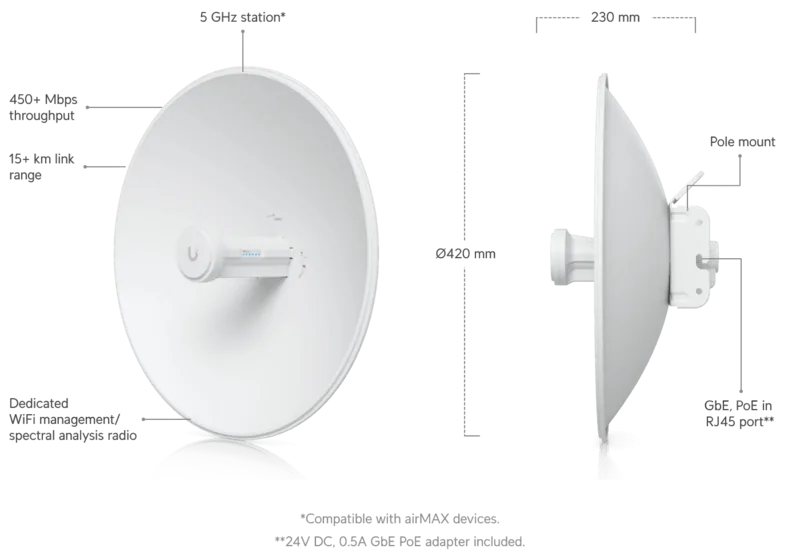
What makes it appealing is its balance of power and practicality. The 29 dBi dish antenna is aimed at long-range coverage, while the included Gigabit PoE adapter keeps installation streamlined. Because the radio and feed are integrated, the system reduces cable clutter and helps maintain signal integrity. The device also includes status LEDs for signal, Ethernet activity, and power, making it easier to verify operation during installation and alignment.
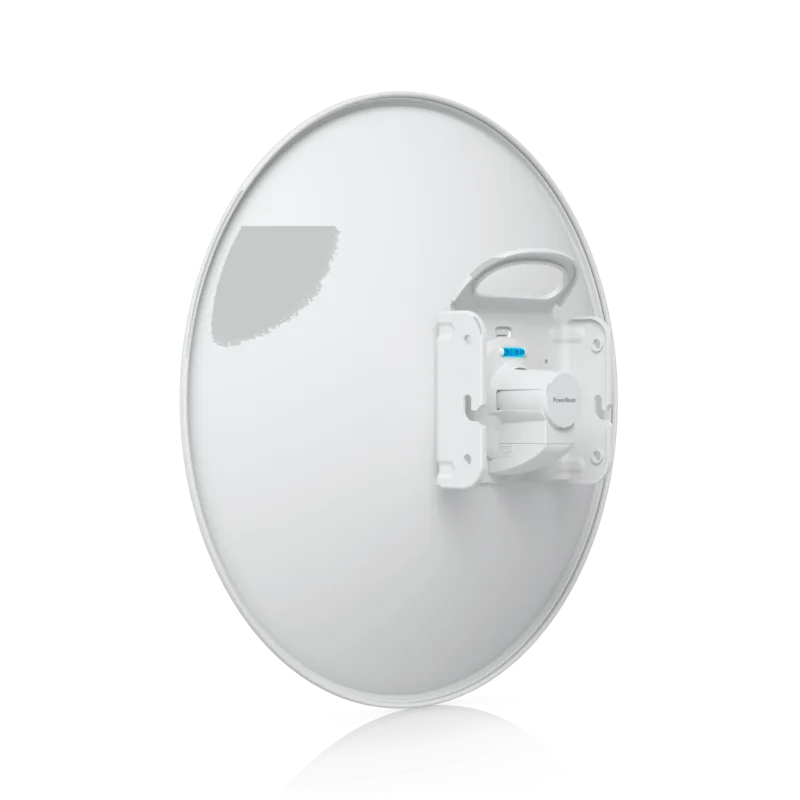
The PowerBeam ac is clearly meant for outdoor environments. Its UV-stabilized enclosure, pole-mounting kit, and wind survivability rating show that it is built to handle demanding conditions. When paired with shielded Ethernet cable and proper grounding, it can become a reliable backbone for linking buildings, extending coverage to remote areas, or supporting structured wireless deployments where consistency matters more than wide-area broadcast.
Setup is straightforward for a professional installer, but it still requires care. The alignment system, tilt adjustments, and locking hardware are all important for getting the best performance from the dish. Once connected, the airOS interface offers direct access to configuration settings through a browser, giving users a familiar way to tune the radio, confirm connectivity, and manage installation details.
In everyday use, this product stands out as a focused network tool rather than a general-purpose access point. It is ideal for outdoor links where a narrow beam, higher gain, and dependable hardware can make the difference between unstable connectivity and a clean, efficient wireless bridge.
Notes
- Best suited for professional outdoor installations
- Requires shielded cabling and proper grounding
- Alignment quality strongly affects real-world results
- Check local regulations before deployment
Search for 67,706 Manuals online


Type-in Brand or Model