

Ubiquiti NanoBeam AC Gen2 NBE-5AC-Gen2 Manual
PDF manual · 28 Pages
English



Quick check
Incorrect answer, please try again.
Chat with your Ubiquiti NanoBeam AC Gen2 NBE-5AC-Gen2 manual using AI
Get instant AI answers from your Ubiquiti NanoBeam AC Gen2 NBE-5AC-Gen2 manual
Ask anything about the Ubiquiti NanoBeam AC Gen2 NBE-5AC-Gen2. Answers come from this manual, with the pages they are based on.
Ask a Question
Do you recommend NanoBeam AC Gen2 NBE-5AC-Gen2?
Yes NoFrequently Asked Questions
Hold the reset button for longer than 10 seconds while powered on. Alternatively reset via the adapter button under the unit for restoration.
Is this answer helpful?
24V 0.5A PoE adapter is included. Secondary port needs 1A adapter for passthrough functionality if connecting other devices.
Is this answer helpful?
Yes, UV stabilized housing works outdoors but avoid flooding and lightning. Ground cables correctly to maintain safety.
Is this answer helpful?
Connect to SSID on mobile then use http://setup.ui.com in browser. Ensure DHCP is enabled on your network adapter for setup.
Is this answer helpful?
CE, FCC, ICS and compliance standards for multiple countries listed. Legal operation ensured across many regions with these standards met.
Is this answer helpful?
Yes, LAN2 provides 24V passive PoE passthrough with compatible adapter. Supports second device power delivery if needed.
Is this answer helpful?
Between minus 40 and 80 degrees Celsius for reliable operation. Designed for extreme environments from cold to hot conditions.
Is this answer helpful?
Advantages and Disadvantages
Advantages

- 24V Passive PoE support simplifies installation with existing networks efficiently.
- 17 dBi Antenna Gain provides excellent long-range wireless connectivity performance.
- UV-stabilized Housing withstands harsh outdoor weather conditions effectively for years.
- Dual Gigabit Ports support Passthrough PoE for connecting additional devices easily.
- Easy configuration via airOS or UNMS app for remote management access.
Disadvantages

- Wall Mount Kit is not included in the standard package and must be purchased separately.
- Some frequency bands are restricted to indoor use in certain regulatory regions.
- Power requirements need specific adapter compliance to avoid damage or fire hazards.
- Reset requires holding button for 10 seconds which might be tricky during field work.
- Surge protection devices are recommended but not included for outdoor installations.
Product Specification
LAN
1x 1000Base-T (PoE PD)
Wireless
5GHz (airMAX ac)
Transfer Rate
450 Mbps (5GHz)
Antennas
1x External
Connections
WLAN Management Access
Power Consumption
8.5 W (Consumption, Operation), Not specified (max. power supply rating)
Dimensions
7.44x7.44x4.92 inches
Features
Outdoor
Band Support
Single Band
Manufacturer Warranty
1 year
Product Description
Overview of the Device
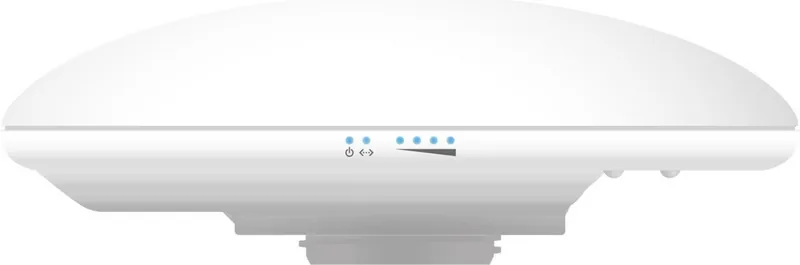
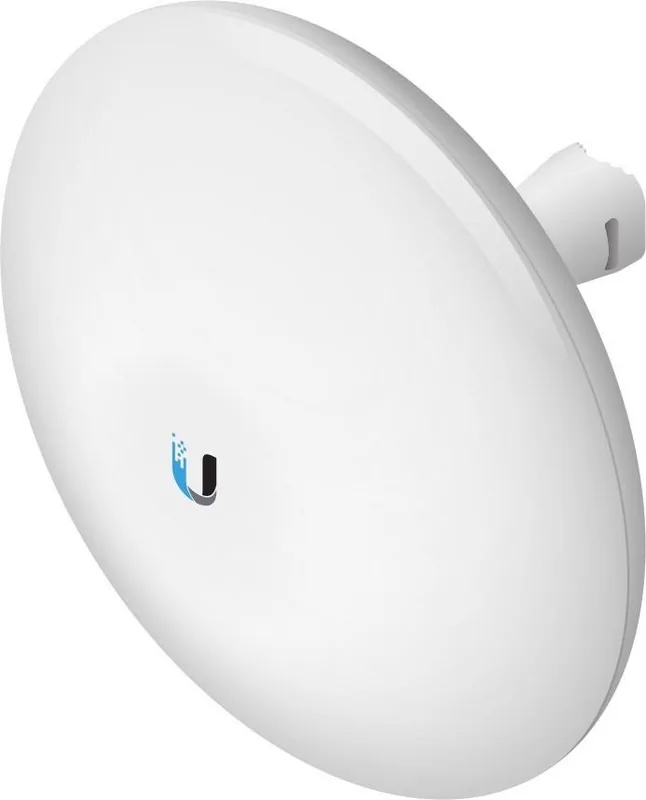
Wireless outdoor networking has never been simpler with the Ubiquiti NanoBeam ac Gen2 5GHz. This robust device is engineered for long-distance links with speeds reaching gigabit rates. When planning your setup, having the Ubiquiti NanoBeam ac Gen2 5GHz Manual guides the installation process effectively. The unit features a 17 dBi high gain antenna that ensures strong signal penetration over vast distances. Power is delivered through a standard 24V PoE adapter, making power sourcing convenient from existing network switches or injectors.
Installation and Setup
Durability is a key focus for this equipment. Encased in UV-stabilized plastic, it withstands harsh weather conditions including rain and sun exposure. The operating temperature range spans from negative values up to high heat levels, ensuring reliability in extreme environments. Installation involves either mast or wall mounting options, though some wall kits are sold separately. The reset function allows for factory restoration if configuration errors occur during setup. Connectivity relies on two Gigabit Ethernet ports, supporting passthrough PoE on the secondary port for additional devices.
Security and Configuration
Configuration is handled through a web interface or the UNMS application. Accessing the airOS dashboard provides detailed control over wireless settings and monitoring tools. Safety is paramount during operation. Surge protection is recommended for outdoor cabling to prevent damage from lightning strikes or electrical surges. Grounding cables correctly helps maintain system integrity. Compliance with FCC and CE regulations ensures legal operation across many regions.
Performance and Reliability
Performance remains consistent even with wind loads reaching high speeds. Physical protection includes ESD and EMP safeguards against electrical interference. Users should maintain at least a 29 cm distance from the body during transmission to adhere to exposure limits. Network administrators appreciate the flexibility of managing multiple units remotely. Whether for business backhaul or campus connectivity, this bridge delivers stable connections. Ensure DHCP is enabled on network adapters for initial setup. The included power supply simplifies deployment without needing separate adapters. With these features, it stands out as a premier choice for wireless infrastructure upgrades. High performance is maintained through 5GHz frequency bands which offer less congestion than 2.4GHz systems. The device supports multiple protocols for seamless integration. Power consumption stays low even at maximum output, saving energy costs over time.
Maintenance and Warranty
Security features are built-in to protect against unauthorized access. The management interface allows for strong password creation and user accounts. Monitoring tools help identify signal strength and throughput in real-time. This equipment is suitable for spanning gaps between buildings or securing long link connections. Proper cabling choices like shielded ethernet cables improve safety and signal quality. The package includes mounting hardware for pole attachment directly.
This solution supports a wide array of applications from surveillance to internet distribution. The design minimizes maintenance needs due to its rugged build. Updates can be applied remotely if necessary without physical access. It ensures your network remains secure and functional regardless of the terrain.
Search for 67,706 Manuals online


Type-in Brand or Model