
Ubiquiti LiteBeam 5AC LR LBE-5AC-LR Manual
PDF manual · 32 Pages
English



Quick check
Incorrect answer, please try again.
Chat with your Ubiquiti LiteBeam 5AC LR LBE-5AC-LR manual using AI
Get instant AI answers from your Ubiquiti LiteBeam 5AC LR LBE-5AC-LR manual
Ask anything about the Ubiquiti LiteBeam 5AC LR LBE-5AC-LR. Answers come from this manual, with the pages they are based on.
Ask a Question
Do you recommend LiteBeam 5AC LR LBE-5AC-LR?
Yes NoFrequently Asked Questions
The LBE-5AC-LR operates across 5150–5875 MHz, with region-specific restrictions. For example, some regions restrict indoor use or limit bands; always set frequencies and transmit power according to local regulations in airOS.
Is this answer helpful?
Power is provided via passive Gigabit PoE (24V, 0.3A) using the included PoE adapter or a compatible passive PoE switch. Ensure the power source matches the device specifications to avoid damage.
Is this answer helpful?
Yes. For the first 15 minutes after powering on, the LiteBeam broadcasts a temporary Wi‑Fi SSID (LBE-5AC-LR:<MAC>) allowing setup via the UNMS mobile app or web portal (http://setup.ubnt.com). Ensure your client uses DHCP.
Is this answer helpful?
Use shielded Category 5+ cabling with drain wire, properly ground the cable, and install Ethernet surge protectors near the unit and the building entry (ETH‑SP recommended). Follow safety guidance to avoid lightning risks and maintain required radiation distances.
Is this answer helpful?
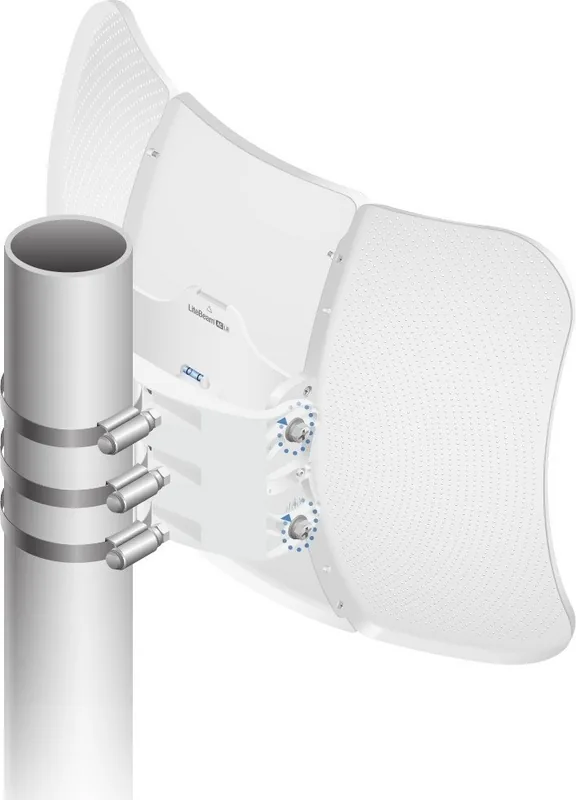
Assemble reflector and pivot panels, mount the bracket with metal straps to a pole, insert pivot panel locating pins, and loosely install M8 screws. Aim the device toward the remote endpoint using ±15° elevation, then tighten screws to lock position.
Is this answer helpful?
Expect focused long-range performance due to 26 dBi antenna gain and up to 25 dBm transmit power (region-dependent). Throughput benefits from the integrated airMAX AC radio and Gigabit Ethernet, though real-world rates vary with link conditions and interference.
Is this answer helpful?
Official resources, downloads, and warranty information are available at Ubiquiti’s support and downloads portals (help.ubnt.com, downloads.ubnt.com, www.ubnt.com). The airMAX user guide and compliance declarations are also hosted on Ubiquiti’s site.
Is this answer helpful?
Advantages and Disadvantages
Advantages

- High 26 dBi gain and focused directional beam for long-range links.
- Integrated InnerFeed radio reduces signal loss and streamlines installation.
- Gigabit Ethernet with passive PoE simplifies power and network connectivity.
- Rugged design with wide temperature range and high wind survivability.
- Easy setup via UNMS app or browser-based airOS interface.
Disadvantages

- Passive PoE requires compatible power source or included adapter.
- Region-dependent frequency limits may restrict available channels.
- Aimed alignment required; ±15° elevation may be limiting for some sites.
- Limited antenna flexibility—designed for fixed directional use only.
- Professional installation recommended to meet regulatory and grounding requirements.
Product Specification
LAN
1x 1000Base-T (PoE PD)
Wireless
5GHz (airMAX ac)
Data rate
450Mbps (5GHz)
Antennas
1x external
Ports
WLAN Management Access
Power consumption
7W (consumption, operating), not specified (max. PSU output)
Dimensions
20.20x15.20x10.16in
Features
Outdoor
Band capability
Single Band
Product Description
Ubiquiti LiteBeam ac Long Range, 5GHz Manual
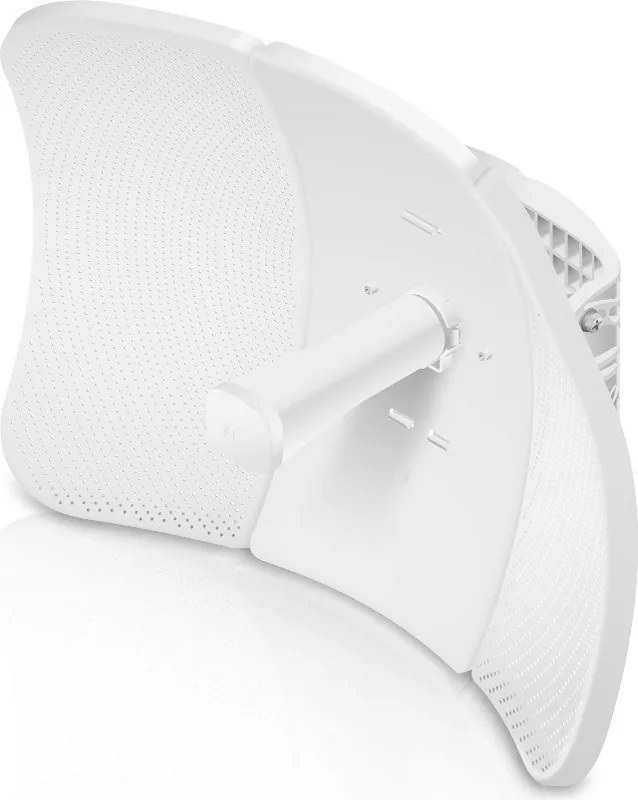
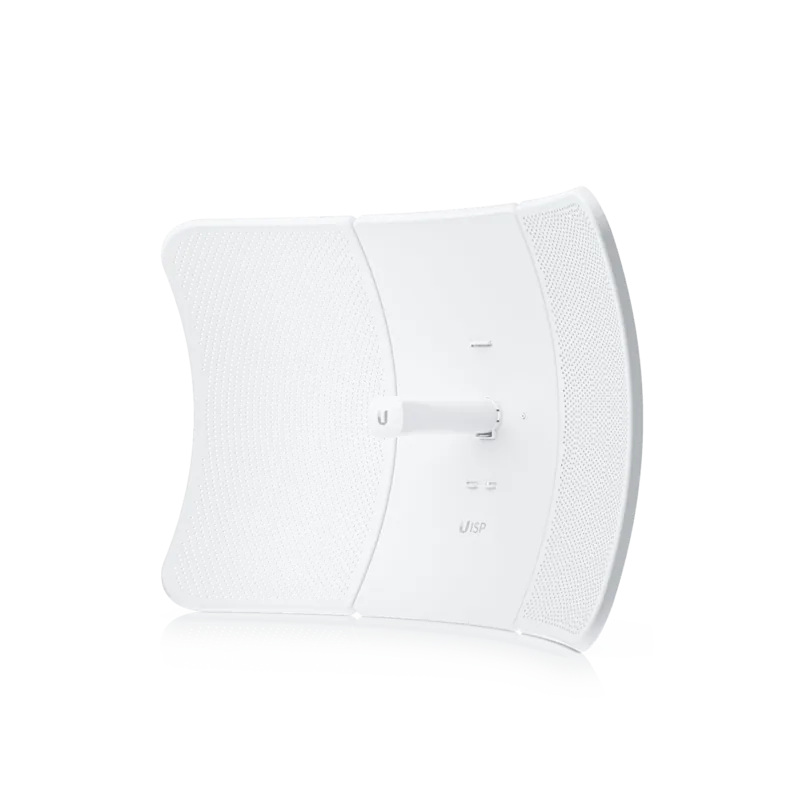
The Ubiquiti LiteBeam ac Long Range (LBE-5AC-LR) is a compact, high-gain 5 GHz airMAX AC CPE designed for long-distance point-to-point and point-to-multipoint links. Featuring InnerFeed technology, the radio is integrated directly into the antenna feed for reduced losses and a streamlined outdoor profile. With a 26 dBi reflector and passive Gigabit PoE support, the LiteBeam ac LR delivers focused directional coverage ideal for wireless bridges, remote connectivity, and ISP last-mile links.
Installation is straightforward: the kit includes reflector panels, pivot and mounting hardware, metal straps, and a 24V Gigabit PoE adapter. Assembly involves attaching side reflectors to the center reflector, securing the antenna feed and pivot panels, and pole-mounting the unit with supplied straps. The design allows ±15° elevation adjustment for precise aiming and fast mechanical locking with M8 screws.
On the network side, the device provides a 10/100/1000 Ethernet port with passive PoE and supports configuration via the airOS interface. Initial setup can be done through the UNMS mobile app or a browser-based web portal, both accessible via the device’s temporary Wi‑Fi SSID immediately after power-up. airOS exposes advanced tuning and regulatory controls to professional installers, including transmit power settings and management radio access.
Built for harsh environments, the LiteBeam ac LR supports wide operating temperatures (‑40 to 70° C), high wind survivability, and ESD/EMP protection. It meets CE, FCC, and ISED certifications and includes radiation exposure guidance to maintain safe distances. Recommended installation practices include shielded Category 5+ cabling with grounding, surge protectors at both ends, and adherence to local regulatory power limits.
Performance highlights include up to 25 dBm maximum transmit power, 26 dBi antenna gain, 7W max power consumption, and operation across 5150–5875 MHz (region-dependent restrictions apply). The product ships with a Quick Start Guide, safety notices, and compliance documentation, while full software and user guides are available from Ubiquiti’s downloads and support sites.
Notes:
- Use shielded Ethernet cable with drain wire and proper grounding for outdoor runs.
- Install surge protection (ETH‑SP recommended) at the device and building entry to protect against transient events.
- Ensure regulatory compliance by configuring transmit power and frequency ranges appropriate for your country.
Search for 67,706 Manuals online


Type-in Brand or Model
Hans Müller
10 months ago
My WLAN router is in another room. Does it still provide a strong enough connection for a laptop when the distance is long?
Manual.ly
10 months ago
Yes. Reviewers report that even when the router is far away, the connection improves noticeably, resulting in much better reception. This helps ensure your laptop can stay reliably connected and get a usable signal strength, for example when you are working in another room.