
Ubiquiti LiteAP GPS Manual
PDF manual · 24 Pages
English



Quick check
Incorrect answer, please try again.
Chat with your Ubiquiti LiteAP GPS manual using AI
Get instant AI answers from your Ubiquiti LiteAP GPS manual
Ask anything about the Ubiquiti LiteAP GPS. Answers come from this manual, with the pages they are based on.
Ask a Question
Do you recommend LiteAP GPS?
Yes NoFrequently Asked Questions
The LiteAP GPS (LAP‑120) operates in the 5 GHz band with a 16 dBi antenna and a 120° beamwidth, designed for sector-style, point-to-multipoint coverage. Regional frequency ranges and power limits vary and must follow local regulations.
Is this answer helpful?
The device uses a single Gigabit Ethernet port for data and power via the included 24V, 0.5A passive PoE adapter. Alternatively, it can be powered by a compatible PoE switch that meets the specified voltage and power requirements.
Is this answer helpful?
Attach the ball‑joint mount to the unit, thread and secure the metal strap around a pole, adjust the aim by loosening/tightening the lock nut, connect shielded Ethernet, then power via the PoE adapter or PoE switch. Use a 7 mm socket or screwdriver for strap tightening.
Is this answer helpful?
Set your host Ethernet adapter to a static IP on 192.168.1.x, then open https://192.168.1.20 in a browser. Log in with the default ubnt/ubnt credentials, accept terms, and select country and language. Modify settings and regulatory parameters as required.
Is this answer helpful?
Installers must use shielded Cat5e or better cabling, ensure proper earth grounding, respect RF exposure distances (≥43 cm), avoid use during storms or submersion, and comply with local frequency and DFS regulations for safe operation.
Is this answer helpful?
The product carries a one‑year limited warranty covering defects in materials and workmanship. Warranty exclusions include unauthorized modifications, improper cabling, physical damage, and use of third‑party firmware. Returns require an RMA and prepaid shipping per Ubiquiti’s policy.
Is this answer helpful?
The LAP‑120 is a Class A commercial device intended for professional, outdoor installations; it may cause interference in residential settings. Ensure compliance with local regulations and consider consumer-grade alternatives for home use.
Is this answer helpful?
Advantages and Disadvantages
Advantages

- High 16 dBi antenna gain with a 120° sector for focused, efficient coverage.
- Rugged outdoor design: wide temperature range, ESD protection, and 200 km/h wind survivability.
- Gigabit Ethernet with included 24V passive PoE adapter simplifies deployments.
- Compact, easy pole‑mount hardware (ball joint and metal strap) for rapid installation.
- airOS support enables tuning, regulatory compliance settings, and remote management.
Disadvantages

- Requires professional installation and shielded cabling to meet warranty and compliance.
- Passive PoE power method may be less flexible than 802.3af/at in some networks.
- Default login and static IP setup requires manual host configuration for initial access.
- One‑year limited warranty may be short for some commercial deployments.
- Restricted frequency/use rules (DFS, regional limits) can complicate channel planning.
Product Specification
LAN
1x 1000Base-T (PoE)
Wireless
5GHz (airMAX ac)
Transmission Rate
450Mbps (5GHz)
Antennas
1x external
Power Consumption
7.1W (Consumption, Operation), not specified (max. power supply output)
Dimensions
14.21x4.92x2.80in
Special Features
Outdoor, GPS
Band Capability
Single Band
Product Description
Ubiquiti LiteAP GPS — Powerful, Compact 5 GHz Outdoor AP
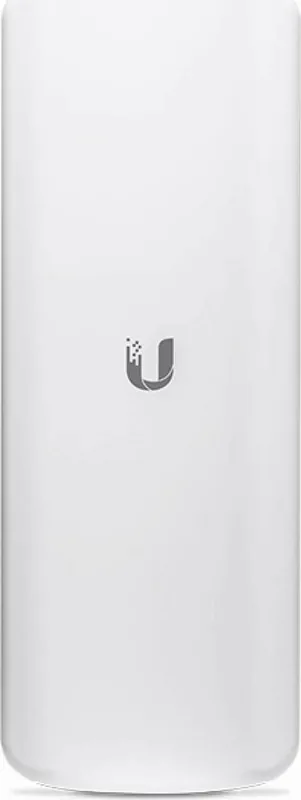
The Ubiquiti LiteAP GPS (LAP-120) is a rugged 5 GHz airMAX ac access point designed for outdoor broadband fixed wireless deployments. With a 16 dBi directional antenna and a 120° beamwidth, it delivers focused coverage for point-to-multipoint links while maintaining a compact, easy-to-mount form factor. Built for professional installers, the LiteAP offers Gigabit Ethernet, passive 24V PoE support, and robust environmental ratings for harsh conditions.
Key Features and Use Cases
This device is ideal for extending wireless networks across campuses, small towns, and last-mile connectivity projects. The 16 dBi antenna gives strong gain for reliable links at range, while the 120° sector pattern balances coverage and capacity for multiple client connections. The included Gigabit PoE adapter simplifies power delivery, and the device supports Ubiquiti’s airOS for configuration, performance tuning, and regulatory compliance settings.
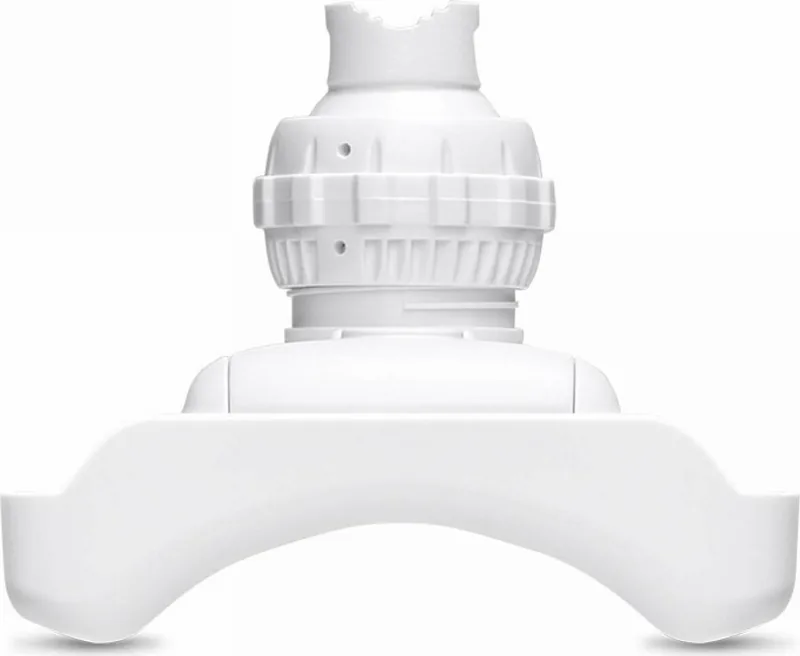
Physically, the LiteAP ships with a ball‑joint mount and metal strap for pole mounting, and it supports shielded outdoor Ethernet cabling to meet grounding and ESD protection requirements. It’s engineered for demanding outdoor environments, resisting temperatures from -40°C to 70°C and withstanding high winds up to 200 km/h.
Installation and Configuration Highlights
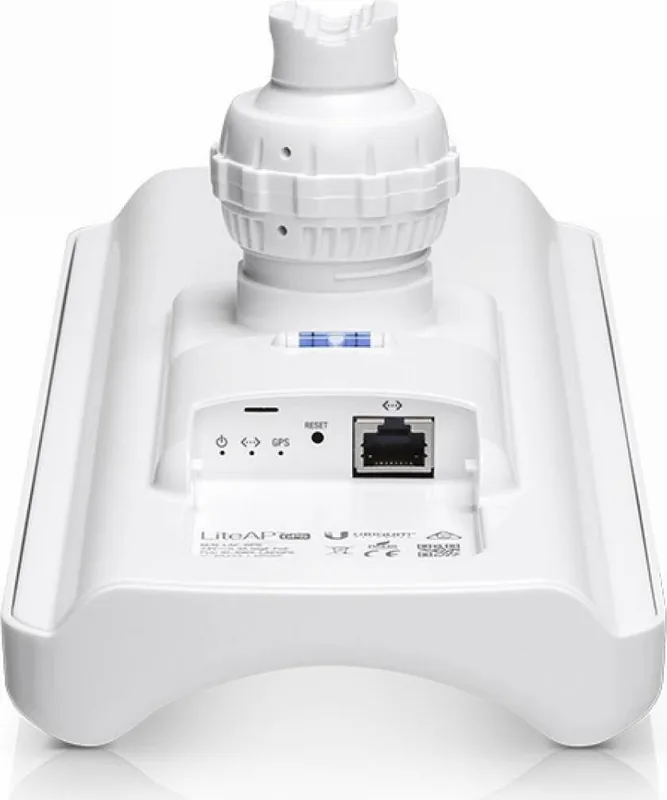
Installation is straightforward: attach the ball‑joint mount, secure the metal strap to a pole, aim the sector and tighten the lock nut. Connect shielded Cat5e+/TOUGHCable to the Gigabit Ethernet port and power via the included 24V PoE adapter or a compatible PoE switch. For setup, assign your host a 192.168.1.x address and access airOS at https://192.168.1.20 to log in with default credentials and complete country, language, and regulatory settings.
Reliability, Safety, and Compliance
The LiteAP includes ESD/EMP protection and meets CE, FCC, IC certifications, with clear RF exposure separation requirements. Ubiquiti emphasizes professional installation and adherence to local frequency and power rules (DFS, channel limits). The product carries a one‑year limited warranty and enforces return procedures via RMA.
Why Choose the LiteAP GPS
For ISPs and integrators needing a compact outdoor sector AP with focused coverage, PoE convenience, and proven airMAX performance, the LAP‑120 is a practical solution. It pairs environmental resilience with flexible deployment options and the familiar airOS toolset for monitoring and optimization.
Notes
- Ensure shielded cabling and proper grounding for warranty compliance.
- Maintain the required antenna separation distance (minimum 43 cm) from personnel.
- Follow local regulatory limits for transmit power and channel usage.
Search for 67,706 Manuals online


Type-in Brand or Model