
Ubiquiti IsoStation M5 IS-M5 Manual
PDF manual · 24 Pages
English



Quick check
Incorrect answer, please try again.
Chat with your Ubiquiti IsoStation M5 IS-M5 manual using AI
Get instant AI answers from your Ubiquiti IsoStation M5 IS-M5 manual
Ask anything about the Ubiquiti IsoStation M5 IS-M5. Answers come from this manual, with the pages they are based on.
Ask a Question
Do you recommend IsoStation M5 IS-M5?
Yes NoFrequently Asked Questions
It is designed for professional outdoor wireless links on the 5 GHz band. Its directional horn antenna and airMAX radio platform make it suitable for focused point-to-point or point-to-multipoint deployments.
Is this answer helpful?
Yes. It comes with a 24V, 0.5A Gigabit PoE adapter and power cord, which can be used to supply power and network connectivity through Ethernet.
Is this answer helpful?
Yes. The default horn antenna can be swapped for an optional horn with a different beamwidth. This allows installers to tune coverage patterns for specific deployment needs.
Is this answer helpful?
Shielded Category 5 or better Ethernet cabling is recommended, especially for outdoor use. Grounding the cable correctly is important for performance, safety, and warranty support.
Is this answer helpful?
You access it through the airOS web interface by connecting to the device over Ethernet, setting a static IP on the 192.168.1.x subnet, and logging in at 192.168.1.20.
Is this answer helpful?
It is built for outdoor use and supports extreme temperatures, strong wind conditions, and ESD/EMP protection. It is meant for demanding installations rather than indoor consumer setups.
Is this answer helpful?
Advantages and Disadvantages
Advantages

- Focused 5 GHz design with a 14 dBi horn helps improve directional signal control and reduce unwanted interference.
- Compact outdoor build supports pole mounting and is rated for harsh temperatures, wind, and electrical protection.
- Included 24V Gigabit PoE adapter makes deployment easier and reduces the need for extra accessories.
- airOS management provides a familiar interface for setup, monitoring, and regulatory configuration.
Disadvantages

- Professional installation is expected, so it is less convenient for casual or plug-and-play users.
- Requires shielded cabling and proper grounding to meet warranty and safety expectations.
- Regulatory compliance depends on correct country settings, frequency selection, and power limits.
- The default beamwidth is narrow, so it is better for targeted links than wide-area coverage.
Product Specification
LAN
1x 1000Base-T (PoE PD)
Wireless
WLAN 802.11a/n (Wi-Fi 4)
Transmission Rate
150Mbps (5GHz)
Antennas
1x external
Ports
WLAN Management Access
Power Consumption
6.5W (consumption, operation), no information (max. power supply output)
Dimensions
6.85x6.85x5.91in
Special Features
Outdoor
Band Capability
Single Band
Manufacturer's Warranty
one year
Product Description
Ubiquiti IsoStation M5, 5GHz
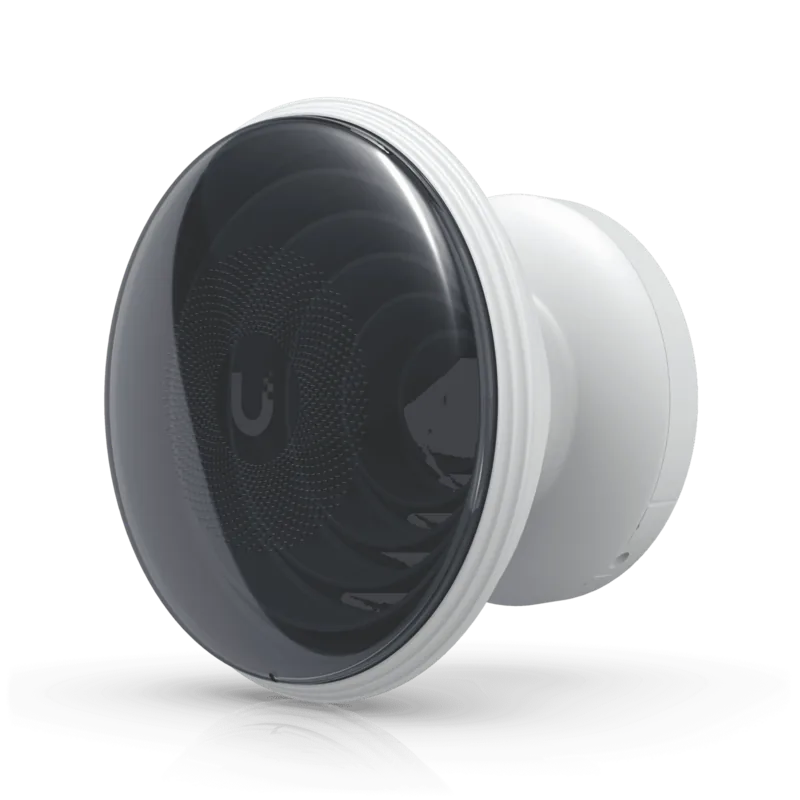
The Ubiquiti IsoStation M5, 5GHz is a rugged outdoor wireless radio built for focused 5 GHz deployments where reliability and signal control matter. Designed around a shielded airMAX® radio and isolation antenna concept, it is aimed at professional networks that need stable long-range links with cleaner directional performance.
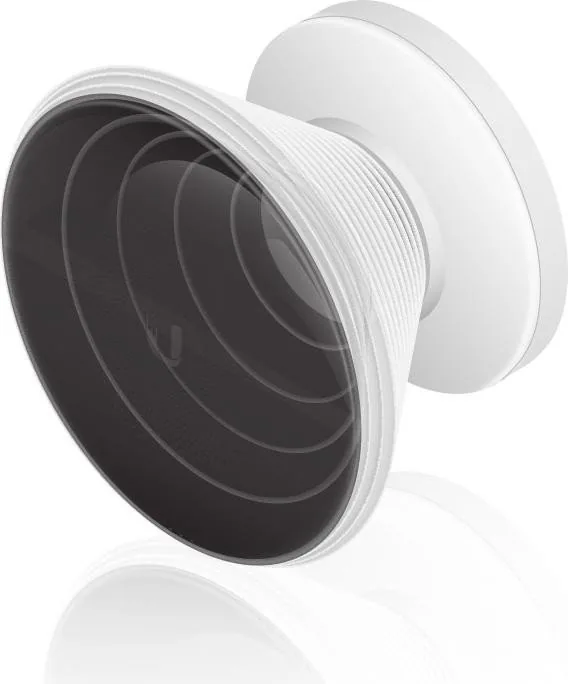
One of its standout traits is the included horn antenna with a 14 dBi gain and a 45° beamwidth, making it well suited for targeted coverage rather than broad, noisy broadcast patterns. That focused design can help reduce interference and improve consistency in busy RF environments. The unit also supports optional horn swaps, giving installers flexibility to match different coverage goals.
If you are following the Ubiquiti IsoStation M5, 5GHz Manual, the installation flow is relatively straightforward: mount it on a pole, connect shielded Ethernet cabling, and power it through the included 24V Gigabit PoE adapter or a compatible PoE switch. Ubiquiti strongly emphasizes grounding and shielded cabling, which is important not only for performance but also for warranty compliance and outdoor durability.
From a hardware perspective, the IsoStation M5 is built for tough conditions. It supports operating temperatures from -40 to 70°C, offers strong ESD/EMP protection, and is rated for high wind survivability. These details make it appealing for outdoor ISP-style use, remote network extensions, and installations where equipment must keep working through harsh weather and electrical noise.
Management is handled through airOS, Ubiquiti’s familiar web-based configuration interface. Once connected, administrators can access settings, verify connectivity, and tailor the radio to match local frequency regulations. That compliance aspect is important, since operation must align with country-specific rules, DFS requirements, and approved antenna configurations.
In practical terms, the IsoStation M5 is not a consumer gadget—it is a purpose-built wireless tool for professional networking. It combines compact hardware, efficient power use, and robust construction with the kind of deployment flexibility network installers value most.
Notes
- Use shielded CAT5 or better cabling for outdoor installs.
- Ensure proper earth grounding before operation.
- Check local frequency and power regulations before deployment.
- The included PoE adapter simplifies initial setup.
Search for 67,706 Manuals online


Type-in Brand or Model