
Ubiquiti CRM Point CRM-P Manual
PDF manual · 24 Pages
English



Quick check
Incorrect answer, please try again.
Chat with your Ubiquiti CRM Point CRM-P manual using AI
Get instant AI answers from your Ubiquiti CRM Point CRM-P manual
Ask anything about the Ubiquiti CRM Point CRM-P. Answers come from this manual, with the pages they are based on.
Ask a Question
Do you recommend CRM Point CRM-P?
Yes NoFrequently Asked Questions
It is used as a compact control center for discovering, connecting, and monitoring compatible network devices through a browser-based interface. It is designed to simplify device management in small to medium network setups.
Is this answer helpful?
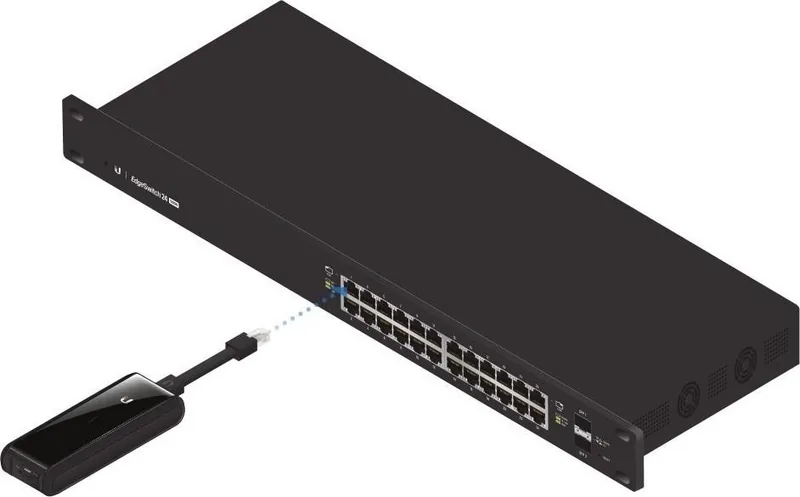
It can be powered by an 802.3af-compliant PoE switch or by a USB power source with at least 5V and 1A. This gives you flexibility depending on your installation environment.
Is this answer helpful?
No. The CRM Control software is already installed on the device. After connecting it to the network, you access it through a web browser and complete the initial setup online.
Is this answer helpful?
You can connect devices by entering an IP range with credentials or by using discovery to scan the local Layer-2 network. Both methods help bring devices under centralized management.
Is this answer helpful?
Make sure to insert the microSD card before powering on, use CAT5 or better cabling, and keep the device on the same Layer-2 network as the equipment you want to manage.
Is this answer helpful?
A quick press restarts the device. Holding it for more than five seconds restores factory default settings, which is useful when you need to reconfigure the unit from scratch.
Is this answer helpful?
Yes. The device should not be used where it may be submerged in water, and it should be protected from electrical storms. Local regulations, cabling rules, and wireless compliance requirements must also be followed.
Is this answer helpful?
Advantages and Disadvantages
Advantages

- Compact hardware with a small footprint and low power usage for easier deployment in tight spaces.
- Pre-installed CRM Control software reduces setup steps and speeds up initial configuration.
- Supports PoE and USB power, giving flexible installation options when network power is limited.
- Includes device discovery by IP range or network scan for faster onboarding and monitoring.
Disadvantages

- Only one Ethernet port, so it is not ideal for broader multiport networking needs.
- Devices must be on the same Layer-2 network, which can limit discovery in segmented environments.
- Setup depends on browser access and network discovery, so misconfigured DHCP or IP settings can slow deployment.
- Warranty and compliance rules are strict, especially around cabling, installation, and third-party firmware use.
Product Specification
Ports
1x RJ-45 (10/100/1000Base-T, PoE-PD), 1x USB 2.0 Micro-B, 1x Cardreader (microSD)
Features
local management for Ubiquity airMAX network devices
Power consumption
5W (Operating), not specified (max. power supply output)
Dimensions
4.80x1.69x0.87in
Product Description
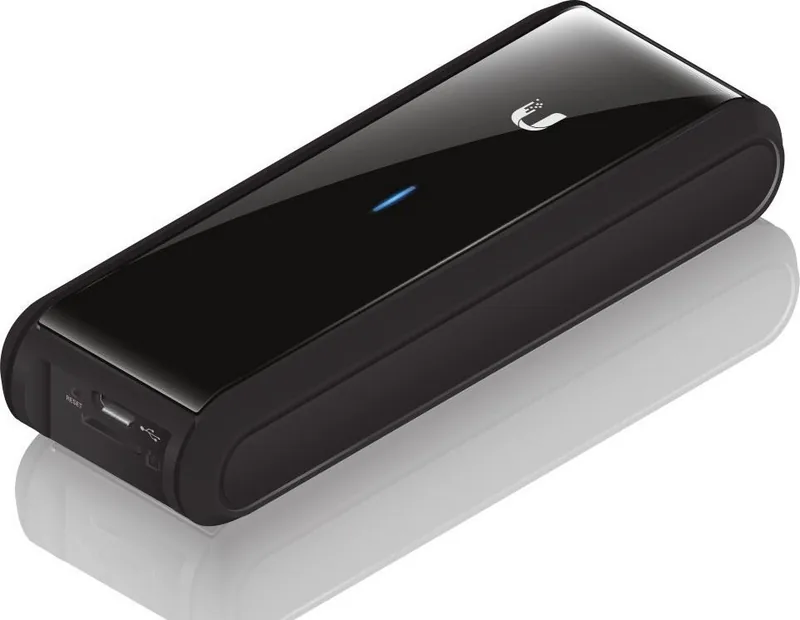
Ubiquiti CRM Point: Compact Network Control Made Simple
The Ubiquiti CRM Point is a small but capable device designed to help you monitor and manage compatible network equipment from one central interface. Built for convenience, it comes with CRM Control software pre-installed, so setup starts quickly and the learning curve stays manageable. The Ubiquiti CRM Point Manual highlights a straightforward installation flow, making it easier for network administrators to bring the unit online and begin organizing devices with minimal friction.
One of the biggest strengths of the CRM Point is its flexible connectivity. It supports Gigabit Ethernet and can be powered through an 802.3af PoE switch or a USB source when PoE is not available. That makes it suitable for a variety of deployments, especially in environments where space and cabling options are limited. A built-in microSD slot and included card help complete the initial setup, while the reset button gives you both a quick restart option and a full factory reset when needed.
The device is also built around practical network discovery. After logging in through a browser, users can assign or discover an IP address, then connect devices either by IP range or by scanning the local Layer-2 network. This dual approach is useful for teams that manage multiple devices with shared credentials or need a fast way to bring equipment under one view. Once connected, the CRM Point becomes a centralized monitoring and control hub.
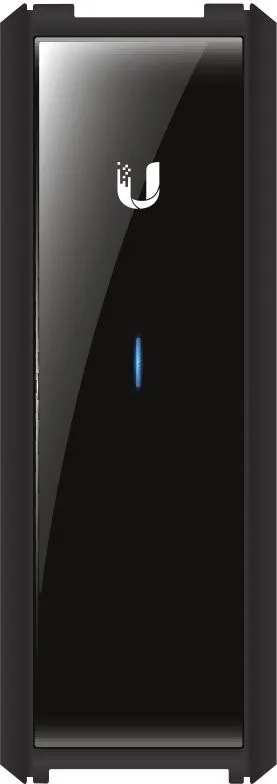
From a hardware perspective, the unit is compact, lightweight, and designed for basic but reliable operation. Status LEDs communicate whether it is ready, busy, or functioning normally, and the low power draw keeps it efficient. The manual also emphasizes important setup and compliance details, including CAT5-or-better cabling, proper power handling, and attention to local regulations.
Notes
- Use a compatible browser for access and configuration.
- Keep the device on the same Layer-2 network as managed equipment.
- Insert the microSD card before powering on.
- Follow cabling, power, and regulatory requirements for safe use.
Overall, the CRM Point is a practical choice for users who want centralized device discovery and control in a compact form. It combines simple hardware, accessible software, and flexible powering options into a focused network management tool.
Search for 67,706 Manuals online


Type-in Brand or Model