
Ubiquiti AmpliFi Instant AFi-INS Manual
PDF manual · 36 Pages
English



Quick check
Incorrect answer, please try again.
Chat with your Ubiquiti AmpliFi Instant AFi-INS manual using AI
Get instant AI answers from your Ubiquiti AmpliFi Instant AFi-INS manual
Ask anything about the Ubiquiti AmpliFi Instant AFi-INS. Answers come from this manual, with the pages they are based on.
Ask a Question
Do you recommend AmpliFi Instant AFi-INS?
Yes NoFrequently Asked Questions
The kit includes a router, one MeshPoint, two power adapters, and an Ethernet cable. It is designed to get you online quickly while also expanding coverage in your home.
Is this answer helpful?
Install the AmpliFi app or join the default Wi-Fi network, power off the modem, connect the router to the modem with Ethernet, plug in power, restart the modem, and follow the on-screen steps.
Is this answer helpful?
No, the MeshPoint is optional. Smaller spaces may perform well with only the router, while larger homes often benefit from the extra coverage.
Is this answer helpful?
The app shows network status, connected devices, speed tests, guest access, family profiles, diagnostics, remote access, and live support options.
Is this answer helpful?
Yes. You can set the number of guests and a time limit, then enable a guest network with a -guest label. Visitors connect without needing the main Wi-Fi password.
Is this answer helpful?
A reset returns the router to default settings, and any paired MeshPoints should also be reset. Use this only when necessary, since it removes saved configuration.
Is this answer helpful?
Advantages and Disadvantages
Advantages

- Quick setup with app guidance or direct network access.
- MeshPoint helps extend coverage into weak-signal rooms.
- Touchscreen router and adjustable LEDs make status easy to see.
- Guest access, family profiles, and diagnostics add useful control.
Disadvantages

- Multi-hop mesh can reduce performance if overused.
- The MeshPoint may be unnecessary in smaller homes.
- Factory reset erases router and MeshPoint configuration.
- Large homes may need more than one MeshPoint for full coverage.
Product Specification
Modem
N/A
WAN
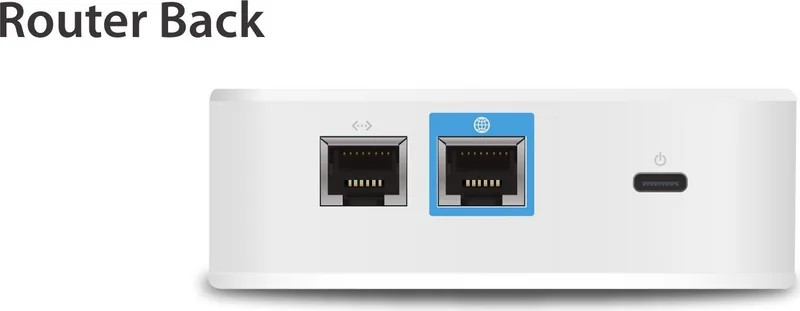
1x 1000Base-T (Router, 1 device)
LAN
1x 1000Base-T (Router, 1 device), 1x 1000Base-T (Repeater, 1 device)
Wireless
WLAN 802.11a/b/g/n/ac (Wi-Fi 5), simultaneous
Transfer Rate
300Mbps (2.4GHz), 867Mbps (5GHz)
Security
64/128bit WEP, WPA, WPA2
Antennas
internal
Ports
N/A
Power Consumption
9W (consumption, operation), no data (max. power supply output)
Dimensions
3.94x3.86x1.30in
Features
Touchscreen, Mesh (shared band), Bluetooth LE
Band Capability
Dual Band (simultaneous), Mesh (shared band)
Set includes
1x Router (1x 1000Base-T WAN, 1x 1000Base-T LAN), 1x Repeater (MeshPoint, 1x 1000Base-T LAN)
Mesh Base
1x Router, total base ports: 1x 1000Base-T WAN, 1x 1000Base-T LAN
Mesh Clients
1x Repeater (MeshPoint), total client ports: 1x 1000Base-T LAN
Manufacturer Warranty
one year
Note
Configuration only via app.
Product Description
Ubiquiti AmpliFi Instant System, 2-Pack: Simple Mesh Wi-Fi for Everyday Homes
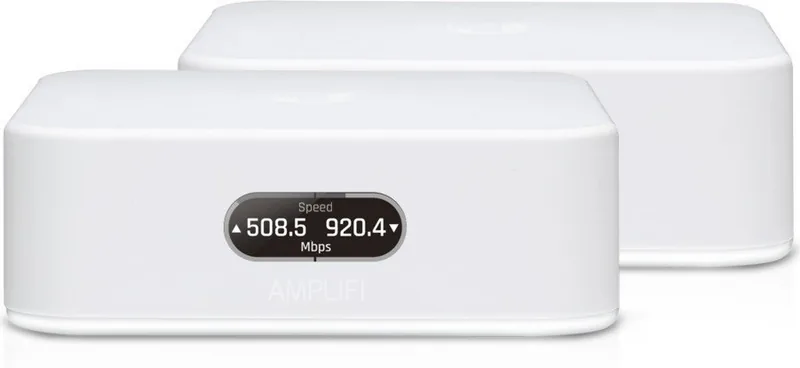
The Ubiquiti AmpliFi Instant System, 2-pack is a practical mesh Wi-Fi solution for users who want stronger home coverage without the complexity of enterprise gear. It pairs a compact touchscreen router with one MeshPoint, creating an easy path to better signal in rooms where standard Wi-Fi often struggles. The included Ubiquiti AmpliFi Instant System, 2-pack Manual helps guide setup from the first cable connection to the final app-based configuration.
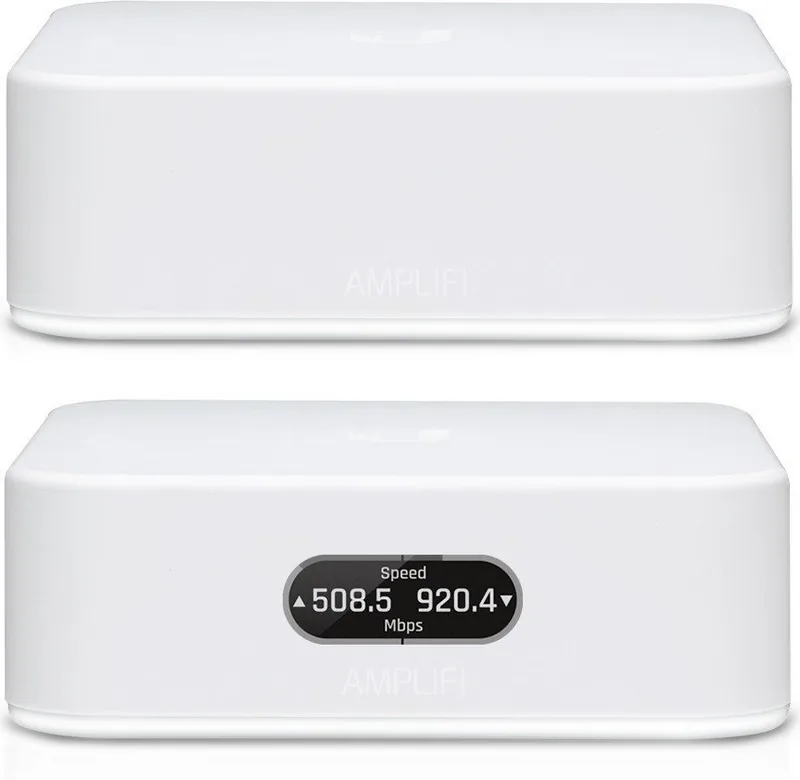
This system is designed around convenience. The router connects to a broadband modem through Gigabit Ethernet, while the MeshPoint extends coverage to farther corners of the home. Both units feature adjustable LED lighting, and the router adds a touchscreen display that gives the product a polished, modern look. Setup can be completed with the AmpliFi app on iPhone or Android, or by joining the default network from a computer or tablet.
A good fit for growing households
What makes this system appealing is how it balances performance and control. It supports 802.11ac wireless networking, WPA2 security, and wired Gigabit connections for devices that need a stable link. For families, the app offers features like guest access, family profiles, quiet time scheduling, and internet pausing, making it easier to manage online activity across the home.
More than just basic Wi-Fi
The AmpliFi app also adds real-time network visibility. You can view connected devices, track upload and download activity, and run speed tests to check performance. Diagnostics help identify issues with the WAN link, IP settings, internet connection, and MeshPoint status. Remote access and live support bring extra peace of mind when you need help away from home.
Inside the box, you get the router, MeshPoint, two power adapters, and an Ethernet cable, which makes the first-time setup feel refreshingly complete. The included hardware is compact and easy to place, and the clean industrial design blends in well with modern interiors. For users who want a network upgrade that looks as good as it performs, this kit strikes a strong balance between style and utility.
For smaller homes, the MeshPoint may be optional, but in larger spaces it becomes valuable for filling gaps between the router and weaker areas. Placement matters: using the MeshPoint thoughtfully can improve coverage, while unnecessary multi-hop setups may reduce performance. That makes the system best for users who want reliable whole-home Wi-Fi with minimal fuss and clear app-based control.
Notes
- Best performance usually comes from placing the MeshPoint where it can strengthen, not repeat, the signal.
- A factory reset clears both the router and any paired MeshPoints.
- The system is covered by a one-year limited warranty and standard regulatory certifications.
Search for 67,706 Manuals online


Type-in Brand or Model