
Tunturi Competence F40 Manual
PDF manual · 86 Pages
English



Quick check
Incorrect answer, please try again.
Chat with your Tunturi Competence F40 manual using AI
Get instant AI answers from your Tunturi Competence F40 manual
Ask anything about the Tunturi Competence F40. Answers come from this manual, with the pages they are based on.
Competence F40 Maintenance Schedule
Wipe the equipment with a soft, absorbent cloth after each use. Do not use solvents.
Verify that all screws and nuts are tight to ensure stability.
Apply lubricant to the joints if necessary to maintain smooth operation.
Ask a Question
Do you recommend Competence F40?
Yes NoFrequently Asked Questions
It is made for indoor cardio training, helping users improve endurance, burn calories, and train with low impact on the joints. It suits regular home workouts and structured fitness sessions.
Is this answer helpful?
Yes. It includes manual resistance control, preset programs, heart-rate-controlled training, and a user profile mode. This makes it easy to choose between simple rides and more guided sessions.
Is this answer helpful?
Yes. The bike supports hand pulse sensors for quick checks, and it can also work with a compatible Bluetooth heart-rate transmitter. For the most accurate reading, a chest strap is usually better.
Is this answer helpful?
Yes. The manual describes beginner-friendly training zones and recommends starting with lower resistance and moderate durations. Its clear console and adjustable setup also make it approachable for new users.
Is this answer helpful?
Yes. The console can connect by Bluetooth to supported apps on iOS and Android devices. The app connection is made through the app’s pairing process on your smart device.
Is this answer helpful?
Very little. Wipe it after use, check that screws and nuts stay tight, and lubricate joints if needed. The manual advises avoiding solvents and removing the power cord when not in use.
Is this answer helpful?
Advantages and Disadvantages
Advantages

- Stable upright frame suited to regular indoor cardio training.
- Adjustable seat, handlebar, and console help improve comfort.
- Multiple workout modes support beginners and advanced users.
- Bluetooth and app support add a modern training experience.
- Low-maintenance design with simple cleaning and upkeep.
Disadvantages

- Chest strap for advanced heart-rate tracking is not included.
- Designed for indoor domestic use only, not commercial training.
- Maximum user weight is limited to 120 kg.
- Some display values are approximate and not for medical use.
Product Specification
Colors
black
Resistance
32-level electronically adjustable
Brake system
magnetic
Flywheel mass
19.84 lb
Max. user weight
297.62 lb
Dimensions
38.98x23.23x61.81in
Weight
81.13 lb
Features
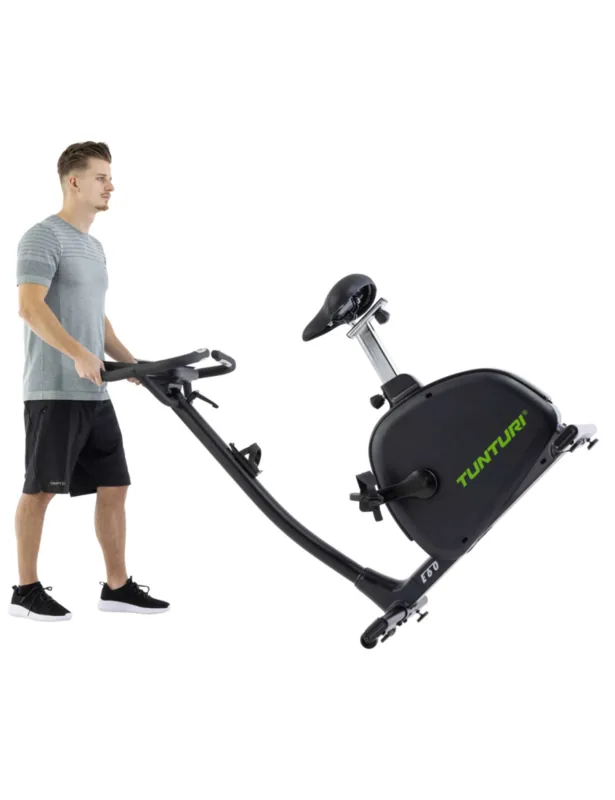
Transport wheels, Hand pulse measurement, Chest strap compatible, Bottle holder, App support (iOS, Android), Bluetooth
Product Description
Tunturi Competence F40 Exercise Bike Manual
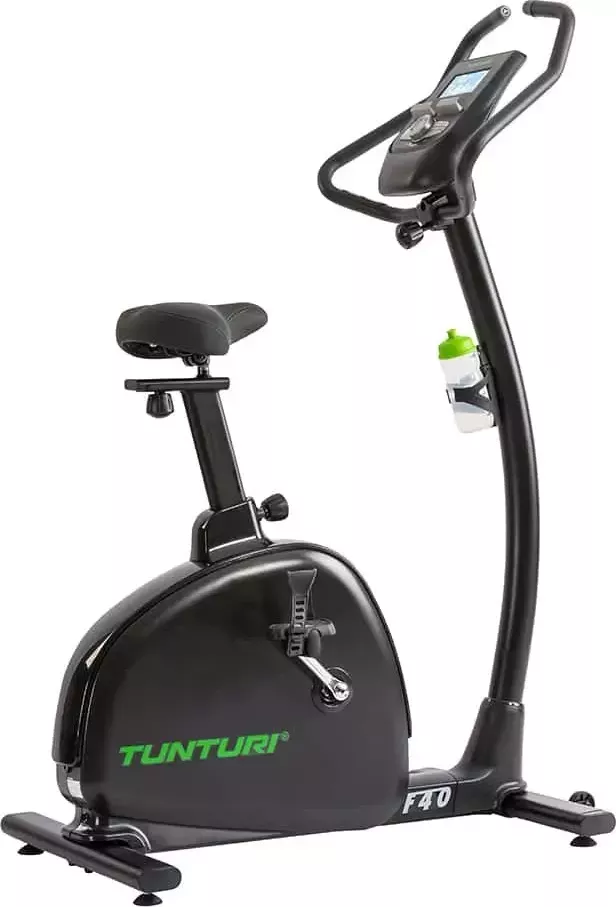
The Tunturi Competence F40 Exercise Bike is built for home users who want a smooth, low-impact way to improve fitness, burn calories, and stay consistent with training. It is designed as a stable upright bike that simulates road cycling without putting excessive stress on the joints, making it a practical choice for everyday cardio sessions.
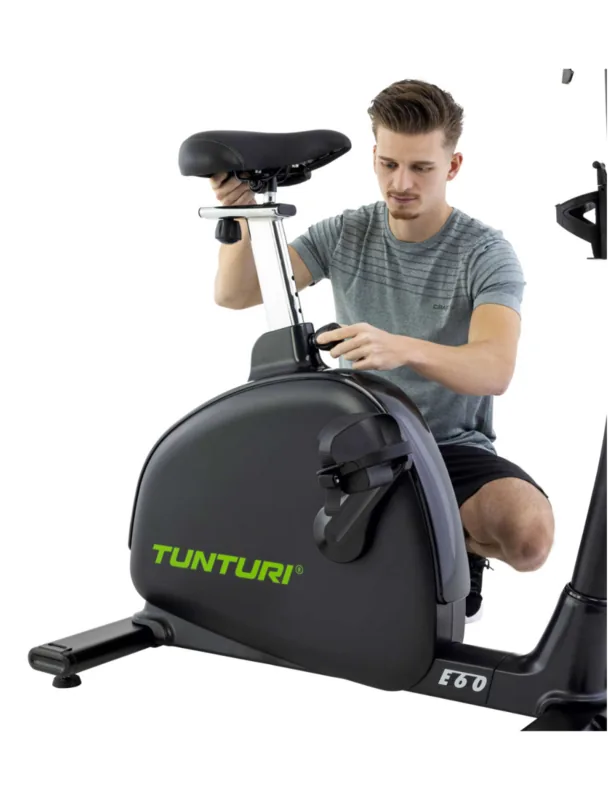
What stands out most is how adaptable the bike is. The seat can be adjusted both horizontally and vertically, the handlebar position can be changed, and the console can be positioned to suit the rider’s height and preferred posture. That flexibility makes it easier to find a comfortable setup, whether you are doing a quick warm-up or a longer endurance ride.
The console adds more value than a basic training display. It tracks time, speed, RPM, distance, calories, pulse, resistance level, and BAI, while also offering manual mode, preset programs, heart-rate-controlled training, and a user profile option. For people who like structure, this makes the bike feel more like a guided training partner than just a piece of cardio equipment.
The Tunturi Competence F40 Exercise Bike Manual also highlights practical features for real home use. Hand pulse sensors are included for quick heart-rate checks, and the console supports a Bluetooth connection with compatible fitness apps on iOS and Android devices. A tablet or book holder is built in as well, so it is easy to follow workouts, watch content, or read during a session.
In daily use, the bike is focused on straightforward operation and long-term reliability. It requires little maintenance beyond wiping it down, checking screws, and keeping parts tightened. The training guidance in the manual also encourages a balanced approach: warm up, train at a steady pace, and cool down properly. That makes it useful for beginners, returning exercisers, and more experienced riders who want controlled cardio work.
Notes
- Best for indoor home training
- Maximum user weight: 120 kg
- Chest strap sold separately
- Store in a dry, ventilated place
Search for 67,706 Manuals online


Type-in Brand or Model