
Trust Yvi Manual
PDF manual · 2 Pages
English



Quick check
Incorrect answer, please try again.
Chat with your Trust Yvi manual using AI
Get instant AI answers from your Trust Yvi manual
Ask anything about the Trust Yvi. Answers come from this manual, with the pages they are based on.
Ask a Question
Do you recommend Yvi?
Yes NoFrequently Asked Questions
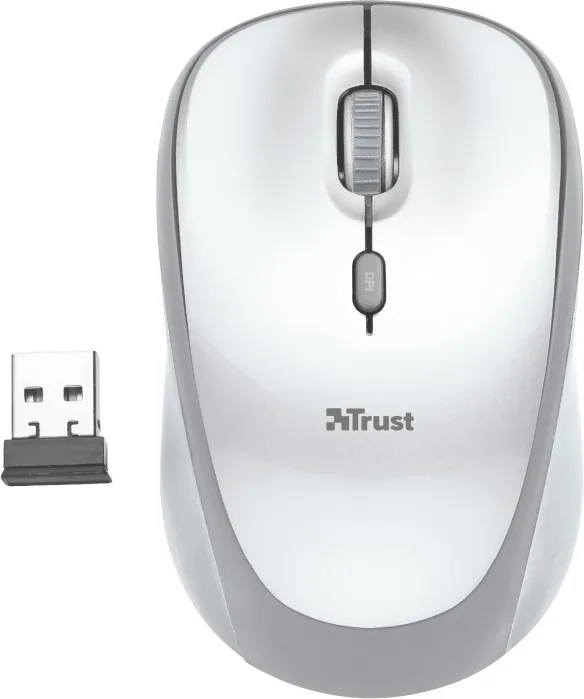
To change the DPI, locate the DPI button usually found near the scroll wheel. Pressing it cycles through the available settings of 800 and 1600 dots per inch, allowing you to toggle between slower precise movements and faster cursor speed.
Is this answer helpful?
Yes, the mouse is plug-and-play compatible with most modern operating systems including Windows and macOS. You simply need to insert the USB receiver into an available port to begin using it immediately without additional drivers.
Is this answer helpful?
The Trust Yvi typically operates using standard AAA batteries. Check the bottom compartment of the mouse to replace them when the indicator light flashes or the cursor becomes unresponsive due to low power.
Is this answer helpful?
No, this model relies on a proprietary wireless USB receiver to establish a connection. Bluetooth is not supported on this specific version, so the dongle must remain plugged into your computer for operation.
Is this answer helpful?
The effective range is generally up to ten meters in open spaces without significant interference. However, obstacles like metal desks or thick walls may reduce the signal strength and stability of the connection.
Is this answer helpful?
The comprehensive guide is available online at the official Trust website under the product support section. You can also download the PDF directly from the FAQ page associated with the product code 18519.
Is this answer helpful?
Advantages and Disadvantages
Advantages

- Adjustable DPI settings allow for customized speed and precision tailored to specific tasks.
- Wireless design eliminates cable clutter, creating a cleaner and more organized workspace.
- Ergonomic shape reduces hand fatigue during prolonged periods of computer usage.
- Reliable connectivity ensures smooth cursor movement without noticeable lag.
- Durable construction supports daily use in both professional and home environments.
Disadvantages

- Battery replacements may be required periodically depending on usage intensity.
- Limited color options might not appeal to users seeking highly customizable aesthetics.
- No dedicated software suite is available for advanced macro programming.
- Scroll wheel lacks tactile clicks in certain modes, affecting navigation preference.
- Receiver dongle can be easily lost if not stored properly when traveling.
Product Specification
Suitability
both hands (left hand, right hand)
Keys
4 (total), 2 (main), 1 (top), 1 (scroll wheel click)
Scroll Wheel
1x 2-way
Scanning
LED red/IR
Resolution
1600 dpi, reducible to 800 dpi
Lighting
N/A
Connection
wireless (2.40GHz), USB-A (USB-A receiver)
Power Supply
1x AA
Dimensions (WxDxH)
2.24x1.57x3.74 inches
Approximate Volume
3.48 cubic inches (approximate shape)
Weight
2.96 oz
Features
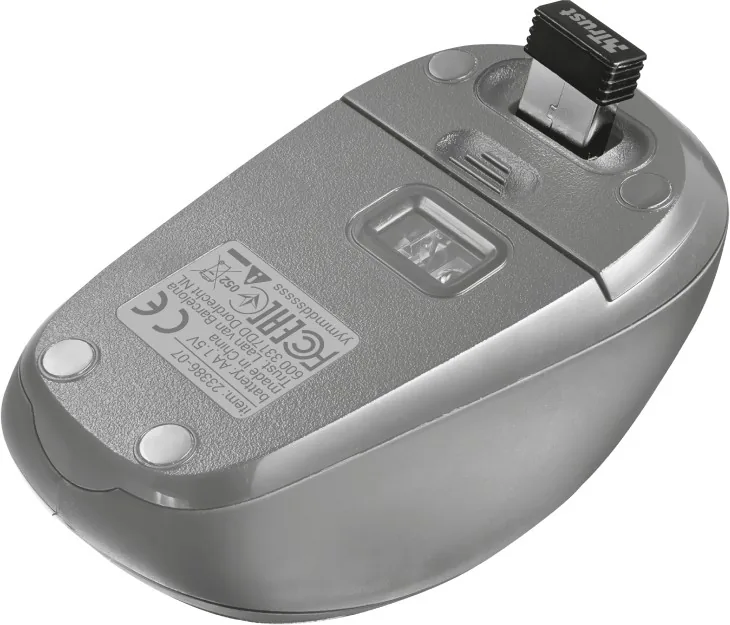
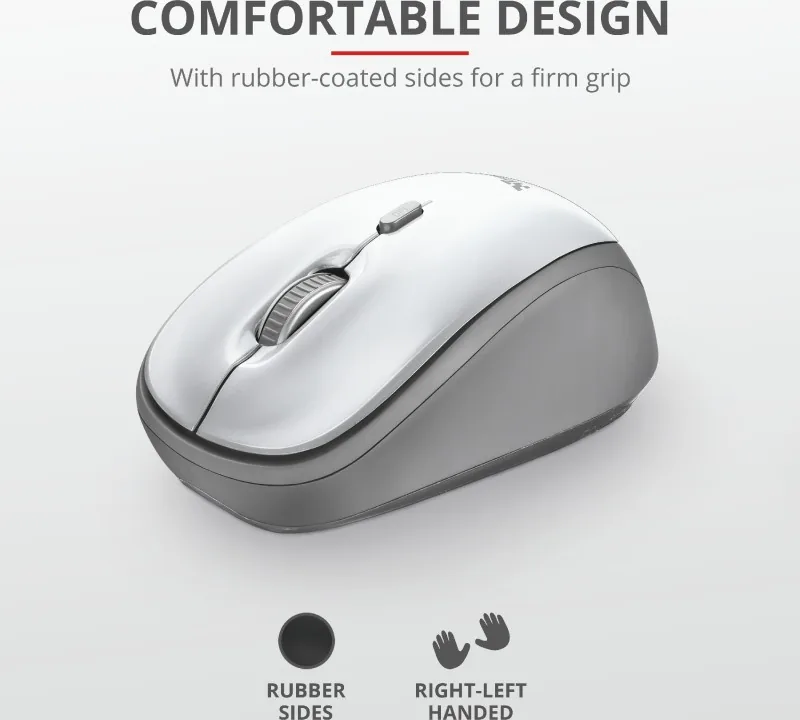
thumb rest, non-slip surface (rubberized sides), stowable receiver
Product Description
Discover the Trust Yvi Wireless Mouse
The Trust Yvi Wireless Mouse stands as a testament to seamless connectivity and ergonomic design, crafted for users who demand reliability without the clutter of wires. This device transforms your desktop experience by offering fluid cursor control that adapts effortlessly to both work and play. Whether you are navigating complex spreadsheets or engaging in casual gaming sessions, the mouse delivers precision where it matters most.
At the heart of the Yvi lies its versatile optical engine, which supports adjustable DPI settings ranging from 800 to 1600. This feature allows you to switch between speed and accuracy instantly, ensuring that your movements on the screen mirror your physical intent with minimal latency. The wireless capability ensures a clean workspace, freeing up valuable desk real estate while maintaining a stable connection over a reasonable distance.
Ergonomics play a crucial role in the daily comfort of any computer user. The Trust Yvi is sculpted to fit naturally in the palm of your hand, reducing strain during extended periods of use. Its intuitive button layout includes standard left and right clicks along with a scroll wheel, providing all the essential functions needed for modern computing tasks. The inclusion of the manual reference, often cited as the Trust Yvi Wireless Mouse Manual, serves as an excellent resource for troubleshooting or understanding specific configuration options if needed.
Beyond performance, the mouse boasts a sleek aesthetic that complements various monitor setups and laptop styles. It is designed to be durable, utilizing high-quality materials that withstand daily wear and tear. The battery life is optimized to ensure long-lasting usage before requiring a replacement, making it a practical choice for professionals and students alike. By eliminating cable management headaches, this mouse invites a new level of freedom to your digital interactions.
Key Takeaways
- Enhances productivity with adjustable sensitivity levels.
- Promotes a tidy desk environment through wireless technology.
- Designed for comfort during marathon work sessions.
- Compatible with a wide range of operating systems.
Important Notes
Ensure that your receiver is plugged into a USB port for immediate functionality. Always refer to the official documentation for optimal driver installation and advanced settings adjustments.
Search for 67,732 Manuals online


Type-in Brand or Model