
Trust Neno Manual
PDF manual · 2 Pages
English



Quick check
Incorrect answer, please try again.
Ask a Question
Do you recommend Neno?
Yes No
Lars Jensen
7 months ago
Does the device come with a warranty or customer support if issues arise during use?
Frequently Asked Questions
Yes, the Trust Neno Wireless Touchpad Presenter works seamlessly with Mac computers via the USB receiver, provided the system supports standard USB Human Interface Device protocols.
Is this answer helpful?
Battery life varies based on usage intensity, but typically lasts several hours of continuous use. We recommend keeping spare batteries on hand for long sessions.
Is this answer helpful?
Absolutely. The integrated touchpad allows for smooth scrolling through web pages, documents, and slide decks, offering a versatile control experience beyond just presentation navigation.
Is this answer helpful?
The product description does not specify an included carrying case. However, its compact size makes it easy to store in a standard laptop bag or pocket.
Is this answer helpful?
The wireless range is sufficient for typical room-sized presentations, allowing you to move freely from the podium to the audience without losing signal connectivity.
Is this answer helpful?
Advantages and Disadvantages
Advantages

- Intuitive touchpad integration for precise cursor control
- Wireless freedom eliminates cable clutter during presentations
- Sleek black design fits any professional environment
Disadvantages

- Limited battery life may require frequent replacements
- Touchpad sensitivity might need adjustment for some users
- No built-in laser pointer included in this specific model
Product Specification
Function
Presenter, Laser pointer (red), Mouse (Touchpad)
Keys
15
Connection
Wireless (2.40GHz)
Power supply
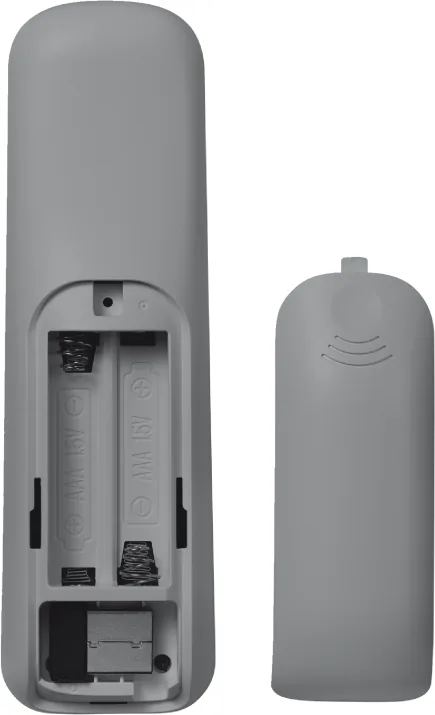
2x AAA
Weight
1.69 oz
Features
Touchpad
Product Description
Elevate Your Presentations with the Trust Neno Wireless Touchpad Presenter
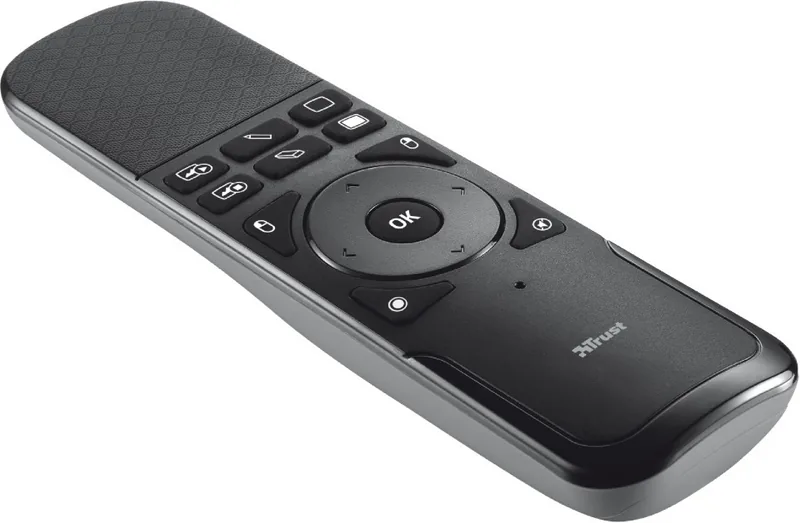
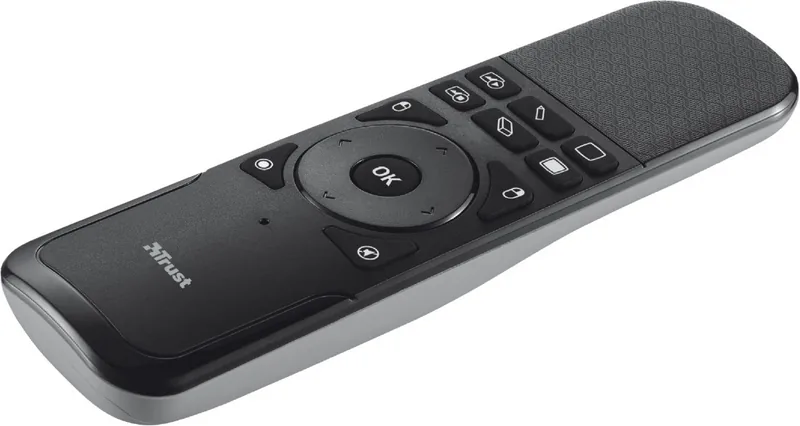
In the modern professional landscape, delivering a seamless and engaging presentation is crucial. The Trust Neno Wireless Touchpad Presenter schwarz offers a sophisticated solution for those who demand precision and reliability in their delivery. This sleek device combines the functionality of a traditional remote clicker with the advanced capabilities of a touchpad, allowing presenters to navigate through slides, scroll documents, and control cursor movements with intuitive ease.
Designed for professionals who value both style and performance, the black finish of the Trust Neno ensures it looks as good as it performs. The USB connectivity provides a straightforward plug-and-play experience, eliminating the need for complex drivers or software installations. Whether you are leading a board meeting, teaching a classroom, or presenting at a conference, this presenter adapts to your workflow effortlessly.
The integration of mouse functions within the device transforms how users interact with digital content. Instead of being tethered to a laptop trackpad or requiring a separate mouse, the Neno allows for fluid navigation across screens. The dual-functionality supports both standard clicking actions and precise touchpad gestures, making it ideal for detailed work that requires fine motor control. This versatility ensures that your presentation remains dynamic and interactive.
For educators and corporate trainers, the ability to move freely around the room while maintaining full control over the screen is a game-changer. The wireless nature of the device removes cable clutter, contributing to a cleaner and more professional environment. Users can focus on their message rather than managing equipment, knowing that the Trust Neno is ready to handle the technical aspects of the presentation.
Key Features Overview
The Trust Neno Wireless Touchpad Presenter schwarz stands out due to its compact design and robust feature set. It bridges the gap between a simple pointer and a full-featured input device. The manual controls are responsive, ensuring that every command is executed instantly without lag. This reliability is essential when time is of the essence during live events.
Important Notes
Ensure that the USB receiver is securely connected to your computer before starting your presentation. Regularly check battery levels to avoid interruptions during critical moments. The device is compatible with most operating systems supporting standard USB HID protocols.
Search for 67,706 Manuals online


Type-in Brand or Model
Amber Morgan
7 months ago
Is this presentation device reliable and easy to use for first-time users?
Manual.ly
7 months ago
Yes, our presentation device is designed to be user-friendly and reliable. It includes all essential features needed for effective presentations and has been tested to ensure smooth performance. Many users have reported positive experiences, noting that it makes presenting less static and easier than expected.