
Trust GXT 981 Redex Manual
PDF manual · 2 Pages
English



Quick check
Incorrect answer, please try again.
Chat with your Trust GXT 981 Redex manual using AI
Get instant AI answers from your Trust GXT 981 Redex manual
Ask anything about the Trust GXT 981 Redex. Answers come from this manual, with the pages they are based on.
Ask a Question
Do you recommend GXT 981 Redex?
Yes NoFrequently Asked Questions
The Trust Gaming GXT 981 Redex supports polling rates of up to 1000Hz. It also offers options for 500Hz and 125Hz to suit different system capabilities and user preferences for latency.
Is this answer helpful?
You can download the required configuration software from the official Trust website at www.trust.com. The specific download page is found using the product code or model number for the GXT 981 Redex.
Is this answer helpful?
Yes, the mouse utilizes standard USB functionality which means it works on most operating systems including Windows and Linux. Basic movement and button functions work out of the box without special drivers.
Is this answer helpful?
Yes, the included software allows for easy adjustments for sensitivity and button mapping. Users can save profiles for different games directly on the device to switch configurations easily.
Is this answer helpful?
Yes, it supports multiple DPI adjustments allowing users to switch speeds instantly. This utility is beneficial for sniping or moving quickly across large map areas efficiently in various game genres.
Is this answer helpful?
The cable length is generally sufficient for most desk setups and allows for flexibility. It is flexible enough to allow free movement across the desk without significant tangling issues during play.
Is this answer helpful?
Advantages and Disadvantages
Advantages

- High polling rate support up to 1000Hz for smooth tracking.
- Ergonomic design suitable for long gaming sessions without fatigue.
- Wired connection ensures stable power without battery anxiety.
- Easy to navigate software for profile and DPI customization.
- Durable build quality designed to withstand heavy use.
Disadvantages

- Wired connection limits mobility compared to wireless options.
- Software support could be more extensive for advanced users.
- Cable may tangle if not managed with clips.
- Basic button layout lacks programmable macro keys.
- DPI settings limited compared to premium gaming mice.
Product Specification
Handedness
Right
Buttons
6 (total), 2 (primary), 1 (top), 2 (side), 1 (scroll wheel click)
Scroll Wheel
1x 2-way
LED Color
LED-red/IR
Resolution
10,000 dpi, reducible to 200 dpi
Sensor
PixArt PMW 3325
Switches
Mechanical switches, Kailh GM 8.0, 80 million clicks
Polling Rate
1000Hz, adjustable to 500/250/125Hz (wired USB)
Lighting
RGB
Connection
Wired (5.91 ft), USB-A 2.0
Power
USB
Dimensions (W x H x D)
2.13 x 1.54 x 4.41 in
Approximate Volume
3.78 cu in (approximate shape)
Weight
2.54 oz
Color
Solid, black (matte), Logo
Features
Onboard memory, Braided cable
Product Description
Trust Gaming GXT 981 Redex Overview
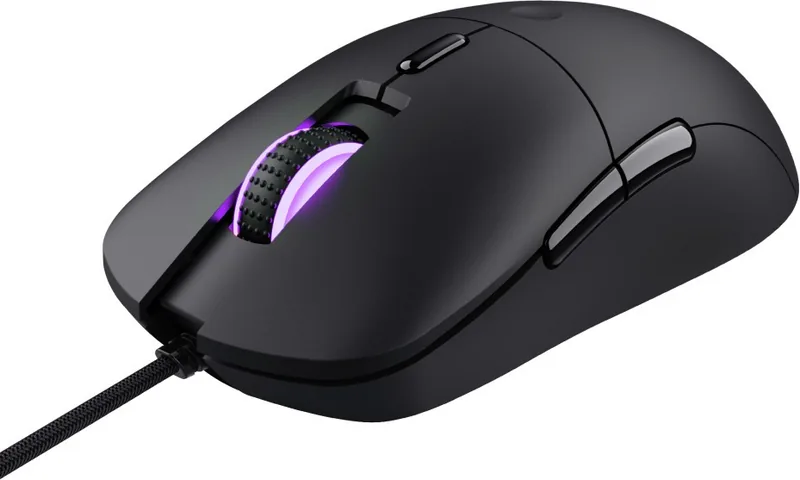
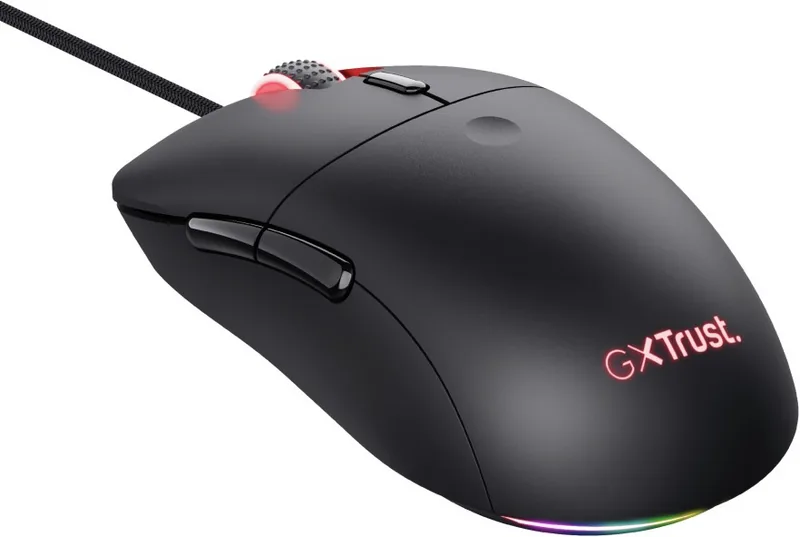
The Trust Gaming GXT 981 Redex Wired Gaming Mouse, USB is an essential tool for serious players seeking precision and speed. This device connects easily via USB ensuring stable performance during intense matches. Gamers often look for reliability and this mouse delivers on both fronts with a solid build quality designed to last. The design focuses on ergonomics allowing for long gaming sessions without hand fatigue or discomfort during marathon play times.
Technical Specifications
Performance is key for any competitive environment. This model supports polling rates of 125Hz, 500Hz, and a maximum of 1000Hz for ultra smooth tracking. These settings provide flexibility depending on your system capabilities and preference for latency. Users can download the necessary configuration software from the official Trust website to optimize settings for their specific needs. The interface allows easy adjustments for sensitivity and button mapping which is crucial for different game genres requiring specific setups. It also ensures low latency for better responsiveness.
Design and Comfort
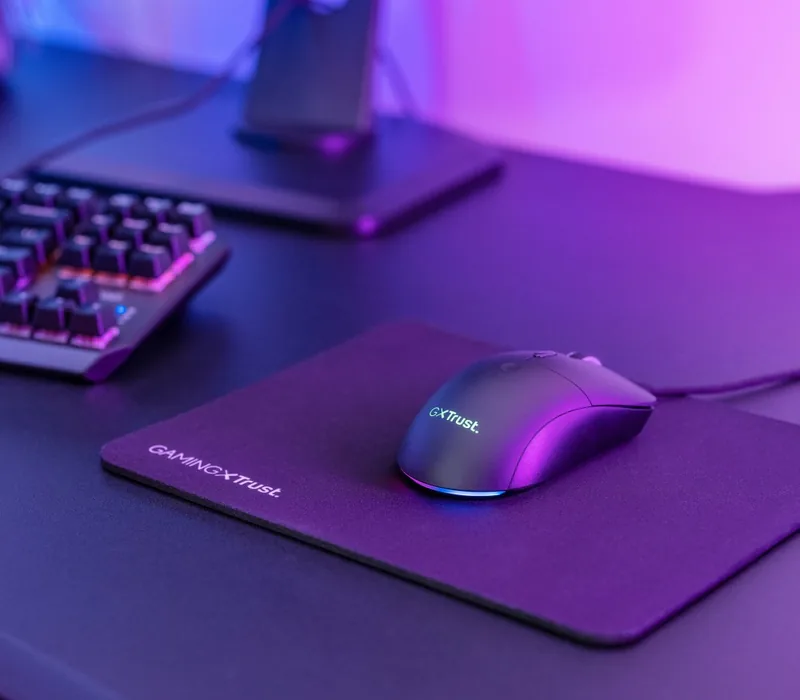
The sleek appearance matches modern desktop setups effectively. It features a wired connection that eliminates battery anxiety for some users who prefer consistent power. This ensures that power is always available when needed without sudden interruptions. The buttons are responsive and clicked with tactile feedback for clear confirmation of every input. The cable is flexible enough to allow free movement across the desk without tangling. It does not restrict the user during intense physical actions required by the game.
Software and Setup
The included software is lightweight and easy to navigate. Players can save profiles for different games directly on the device. This feature allows switching between configurations without reconfiguring each time. Updates help maintain compatibility with newer operating systems released annually. It supports multiple DPI adjustments allowing users to switch speeds instantly. This utility is beneficial for sniping or moving quickly across large map areas efficiently.
Conclusion
Overall this gaming peripheral offers great value for the price point. It provides the necessary features for both casual and pro level play without excessive cost. The USB connection standardizes compatibility across most PCs and laptops available today. Whether you play first person shooters or strategy games this mouse adapts to your personal style. It stands out for its durability and consistent tracking performance over time. Many users appreciate the reliability of the cable.
Search for 67,732 Manuals online


Type-in Brand or Model
Maria K.
8 months ago
Is there a wireless version of the Trust Redex Gaming Mouse?
Manual.ly
8 months ago
Currently, this gaming mouse model is designed exclusively as a wired device. This ensures a stable connection with zero lag and eliminates the need for frequent battery charging. The provided 1.8-meter braided cable offers sufficient reach for standard desk setups. If wireless connectivity is a priority, please check our catalog for Bluetooth-compatible models.