
Triax TDH 811 FE QPSK Manual
PDF manual · 15 Pages
English



Quick check
Incorrect answer, please try again.
Chat with your Triax TDH 811 FE QPSK manual using AI
Get instant AI answers from your Triax TDH 811 FE QPSK manual
Ask anything about the Triax TDH 811 FE QPSK. Answers come from this manual, with the pages they are based on.
Ask a Question
Do you recommend TDH 811 FE QPSK?
Yes NoFrequently Asked Questions
It provides the DVB-S/S2 input stage for the TDH 800 headend. You use the TDH service tool to set RF parameters like frequency, polarity, and symbol rate, then map the delivered services into the headend pool for onward distribution.
Is this answer helpful?
Open a web browser on the configuration PC, connect to the headend via the configuration port, then navigate to the headend's service address (commonly http://192.168.0.100). Log in, configure the module under the Input tab, and follow the Update, Submit, and Apply sequence for changes.
Is this answer helpful?
Polarity options include 0V off (default), 13V vertical, and 18V horizontal. DiSEqC settings are only available when vertical or horizontal is selected, so the polarity choice affects whether switch parameters can be configured.
Is this answer helpful?
Yes. If a DiSEqC switch is installed, you enable DiSEqC settings and select DiSEqC version 1.0. You then choose the satellite position, and optionally enable extended position/polarity for up to 16 positions when the switch does not support separate vertical/horizontal and high/low band frequencies.
Is this answer helpful?
Update refreshes the parameter-dependent fields and populates the services list that the input can deliver. Submit then confirms the selected configuration for the module. After that, Apply stores the configuration onto the headend's storage medium.
Is this answer helpful?
Check the status area at the bottom of the configuration page. It indicates whether the input is locked, reports bit error rate, shows the locked frequency, and provides TS metrics like TS symbol rate, TS rate, TS lock, and mapped TS rate. Software revision should match the headend and other modules.
Is this answer helpful?
Advantages and Disadvantages
Advantages

- Clear, guided DVB-S/DVB-S2 input setup with frequency, polarity, and symbol rate configuration.
- Advanced LNB options support satellite band, LNB type, and LOF low/high plus switch parameters.
- DiSEqC 1.0 support with satellite position selection and optional extended 16-position mode.
- Commissioning status checks include lock state, bit error rate, locked frequency, and TS mapping metrics.
- Service selection lets you include all detected services or choose specific ones.
Disadvantages

- Requires a PC setup with specific software support (including Microsoft Silverlight runtime) and an older browser baseline.
- A static IP is required for reliable communication with the headend during configuration.
- Software revision consistency matters, and mismatches require updating the full TDH 800 headend.
Product Specification
Type
Other
Product Description
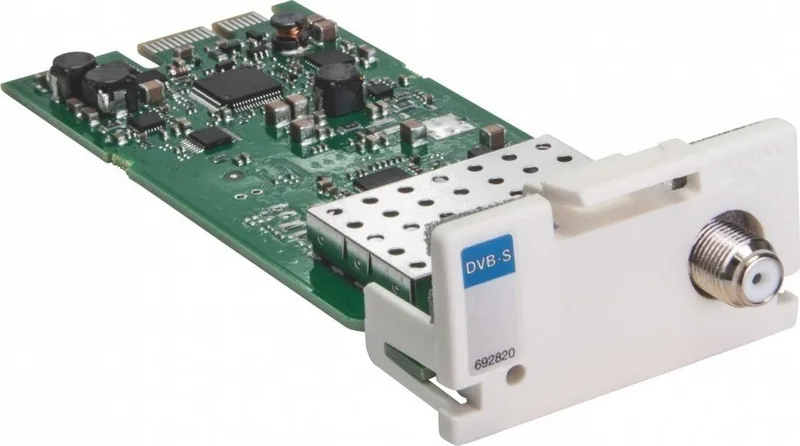
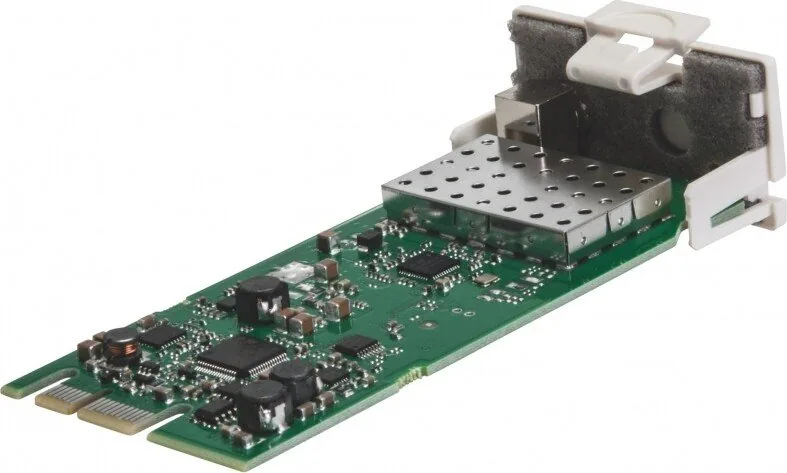
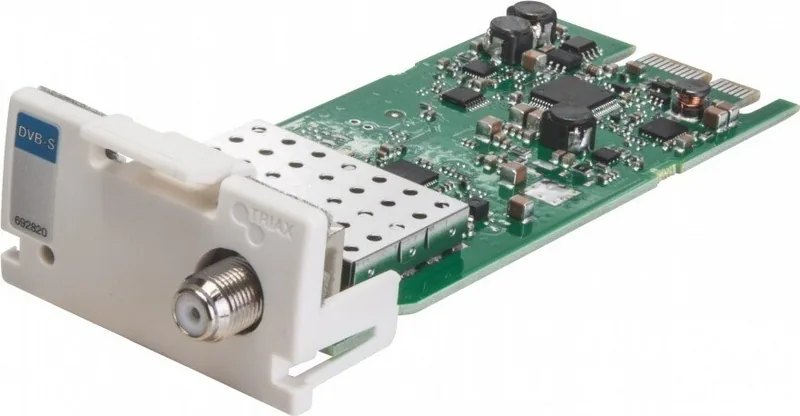
Triax TDH 811 FE QPSK - DVB-S/S2 Input module (Manual)
The Triax TDH 811 FE QPSK - DVB-S/S2 Input module brings flexible satellite input capability to the Triax TDH 800 headend, letting you configure how DVB-S and DVB-S2 services are received, processed, and mapped into the broader distribution system. It is designed for installers who need predictable setup steps, clear feedback during commissioning, and a controlled workflow for updating, applying, and validating changes.
Configuration is handled through the TDH service tool, accessed via a local web browser session. You connect your PC to the headend using a Cat5e (shielded or better) cable, use a static IP address, and then open the service interface at the headend's address (commonly http://192.168.0.100). After logging in, the interface provides at-a-glance indicators (for communication and headend health), plus a structured tab layout that separates system overview, input configuration, network-related settings, and channel listing.
When setting up the input module, you select the Input tab and start the module's Setup workflow. You configure core RF parameters such as frequency, polarity (0V off, 13V vertical, or 18V horizontal), and symbol rate. LNB selection is supported in standard and Advanced modes. Advanced options help you define satellite band, LNB type, and LOF parameters (including low/high and switch settings), which is useful for complex real-world satellite setups.
For installations using a DiSEqC switch, the module supports DiSEqC version 1.0. DiSEqC settings activate only when the correct polarity selection is used, and you can choose satellite positions and, if needed, enable extended position/polarity for up to 16 positions. After configuration updates, the service list is populated so you can select all available services or pick specific ones for inclusion in the TDH pool.
Validation is emphasized. The status area checks whether the input is locked, reports bit error rate, shows the locked frequency, and provides TS-related metrics such as symbol rate, TS rate, TS lock, and mapped TS rate. It also highlights software revision consistency, noting that the input module software version should match the TDH 800 main unit and other modules.
Key takeaways
- Web-based TDH service tool supports guided DVB-S/S2 input commissioning with structured tabs.
- Advanced LNB and DiSEqC configuration options fit both simple and switch-based satellite systems.
- Status monitoring includes lock state, bit error rate, and TS mapping indicators.
- Safe change handling uses Update, Submit, and Apply to store configurations on headend media.
Notes
- Keep a static IP on the configuration PC and ensure network connectivity to the headend configuration port.
- Initial service tool login can use a default password, which should be treated as temporary.
- If a module is removed, the workflow includes deleting the logical entry, then powering down, removing hardware, and restarting the system.
Search for 67,706 Manuals online


Type-in Brand or Model