
Tractive GPS DOG Manual
PDF manual · 34 Pages
English



Quick check
Incorrect answer, please try again.
Chat with your Tractive GPS DOG manual using AI
Get instant AI answers from your Tractive GPS DOG manual
Ask anything about the Tractive GPS DOG. Answers come from this manual, with the pages they are based on.
Ask a Question
Do you recommend GPS DOG?
Yes NoFrequently Asked Questions
Download the app, find the 8-digit ID on the back, and follow the activation steps within the app or on my.tractive.com.
Is this answer helpful?
Yes, you can visit my.tractive.com to track your pet if you do not have the mobile app installed.
Is this answer helpful?
The LED turns red while charging and disappears when fully charged. Charge time varies based on battery depletion.
Is this answer helpful?
While durable, specific waterproof ratings depend on the model version; consult the manual for exact specifications.
Is this answer helpful?
Check the battery charge, ensure cellular signal is available, and verify the device is securely attached to the collar.
Is this answer helpful?
The 8-digit Tracker ID is printed on the backside of the Tractive GPS DOG device.
Is this answer helpful?
Advantages and Disadvantages
Advantages

- Real-time location tracking ensures immediate awareness of your dog's whereabouts
- Easy setup process with clear step-by-step activation instructions
- Compatible with both iOS and Android devices via dedicated app
- Secure attachment mechanism keeps the device firmly on the collar
- Multi-language support makes it accessible to international users
Disadvantages

- Requires regular battery charging which involves removing the unit
- Dependent on cellular network coverage for real-time updates
- Initial activation requires internet connection and app download
- Device size may be bulky for very small dog breeds
- Subscription fees may apply for advanced tracking features
Product Description
Keep Your Dog Safe with the Tractive GPS Tracker
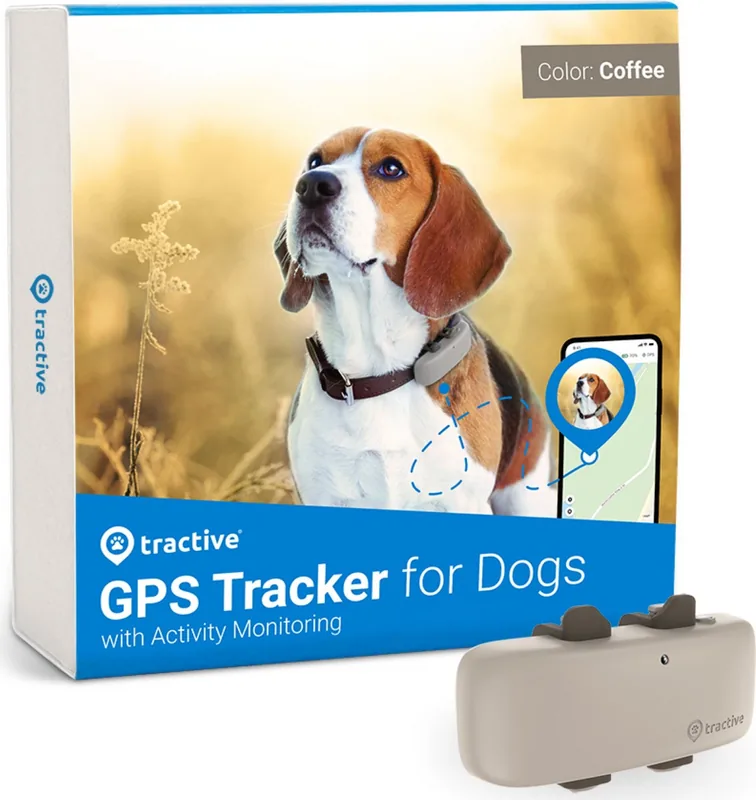
The Tractive GPS Tracker with Real-Time Location for Dogs is the ultimate solution for pet owners who want peace of mind. This device allows you to monitor your dog's location instantly, ensuring they never wander too far. Whether you are at home or traveling, the tracker provides accurate data through a dedicated mobile application.
Getting Started with Your Tracker
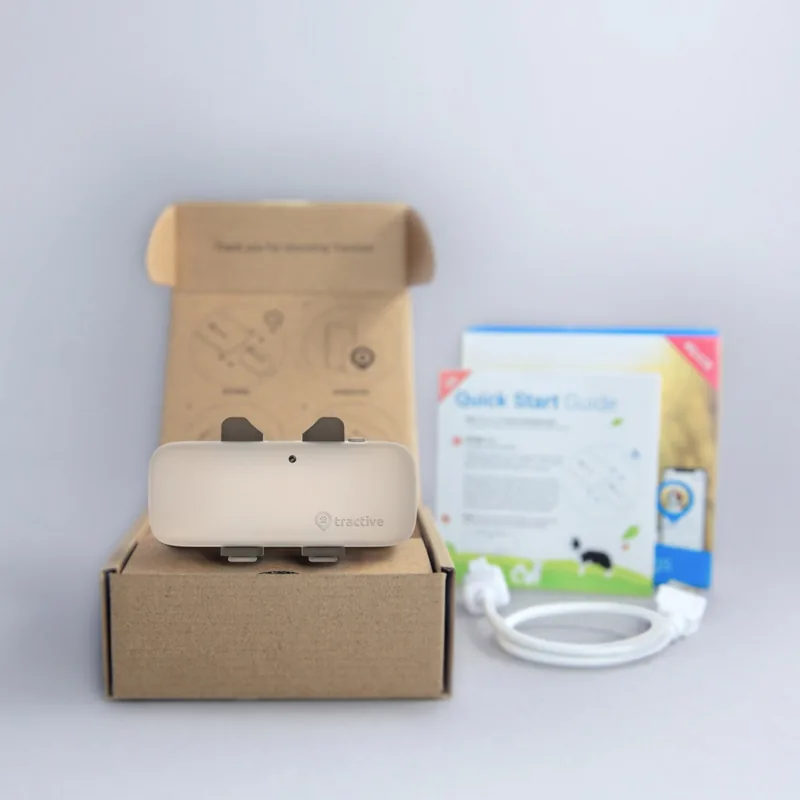
Setting up your new device is straightforward and user-friendly. First, ensure the battery is charged by pressing the buttons on the top and bottom to detach it, then placing it into the provided charger. A red LED light indicates charging status, turning off once fully powered. Next, download the Tractive GPS app from the Apple App Store or Google Play Store. You can also access tracking features via my.tractive.com.
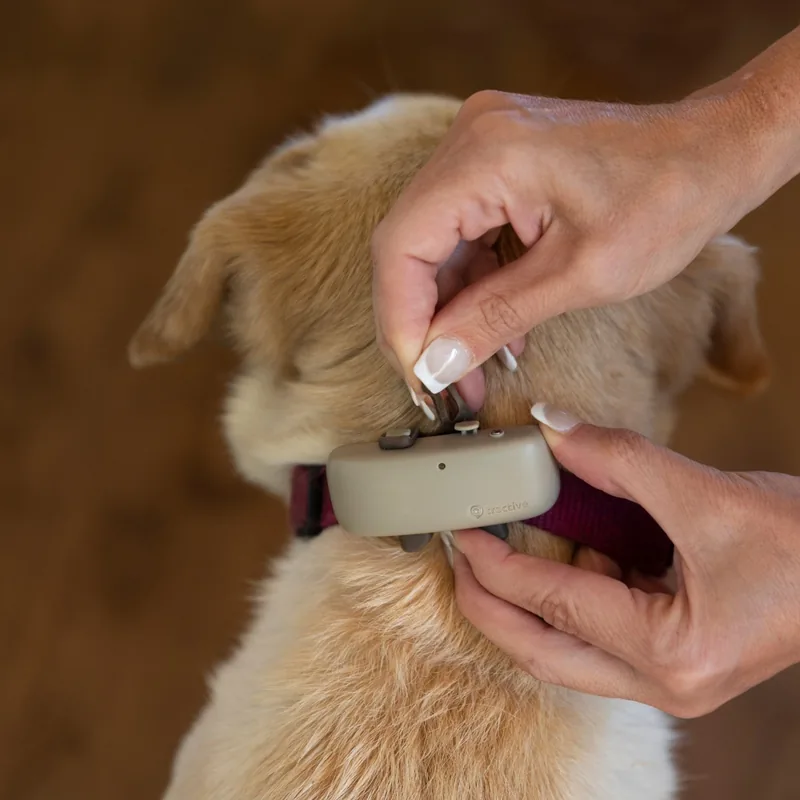
Activation requires following the in-app instructions or visiting the website using the unique 8-digit Tracker ID found on the back of the device. Finally, attach the tracker to your dog's collar by securing the clip between the mount and the collar strap. Once fastened, your dog is ready for safe adventures while you track their movements effortlessly.
Why Choose Tractive?
This manual highlights the ease of use and reliability of the Tractive system. It supports multiple languages, making it accessible to global users. The real-time tracking feature ensures you always know where your furry friend is, providing security against loss or theft. The compact design fits securely on most collars without hindering movement.
Important Notes
Always keep the device dry and avoid submerging it in water unless specified as waterproof. Regularly check the battery charge level to prevent signal loss. If you need further assistance, visit tractive.com/manuals for detailed guides.
Search for 67,732 Manuals online


Type-in Brand or Model