
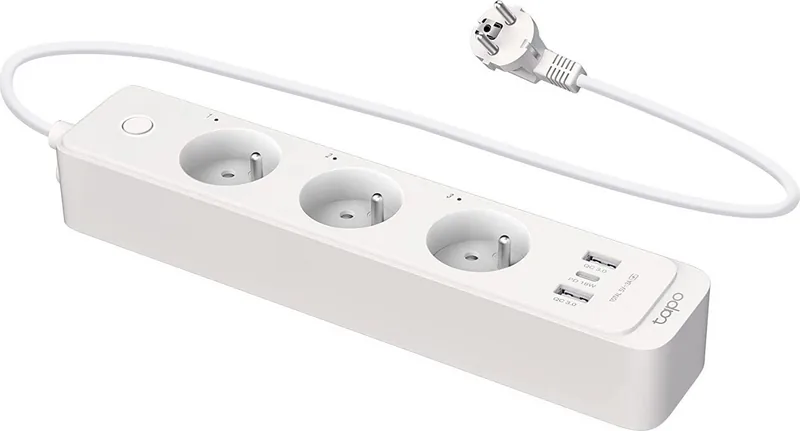

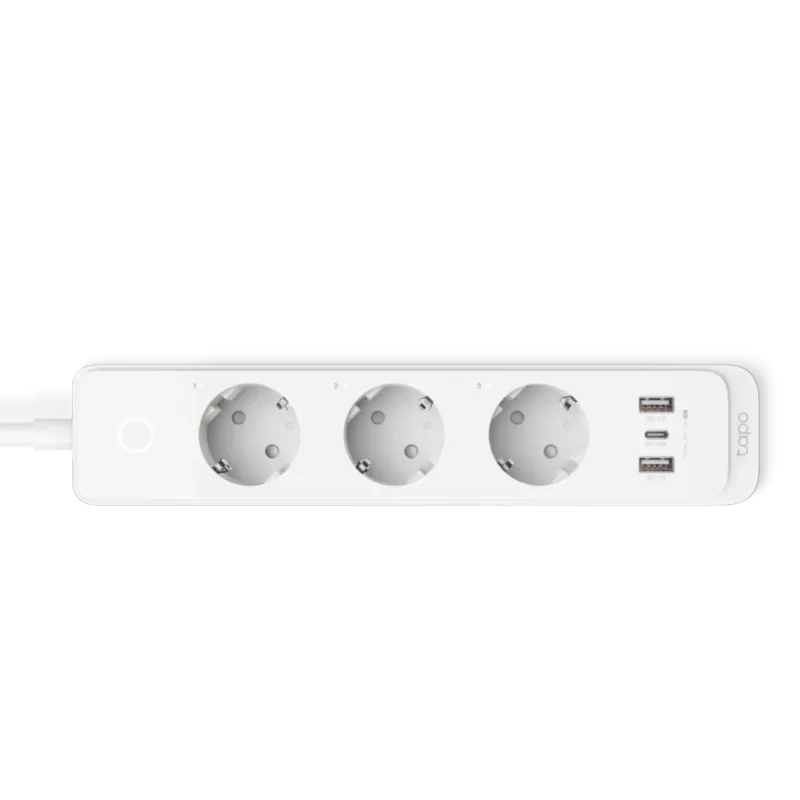
TP-Link Tapo P300 Manual
PDF manual · 28 Pages
English


Quick check
Incorrect answer, please try again.
Chat with your TP-Link Tapo P300 manual using AI
Get instant AI answers from your TP-Link Tapo P300 manual
Ask anything about the TP-Link Tapo P300. Answers come from this manual, with the pages they are based on.
Ask a Question
Do you recommend Tapo P300?
Yes NoFrequently Asked Questions
Download the Tapo app on your mobile device and follow the setup instructions to connect it to your 2.4GHz Wi-Fi network.
Is this answer helpful?
Yes, the device supports HomeKit so you can add it to the Apple Home app on your iPhone or iPad.
Is this answer helpful?
The total output is up to 18W. The USB-C supports Power Delivery and USB-A ports support Quick Charge 3.0 technology.
Is this answer helpful?
Yes, you can invite family members to manage the devices by entering their TP-Link ID or email address.
Is this answer helpful?
It has flame-resistant casing, overload protection, and overheat protection to ensure safe operation during use.
Is this answer helpful?
Advantages and Disadvantages
Advantages

- Independent control of each of the three smart outlets for flexibility
- Supports Apple HomeKit integration for seamless smart home ecosystem use
- Built-in overload and overheating protections ensure device safety
- Multiple USB charging ports including USB-C with Power Delivery support
- Voice control compatibility with Alexa, Google, and Siri assistants
Disadvantages

- Wi-Fi setup requires a 2.4GHz network which may not be modern
- Total USB output is limited to 18W across all connected devices
- No individual wattage consumption display on the physical unit
Product Specification
Type
Actuator
Standard
WLAN (802.11b/g/n), Bluetooth 4.2
Function
Switching outlet (on/off), Charging function (1x USB-C, 2x USB-A)
Topology
Mesh/Star
Dimensions
10.55x2.17x1.57 inches
Features
Overvoltage protection, app-controlled (Android, iOS), Voice assistant (Amazon Alexa, Apple Siri, Google Assistant)
Product Description
Transform Your Living Space with Smart Control
Managing power sockets has never been easier thanks to modern technology. The TP-Link Tapo P300 WiFi Power Strip 3-outlet, 2300W, 1x USB-C/2x USB-A, Smart Power Strip Manual provides the foundation for a connected home. This device features three distinct outlets that you can operate independently. Whether you are running a home office or setting up a living room entertainment center, customization ensures safety and convenience.
The charging capabilities are robust. It includes one USB-C port supporting Power Delivery and two USB-A ports with Quick Charge 3.0. This configuration delivers up to eighteen watts of total power to your gadgets. You do not need separate chargers for every device, reducing cable clutter significantly. The spacing between outlets is ample, accommodating large brick adapters without blocking neighbors.
Control extends beyond the physical unit. You can manage the strip from anywhere using the Tapo application on your smartphone. Voice commands work seamlessly with Siri, Google Assistant, and Alexa. This hands-free operation is ideal for busy environments. You can also create automation routines. For instance, you can set a timer to turn on a fan before you wake up. The App also tracks runtime statistics for each outlet, helping you monitor energy consumption over the past thirty days. Additionally, the Away Mode feature randomly toggles outlets during preset hours to simulate occupancy. This deters potential intruders effectively.
Security features are built into the hardware. Overcurrent and overheating protections safeguard your electronics. The casing is flame-resistant, offering peace of mind during long operation periods. The 1.5 meter cable allows flexible placement near walls or furniture. Setup is straightforward, including a Frustration-Free option for Amazon devices which simplifies initial configuration. Apple users appreciate the HomeKit compatibility. This allows the unit to integrate into the broader smart home ecosystem. Sharing the device with family members is simple through the app. Firmware updates keep the system secure and functional. This power strip is a comprehensive solution for those seeking efficiency. It replaces old unswitched boards with intelligent management.
Usage Tips
Place the strip within Wi-Fi range for best performance. Do not cover the unit while it is powered on to ensure proper ventilation. Regular cleaning with a dry cloth removes dust accumulation safely. Always unplug the device if it shows signs of smoke or abnormal noise. Following these guidelines ensures longevity and safe operation. Ensure the plug is fully inserted into the wall outlet to prevent accidental disconnection or arcing risks which could damage the device.
Search for 67,706 Manuals online


Type-in Brand or Model
Sarah Weber
7 months ago
I noticed some users complaining the USB ports cannot be switched off via the app. Is there any way to control them individually, or must they stay on always? I need to limit standby power.
Manual.ly
7 months ago
Hello, thank you for reaching out. At this time, the USB ports on the Tapo Power Strip do not support individual on/off switching via the app, as they are designed to provide constant power for charging devices. However, the main power buttons on the strip can turn off the entire unit if needed. We appreciate your feedback regarding independent USB control and will pass this along to our development team for consideration in future updates.