
TP-Link Archer C5400X Manual
PDF manual · 124 Pages
English


Quick check
Incorrect answer, please try again.
Chat with your TP-Link Archer C5400X manual using AI
Get instant AI answers from your TP-Link Archer C5400X manual
Ask anything about the TP-Link Archer C5400X. Answers come from this manual, with the pages they are based on.
Ask a Question
Do you recommend Archer C5400X?
Yes No
in45
8 months ago
I received my product about 4 weeks late and it arrived damaged. After setup, the connection keeps breaking after around 10 minutes, and there was no manual included. What can I do?

Manual.ly
8 months ago
Sorry to hear that. If the item arrived damaged or the delivery was severely delayed, contact our support team with your order number and photos so we can arrange a replacement or refund. For the disconnecting after ~10 minutes, please try these quick checks: restart the device and router, fully re-pair the connection, confirm all cables are firmly seated, and ensure the device has stable power (try a different outlet if possible). If your model supports it, update to the latest firmware/software. If the manual is missing, we can provide the digital instructions link or a PDF right away. If the connection issue continues after these steps, we will review the case and organize the next solution.
Video Manual
TP Link AC5400 Wireless Tri Band MU MIMO Gigabit Router Setup and Configure Step By Step
Frequently Asked Questions
You can set it up through the web interface at tplinkwifi.net or with the TP-Link Tether app. The quick setup wizard guides you through internet connection, wireless settings, and optional cloud login.
Is this answer helpful?
TP-Link Cloud lets you manage the router remotely with a TP-Link ID. It also supports cloud-based access, router monitoring, and easier control through the Tether app from a phone or tablet.
Is this answer helpful?
Yes. It can operate in Access Point mode to turn an existing wired network into Wi-Fi. However, some router-only features like parental controls, QoS, and NAT forwarding will not be available in that mode.
Is this answer helpful?
The USB ports support storage sharing, media sharing, printer sharing, and Time Machine backups. You can access files locally or remotely, depending on your sharing and security settings.
Is this answer helpful?
It supports OpenVPN and PPTP VPN servers. OpenVPN is more secure and stable, while PPTP is easier to use but less secure and may be blocked by some providers.
Is this answer helpful?
You can use QoS to prioritize gaming traffic, enable link aggregation or WAN aggregation if supported, and keep firmware updated. Smart wireless settings and device prioritization also help reduce lag.
Is this answer helpful?
Advantages and Disadvantages
Advantages

- Fast tri-band design with MU-MIMO helps many devices stay connected smoothly.
- Offers advanced tools like QoS, parental controls, antivirus, and access control.
- USB sharing, printer support, and Time Machine make it useful as a home network hub.
- Supports advanced networking options such as VPN, DDNS, IPv6, and link aggregation.
Disadvantages

- The large number of settings may feel complicated for casual users.
- Some features are unavailable in Access Point mode, including parental controls and NAT tools.
- PPTP VPN is included, but it is less secure than OpenVPN.
- WAN aggregation, IPTV, and USB remote access depend on ISP and compatible equipment.
Product Specification
Modem
N/A
WAN
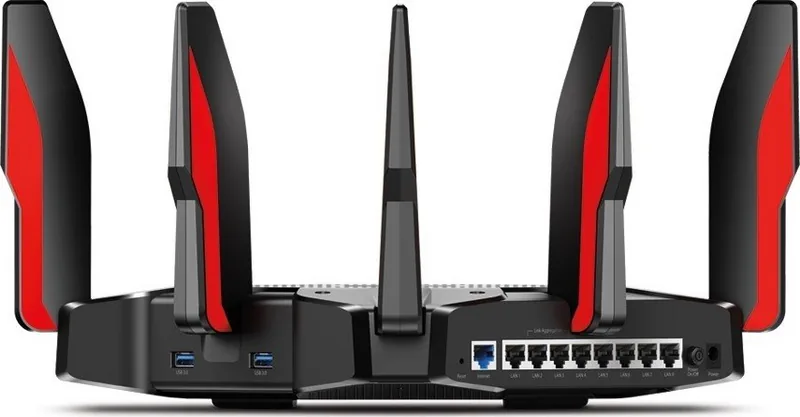
1x 1000Base-T
LAN
8x 1000Base-T
Wireless
WLAN 802.11a/b/g/n/ac (Wi-Fi 5), simultaneous
Transfer rate
1000Mbps (2.4GHz), 4334Mbps (5GHz) divided into 2x 2167Mbps
Security
64/128bit WEP, WPA, WPA2, WPS
Antennas
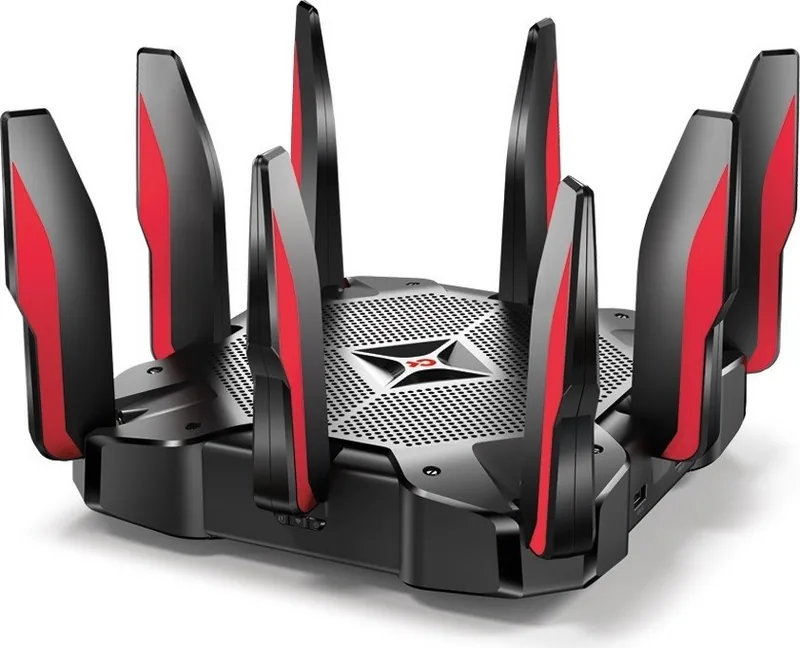
8x external (removable)
Ports
2x USB 3.0
Power consumption
no information (consumption, operation), no information (max. power supply unit power)
Dimensions
11.34x11.34x7.24in
Special features
WLAN on/off switch, lighting on/off switch, IPv6, VPN passthrough (IPSec/PPTP/L2TP), MU-MIMO, supports cellular modems (3G/4G)
Band capability
Tri Band (simultaneous)
Manufacturer's warranty
three years
Product Description
TP-Link Archer C5400X Manual: A Smart Look at a High-Performance Gaming Router
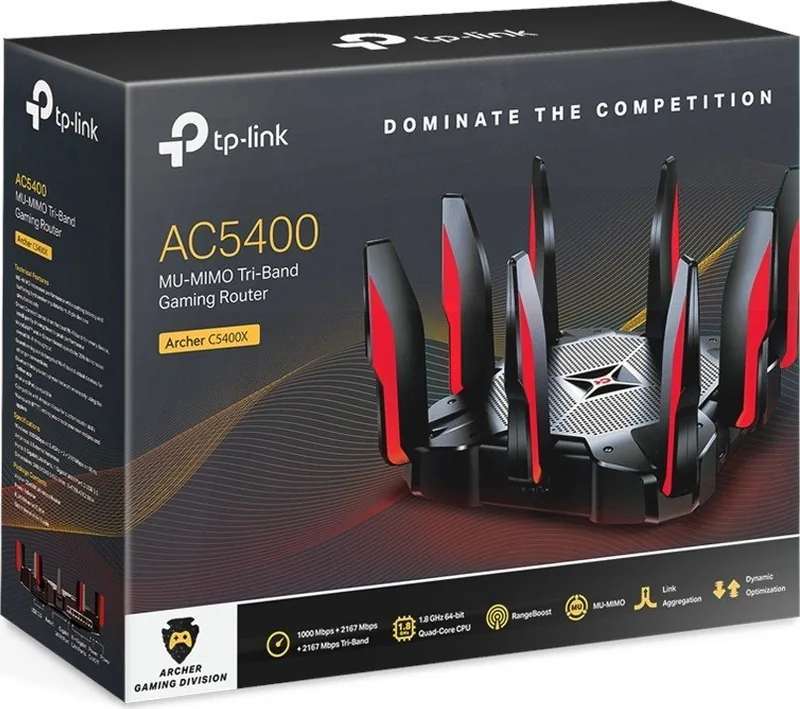
The TP-Link Archer C5400X is built for users who expect more from a home router than simple internet access. Often searched as the TP-Link Archer C5400X Manual, it represents a feature-rich networking platform made for gaming, streaming, remote access, and heavy multi-device use. With its tri-band design, MU-MIMO support, strong antennas, and multiple Ethernet ports, the router is aimed at households and small offices that need speed without sacrificing stability.
Built for busy homes and serious users
What makes this model stand out is its mix of performance and control. The setup process is designed to be approachable, whether you prefer the web interface or the TP-Link Tether app. Once connected, the router offers a wide set of tools for shaping the network to your needs. You can adjust wireless settings, create guest networks, manage access for specific devices, prioritize gaming or streaming traffic with QoS, and add layers of protection with antivirus and firewall features.
More than a fast wireless connection
The Archer C5400X also works as a flexible hub for connected devices. USB ports can be used for storage sharing, printer sharing, media playback, and Time Machine backups, which makes it useful beyond Wi-Fi alone. Remote management through TP-Link Cloud adds convenience for users who want to check their network while away from home, while options like DDNS, VPN server support, WAN aggregation, link aggregation, and IPv6 configuration show how much advanced networking is packed into the device.
Security, control, and maintenance
This router also puts a strong focus on network management. Parents can set restrictions and monitor usage, guest access can be isolated for privacy, and administrators can fine-tune settings such as DHCP, static routes, remote management, and firmware updates. Even small touches like LED control, scheduled rebooting, and system logs help keep the device easy to maintain over time.
Notes
- Best suited for users who want advanced customization.
- Some features depend on ISP support or compatible hardware.
- Access Point mode disables several router-only functions.
Search for 67,706 Manuals online


Type-in Brand or Model
Sven Krüger
11 months ago
My order arrived 4 weeks late and damaged. After setup, the connection breaks after about 10 minutes and the manual was missing. What should I do?
Manual.ly
10 months ago
Sorry about that. If your item arrived late or damaged, please contact our support with your order number and photos of the damage so we can arrange a replacement or refund. For the disconnecting issue, try these quick steps: reboot/reset the device, check that all cables and power are firmly connected, move it closer to the router/hub to improve signal, and re-pair the connection. If available, update the device firmware. For the missing manual, we can provide the correct guide or a download link. If the connection still drops after the steps above, send us the device model and a short video of the disconnect, and we will help you troubleshoot or escalate.