
Thorens TD 102 A Manual
PDF manual · 76 Pages
English



Quick check
Incorrect answer, please try again.
Chat with your Thorens TD 102 A manual using AI
Get instant AI answers from your Thorens TD 102 A manual
Ask anything about the Thorens TD 102 A. Answers come from this manual, with the pages they are based on.
TD 102 A Maintenance Schedule
Wipe off dirt on the cabinet and dust cover surfaces using a soft cloth slightly dampened with a diluted neutral cleanser.
Use a commercially available stylus cleaner to clean the stylus. Do not use other cleaners as they may damage the stylus.
Use a commercially available record cleaner to remove fingerprints and dust. Wipe in a circular motion following the grooves.
Ask a Question
Do you recommend TD 102 A?
Yes NoFrequently Asked Questions
The turntable supports two standard vinyl speeds: 33 RPM and 45 RPM. You can select the desired speed using the dedicated lever located on the front panel before starting playback.
Is this answer helpful?
To adjust the tracking force, balance the tonearm first by rotating the counterweight until it floats neutrally. Then, set the scale ring to zero and rotate the entire counterweight assembly to the recommended value of 2 grams for the included cartridge.
Is this answer helpful?
Yes, because the TD 102 A has a built-in phono equalizer, you can connect it directly to powered speakers or an amplifier with line-level inputs. Ensure the PHONO EQ switch is set to ON for proper signal processing.
Is this answer helpful?
Yes, the dust cover can be easily removed by lifting it off its hinges. To reattach, align the hinge holders on the main unit with those on the cover and insert them securely into place.
Is this answer helpful?
The Thorens TD 102 A uses a DC motor connected via a belt drive system. This design helps isolate the platter from motor vibrations, resulting in smoother rotation and better audio fidelity.
Is this answer helpful?
Yes, the package includes an adapter for playing 45 RPM singles with large center holes. Simply insert the adapter onto the platter spindle before placing the record.
Is this answer helpful?
Advantages and Disadvantages
Advantages

- Belt-drive system reduces vibration for cleaner sound
- Includes high-quality Audio-Technica AT-VM95E cartridge
- Built-in phono equalizer simplifies connections
- Automatic start and stop functionality
- Durable aluminum die-cast platter
Disadvantages

- Feet height cannot be adjusted for leveling
- No USB output for digitization included
- Manual tracking force adjustment required for optimal setup
- Plastic components may feel less premium than all-metal designs
- Fixed counterweight limits fine-tuning options
Product Specification
Drive Type
Belt
Operation
Fully automatic
Rotation Speed
33rpm, 45rpm
Tonearm
Straight
Dimensions
16.54x5.55x13.98in (WxDxH)
Weight
11.90lbs
Product Description
Thorens TD 102 A: A Classic Belt-Drive Experience
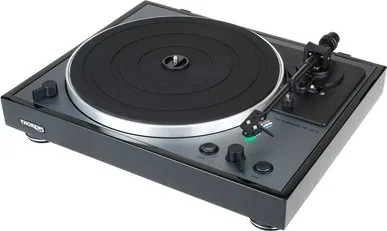
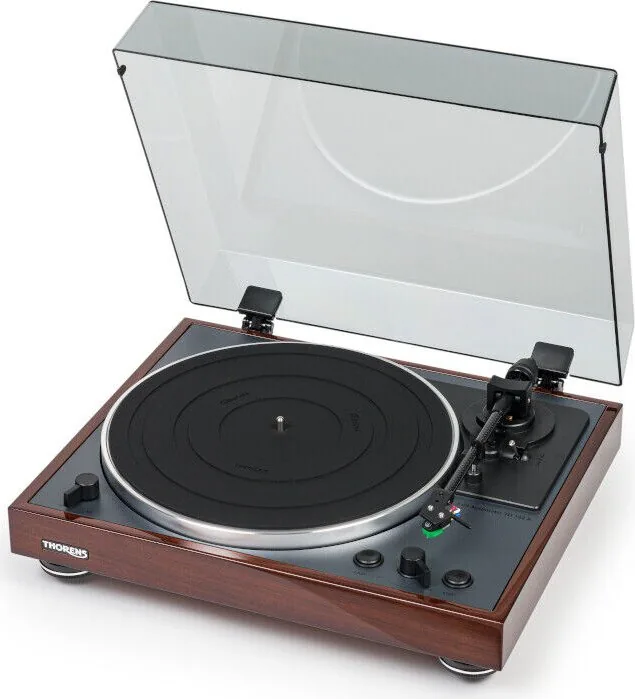
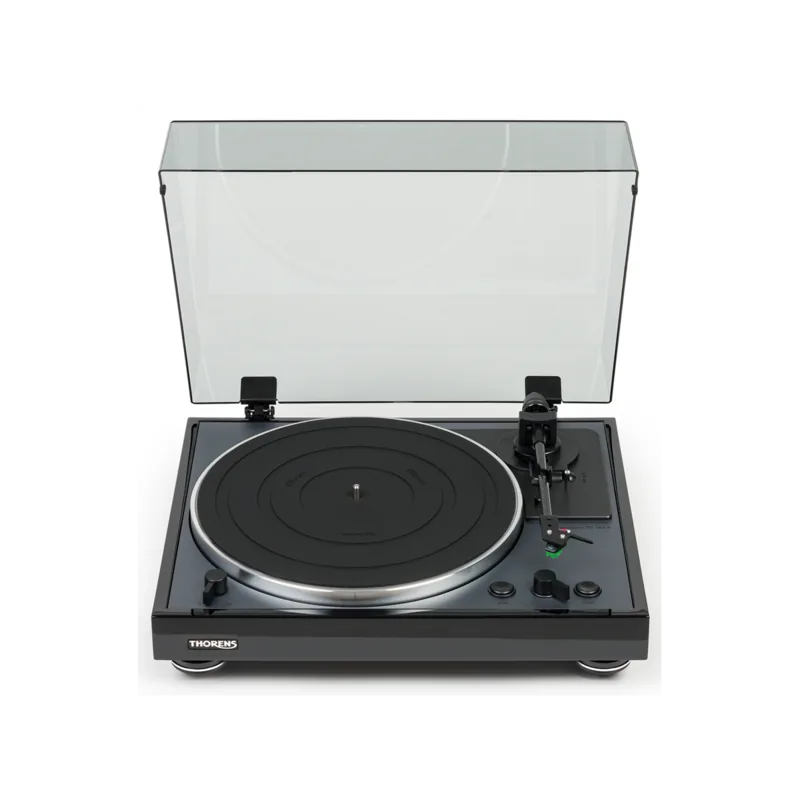
The Thorens TD 102 A is a timeless belt-drive turntable designed for audiophiles who appreciate high-fidelity vinyl playback without unnecessary complexity. This unit combines traditional craftsmanship with modern reliability, featuring a die-cast aluminum platter and a carbon fiber tonearm tube. It comes pre-equipped with the Audio-Technica AT-VM95E cartridge, ensuring excellent sound quality right out of the box.
Setting up the TD 102 A is straightforward. The device requires a flat, stable surface as its feet are not adjustable. Once placed on a level area, you simply attach the rubber mat to the platter. The built-in phono equalizer allows for flexible connectivity; you can switch between ON for direct amplifier connection or THRU if your system has a dedicated phono input. Always ensure the voltage matches your region to avoid damage.
Operational features include automatic start and stop functions that simplify listening sessions. The START button initiates rotation and lowers the stylus automatically, while the STOP button halts the platter and returns the arm. Users can select between 33 RPM and 45 RPM speeds using the dedicated lever. Proper maintenance involves keeping the dust cover closed when not in use to protect against debris and handling records by their edges to prevent scratches. Regular cleaning with appropriate solutions ensures longevity for both the vinyl and the stylus.
Notes:
- Do not place heavy objects on the dust cover during operation.
- Never move the unit while the platter is spinning.
- Use only the provided power adapter.
Search for 67,732 Manuals online


Type-in Brand or Model