
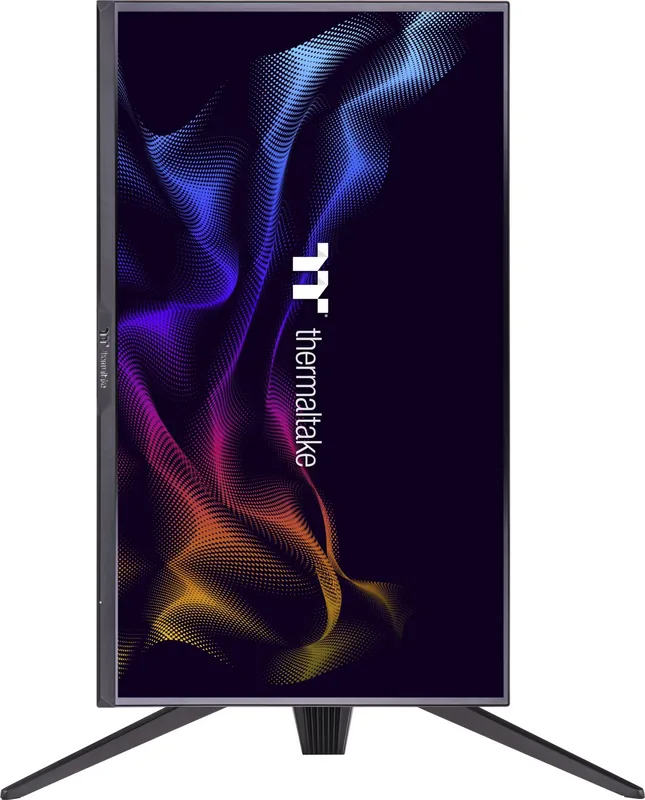
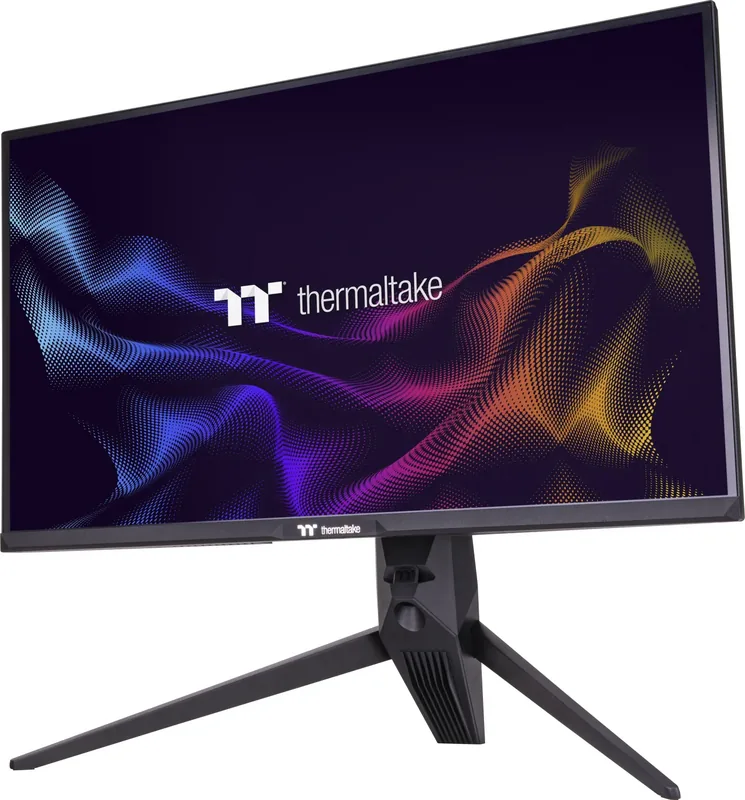
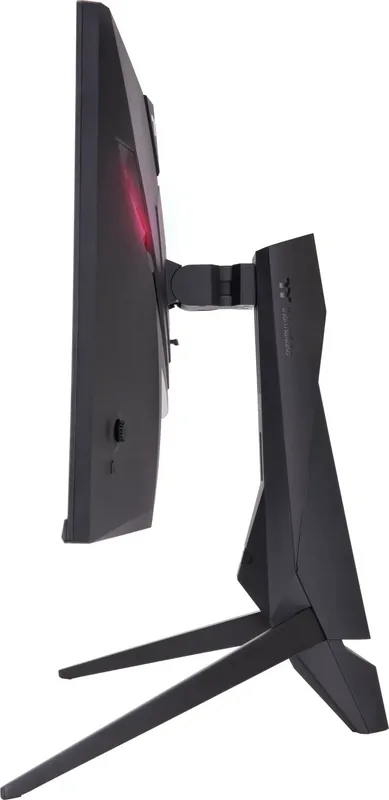
Thermaltake TGM-I27FQ Manual
PDF manual · 39 Pages
English



Quick check
Incorrect answer, please try again.
Ask a Question
Do you recommend TGM-I27FQ?
Yes NoDo you recommend TGM-I27FQ?
Yes NoFrequently Asked Questions
This monitor supports native resolution up to 2560x1440 pixels. It also handles various lower standards including 1920x1080 and 1280x720 depending on input source requirements.
Is this answer helpful?
For optimal eye health, users should rest for 10 minutes after every 30 minutes of continuous use. Infants under two years should not look at screens.
Is this answer helpful?
Yes, the Type-C port provides 5VDC at 3A. Standard USB ports offer 5VDC at 0.5A for peripheral charging and data transmission capabilities.
Is this answer helpful?
No, strictly use the AC adaptor provided with your product. Do not use power cords intended for other products to prevent damage.
Is this answer helpful?
Children under two should not view the screen at all. For those over two, daily viewing time should not exceed one hour to protect developing vision.
Is this answer helpful?
Use the dedicated shortcut button to modify brightness and contrast levels instantly without navigating deep into menu systems.
Is this answer helpful?
Advantages and Disadvantages
Advantages

- Supports high resolution up to 2560x1440 with 165Hz refresh rate for fluid gameplay
- USB-C port delivers 3A power for convenient single-cable connectivity solutions
- Integrated shortcut buttons allow quick access to brightness and contrast settings
Disadvantages

- Requires specific AC adapter usage only for safe electrical operation conditions
- Mandates regular screen breaks every 30 minutes to prevent eye strain damage
- Limited power output for non-compliant USB devices requiring external power supply
Product Specification
Function
Monitor (Stationary)
Diagonal
27"
Resolution
2560x1440 (QHD), 16:9, 109 ppi
Panel
IPS
Backlight
LED, Blue light filter, flicker-free
Brightness
400 cd/m2 (Typical)
Contrast
1,000:1 (Static)
HDR
HDR10
Response Time
1ms (GtG)
Refresh Rate
165Hz (2560x1440)
Variable Refresh Rate
Adaptive Sync, AMD FreeSync, NVIDIA G-Sync Compatible
Signal Frequency
50-240kHz (H) / 48-165Hz (V)
Ports
2x HDMI 2.0 (144Hz@2560x1440), 1x DisplayPort 1.4 (165Hz@2560x1440), 1x USB-C 3.1 with DisplayPort 1.4 (10Gb/s, PD 15W, 165Hz@2560x1440), 1x USB-B 3.0 (Upstream, 5Gb/s), 2x USB-A 3.0 (Downstream, 5Gb/s), 1x 3.5mm Jack (Line-Out), 1x DC-In Barrel (Power)
Shape
Flat
Viewing Angle
178 deg / 178 deg
Coating
Non-glare (Matte)
Color Depth
10-bit (1.07 billion colors)
FRC
Yes (8-bit + 2-bit)
DCI-P3
95%
Controls
Joystick
Ergonomics
With base, height adjustable (3.15 in), Pivot (+/- 90 deg), Swivel (+/- 30 deg), Tilt (+20 deg / -5 deg)
VESA Mount
75x75 (Included)
Power Consumption
65W (Max), 0.5W (Standby)
Energy Efficiency SDR (A to G)
26 kWh/1000h (F)
Energy Efficiency HDR (A to G)
48 kWh/1000h (G)
Features
Security Lock (Kensington Security Slot), KVM Switch, Picture-in-Picture, Slim Bezel
Screen-to-Body Ratio
Infinity% (Calculated)
Dimensions
24.15 x 10.35 x 21.38 in (WxHxD) with stand folded
Color
Black (Bezel) / Black (Lower Bezel) / Black (Base) / Black (Back)
Weight
13.45 lbs (with stand)
Power Adapter
External
Warranty
3 Years
USB Labeling
Link
Product Description
Experience Performance with Thermaltake TGM-I27FQ Gaming Monitor
When gamers seek perfection, the Thermaltake TGM-I27FQ Gaming Monitor, 27" becomes a central component of their battlestation. This display is designed to deliver crisp visuals and rapid response times suitable for competitive play. Users should refer to the Thermaltake TGM-I27FQ Gaming Monitor, 27" Manual for detailed setup instructions to maximize functionality.
Visual Excellence and Speed
The screen supports high resolutions including 2560x1440 pixels with refresh rates reaching up to 165Hz. This ensures smooth motion handling without tearing or stuttering during intense sequences. Lower resolutions like 1920x1080 also benefit from 144Hz modes for varied system capabilities. Color accuracy and pixel density provide sharp imagery for both work and entertainment tasks.
Connectivity and Power Management
Equipped with versatile input options, the device allows for flexible connection setups. Power delivery via Type-C ports reaches 5VDC at 3A, reducing cable clutter significantly. Standard USB connections provide additional power outputs for peripherals at 5VDC 0.5A. These features streamline desk organization and ensure stable power flow to connected devices.
User Health and Comfort
Extended usage requires attention to eye health. Warning labels suggest taking breaks every 30 minutes to rest eyes for 10 minutes. Young children should avoid screens entirely under two years old. Older kids should limit daily exposure to one hour maximum. These guidelines promote long-term vision preservation alongside hardware longevity.
Installation and Configuration
Initial deployment involves mounting the unit securely. Adjustments to brightness and contrast utilize dedicated shortcut buttons located on the interface. Navigating menus opens quickly when closed or accessed via physical controls. Proper placement ensures ergonomic viewing angles throughout extended gaming sessions or office hours.
Search for 67,732 Manuals online


Type-in Brand or Model