
Thermaltake Pure Plus 14 LED RGB Manual
PDF manual · 2 Pages
English



Quick check
Incorrect answer, please try again.
Chat with your Thermaltake Pure Plus 14 LED RGB manual using AI
Get instant AI answers from your Thermaltake Pure Plus 14 LED RGB manual
Ask anything about the Thermaltake Pure Plus 14 LED RGB. Answers come from this manual, with the pages they are based on.
Ask a Question
Do you recommend Pure Plus 14 LED RGB?
Yes NoDo you recommend Pure Plus 14 LED RGB?
Yes NoFrequently Asked Questions
The TT RGB Plus software is compatible with Windows 7, Windows 8, Windows 8.1, and Windows 10. It does not support macOS or Linux natively.
Is this answer helpful?
You can connect two or more controllers by using the included bridge cable. Connect the cable between the controllers after setting their unique IDs via the DIP switches on the back.
Is this answer helpful?
Yes, you can use the TT RGB Plus mobile app. First, set a connection password in the desktop software, then connect your phone to the same wireless network to access controls remotely.
Is this answer helpful?
Each controller can manage up to four 140mm fans. If you have more fans, you will need additional controllers connected via the bridge cable.
Is this answer helpful?
Yes, if you select the PWM Mode or Performance Mode, the fan speed adjusts dynamically based on thermal readings to balance cooling and noise levels effectively.
Is this answer helpful?
Available lighting modes include Full Lighted, Wave, Pulse, Ripple, Microphone, Sound Effect, RGB Spectrum, and Flow. You can also customize individual LED colors.
Is this answer helpful?
Advantages and Disadvantages
Advantages

- Supports 16.8 million colors for extensive customization
- Includes bridge cable for connecting multiple controllers
- Offers silent mode for quiet operation under low load
- Compatible with both desktop software and mobile apps
- Easy DIP switch configuration for assigning controller numbers
Disadvantages

- Requires a specific USB 2.0 9-pin header on the motherboard
- Mobile app connection requires setting up a password first
- Software may require manual updates for new features
- Bridge cable adds slight complexity for single controller setups
- Fan speed range in silent mode is limited compared to performance
Product Specification
Fan connector
9-Pin proprietary
Dimensions
5.51x5.51x0.98 in (WxHxD)
Speed
600-1500rpm
Airflow
4.20 CFM (118.8 m³/h)
Static pressure
0.06 inH2O
Noise level
30.4dB(A)
Fan bearing
hydrodynamic sleeve bearing
Voltage range
9-12V
Power consumption
3.96W
Lighting
RGB (9 LEDs)
Color
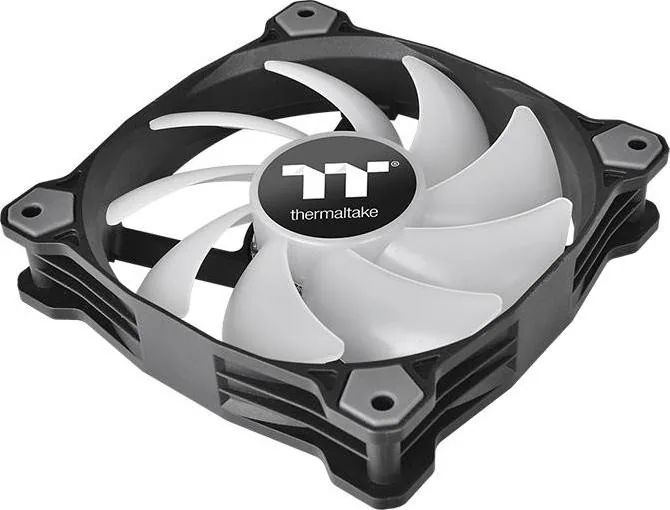
black (frame), white (rotor)
LED controller/adapter
Synchronization port via USB 2.0 Header, Fan/LED connectors: 5x 9-Pin proprietary, Power supply: 4-Pin Molex
Features
Vibration dampeners
Note
Fans are operated via LED controller using a proprietary 9-Pin connector
Product Description
Elevate Your PC Build with Thermaltake Pure Plus 14 LED RGB
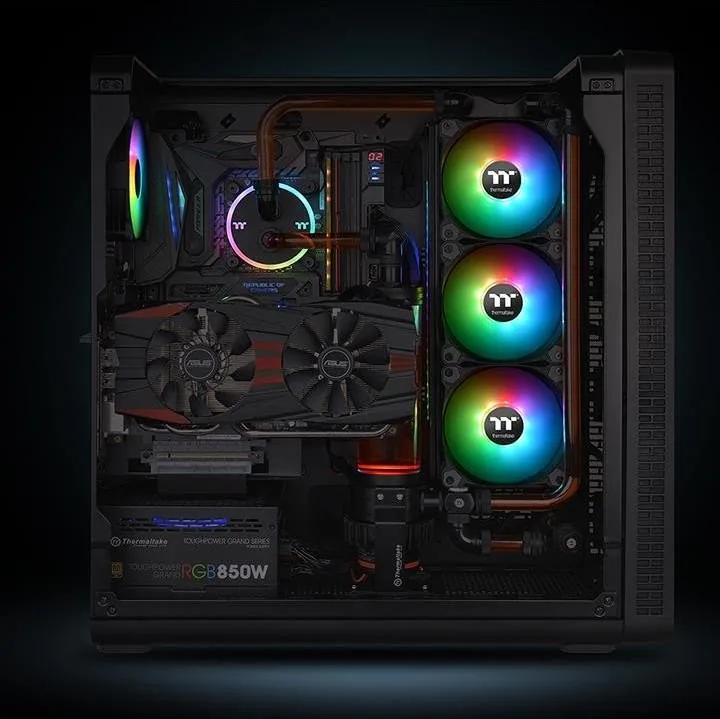
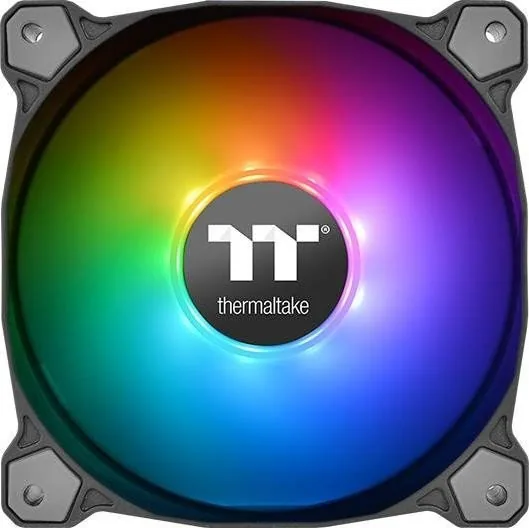
Transform your computer case into a visual masterpiece with the Thermaltake Pure Plus 14 LED RGB fan set. This 3-pack of 140mm fans is designed for enthusiasts who demand both superior cooling performance and stunning aesthetics. Each fan features a patented design capable of displaying over 16.8 million colors, allowing you to customize your system lighting to match any mood or theme.
The installation process is straightforward and user-friendly. The package includes everything needed for setup, such as fan controllers, bridge cables, power cables, and various screws. You can easily mount the fans onto your radiator using the provided hardware. Once installed, connect the fan cables to the controller and link the controller to your motherboard via a USB 2.0 9-pin header. For those managing multiple controllers, a bridge cable allows you to daisy-chain them seamlessly.
Control is at your fingertips through the TT RGB Plus software available on Windows 7, 8, 8.1, and 10. This powerful interface lets you create custom profiles for fan speed and LED lighting. You can choose between Performance, Silent, or PWM modes to optimize airflow while minimizing noise. The lighting options are equally impressive, offering modes like Wave, Pulse, Ripple, and even microphone-reactive effects that dance to your music. You can also adjust brightness, select specific colors for individual LEDs, or reset settings to default instantly.
For mobile users, the TT RGB Plus app offers wireless control. Simply connect your PC to a wireless network, set a password within the desktop software, and use the app on your smartphone to manage your fans on the go. This level of integration ensures your system remains cool and stylish without requiring constant interaction with your main computer.
Key Features
- Patented 16.8 Million Color LED technology
- Compatible with TT RGB Plus Software and Mobile App
- Multiple fan speed modes including Silent and Performance
- Easy installation with included bridge and power cables
- Customizable lighting effects like Microphone and Sound Reactivity
Important Notes
Ensure your motherboard has an available USB 2.0 9-pin header before purchasing. Always download the latest version of the TT RGB Plus software from the official website for optimal compatibility.
Search for 67,732 Manuals online


Type-in Brand or Model