
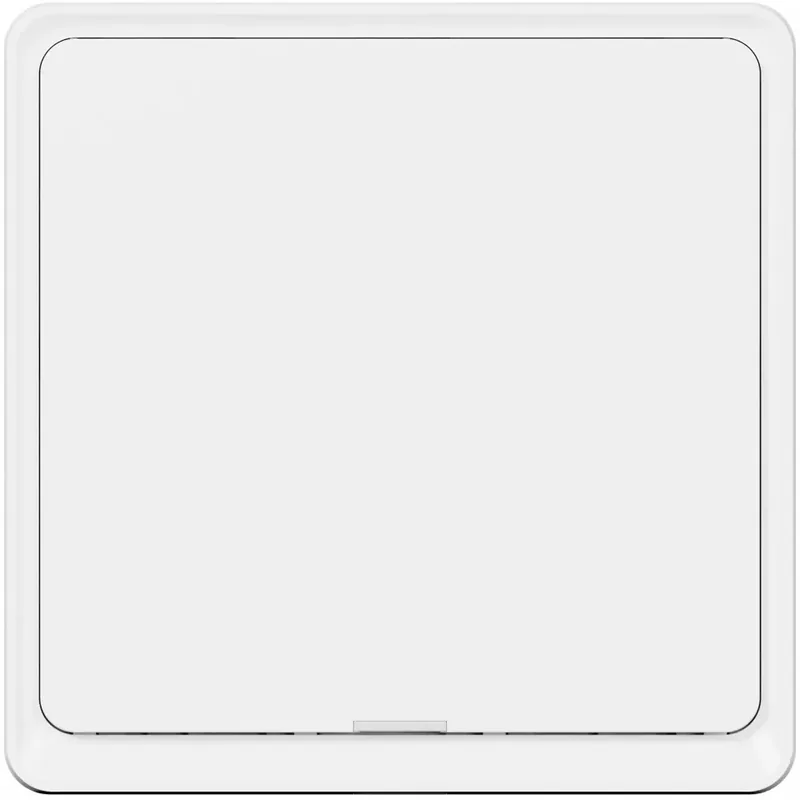
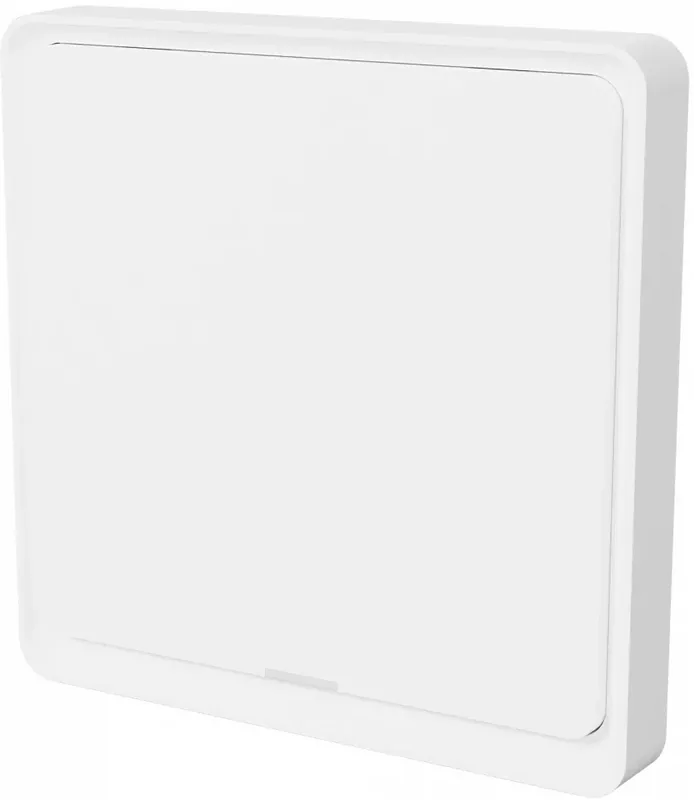
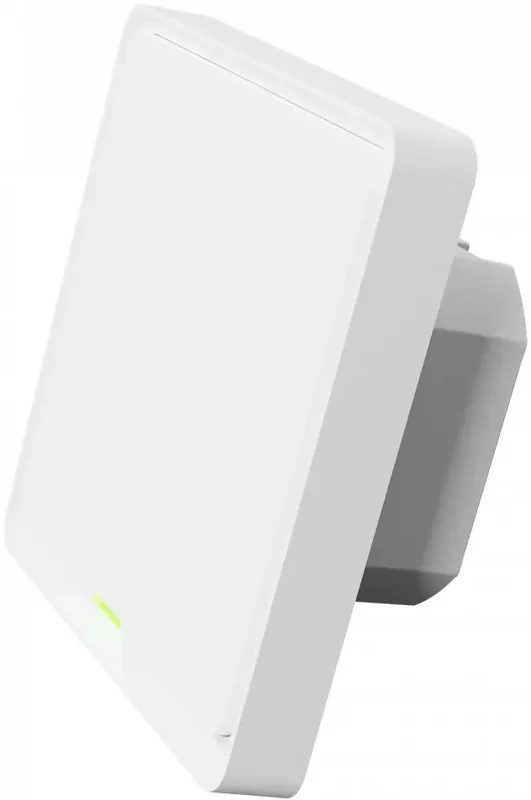
Tesla Smart Switch ZigBee Manual
PDF manual · 122 Pages
English



Quick check
Incorrect answer, please try again.
Chat with your Tesla Smart Switch ZigBee manual using AI
Get instant AI answers from your Tesla Smart Switch ZigBee manual
Ask anything about the Tesla Smart Switch ZigBee. Answers come from this manual, with the pages they are based on.
Ask a Question
Do you recommend Smart Switch ZigBee?
Yes NoFrequently Asked Questions
Turn off the circuit breaker first. Use a voltage tester to confirm power is off. Connect the wires according to the connection diagram provided. Mount the switch using screws and attach the wall plate. Finally, turn the breaker back on to test functionality.
Is this answer helpful?
You must download the Tesla Smart application from the Apple App Store or Google Play Market. Ensure your phone connects to a twenty-four gigahertz Wi-Fi network during the setup process to add the device successfully.
Is this answer helpful?
Local control via the physical button still works if the network disconnects. However, all app control, smart linkages, and remote network functions will become invalid until the internet is restored.
Is this answer helpful?
To reset the switch and enter quick configure mode, press and hold the switch button for five seconds until the LED flashes. This clears previous settings and prepares the unit for pairing again.
Is this answer helpful?
The distance between the product and the Wi-Fi router or gateway should not exceed twenty-five meters. Material and thickness of walls can have a greater impact on communication range effectively.
Is this answer helpful?
Yes, after the device is successfully accessed, other users can obtain control through the sharing function within the app account settings to allow simultaneous management.
Is this answer helpful?
The device complies with relevant safety directives like CE and RoHS. Ensure all work meets applicable local codes. Handle with care as it involves 100-240 volt wiring during installation.
Is this answer helpful?
Advantages and Disadvantages
Advantages

- Supports voice commands and smartphone app control for convenience
- Utilizes reliable ZigBee 3.0 technology for stable connections
- Includes silent operation with helpful LED status indicators
- Allows setting timers and countdowns within the app
- Enables remote control even when away from home network
Disadvantages

- Requires twenty-four gigahertz Wi-Fi network for setup
- Effective range limited to twenty-five meters from router
- Remote features stop working if internet connection disconnects
- Some models require neutral line for operation
- Thick walls may significantly reduce signal strength
Product Specification
Type
Actuator
Standard
ZigBee 3.0
Function
Switch
Topology
Mesh
Dimensions
3.39 x 3.39 x 1.48 inches
Features
Controllable via app (Android, iOS), Voice assistant (Amazon Alexa, Google Assistant)
Product Description
Experience the next generation of home control with the Tesla Smart Switch ZigBee 1-Gang Manual resources. This intelligent device transforms standard electrical installations into a connected smart home ecosystem efficiently. Users gain full command over lighting, fans, and curtains through the dedicated Tesla Smart application compatible with iOS and Android. Connectivity relies on the ZigBee 3.0 protocol ensuring stability across multiple linked devices without interference. The compact design measures eighty-six by eighty-six by thirty-seven millimeters fitting standard wall plates easily. Installation demands caution as the unit operates on voltages ranging from one hundred to two hundred forty volts AC. Always turn off the circuit breaker before attempting any modifications to the wiring to avoid serious injury risks. Tools like flat-head screwdrivers and voltage testers are necessary for the approximate thirty-minute setup process.
Once powered, the LED indicator provides visual feedback showing green when on, off when dark, or blinking during quick configure mode. Setup begins by scanning the QR code to download the software and registering an account online. Ensure your smartphone connects to a twenty-four gigahertz network for successful pairing procedures. Press and hold buttons to enter configuration states required for discovery by the intelligent gateway hub. After adding the device successfully, click done to register it within the interface. You can then rename the switch gang like bedroom or living room for clarity in the dashboard. Advanced scheduling options include setting timers and countdown functions directly within the mobile control panel.
Performance limits specify a maximum wireless distance of twenty-five meters from the router or gateway. Obstructions such as thick walls impact signal quality potentially requiring additional hubs to maintain connectivity. During network disconnection events, the status indicator flashes indicating limited functionality. Local manual control continues working even when remote commands fail due to internet instability. To reset the unit completely, hold the switch button for five seconds until the light flashes visibly. Power consumption in standby mode stays low under half a watt minimizing utility costs over time. The lifespan endurance reaches fifty thousand switch cycles meeting high durability expectations for daily use.
Environmental safety notes highlight disposal regulations prohibiting municipal waste bin deposition for this electronic equipment. Recycling helps minimize impacts on human health and the environment according to Directive 2012/19/EU guidelines. Manufacturer Tesla Global Limited provides support via their official website for further inquiries or technical assistance. Sharing functions allow other users to obtain control of the product through secure account permissions granted safely. Compliance with EU directives ensures the radio equipment type meets all regional safety and performance standards required for certification. Proper installation and adherence to these rules guarantee long term reliability and user satisfaction throughout the ownership period effectively. Regular maintenance checks on the app updates keep features current. Security settings protect your personal network from unauthorized access attempts by strangers outside your household circle.
Search for 67,732 Manuals online


Type-in Brand or Model