
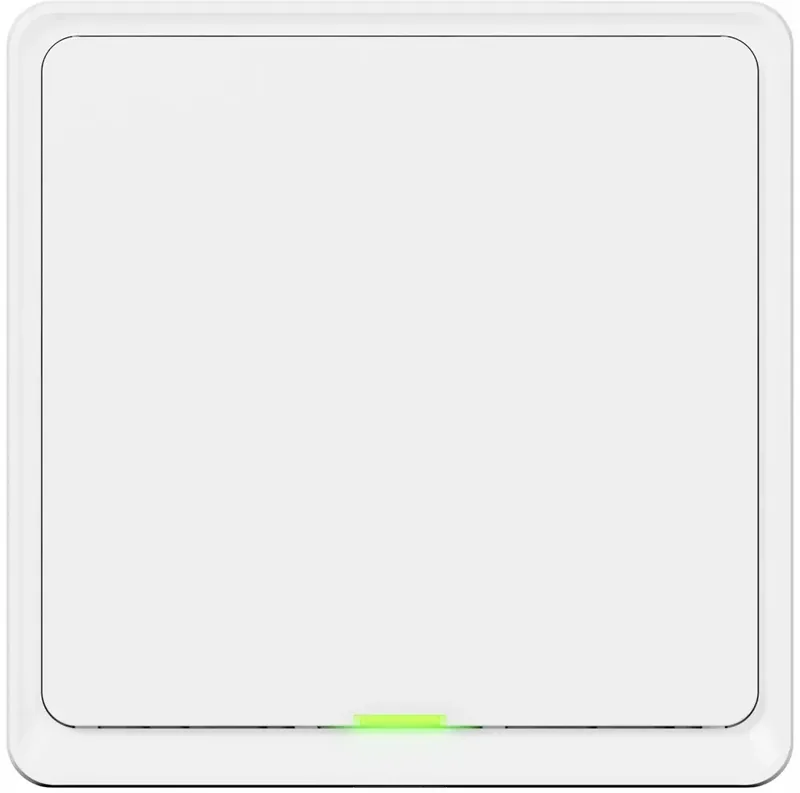
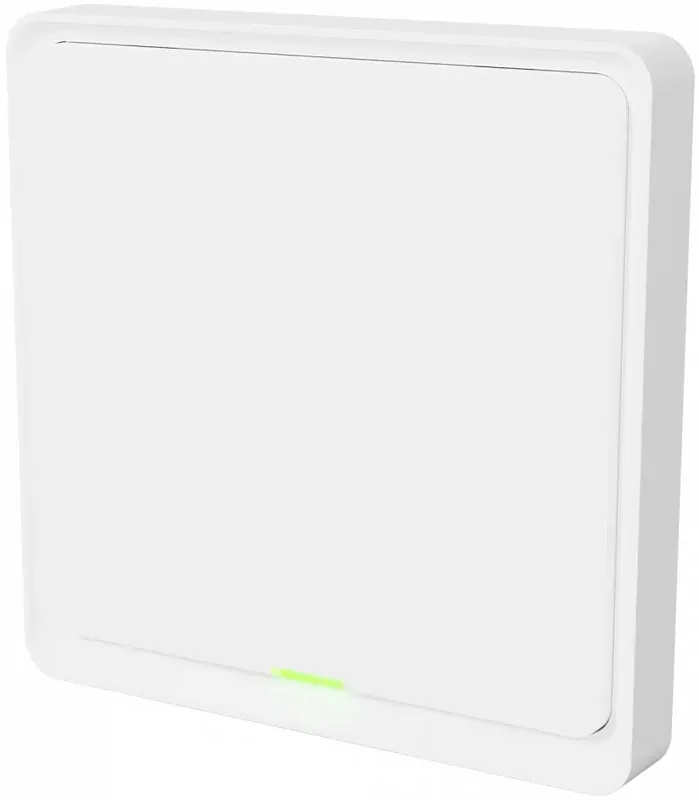
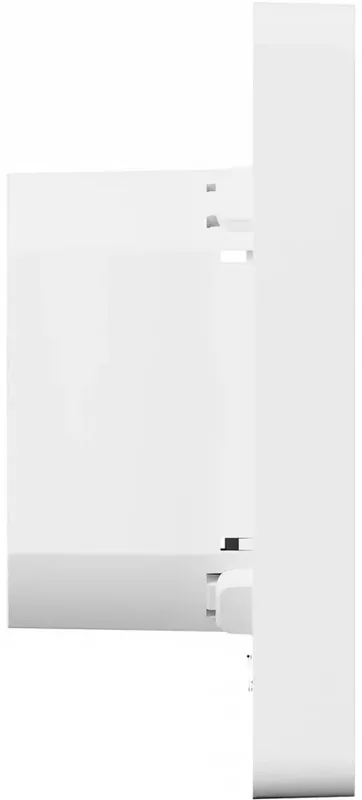
Tesla Smart Switch WiFi Manual
PDF manual · 86 Pages
English



Quick check
Incorrect answer, please try again.
Chat with your Tesla Smart Switch WiFi manual using AI
Get instant AI answers from your Tesla Smart Switch WiFi manual
Ask anything about the Tesla Smart Switch WiFi. Answers come from this manual, with the pages they are based on.
Ask a Question
Do you recommend Smart Switch WiFi?
Yes NoFrequently Asked Questions
Yes, the smart switch products must be powered by the neutral line. If there is no neutral line in the installation location, the smart switch cannot work.
Is this answer helpful?
The Tesla Smart application is available for both iOS and Android operating systems. You can search for Tesla Smart in the App Store or Android Market to download it.
Is this answer helpful?
The maximum radio-frequency power emission is less than 20 dBm EIRP, operating within the frequency band of 2.412 to 2.4835 MHz.
Is this answer helpful?
In the event of a network disconnection, all APP control and smart linkage functions will be invalid. However, local control via the switch button will not be affected.
Is this answer helpful?
Press and hold the switch button for five seconds until the LED flashes to reset the switch and get it into quick configure mode.
Is this answer helpful?
No, the communication module supports WiFi 2.4G IEEE 802.11b/g/n only. Ensure your smartphone is connected to the 2.4Ghz network for setup.
Is this answer helpful?
Advantages and Disadvantages
Advantages

- Compatible with voice commands and mobile apps for remote access
- Silent operation with clear LED status indication for user feedback
- Low standby power consumption under 0.5 watts reduces electricity bills
- Supports multi-device automation for comprehensive smart home integration
- Long lifespan offering approximately fifty thousand switching cycles
Disadvantages

- Requires a neutral wire which may complicate retrofitting older homes
- Limited to 2.4 GHz Wi-Fi networks and excludes 5 GHz bands
- Maximum control range restricted to twenty-five meters through walls
- Remote functions unavailable when internet connection is lost
- Setup requires smartphone and device to be on the same network
Product Specification
Type
Actuator
Standard
Wi-Fi (802.11b/g/n)
Function
Switch
Topology
Mesh
Dimensions
3.39x3.39x1.48 in
Features
Controllable via app (Android, iOS), Voice Assistant (Amazon Alexa, Google Assistant)
Product Description
Transform Your Home with the Tesla Smart Switch 1-way Manual
Enhance Your Living Space
The Tesla Smart Switch 1-way represents a significant leap in home automation technology designed for seamless integration into modern residences. This device allows users to control various electrical equipment such as lights, fans, and curtains effortlessly through a centralized system. Through the dedicated Tesla Smart application, homeowners can manage their devices remotely via voice commands or intuitive smartphone interfaces. The system supports multi-device automation, creating a cohesive smart environment that responds accurately to your daily routines and preferences. Each unit features a silent switch mechanism complemented by clear LED indicators that display the current status visually.
Technical Specifications and Power Efficiency
Operating within a voltage range of 200 to 240 volts AC, the switch is built for reliability and long-term durability in residential circuits. It handles resistive loads efficiently, supporting up to 300 watts for incandescent bulbs and configuring channels for LED lighting setups. Communication relies strictly on a stable 2.4 Gigahertz Wi-Fi connection using IEEE standards to ensure consistent data transmission. The standby power consumption remains minimal at less than 0.5 watts, ensuring energy efficiency even when the device is idle but connected to the grid. The working temperature spans from negative ten degrees to positive forty-five degrees Celsius, making it suitable for various indoor environments including living rooms and hallways. The lifespan offers roughly fifty thousand switching cycles for extended usage periods.
Installation and Setup Process
Setting up this smart switch requires careful attention to wiring standards and strict safety protocols. A crucial requirement for full functionality is the presence of a neutral line within your electrical panel junction box. Without this essential component, the smart switch cannot function regardless of successful app registration. Installation involves turning off the main circuit breaker, using a tester to verify zero power, removing the old switch panel, mounting the adapter with provided screws, and snapping the wallplate into place securely. After restoring power, users download the Tesla Smart app on iOS or Android devices to register an account and initiate the pairing process. It typically takes approximately thirty minutes to install and configure the unit. Maintaining both the smartphone and device on the same 2.4 Gigahertz Wi-Fi network ensures successful pairing without connectivity errors.
Important Notes for Users
Keep in mind that remote control functions cease immediately if the network disconnects, though local button pressing remains fully effective for manual control regardless of internet status. The maximum communication distance should not exceed twenty-five meters through standard partition walls to guarantee sufficient signal integrity and performance. If walls are exceptionally thick, consider adjusting router locations or adding repeaters. Resetting the unit requires holding the physical button for five seconds until the LED flashes green to enter quick configure mode. You can also share access permissions with other household members after initial setup is complete. Always prioritize personal safety by consulting qualified electricians if unsure about handling high voltage wiring components during installation procedures. Proper disposal must follow electronic waste regulations in your region.
Search for 67,732 Manuals online


Type-in Brand or Model