
Tesla Smart Switch Dual Battery Manual
PDF manual · 72 Pages
English



Quick check
Incorrect answer, please try again.
Chat with your Tesla Smart Switch Dual Battery manual using AI
Get instant AI answers from your Tesla Smart Switch Dual Battery manual
Ask anything about the Tesla Smart Switch Dual Battery. Answers come from this manual, with the pages they are based on.
Ask a Question
Do you recommend Smart Switch Dual Battery?
Yes NoFrequently Asked Questions
The device uses a CR2430 3V DC battery. Replacement is simple by sliding the front panel left to access the slot.
Is this answer helpful?
Download the Tesla Smart app, connect your phone to 2.4 GHz WiFi, hold any button for 10 seconds until LED flashes, then add the subdevice in the app.
Is this answer helpful?
Yes, the smart switch supports voice control along with remote control and offline mode for flexible operation depending on your setup.
Is this answer helpful?
The device functions safely between negative ten degrees celsius and forty-five degrees celsius ensuring reliability across seasons.
Is this answer helpful?
Yes, you can set scenes for bedrooms, living rooms, kitchens, and bathrooms by defining specific conditions and tasks in the app.
Is this answer helpful?
Disposal follows EU directives for electrical equipment. Do not throw in municipal waste but take it to designated collection points.
Is this answer helpful?
It supports offline mode for basic switching actions, though full scene automation requires the Zigbee network to remain active locally.
Is this answer helpful?
Advantages and Disadvantages
Advantages

- Stable ZigBee network ensures fast response times and high security for home automation tasks effectively.
- Battery life supports approximately fifty thousand switching cycles reducing long term maintenance costs significantly.
- Easy installation process allows users to swap batteries quickly without needing complex technical knowledge at all.
- Compact dimensions fit standard wall mounts seamlessly blending into any interior design scheme perfectly.
- Voice control and offline support provide flexibility when internet connectivity issues occur unexpectedly in the home.
Disadvantages

- Requires a compatible smart hub to function fully as it relies on Zigbee protocol exclusively for connection.
- Battery is not rechargeable requiring periodic replacement of the CR2430 cell eventually after heavy use.
- Operational range may decrease significantly indoors compared to the specified twenty five meter open area rating.
- Limited to 2.4 GHz network compatibility restricting some advanced dual band router configurations entirely.
- Reset procedure requires holding buttons for ten seconds which might be confused if held accidentally briefly.
Product Specification
Standard
ZigBee 3.0
Function
Switch
Topology
Mesh
Dimensions
3.39 x 3.39 x 0.51 inches
Features
battery-powered (1x CR2430), app-controlled (Android, iOS), voice assistant (Amazon Alexa, Google Assistant)
Product Description
Introduction to Modern Smart Home Technology
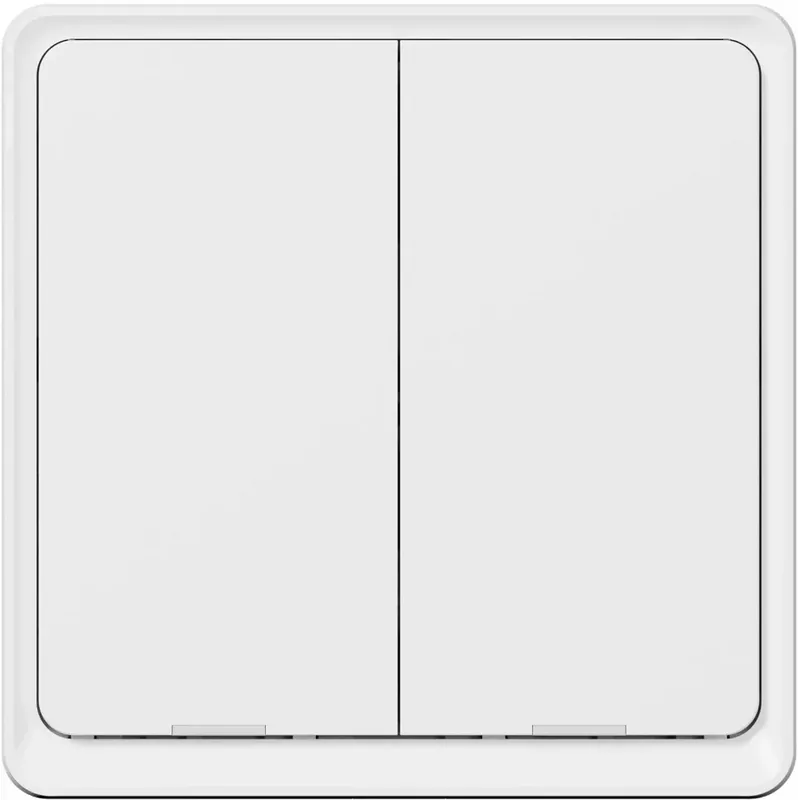
Welcome to the future where convenience meets efficiency within your personal sanctuary. The Tesla Smart Switch Dual Battery 2-way Manual provides essential instructions for installing this robust scene controller. This intelligent switch relies heavily on ZigBee technology ensuring a stable network connection with rapid response speeds. High security levels protect user data while strong expansion ability allows for additional integrations later. Low power consumption guarantees extended operational periods without frequent maintenance interruptions during daily routines.
Detailed Hardware Specifications
The internal power source consists of a standard CR2430 3V DC battery cell designed for longevity. Users benefit from a rated battery life supporting approximately fifty thousand distinct switching operations reliably. Physical construction measures eighty-six millimeters by eighty-six millimeters with a depth of thirteen millimeters for sleek mounting. Communication operates strictly within the two point four zero zero gigahertz frequency band using Zigbee three point zero protocols. Operational environments tolerate temperatures from negative ten degrees celsius up to forty-five degrees celsius comfortably. Relative humidity below ninety percent maintains safe internal functioning during humid weather events effectively.
Configuration and Pairing Steps
Installing the system requires downloading the dedicated Tesla Smart software onto compatible iOS or Android smartphones first. Search for the name within the digital store and register or login to your new personal account securely. Ensure the mobile device remains connected to the local twenty-four gigahertz Wi-Fi network channel continuously. To activate the switch press and hold any programmable button for ten seconds until the LED light begins flashing visibly indicating entry into Quick Configure Mode. Open the application page labeled Tesla Smart ZigBee Hub and click the option for adding a subdevice manually. Choose the nearby device discovered by the scanner and select the confirmation menu labeled Done completely.
Advanced Functionality and Safety
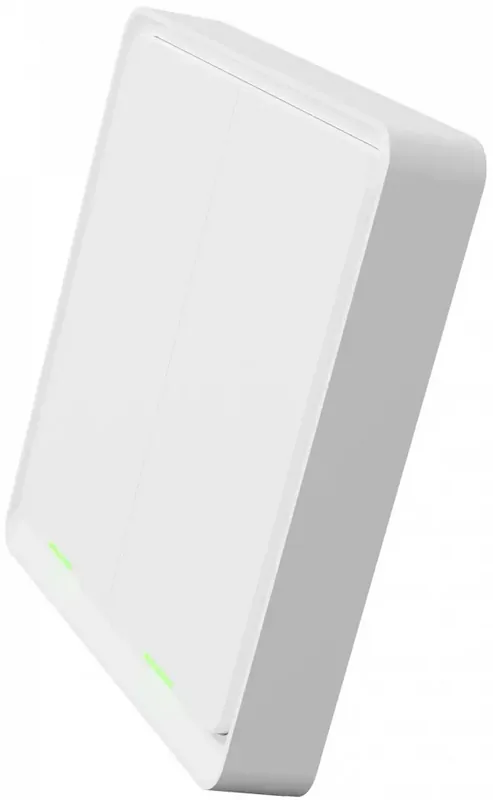
Once connected navigate to the Intelligent Gateway page selecting the specific Tesla Smart Switch Quatro Battery model entry. Enter the setting mode by clicking the Add intelligence button found within the interface options. Choose Add condition to define specific triggering rules such as single clicks or holds effectively. Then choose Add task to program the desired controlling action for linked devices subsequently. Each mechanical push button includes built-in LED feedback for immediate visual status updates on demand. Compliance with EU Declaration of Conformity confirms radio equipment type ESW-0ZBA-EU meets all regional safety requirements properly.
Installation and Maintenance Notes
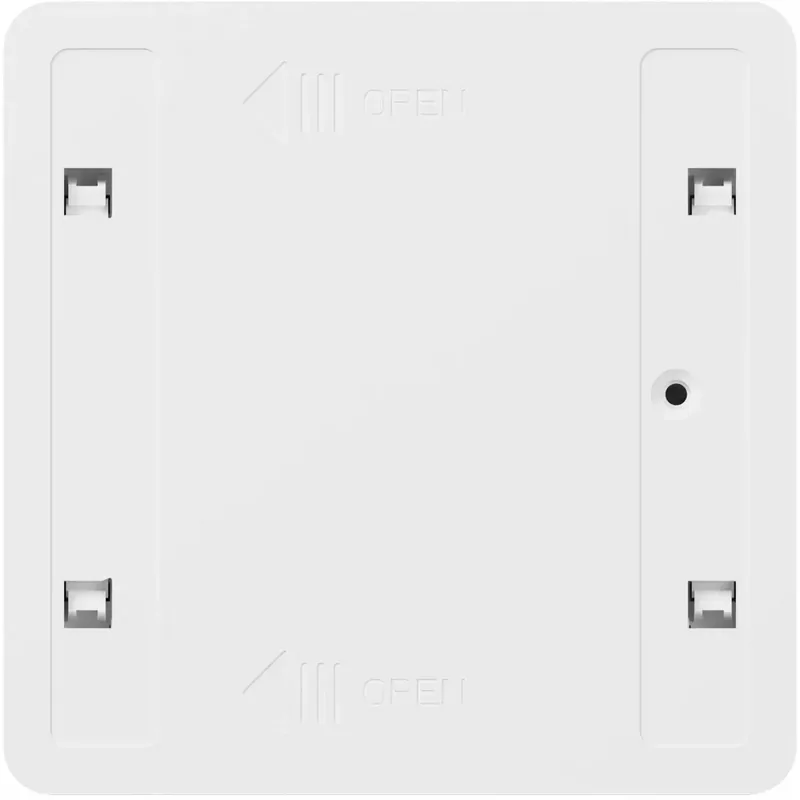
Place these switches anywhere you require specific scene control including master bedrooms main kitchens private bathrooms or large living rooms. Scenes can be customized for different rooms like bedrooms guest living spaces kitchen islands and bathroom zones specifically. To replace power remove the old depleted battery then push the fresh CR2430 battery firmly into the designated slot area correctly after opening the panel leftward. After replacing the battery the smart scene switch will automatically connect back to the ZigBee network without manual input needed resume normal working status immediately so user does not need to make any APP settings again. Correct disposal of all electrical products helps minimize impacts on the surrounding environment and human health significantly further. Information regarding recycling can be obtained directly from authorized service centers or local authorities near you efficiently.
Search for 67,732 Manuals online


Type-in Brand or Model