
Technoline WS 9180 Manual
PDF manual · 32 Pages
English



Quick check
Incorrect answer, please try again.
Chat with your Technoline WS 9180 manual using AI
Get instant AI answers from your Technoline WS 9180 manual
Ask anything about the Technoline WS 9180. Answers come from this manual, with the pages they are based on.
Ask a Question
Do you recommend WS 9180?
Yes NoFrequently Asked Questions
Press and hold Clock for 3 seconds. Use Set/Reset to select 12 or 24 hour mode. Confirm with Clock again. Adjust hours, minutes, and year manually following the same sequence.
Is this answer helpful?
Both the main station and the outdoor sensor require 2 AA alkaline batteries each. Do not use rechargeable batteries or mix old and new ones for optimal performance.
Is this answer helpful?
Look at the arrow on the display. It points up if temperature rose 1 degree in the last hour, down if it dropped 1 degree, or stays horizontal if constant.
Is this answer helpful?
Yes. Press and hold Select for 3 seconds. Use Set/Reset to choose Celsius or Fahrenheit. Confirm by pressing Select again to apply the change.
Is this answer helpful?
Place it indoors away from extreme heat, direct sunlight, and water. Keep it away from metal surfaces and electrical appliances to ensure optimal radio signal reception.
Is this answer helpful?
View the Min or Max temperature on the display. While viewing it, press Set/Reset to delete the stored values and reset them to default mode.
Is this answer helpful?
The radio waves symbol will blink without the tower. Place the sensor near the base station temporarily during setup to register it or check for interference near windows.
Is this answer helpful?
Advantages and Disadvantages
Advantages

- DCF-77 radio controlled clock for automatic time synchronization without manual adjustment.
- Displays both indoor and outdoor temperature simultaneously with high resolution.
- Supports MIN and MAX temperature recording to track daily fluctuations accurately.
- Two separate alarm settings with snooze function for daily routine assistance.
- Multi-language weekday display options including German, English, and French.
Disadvantages

- Indoor unit only and not suitable for outdoor exposure to elements.
- Relies entirely on AA batteries and lacks wired power options.
- Signal reception can be impaired by concrete structures or metal surfaces.
- Sensor requires battery replacement when low indicator appears on display.
- Wireless range may be reduced near high voltage lines or moving vehicles.
Product Specification
Type
digital
Temperature
Indoor and Outdoor
Other Displays
Time (Radio Clock), Date, Day, Stored min./max. values, Battery Change Indicator
Alarms
Alarm Time, Snooze Function
Outdoor Temperature Range
-22°F to +158°F
Installation
Wall Mounting Possible
Power Supply
2x AA Battery (Outdoor Sensor), 2x AA Battery (Base Station)
Color
Silver, Black
Package Contents
1 Outdoor Sensor
Product Description
Discover Precise Home Weather and Time Solutions
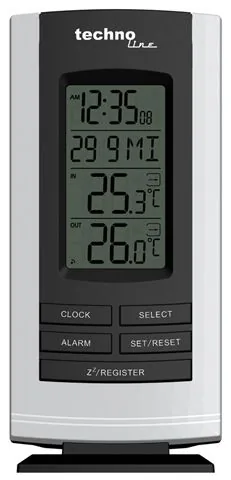
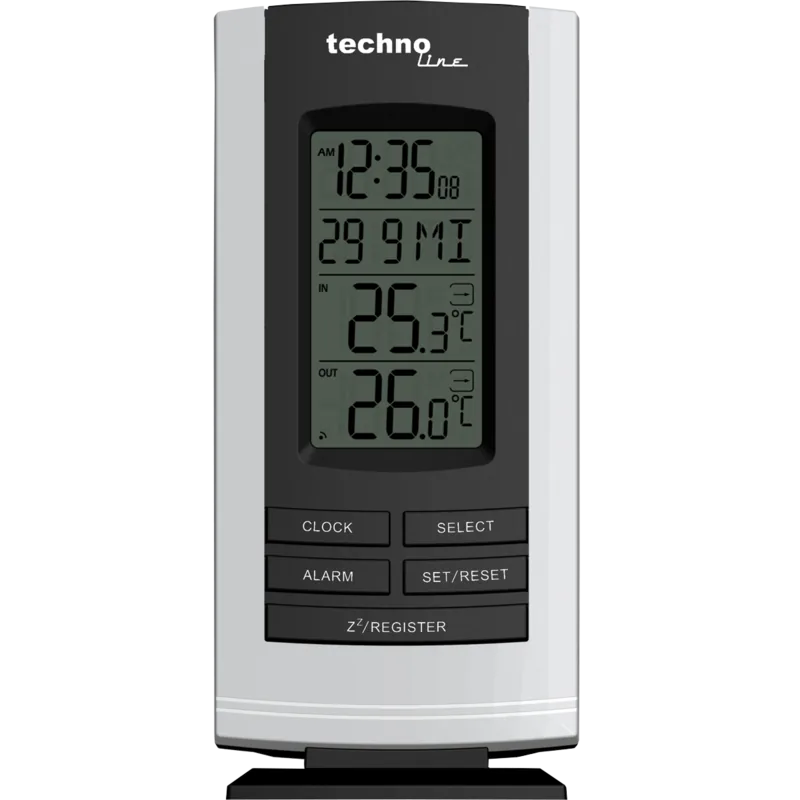
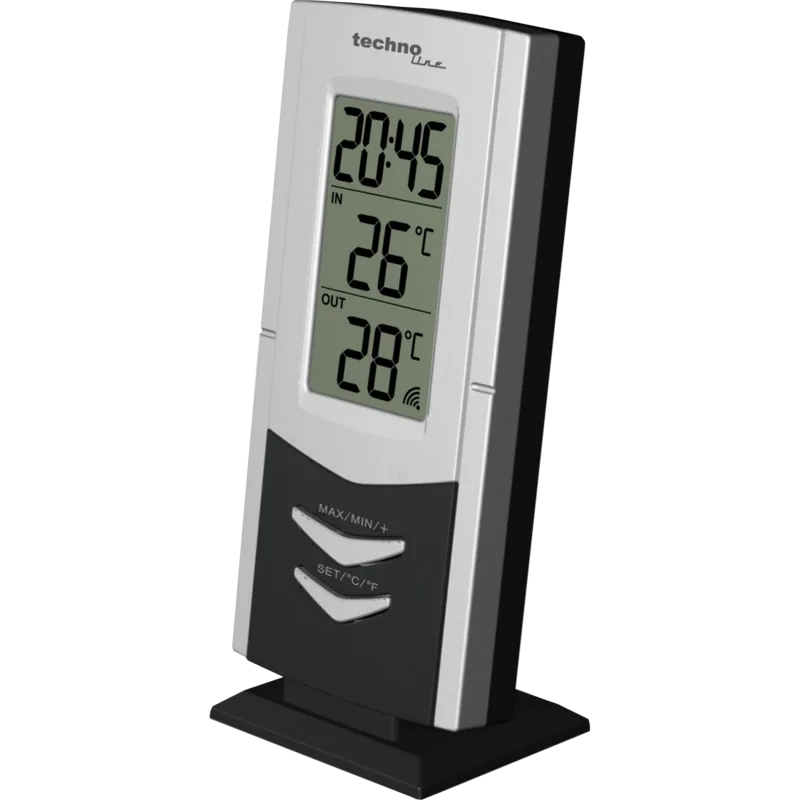
Welcome to your new home weather companion. This device aligns with specifications found in the technoline WS 9180 Wireless Weather Station Digital Manual. This wireless weather station brings precision climate data directly to your living space every day. It combines a radio controlled clock with advanced temperature tracking capabilities for your comfort. You will find the main unit displays both indoor and outdoor temperature readings instantly on a bright LCD screen. The display lines provide comprehensive data regarding time, date, and weather conditions for monitoring.
Precision Time and Temperature Monitoring
Synchronized via DCF-77 radio signals, the timekeeping is automatically accurate without daily adjustments needed. The device supports 12 or 24 hour formats and offers global time zone adjustments up to plus or minus twelve hours. Users can track temperature trends over the last hour using directional arrows on the display showing rising or falling patterns clearly. The system records minimum and maximum values so you never miss a fluctuation in climate conditions. Indoor measurements range from 0 to 50 degrees Celsius while the outdoor sensor covers -30 to 70 degrees Celsius. Resolution is high at one tenth degree for professional grade accuracy.
Smart Alarm and Display Features
Daily routine assistance is available through two separate alarm settings programmed with ease for you. The snooze function provides convenience for morning awakenings by delaying the alarm for five minutes effectively. A low battery indicator warns users before power runs out in the sensor or main unit immediately. The wireless sensor connects effectively depending on environmental factors such as concrete or metal interference. Setup is straightforward by installing standard AA batteries in the correct polarity within the recommended timeframe. The language for weekday display includes German, English, French, Italian, and Spanish options available. The transmission frequency operates at 433 MHz for efficient wireless signal transfer between the base station and the outdoor sensor. Dimensions for the base station measure seventy-three by twenty-six by one sixty-four millimeters. The outdoor sensor dimensions are fifty by twenty-eight by ninety-six millimeters. These sizes allow for discreet placement near a window or door frame.
Versatile Installation and Care Guidelines
Placement flexibility allows for table standing or wall mounting using the provided design options easily. The sleek design complements modern home decor without cluttering surfaces or desks significantly. Battery life is optimized for long term usage though alkaline batteries are strictly required for function. Users can switch between Celsius and Fahrenheit units easily during the initial setup phase. The second time zone feature is helpful for travelers or business contacts tracking global hours. Environmental factors can affect signal strength so placement near windows is recommended away from electronics. Avoid placing near electronic devices that may cause interference signals or block radio waves. Regarding maintenance and safety, keep the main unit away from water and fire sources strictly. Do not open the casing during use to prevent damage. Avoid contact with corrosive materials for longevity. This ensures the device operates without electrical hazards inside your home environment properly. This product delivers reliable data for home comfort management and precise timekeeping needs always.
Search for 67,706 Manuals online


Type-in Brand or Model
Sarah Klein
8 months ago
Is the device difficult to set up and does it track indoor and outdoor temperatures?
Manual.ly
8 months ago
No, customers report that the installation process is simple and works without problems. It functions as a reliable radio clock with a weather station for outdoor and indoor temperature readings. The unit also includes an alarm clock feature. Users highlight the good price performance ratio. Overall setup is trouble-free.