
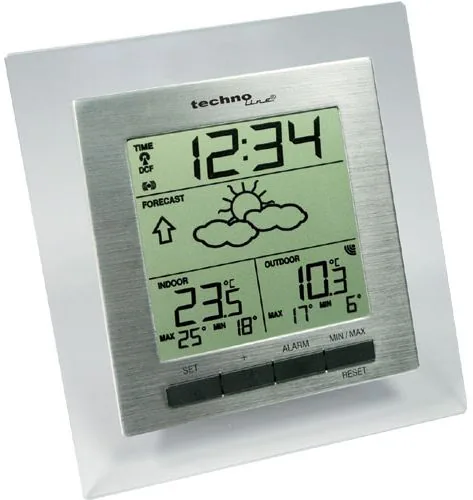
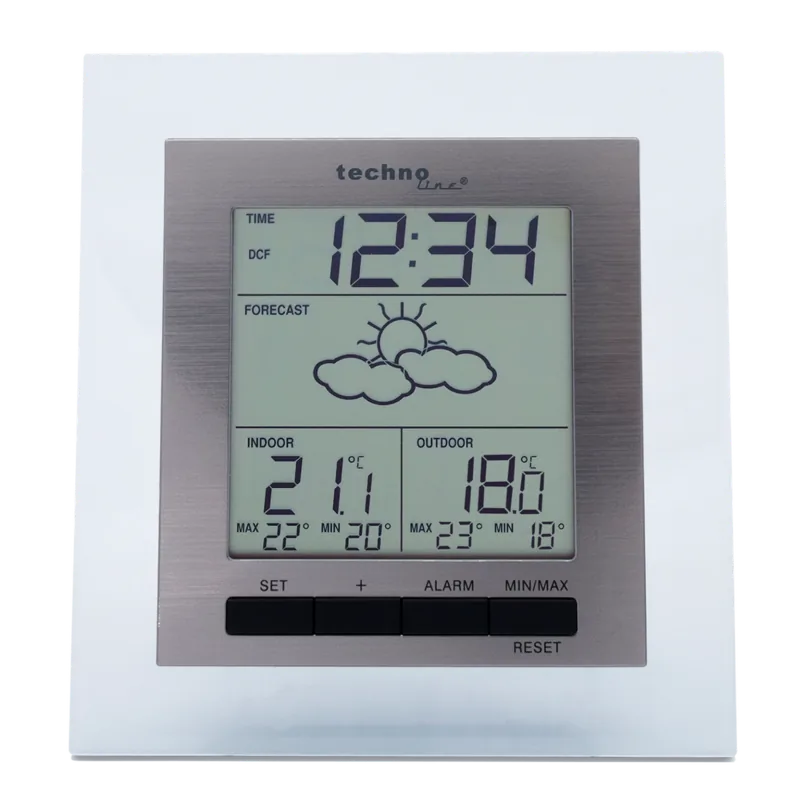
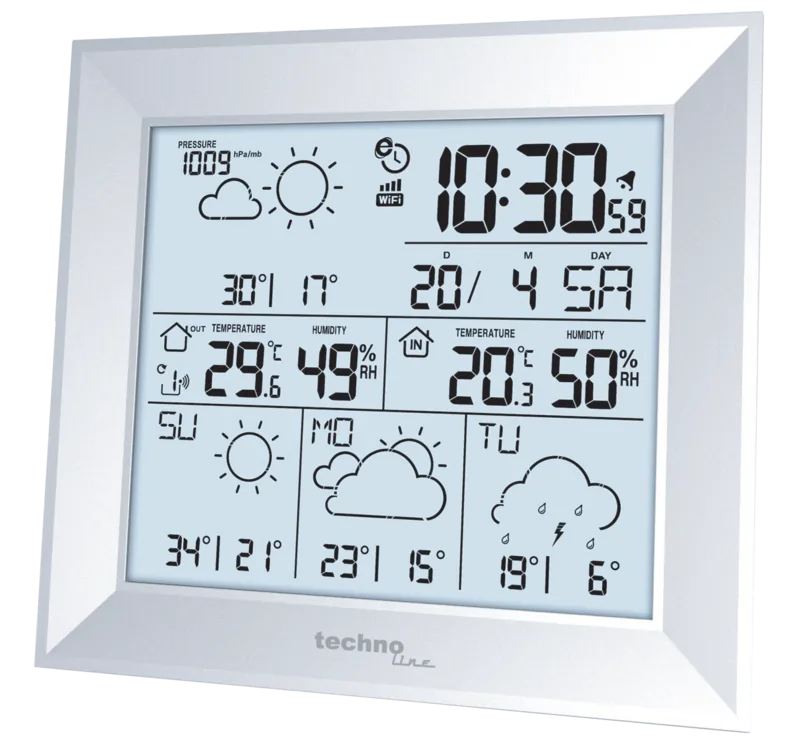
Technoline WS 9136-IT Manual
PDF manual · 132 Pages
English



Quick check
Incorrect answer, please try again.
Chat with your Technoline WS 9136-IT manual using AI
Get instant AI answers from your Technoline WS 9136-IT manual
Ask anything about the Technoline WS 9136-IT. Answers come from this manual, with the pages they are based on.
WS 9136-IT Maintenance Schedule
Remove exhausted batteries immediately and replace with a complete set of recommended alkaline batteries to prevent leakage.
Take batteries out of the device before storing it for a long period to avoid damage from leakage.
Wipe the display and casing only with a soft, slightly damp cloth. Do not use solvents or abrasives.
Ask a Question
Do you recommend WS 9136-IT?
Yes NoFrequently Asked Questions
The main weather station typically operates for about 24 months using two AA alkaline batteries. The outdoor transmitter requires two AAA batteries and lasts approximately 12 months under normal usage conditions.
Is this answer helpful?
The weather forecasting feature has an estimated accuracy level of about 75 percent. Conditions with rapid weather changes generally yield more accurate results than areas with consistently stable weather patterns.
Is this answer helpful?
Wireless time reception may be weakened in concrete buildings. It is recommended to place the station near a window or facing the transmitter direction for DCF-77 signal reception. Metal structures can also interfere with the clock signal.
Is this answer helpful?
If the data is not received within 3 minutes, check the distance between units and ensure it is under 100 meters. Remove both sets of batteries, wait 30 seconds, and reinsert them to reset the system according to setup procedures.
Is this answer helpful?
Press the MIN / MAX RESET key to activate the Snooze function. To turn off the alarm completely, press any other key except the MIN / MAX RESET key. The alarm duration lasts about 85 seconds per cycle.
Is this answer helpful?
The outdoor temperature measuring range is from -39.9 degrees Celsius to +59.9 degrees Celsius with 0.1 degree resolution. Display will show OF.L if the temperature exceeds this range.
Is this answer helpful?
Advantages and Disadvantages
Advantages

- DCF 77 radio controlled clock ensures accurate time without manual adjustment.
- Wireless 868 MHz transmission provides reliable data from outdoor sensor.
- Easy to use four function keys for time alarm and reset settings.
- Supports both wall mounting and table top placement options.
- Weather forecast icons change based on air pressure trends.
Disadvantages

- Forecast accuracy is only estimated around 75 percent in varying areas.
- Reception range is limited to 100 meters in open field conditions.
- Time reception may fail in concrete buildings or areas with interference.
- Uses standard alkaline batteries rather than rechargeable types.
- Sensor must be reset if batteries are removed during operation.
Product Specification
Type
digital
Temperature
indoor and outdoor
Humidity
no
Weather forecast
Symbols
Forecasting method
Barometer
Other displays
Time (radio clock), stored min./max. values, battery indicator
Alarms
Alarm time, Snooze function
Outdoor temperature range
-40°F to +140°F
Mounting
Wall mounting possible
Power supply
2x AA Battery (Outdoor sensor), 2x AAA Battery (Base station)
Color
silver
Package contents
1 Outdoor sensor
Product Description
Explore Precise Weather Monitoring
Tracking environmental changes is vital for home comfort and safety planning. The technoline WS 9136-IT Wireless Weather Station Digital Manual offers a comprehensive look at this innovative device designed for modern living. This station combines essential meteorological data with a user-friendly design perfect for office spaces. It features a clear LCD display that keeps you informed about indoor and outdoor temperatures instantly. The wireless transmission operates on 868 MHz signals, ensuring reliable data collection even with distance between the sensor and the base unit. Many users appreciate the weather forecast icons that predict changes based on air pressure shifts effectively. This device supports both wall mounting and desktop placement options. It also includes snooze and alarm management features for convenience.
Key Functional Features
Beyond temperature readings, this unit includes a DCF 77 radio-controlled clock function to ensure accuracy. You will never need to adjust the time manually as long as the signal is available in your area. Alarm settings are equally flexible, allowing for a snooze function to manage wake-up routines effectively without disturbance. Battery life is robust, with estimates around 24 months for the main unit using standard alkaline cells. The outdoor transmitter uses separate batteries to withstand various conditions near a window or wall mount securely. Installation is straightforward with clear instructions for battery insertion and polarity checks during the process.
Installation and Usage
Proper setup ensures accurate predictions for your specific location conditions. The manual guides users through placing the station where it receives optimal signals from the transmitter. Avoiding metal interference is crucial for maintaining connectivity between the sensor and the home station. Once powered, the system syncs data rapidly without complex configurations required by the user. Users can reset MIN and MAX records to track temperature fluctuations over days easily. While the forecast is not perfect, it offers about 75 percent accuracy under normal operational conditions. Understanding the weather tendency indicators helps visualize upcoming improvements or deteriorations in atmospheric pressure clearly.
Maintenance Tips
Regular care extends the lifespan of your equipment significantly. Clean the case with a damp cloth and avoid harsh chemicals that might damage the screen. Do not remove the battery cover if the signal is active to prevent resets during operation. For best results, keep units away from electronics that cause signal interference like TVs or monitors. If the weather station is moved to a different altitude, recalibration is necessary to prevent false readings from appearing. Always follow the guidelines found in the technoline WS 9136-IT Wireless Weather Station Digital Manual for safety and performance.
System Notes
Keep batteries out of reach of children. Dispose of electronic waste responsibly.
Search for 67,706 Manuals online


Type-in Brand or Model
Lisa Weber
6 months ago
Does this device come with a glass border around the display, and how clear is the screen for reading temperatures?
Manual.ly
6 months ago
Yes, this model features a silver glass rim that adds durability and a neutral look. The display is clearly divided to show time and temperature information without distracting colors. While it does not display humidity, the min and max temperature indicators are helpful and the signal reception from the sender is very strong.