
Technoline WS 9065 Manual
PDF manual · 111 Pages
English



Quick check
Incorrect answer, please try again.
Chat with your Technoline WS 9065 manual using AI
Get instant AI answers from your Technoline WS 9065 manual
Ask anything about the Technoline WS 9065. Answers come from this manual, with the pages they are based on.
Ask a Question
Do you recommend WS 9065?
Yes NoFrequently Asked Questions
It combines a radio-controlled clock, indoor and outdoor weather monitoring, alarm functions, forecast icons, and a USB charging port. It is designed to give quick access to time and climate information in one place.
Is this answer helpful?
Yes. It displays indoor and outdoor temperature and humidity, allowing you to compare room conditions with the environment outside. This is helpful for comfort, ventilation, and seasonal changes.
Is this answer helpful?
The station uses DCF radio-controlled time reception. This helps it synchronize with a radio signal and correct time deviations automatically when reception is available.
Is this answer helpful?
Yes. The WS 9065 includes an alarm function with a snooze option that can be set from 1 to 60 minutes. This makes it flexible for different wake-up routines.
Is this answer helpful?
The icons show a forecast based on barometric pressure changes. They indicate probable weather for the next several hours, not the exact weather at the moment.
Is this answer helpful?
Yes. The display supports multiple backlight colors, including white, red, orange, yellow, green, cyan, blue, and purple. There is also a looping color mode.
Is this answer helpful?
Yes, the USB port is meant for charging mobile devices and provides a 5V 1A output. It adds convenience, especially when the station is placed on a desk or nightstand.
Is this answer helpful?
Advantages and Disadvantages
Advantages

- DCF radio-controlled time helps keep the clock accurate with minimal manual adjustment.
- Indoor/outdoor temperature and humidity readings make daily comfort checks easy.
- Color backlight options add visual appeal and improve nighttime readability.
- USB charging port adds extra usefulness beyond standard weather station features.
Disadvantages

- Wireless reception can weaken in concrete buildings, offices, or areas with interference.
- USB charging and backlight may switch off during radio signal reception.
- Outdoor sensor setup may require careful channel matching and placement.
- Weather forecast is based on pressure trends, so it may not always match real-time conditions.
Product Specification
Type
digital
Temperature
indoor and outdoor
Humidity
indoor and outdoor
Weather forecast
yes
Other displays
Time (radio-controlled clock), low battery indicator, stored min./max. values
Alarms
Weather warnings (frost), wake-up time
Connectable outdoor sensors
(Range max. 98.43 ft)
Outdoor temperature measurement range
-13°F to 122°F
Placement
Tabletop device
Power supply
2x AA battery, mains operation
Color
black
Scope of delivery
1 outdoor sensor
Product Description
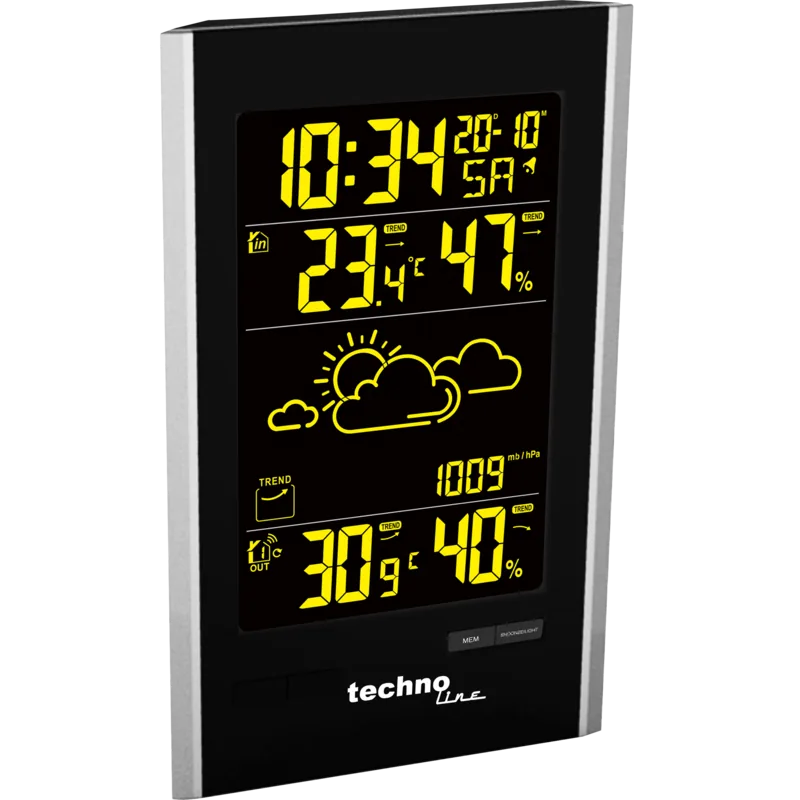
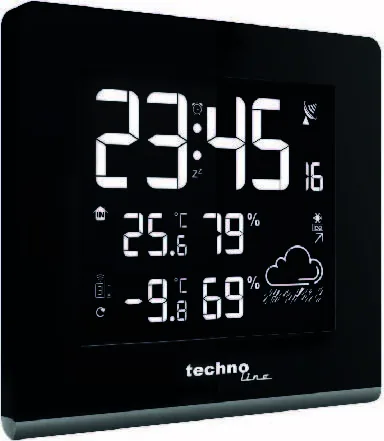
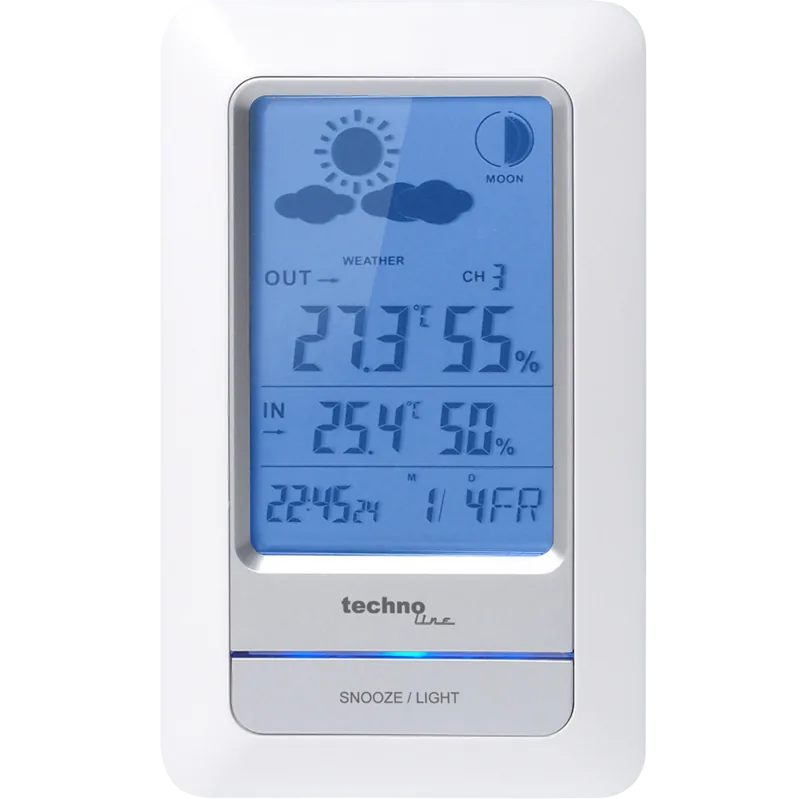
Technoline WS 9065 Digital Wireless Weather Station
A compact home hub for time, climate, and everyday convenience
The Technoline WS 9065 Digital Wireless Weather Station is a practical all-in-one display for anyone who likes to keep an eye on indoor comfort and outdoor conditions at a glance. Often searched as the technoline WS 9065 Digital Wireless Weather Station Manual, this model stands out for combining a radio-controlled clock, weather forecasting icons, temperature and humidity readings, and a useful alarm system in one sleek unit.
What makes it appealing is how much information it brings together without feeling complicated. The DCF radio-controlled time function helps keep the clock accurate, while the 12/24-hour format lets users choose the display style they prefer. Alongside the time, the station shows indoor and outdoor temperature and humidity, plus barometric trend-based weather symbols that suggest the likely forecast for the next several hours. It is a handy setup for bedrooms, kitchens, home offices, or family rooms.
The WS 9065 is also designed with everyday usability in mind. It supports a customizable alarm with snooze timing from 1 to 60 minutes, making it useful for both early mornings and flexible routines. The max/min memory function adds value for people who want to track temperature and humidity changes over time, while the frost alert is especially helpful during colder seasons. For households with multiple needs, the built-in USB charging port is a welcome bonus, offering a simple way to power up a phone or small device.
Another strong point is the colorful backlight system. With eight color options and a looping mode, the station can match different moods or room styles. Battery backup and adapter power give it extra flexibility, and the wireless outdoor sensor offers a solid transmission range for open spaces. Together, these features make the WS 9065 feel more like a smart household companion than a basic weather gadget.
Notes
- Best placed near a window for stronger radio reception.
- USB charging and backlight behavior may change during signal reception.
- The forecast icons indicate likely conditions, not exact current weather.
- Ideal for users who want time, climate, and alarm functions in one device.
Search for 67,706 Manuals online


Type-in Brand or Model