
Technoline WS 9040 Manual
PDF manual · 119 Pages
English



Quick check
Incorrect answer, please try again.
Chat with your Technoline WS 9040 manual using AI
Get instant AI answers from your Technoline WS 9040 manual
Ask anything about the Technoline WS 9040. Answers come from this manual, with the pages they are based on.
WS 9040 Maintenance Schedule
It is recommended to replace the batteries in all units on an annual basis to ensure optimum accuracy.
Use a soft damp cloth only. Do not use solvents or scouring agents as they may mark the LCD and casings.
Free maintenance reminders
Timed to your purchase date. Always free, unsubscribe anytime.
Ask a Question
Do you recommend WS 9040?
Yes NoFrequently Asked Questions
The main unit requires two 1.5V AA batteries. The outdoor thermo-hygro transmitter requires two 1.5V AAA batteries. Using alkaline batteries is recommended for best performance.
Is this answer helpful?
Yes, the station offers a wall mounting option using a hanging hole on the backside. You can also use the foldout table stand for desktop placement on a flat surface.
Is this answer helpful?
The weather forecasting feature is estimated to have an accuracy level of about 75 percent. It should be treated as an indication rather than a guaranteed prediction.
Is this answer helpful?
If you change the batteries, you must reset the system. Remove all batteries, wait at least one minute, and then restart the setup process to resynchronize the signal.
Is this answer helpful?
With alkaline batteries, the battery life is expected to last approximately 18 months under normal operating conditions before replacement is needed.
Is this answer helpful?
Yes, the weather station can receive data from up to three separate outdoor transmitters. You switch between them using the channel key.
Is this answer helpful?
Remove all batteries from all units. Wait at least one minute before reinserting them. Proceed through the initial setup steps to reset the configuration.
Is this answer helpful?
Advantages and Disadvantages
Advantages

- Radio-controlled DCF77 time reception for high accuracy without manual adjustment
- Supports up to three outdoor sensors for multi-zone monitoring capabilities
- Indoor comfort indicator provides feedback on humidity and temperature balance
- Barometric pressure trend graph helps predict short-term weather changes
Disadvantages

- DCF time signal reception depends on distance from transmitter station
- Batteries require a manual system reset after replacement to resync
- Weather forecast accuracy is estimated at approximately 75 percent
- Outdoor sensor reception range decreases in cold temperatures
Product Specification
Type
digital
Temperature
indoor and outdoor
Humidity
indoor and outdoor
Weather Forecast
Yes
Other Displays
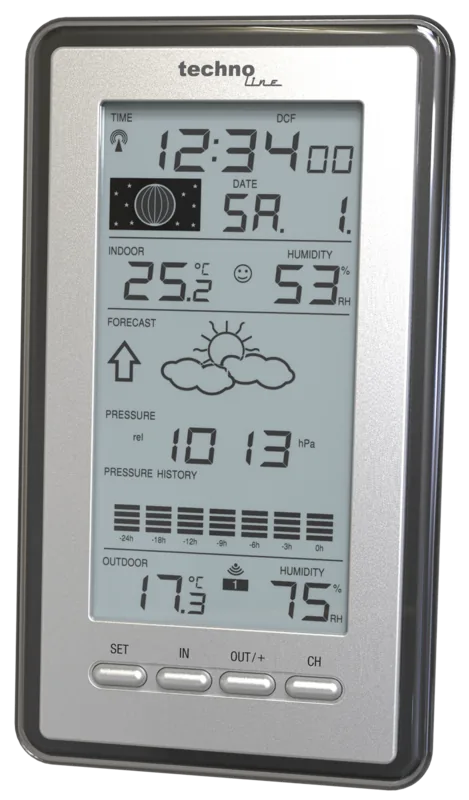
Time (Radio clock), Date, Day of week, Moon phases, Barometric pressure trend for last 24 hours, stored min./max. temperature
Connectable External Sensors
up to 3
Placement
Tabletop unit, Wall mount possible
Power Supply
2 AA batteries
Color
Gray
Package Contents
1 External Sensor
Product Description
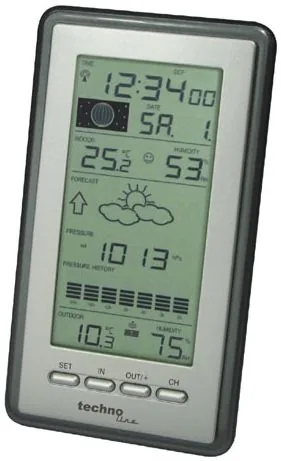
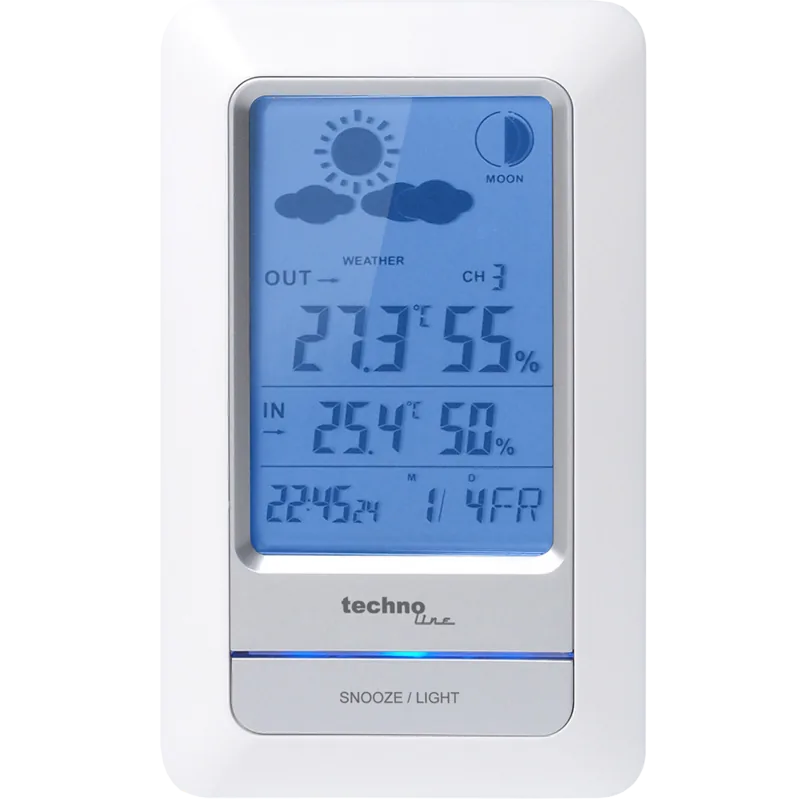
technoline WS 9040 Digital Wireless Weather Station Overview
Stay fully informed about your local microclimate by utilizing the technoline WS 9040 Digital Wireless Weather Station. This sophisticated home device integrates elegant design with practical functionality to help you monitor your living environment. It provides precise real-time readings for indoor and outdoor temperature as well as relative humidity levels. The device also displays lunar phases, which serves as a useful element for planning outdoor activities or gardening tasks according to cycles. To maximize its performance and avoid common setup errors, users are strongly advised to consult the technoline WS 9040 Digital Wireless Weather Station Manual before installation begins. This process ensures all critical settings like time zones and pressure references are correctly configured for your specific geographic location.
Key Features and Operation
The internal clock function utilizes a standard DCF77 signal source, providing time accuracy that rivals expensive atomic standards. This eliminates the need for manual adjustments whenever daylight saving time changes occur. You can view current conditions alongside detailed historical data trends stored securely in the internal memory. The indoor comfort indicator gives immediate feedback on air quality based on the current combination of heat and moisture levels. Physical installation involves careful placement of the base unit and the wireless outdoor transmitter. The transmitter is capable of covering distances up to 100 meters under ideal open field conditions. However, obstacles like thick concrete walls or metal structures may significantly interfere with wireless signal reception.
Maintenance and Accuracy
If battery replacements become necessary to maintain power, the system requires a manual reset procedure to resynchronize the units. This process involves removing all power, waiting for sixty seconds, and restarting the initial synchronization process from step one. Users can select between Celsius and Fahrenheit temperature scales easily via the dedicated configuration buttons. The electronic barometric trend chart helps predict weather shifts by analyzing pressure fluctuations over the last twenty four hours. It is important to maintain the unit in a temperature-stable environment for optimal pressure calibration and reliability. Relocating the station to a significantly higher or lower altitude might skew data temporarily until the unit recalibrates. Maintenance should include regular cleaning routines using only a soft cloth to avoid damaging the LCD screen surface. While weather prediction features offer valuable guidance, they should not be treated as absolute guarantees due to environmental variables. This product is strictly designed for residential use rather than commercial industrial or medical applications.
Search for 67,706 Manuals online


Type-in Brand or Model
Udo Schneider
8 months ago
Some reviews mention the weather forecast can be confusing or inaccurate. How reliable is the prediction feature on this unit?
Manual.ly
8 months ago
Thank you for your inquiry. This station displays weather trends based on barometric pressure rather than precise forecasts. Users often find the icons indicative of general conditions like sunny or cloudy. If specific measurements are needed, a precision device is recommended. Please ensure the outdoor sensor is placed away from interference for best reception and data accuracy.