
Technoline WS 7394 Manual
PDF manual · 32 Pages
English



Quick check
Incorrect answer, please try again.
Chat with your Technoline WS 7394 manual using AI
Get instant AI answers from your Technoline WS 7394 manual
Ask anything about the Technoline WS 7394. Answers come from this manual, with the pages they are based on.
Ask a Question
Do you recommend WS 7394?
Yes NoFrequently Asked Questions
It is recommended to replace the batteries in all units once a year to ensure optimum accuracy and function. Low battery indicators appear on the LCD screen when the voltage drops below optimal levels.
Is this answer helpful?
Yes, the weather station can receive data from up to three outdoor transmitters simultaneously. You must follow the specific setup sequence to program each channel correctly without transmission errors.
Is this answer helpful?
A blinking symbol indicates the unit is trying to receive the time signal or failed to sync. Wait for the reception window at night or move the unit away from interference sources like electronics.
Is this answer helpful?
Press and hold the SET key for about three seconds while the min or max data is displayed. This resets the specific record to the current date, time, temperature, and humidity values.
Is this answer helpful?
The maximum transmission distance in open space is approximately 100 meters. Environmental factors like walls or metal frames can reduce this range and affect signal reception quality.
Is this answer helpful?
Yes, but avoid placing it near appliances that generate significant heat or moisture. Extreme temperature changes or vibrations can damage the unit or cause inaccurate readings and sensor failures.
Is this answer helpful?
No, the weather forecasting feature is estimated to have an accuracy level of about 75%. It provides indications of changes rather than absolute guarantees and should be used as a reference.
Is this answer helpful?
Advantages and Disadvantages
Advantages

- DCF77 Radio Controlled Time ensures accurate synchronization with atomic clocks without manual adjustment
- Supports up to three wireless outdoor transmitters for comprehensive home monitoring coverage
- Built-in comfort indicator provides visual feedback on ideal indoor temperature and humidity ranges
- Electronic barometer with 12-hour history graph helps predict weather changes effectively
- Long battery life of up to 24 months reduces the need for frequent maintenance
Disadvantages

- Transmission range is limited to roughly 100 meters in open spaces and may decrease with obstacles
- Requires full reset of all units if batteries are replaced to re-establish security codes
- Weather forecast accuracy is estimated at 75% and should not be used for medical purposes
- Signal reception can be blocked by metal surfaces or electronic interference like computer monitors
- Min and Max temperature values must be reset manually for each transmitter individually
Product Specification
Type
digital
Temperature
Indoor and Outdoor
Humidity
Indoor
Weather Forecast
Symbols
Forecast Method
Barometer
Additional Displays
Time (Radio-controlled), Date, stored min./max. values
Connectable Outdoor Sensors
up to 3
Placement
Tabletop, wall mount possible
Power Source
2 AA Batteries
Product Description
Discover Precision with the technoline WS 7394
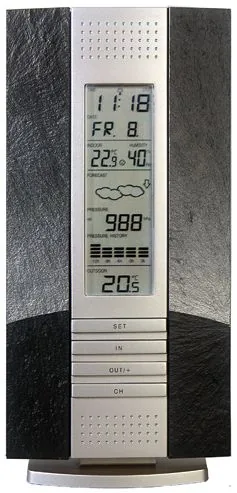
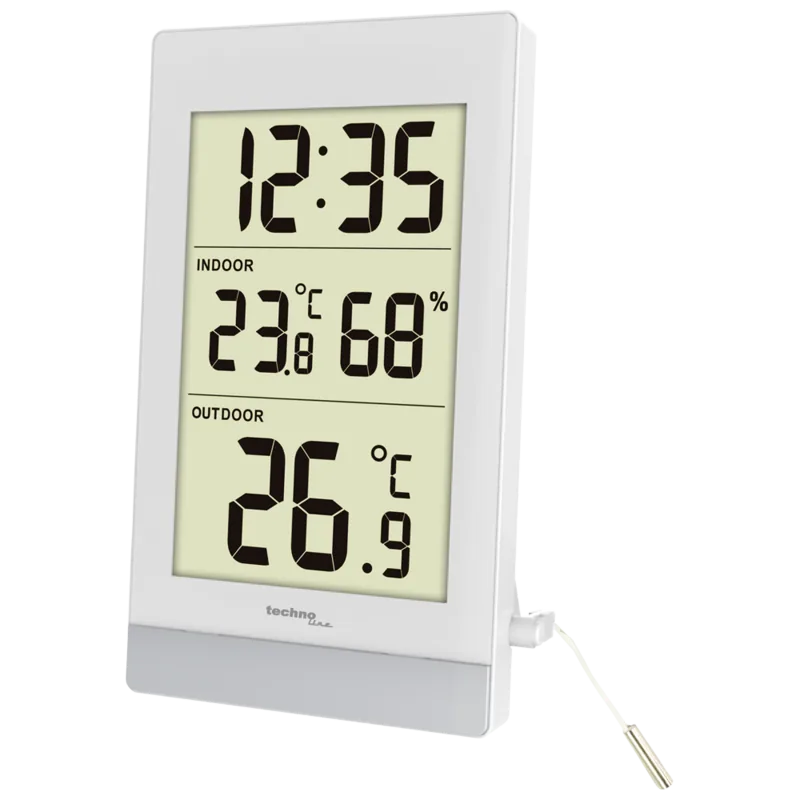
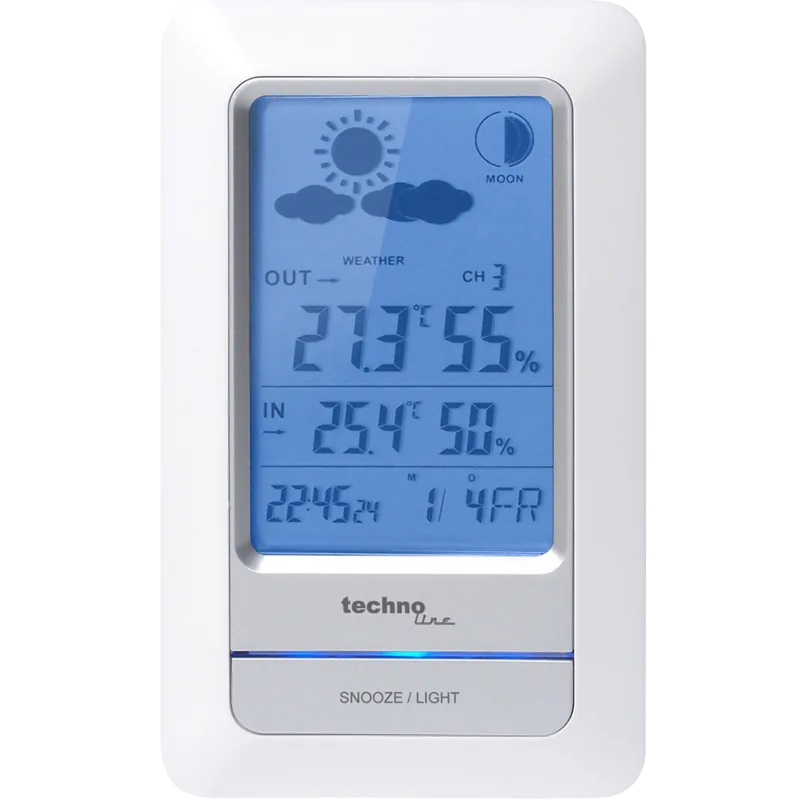
Welcome to the advanced world of home weather monitoring, where the technoline WS 7394 Wireless Weather Station Digital Manual guides your journey to accuracy. This digital unit serves as an exceptional example of modern engineering and practical design for your home environment. The device provides comprehensive data including radio-controlled time, date, calendar, as well as real-time indoor and outdoor temperature readings. It also tracks indoor relative humidity and provides a history of air pressure trends to help you understand local weather patterns effectively.
Operation of the technoline WS 7394 is designed to be simple and straightforward for users of all technical backgrounds. The weather station utilizes wireless transmission at 868 MHz to communicate with external temperature transmitters. You can connect up to three outdoor transmitters to a single base unit, allowing for broader monitoring coverage around your property or different rooms. Each transmitter sends data every four seconds, ensuring you always have the most current information available on the bright LCD display. The screen includes a weather tendency indicator and comfort gauge along with visual icons based on barometric pressure changes.
Installation involves straightforward battery placement using standard AA alkaline cells for both the main station and individual sensors. You can choose to mount the unit securely on a wall or place it on a flat table surface using the included adjustable stand. Accurate timekeeping is managed through the automated DCF77 radio signal reception which synchronizes with the atomic clock in Mainflingen. Users can also manually set the time zone and toggle settings between Celsius or Fahrenheit preferences easily. Remember to allow the forecast features to settle for the first 12 to 24 hours for best accuracy after initial setup or relocation indoors. Maintaining this equipment ensures reliable performance throughout its long battery life lasting up to 24 months under normal conditions. Keep the sensors away from metal surfaces and electronic interference to guarantee optimal signal transmission range of roughly 100 meters.
The system also features a unique comfort level indicator. When indoor conditions are ideal, a bright smile icon appears, signaling temperatures between 20C and 26C with humidity between 45% and 65%. Conversely, an unhappy face appears outside these ranges to prompt comfort adjustments. Furthermore, the electronic barometer tracks pressure history over 12 hours using a graphical bar display. Rising bars suggest improving weather while falling bars indicate potential rain or storms. For precise readings, the unit requires a consistent altitude to avoid pressure errors due to elevation changes. If you move the station to a different floor, re-calibration is necessary after waiting a day. The display can be adjusted for contrast, and settings include 12 or 24-hour time formats. Always reset the min and max memory values manually when the set button is held for three seconds. This ensures your records remain relevant to current conditions. By following these guidelines, you maximize the utility of your digital weather station without requiring complex configurations. The device stands out for its ease of maintenance and robust data retention capabilities for long-term observation.
Search for 67,706 Manuals online


Type-in Brand or Model