
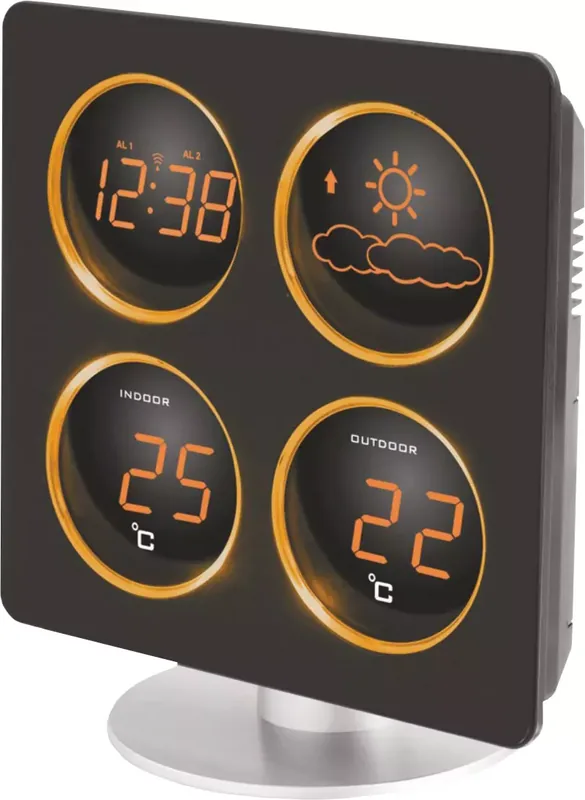
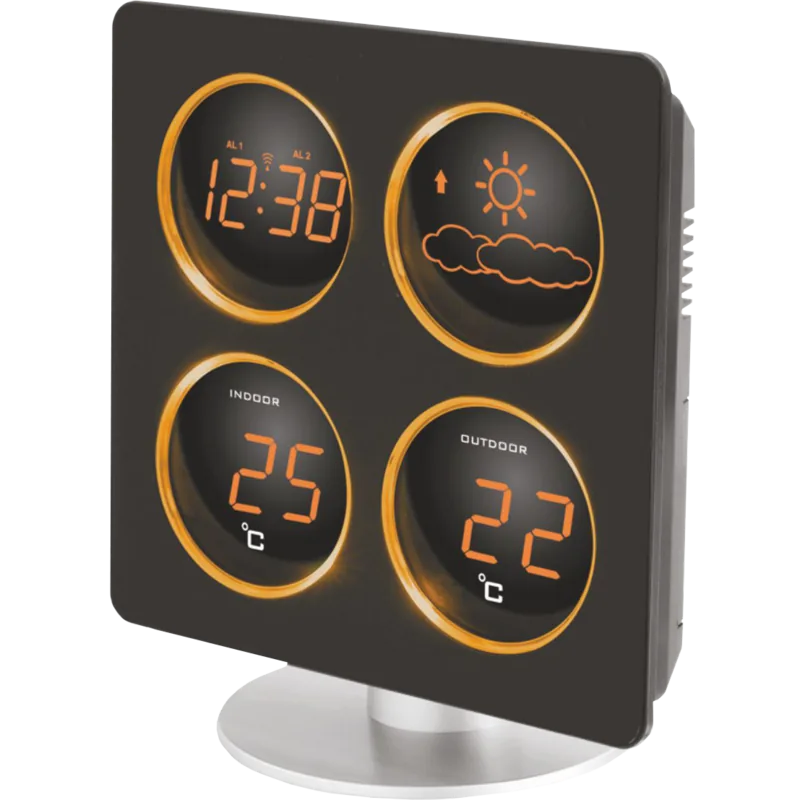
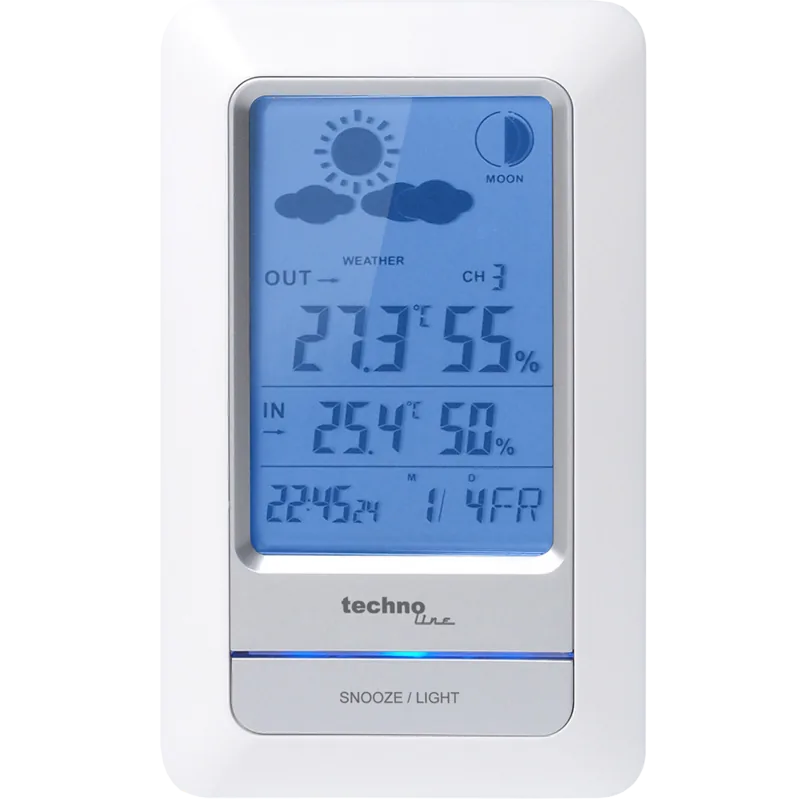
Technoline WS 6830 Manual
PDF manual · 56 Pages
English



Quick check
Incorrect answer, please try again.
Chat with your Technoline WS 6830 manual using AI
Get instant AI answers from your Technoline WS 6830 manual
Ask anything about the Technoline WS 6830. Answers come from this manual, with the pages they are based on.
Ask a Question
Do you recommend WS 6830?
Yes NoFrequently Asked Questions
The station uses a built-in barometer to measure air pressure changes. It requires about 24 hours to gather data before predicting weather for the next 12 to 24 hours. It shows four icons: sunny, sunny and cloudy, cloudy, and rainy. Moving the station inside affects accuracy.
Is this answer helpful?
Yes, there are two customizable alarm settings. You can set different times for each. The alarm duration lasts for five minutes. You can also adjust the snooze duration between five and sixty minutes. Both alarms can be active or separate.
Is this answer helpful?
Press the Time and Snooze buttons together. Release Snooze but keep holding Time. Press the Minute button to cycle through zones like GMT plus zero, one, or two. This setting works only after receiving a radio signal successfully.
Is this answer helpful?
Long transmission distances, mountains, high voltage cables, tall buildings, or concrete structures can interfere. It is recommended to place the station near a window away from metal surfaces and electrical appliances like computers.
Is this answer helpful?
The manual does not specify exact duration. Use alkaline batteries only. Do not recharge. Remove discharged batteries immediately. Use the full set of three in the station and two in the sensor. Batteries should be replaced to ensure consistent signal strength.
Is this answer helpful?
The range is up to 30 meters in open areas without obstacles. Each obstacle like a wall or thick tree reduces the effective transmission range by half. If the display shows double dashes, the connection is lost and you may need to move the sensor.
Is this answer helpful?
Advantages and Disadvantages
Advantages

- Automatic radio time sync ensures accuracy without manual setting.
- Barometer provides weather forecast icons for the next day.
- Wireless outdoor sensor allows flexible placement up to 30 meters.
- Dual alarm function supports multiple users with different wake-up times.
- Backup battery keeps settings saved during power outages.
Disadvantages

- Weather accuracy takes 24 hours to stabilize after installation.
- Outdoor reception can be weak near metal structures or concrete buildings.
- Range drops by half if obstacles exist between sensor and station.
- Outdoor sensor requires batteries that are not included in the package.
- Display brightness dimmer function might be too bright for some at night.
Product Specification
Type
digital
Temperature
indoor and outdoor
Weather Forecast
Symbols
Forecast Method
Barometer
Other Displays
Time (Radio Clock), stored min./max. Temperature
Alarms
Alarm time, Snooze function
Mounting
Desktop unit, Wall mounting possible
Power
3 x AAA Batteries, Mains Power
Color
black, silver
Product Description
Welcome to the Future of Home Monitoring with the technoline WS 6830 Wireless Weather Station Digital Manual
Keeping track of the environment outside your door has never been easier. The technoline WS 6830 Wireless Weather Station Digital Manual introduces a sophisticated yet user-friendly device designed for the modern home. This unit combines precise timekeeping with advanced meteorological data, ensuring you always know what to expect from the weather ahead. Whether you are a gardening enthusiast or simply like a comfortable home interior, this station provides the insight you need without the complexity of wiring. It is designed for indoor use and relies on a wireless signal for outdoor temperature readings.
Core Features and Functionality
At the heart of this device is a built-in barometer that measures air pressure to predict weather changes. The display features intuitive icons indicating conditions ranging from sunny to rainy. It is important to note that predictions cover the next twelve to twenty-four hours, requiring about a day to stabilize after initial setup. The station also monitors indoor and outdoor temperatures with high accuracy, displaying readings in Celsius. The outdoor sensor transmits data wirelessly up to thirty meters in open areas, though walls and obstructions may reduce this range significantly. Temperature resolution is set to one degree, providing clear data without clutter.
Time Management and Alarms
Accuracy in timekeeping is paramount. The unit automatically syncs with radio controlled signals, ensuring the correct time without manual adjustment every time daylight saving shifts. You can set two separate alarms, each customizable with a snooze function lasting between five to sixty minutes. A dimmer setting allows you to adjust the display brightness to suit your sleeping environment at night. The backup battery system ensures time and alarm settings remain stored even if power is lost temporarily. This redundancy makes it a robust choice for households.
Setup and Maintenance
Installation is straightforward, requiring basic household batteries and a power adapter for primary function. The main unit and the outdoor sensor should be placed in locations free from heavy interference like metal structures or dense concrete walls. Wireless reception can be affected by mountains, tall buildings, high voltage cables, or moving vehicles, so placement near a window is recommended. Once activated, the device quickly calibrates its temperature readings. Regular battery replacement and keeping sensors dry are essential for optimal performance. This product serves as a reliable companion for daily weather awareness and time management within your household.
Important Notes
Ensure batteries are alkaline and not rechargeable. Do not expose the unit to water or extreme heat. Old batteries and electronic waste should be disposed of according to local laws. The device includes specific reset functions to clear electrostatic charge errors.
Search for 67,706 Manuals online


Type-in Brand or Model
Markus Schulz
9 months ago
Does this weather station measure indoor and outdoor humidity and display snow icons, or is it limited to temperature and sun/rain?
Manual.ly
8 months ago
Thank you for your question. This model is designed primarily for temperature monitoring and clear readability. It does not include a humidity sensor, so indoor and outdoor humidity levels are not displayed. The weather icons cover sun and rain only, and do not feature snow indicators. The base unit requires continuous power connection to operate.