
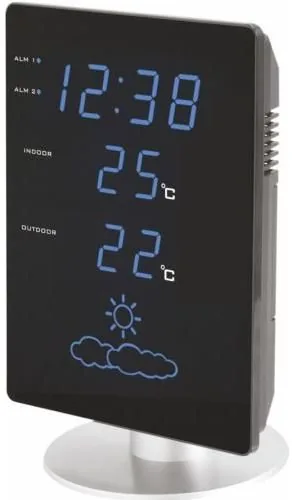
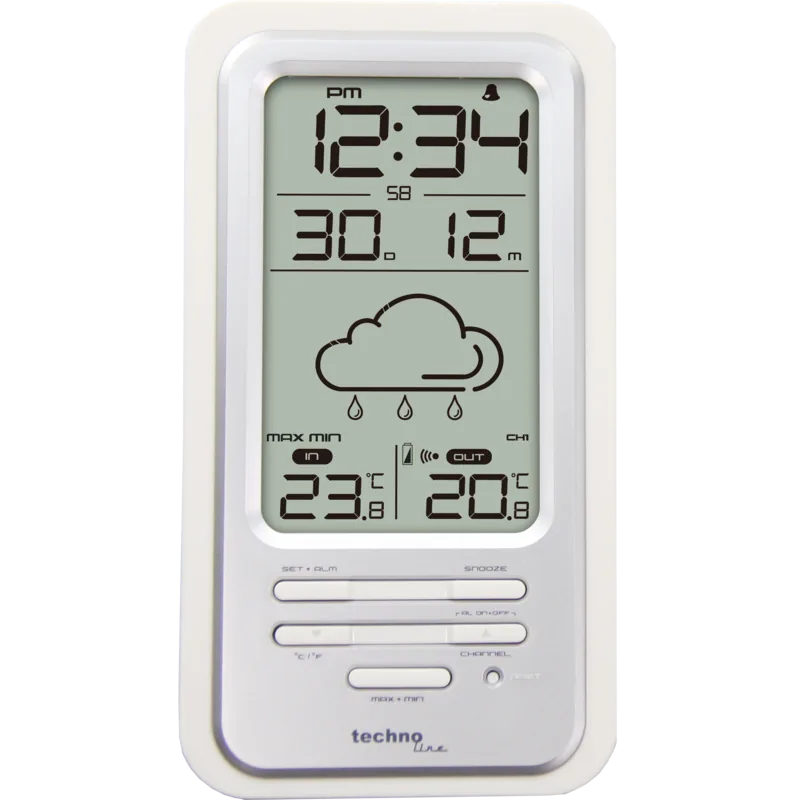
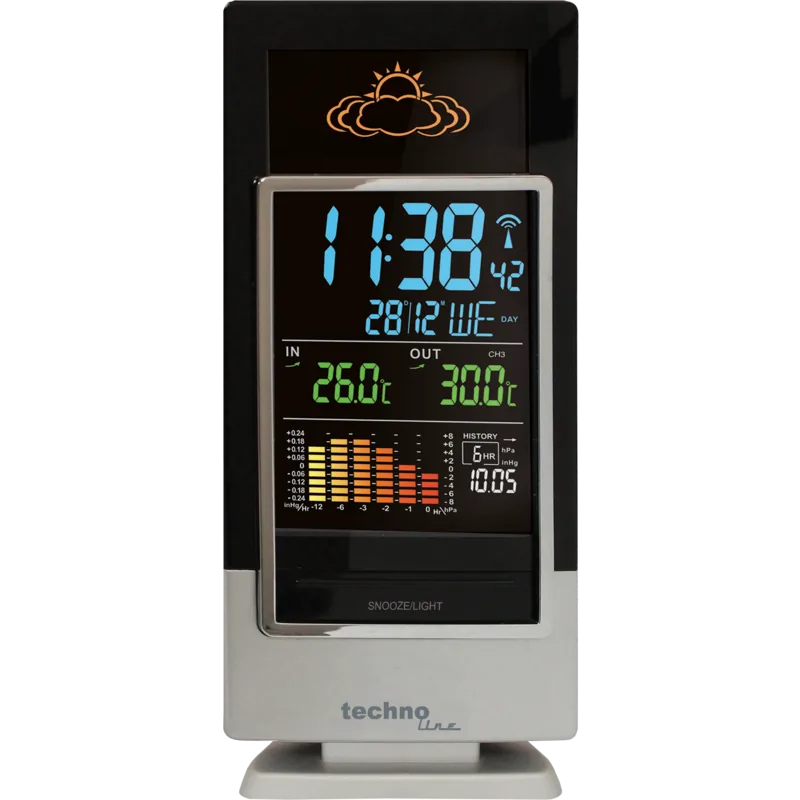
Technoline WS 6820 Manual
PDF manual · 46 Pages
English



Quick check
Incorrect answer, please try again.
Chat with your Technoline WS 6820 manual using AI
Get instant AI answers from your Technoline WS 6820 manual
Ask anything about the Technoline WS 6820. Answers come from this manual, with the pages they are based on.
Ask a Question
Do you recommend WS 6820?
Yes NoFrequently Asked Questions
The station searches daily at 1:00, 2:00, 3:00 and 4:00 AM. If unsuccessful, it retries at 5:00 AM. The process can take overnight during initial setup.
Is this answer helpful?
Place it in a dry, shaded area away from obstructions. Concrete and metal may block the 100-meter range signal effectively.
Is this answer helpful?
Backup batteries keep the time and alarms stored. The LED display turns off, but functionality resumes when power returns.
Is this answer helpful?
It needs 24 hours to gather barometric pressure data. Predictions cover the next 12 to 24 hours and match trends not current conditions.
Is this answer helpful?
Press the RESET button on the main station and the outdoor transmitter separately to restore default settings.
Is this answer helpful?
The main unit needs 3 AAA batteries and the sensor needs 2. Use alkaline batteries only, do not mix old and new types.
Is this answer helpful?
Press the SNOOZE/DIMMER button to switch between high and low brightness levels for the LED screen.
Is this answer helpful?
Advantages and Disadvantages
Advantages

- Automatic DCF atomic time synchronization ensures high accuracy without manual clock setting
- Wireless outdoor sensor allows flexible placement up to 100 meters in open areas
- Built-in barometer provides weather forecasts for the next 12 to 24 hours effectively
- Dual alarm clocks with snooze function offer flexible wake-up scheduling flexibility
- Backup batteries maintain time and settings during unexpected power outages
Disadvantages

- Wireless signal strength can be significantly reduced by concrete walls or metal structures
- Weather prediction requires a full 24 hours of data collection before stabilizing accuracy
- Only one outdoor sensor channel is supported, limiting multi-zone monitoring capabilities
- Temperature measurements may take 30 minutes to stabilize after initial power activation
- Requires specific AAA batteries for both main unit and sensor which are not included
Product Specification
Type
digital
Temperature
indoor and outdoor
Humidity
indoor
Weather Forecast
Symbols
Forecasting Technology
Barometer
Other Displays
Time (Radio Clock), stored min./max. temperature
Alarms
Alarm Time
Outdoor Temperature Measurement Range
-40°F to 158°F
Placement
Tabletop
Power Supply
3x AAA battery, AC power
Color
black, silver
Product Description
Exploring the technoline WS 6820 Digital Wireless Weather Station Manual
Managing home environment data has never been simpler than with the technoline WS 6820 Digital Wireless Weather Station Manual. This device brings precision and convenience directly to your living space. Whether you are interested in local climate trends or ensuring your comfort levels, this unit offers robust monitoring capabilities. The system relies on wireless transmission from an outdoor sensor, eliminating the need for complex wiring between the display and measurement points. This freedom of placement allows you to measure temperatures accurately in various locations around your property without being tethered to a power source at the sensor site.
The core advantage lies in its DCF atomic time signal reception. This feature ensures your clock remains accurate without manual adjustments. The weather station automatically searches for the signal daily at specific intervals and updates the time accordingly. If reception is poor due to environmental obstacles, manual setting options are available through intuitive button controls located on the front panel. Additionally, the built-in barometer provides a weather forecast for the next twelve to twenty-four hours. This predictive capability helps you prepare for upcoming atmospheric changes effectively. The station displays icons representing sun, clouds, or rain based on air pressure trends collected over time.
Setup is straightforward for most users. You simply connect the AC adapter and insert AAA batteries into both the main unit and the outdoor transmitter. The outdoor unit requires placement in a dry, shaded area to function optimally and protect the battery life. Users should be aware of potential signal interference caused by concrete buildings or metal structures which might block the radio wave. Positioning the station near a window often improves reception quality significantly for better signal strength. The device operates well within standard indoor temperature ranges but requires specific setup conditions for the sensor.
The display unit includes two alarm clocks with snooze functions. This utility allows for personalized wake-up schedules suited to individual needs. You can also adjust the dimmer function to control LED brightness based on the time of day or ambient lighting conditions. Battery backup ensures that time and alarm settings remain saved even during unexpected power outages. While the device offers impressive features, users must respect its operational limits. Temperature readings stabilize within thirty minutes of initial use. Weather predictions require a full twenty-four hours of barometric data collection before becoming reliable.
Despite these minor startup requirements, the technoline WS 6820 Digital Wireless Weather Station remains a reliable choice for home weather tracking. Safety guidelines regarding battery disposal and device handling should be followed to ensure longevity. Overall, this solution balances functionality with ease of use for domestic environments. The wireless range extends up to one hundred meters in open areas, though walls can reduce this distance significantly. Proper installation ensures optimal performance and longevity for your monitoring needs. Users often refer to this comprehensive unit as part of the technoline WS 6820 Digital Wireless Weather Station Manual product family for support.
Search for 67,706 Manuals online


Type-in Brand or Model
Sarah K.
6 months ago
Is the weather forecast feature reliable, or should I rely on the temperature reading instead?
Manual.ly
6 months ago
Thank you for your inquiry. The temperature display is reported to be accurate and functional. However, multiple users note that the automatic weather forecasts can be unreliable. We advise using external meteorological services for precise predictions. Additionally, please note that this model does not include a barometric pressure display, which some users have requested for better local forecasting accuracy.