
Technoline WS 6650 Manual
PDF manual · 72 Pages
English



Quick check
Incorrect answer, please try again.
Chat with your Technoline WS 6650 manual using AI
Get instant AI answers from your Technoline WS 6650 manual
Ask anything about the Technoline WS 6650. Answers come from this manual, with the pages they are based on.
Ask a Question
Do you recommend WS 6650?
Yes NoFrequently Asked Questions
It measures indoor temperature, outdoor temperature through remote sensors, humidity, barometric pressure, time, date, and alarm information. It also shows weather trend indicators and forecast symbols.
Is this answer helpful?
The weather station can work with up to three remote temperature sensors. One sensor is typically included, and additional sensors can be added separately if you want coverage in more than one location.
Is this answer helpful?
It can run on batteries, but the AC adapter is recommended for stable everyday use. Using both together is suggested so the station stays reliable and keeps its display active.
Is this answer helpful?
No. The forecast is based on pressure changes and historical patterns, so it is best used as a home reference. It needs about 24 hours to adapt to local conditions before becoming more useful.
Is this answer helpful?
Yes. You can set the time, date, language, and alarm manually. The RCC function can also sync time automatically when a compatible radio signal is available in your area.
Is this answer helpful?
The ideal range is up to about 30 meters, but walls, interference, and weather conditions can reduce performance. For best results, place the sensor where the signal path is as open as possible.
Is this answer helpful?
Advantages and Disadvantages
Advantages

- All-in-one display for time, calendar, forecast, temperature, and humidity.
- Supports up to 3 wireless sensors for broader home monitoring.
- Max/min memory and trend indicators help track changing conditions.
- Optional mirror finish and backlight improve style and visibility.
Disadvantages

- Weather predictions need time to acclimatize, so early readings may be less accurate.
- RCC syncing can block other settings while it is searching for signal.
- Outdoor sensor range can drop with walls, obstacles, or harsh weather.
- AC power is recommended, so batteries alone are better as backup than primary use.
Product Specification
Type
digital
Temperature
inside and outside
Humidity
inside and outside
Weather forecast
Symbols, maximum and minimum temperature
Forecast technology
Barometer
Other displays
Time (radio controlled clock), Date
Alarms
Wake-up time, Snooze function
Placement
Tabletop device
Power supply
3x AAA battery
Color
black
Scope of delivery
1 outdoor sensor
Product Description
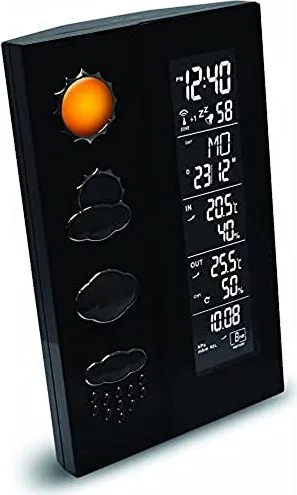
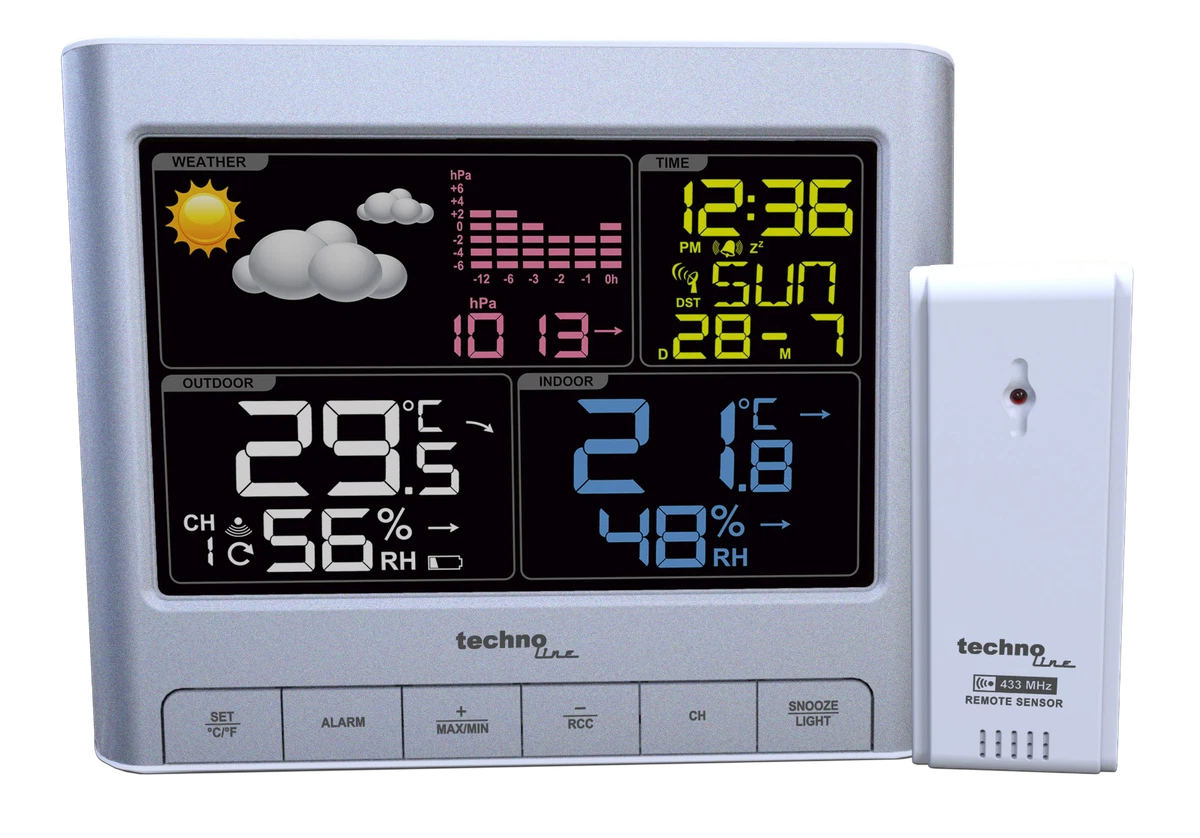
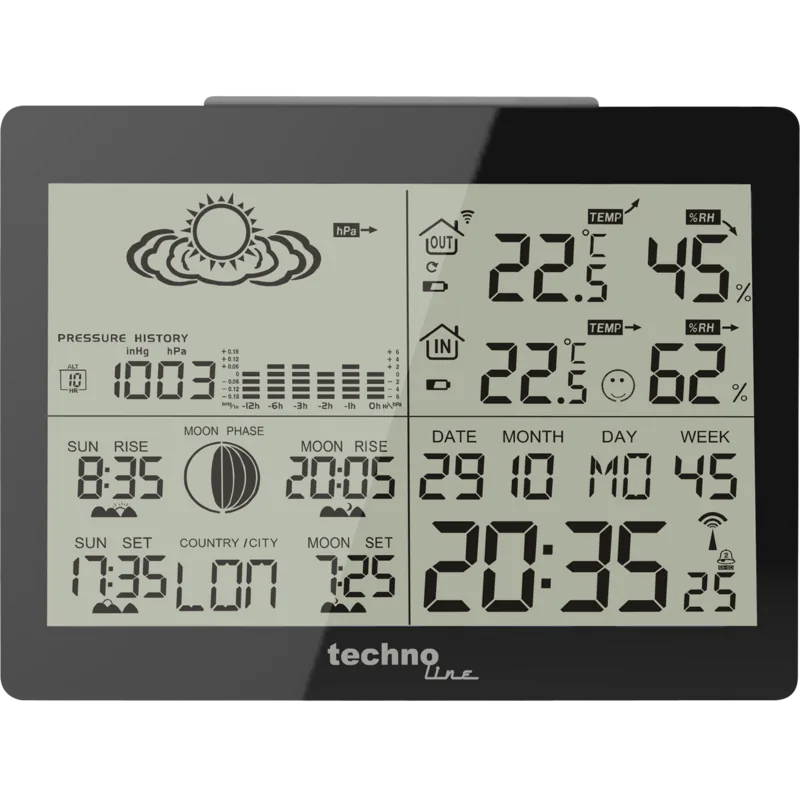
Technoline WS 6650 3D Digital Wireless Weather Station
The Technoline WS 6650 3D Digital Wireless Weather Station is a compact desktop companion for anyone who wants a clear snapshot of home conditions without clutter. It brings together a digital clock, calendar, barometric forecast, and indoor and outdoor temperature and humidity data in one easy-to-read display. The optional mirror finish gives it a polished look, so it can sit comfortably on a desk, shelf, or bedside table while still serving a practical purpose.
What makes this model appealing is its balance of convenience and control. The main unit can work with up to three wireless outdoor sensors, which is useful if you want to compare different rooms or outdoor spots such as a patio, greenhouse, or workshop. The included sensor updates readings automatically, while max/min memory helps you review the day’s highs and lows at a glance. That makes the station more than a simple thermometer; it becomes a small home climate hub.
The weather display is based on pressure trends and historical analysis, so it is designed to give an outlook for the next several hours rather than a live snapshot of the sky. That means it is best treated as a helpful reference for planning your day, not as a tool for critical decisions. The unit also supports pressure adjustment, sea-level calibration, and time synchronization through RCC when a signal is available. If you prefer, manual time and alarm settings are also available, along with Celsius/Fahrenheit switching and weekday language selection.
Everyday usability is a strong point. The SNOOZE/LIGHT button, alarm functions, and clear mode navigation make the station easy to live with once it is set up. The AC adapter is recommended for steady operation, while batteries add backup flexibility. Setup is straightforward if you follow the sequence of installing the remote sensor first and placing the main station where the signal can travel freely. For users searching the Technoline WS 6650 3D Digital Wireless Weather Station Manual, the process is centered on practical steps: sensor pairing, pressure calibration, clock setup, and alarm control.
Notes
- Let the sensor acclimatize before expecting the most accurate readings.
- Keep the outdoor unit within range and away from heavy interference.
- The forecast is useful for everyday reference, but not for safety-critical use.
- The mirror finish is optional and mainly decorative.
Search for 67,706 Manuals online


Type-in Brand or Model
in66
9 months ago
Can I adjust the display backlight brightness on this wireless weather station, and how long does it stay on when running on batteries?
Manual.ly
9 months ago
The display backlight brightness is not adjustable. Users report it is quite bright and the level cannot be regulated. When powered by batteries, the illumination is only available for a short time (backlight is time-limited) to conserve battery power. For best visibility in the dark, rely on the short backlight bursts and make sure you use fresh batteries. The main display itself is reported to be very readable.