
Technoline WS 6449 Manual
PDF manual · 62 Pages
English



Quick check
Incorrect answer, please try again.
Chat with your Technoline WS 6449 manual using AI
Get instant AI answers from your Technoline WS 6449 manual
Ask anything about the Technoline WS 6449. Answers come from this manual, with the pages they are based on.
Ask a Question
Do you recommend WS 6449?
Yes NoFrequently Asked Questions
Place the station and sensor side by side, set the sensor channel switch to the same channel shown on the station (1–3), insert 2 new AAA alkaline batteries into the sensor, then the station will receive the signal within seconds. If not, press CH on the station and TX on the sensor to re-send.
Is this answer helpful?
Yes, but when powered only by batteries the backlight is off by default. Press the SNOOZE/LIGHT button to turn on the backlight for 10 seconds; continuous backlight requires the AC adapter.
Is this answer helpful?
The graph displays relative air pressure trends over the past 12 hours in six intervals (0h, -1h, -2h, -3h, -6h, -12h). For accurate trends, keep the station at a consistent altitude and avoid moving it between floors for 12 hours after relocation.
Is this answer helpful?
The unit attempts automatic DCF reception daily at 1:00, 2:00, 3:00, 4:00 and 5:00. After a successful reception, some automatic attempts that day may be skipped; manual search can be started with the -/RCC button.
Is this answer helpful?
Use only alkaline AAA batteries (do not use rechargeable cells). The display shows a low-battery icon for the indoor unit or the outdoor sensor separately, indicating which unit needs fresh batteries.
Is this answer helpful?
Select the channel you want to clear on the station, then press and hold the CH button for 3 seconds; the channel will reset and be available for re-registration.
Is this answer helpful?
Yes. With 2–3 sensors registered you can press CH to cycle between channels 1, 2, 3 or enable cyclic display which rotates each channel every 25 seconds.
Is this answer helpful?
Advantages and Disadvantages
Advantages

- Accurate indoor/outdoor temperature and humidity with MAX/MIN memory and automatic midnight reset.
- DCF radio-controlled clock ensures accurate timekeeping and supports manual timezone adjustment.
- Supports up to three wireless outdoor sensors (channels 1–3) and cyclic channel display.
- White backlight with adapter-continuous or 10s activation on battery, plus clear icons and multilingual weekday display.
- Barometric 12-hour history and simple five-icon weather forecast for quick trend awareness.
Disadvantages

- Basic weather forecasting based on local sensors; icons may not match actual conditions.
- Backlight disabled on battery-only operation unless manually activated, limiting constant readability.
- Requires careful placement for reliable 433 MHz reception; performance impacted by metal/concrete or interference.
- No advanced connectivity (no app, Wi‑Fi, or cloud features) — local display only.
- Outdoor sensor range and accuracy degrade if batteries are low or in extreme temperature extremes.
Product Specification
Type
digital
Temperature
indoor and outdoor
Humidity
indoor and outdoor
Weather forecast
Symbols
Other displays
Time (radio-controlled clock), Date, Weekday, Battery change indicator, stored min./max. temperature, stored min./max. humidity
Alarms
Alarm time, Snooze function
Connectable outdoor sensors
up to 3 (range max. 98.43 ft)
Outdoor temperature measuring range
-4°F to +140°F
Placement
Tabletop device
Power supply
2x AAA battery, Mains operation
Color
silver
Scope of delivery
1x outdoor sensor
Product Description
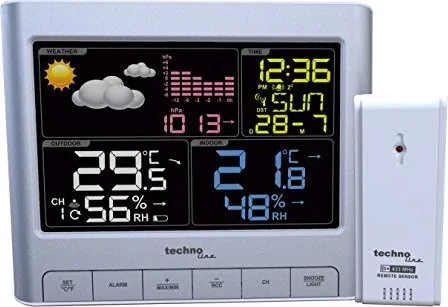
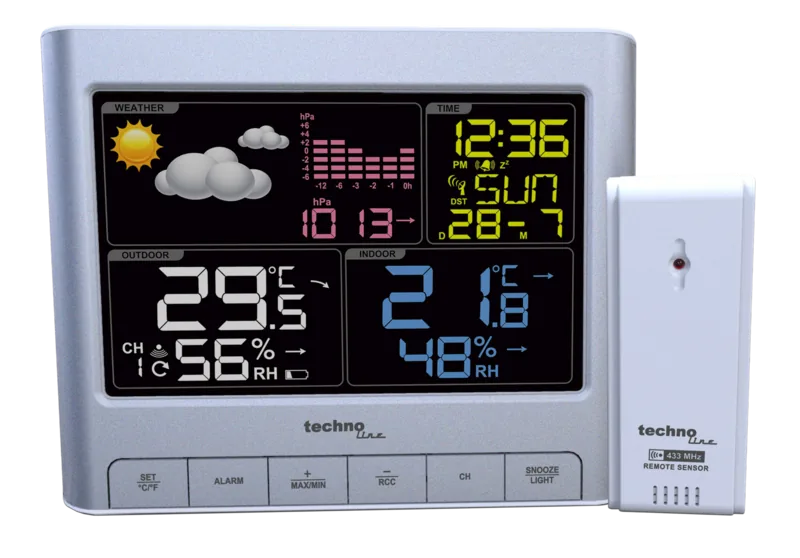
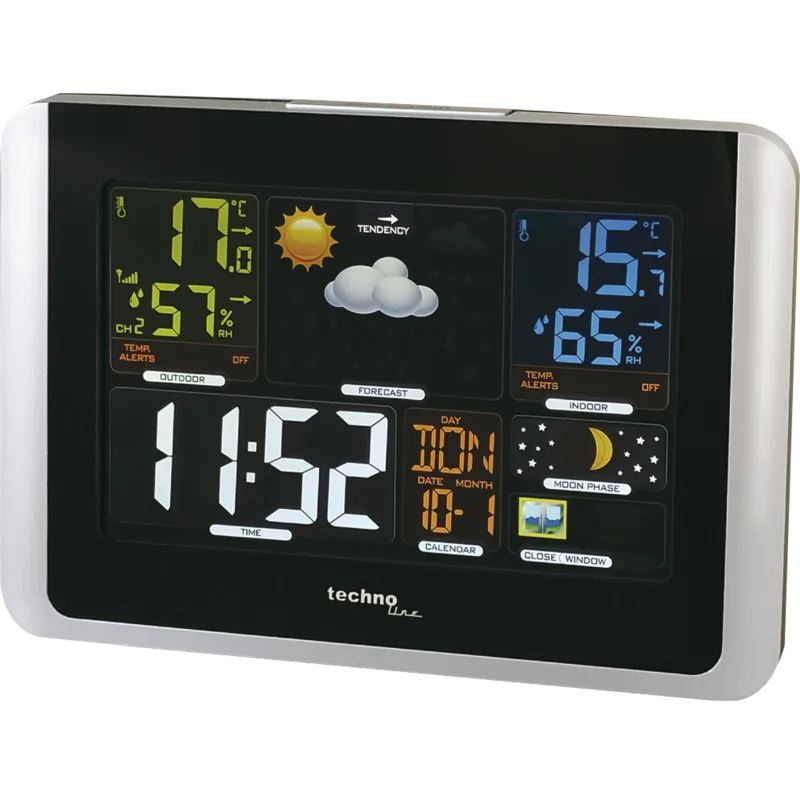
Technoline WS 6449 Funkwetterstation Digital
The Technoline WS 6449 is a compact radio-controlled weather station designed for everyday home use, pairing a main indoor unit with one or more wireless outdoor sensors (TX960-TH). It delivers real-time indoor and outdoor temperature and humidity readings, a 12/24-hour DCF radio-controlled clock, and a simple five-icon weather forecast (sunny, partly sunny, cloudy, rainy, stormy). The display includes white backlighting (permanently on when using the adapter, or activated for 10 seconds via the SNOOZE/LIGHT button on battery power) and shows maximum/minimum records, battery status, weekday in seven languages, and a 12-hour barometric pressure history presented as a 6-interval bar graph for trend observation.
Setup is straightforward: place the station and outdoor sensor together for initial pairing, insert two AAA alkaline batteries in each unit (or use the included AC adapter for the station), ensure the sensor channel matches the station (channels 1–3 supported), then position the outdoor sensor in a dry, sheltered spot. The unit communicates at 433 MHz and supports up to three external sensors to monitor different outdoor locations; channels can be viewed individually or in a cyclic 25-second rotation. Reception features a signal-strength icon and a manual search function if pairing or updates fail.
Functionality covers timed DCF auto-sync (automatic attempts in the early morning hours), manual time and timezone setting, alarm with snooze (10-minute snooze, 2-minute alarm duration), and configurable temperature units (°C/°F). The display gives MAX/MIN values for temperature and humidity with manual clearing and automatic midnight reset. The barometer graph shows pressure changes relative to the current hour, useful for short-term trend spotting, though readings are most reliable when the station remains at a consistent altitude.
Build and safety notes include recommended use of alkaline batteries only, keeping units indoors, and following typical placement guidance for optimal radio reception (avoid metal obstructions, concrete enclosures, and strong electrical sources). The station alerts when batteries are low for either the indoor unit or an outdoor sensor. Technotrade declares compliance with relevant EU directives (2014/53/EU, RoHS) and provides technical specifications such as 433 MHz transmission frequency and transmission power up to 8 dBm.
Overall, the WS 6449 focuses on clear, practical monitoring rather than advanced forecasting — ideal for users who want dependable temperature/humidity monitoring, simple weather cues, and a radio-controlled clock in a multilingual, easy-to-set package.
Notes
- Use only alkaline AAA batteries; do not mix old and new cells. Replace full sets simultaneously.
- For best barometric trend accuracy, avoid moving the unit between floors or large altitude changes.
- If DCF reception fails, try repositioning near a window and away from large metal or electrical sources.
Search for 67,706 Manuals online


Type-in Brand or Model
Miluše Musil
9 months ago
Why does the station show clouds or sunshine inconsistently, even when the sky is clear? Is the weather forecast inaccurate or is there a setting I should check?
Manual.ly
9 months ago
The weather icons are calculated from readings (typically pressure and humidity trends), so they can lag behind or look inconsistent during rapid weather changes. Clear-sky conditions can still produce a cloud icon if the underlying sensor data shifts. To improve accuracy: place the sensor in an open, sheltered spot away from direct sun, heat sources, and rain splash; make sure the station and transmitter are within the recommended range; allow the device some time to settle after setup; and check that the correct location/zone settings are selected in the menu. If the forecast remains clearly off, re-check calibration and the sensor placement, and verify all batteries and connections are stable.