
Technoline WS 6448 Manual
PDF manual · 24 Pages
English



Quick check
Incorrect answer, please try again.
Chat with your Technoline WS 6448 manual using AI
Get instant AI answers from your Technoline WS 6448 manual
Ask anything about the Technoline WS 6448. Answers come from this manual, with the pages they are based on.
Ask a Question
Do you recommend WS 6448?
Yes NoFrequently Asked Questions
Insert 2x AAA batteries into the outdoor sensor and the indoor unit. The indoor unit will search and pair automatically for about 3 minutes; the RF icon will flash. To manually search, press and hold the ▼ button for 2 seconds which erases current data and starts a new sensor search.
Is this answer helpful?
The unit auto-attempts DCF reception at startup and at early morning hours, retrying up to multiple times daily. Press WAVE to start manual reception. For weak reception, move the indoor station near a window and keep at least 2.5 m from TVs or computers; concrete walls and nearby metal or electrical sources can reduce signal quality.
Is this answer helpful?
Press the ▼ button on the indoor unit to toggle the temperature display between °C and °F. For the outdoor transmitter, select °C/°F with the internal switch in the battery compartment before inserting batteries.
Is this answer helpful?
Press and hold MODE for 2 seconds to enter setup. Use ▲/▼ to adjust the flashing field (year, month, day), press MODE to confirm and step to language and timezone. Continue pressing MODE after each selection until settings are complete; inactivity of 7 seconds exits setup automatically.
Is this answer helpful?
Use only alkaline AAA (LR03) batteries; do not use rechargeable cells. Replace the entire set at once, never mix old and new batteries, remove exhausted cells promptly, and remove batteries when not using the device. Store batteries away from metal objects and children; follow local recycling rules for battery disposal.
Is this answer helpful?
The outdoor sensor transmits on 433.92 MHz with a maximum transmission power of 8 dBm and an unobstructed range up to approximately 60 meters (200 feet). Range may be reduced by walls, interference, or other obstacles.
Is this answer helpful?
Press and hold ALARM for 2 seconds to set alarm hours and minutes using ▲/▼ and confirm with ALARM. Activate or deactivate the alarm with a single ALARM press. When sounding, the alarm runs 1 minute and uses a crescendo tone; press SNOOZE/LIGHT during the alarm to snooze for 5 minutes.
Is this answer helpful?
Advantages and Disadvantages
Advantages

- Automatic DCF radio time synchronization with manual override (WAVE button).
- Wireless outdoor sensor (433.92 MHz) with up to 60 m transmission range.
- Displays indoor temperature/humidity and outdoor Hi/Lo temperature memory.
- Weekday display in seven languages and selectable 12/24-hour format.
- Alarm with crescendo sound and 5-minute snooze; simple MODE/▲/▼ setup.
Disadvantages

- DCF reception can be weak in concrete buildings, basements, or near electronics.
- Requires 2x AAA batteries for both units; no mains option included.
- Outdoor transmitter range reduced by obstacles and interference sources.
- Backlight only lasts 5 seconds on battery power, limiting nighttime viewing.
- Manual pairing/reset erases current sensor data and requires re-sync time.
Product Specification
Type
digital
Temperature
inside and outside
Humidity
inside
Weather forecast
Symbols
Other displays
Time (radio controlled clock), Date, Day of the week, stored min./max. temperature
Alarms
Alarm time
Outdoor temperature measuring range
-4degF to +140degF
Placement
Tabletop device
Power supply
2x AAA battery, Mains operation
Color
black
Scope of delivery
1 Outdoor sensor
Product Description
Technoline WS 6448 Funkwetterstation Digital Manual
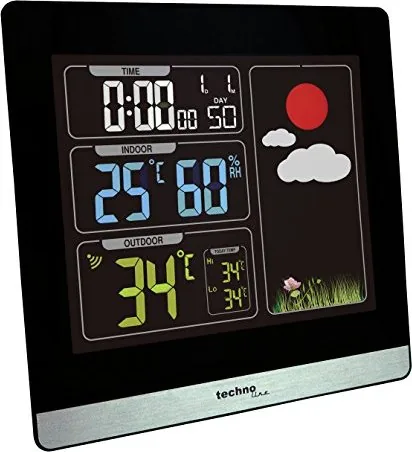
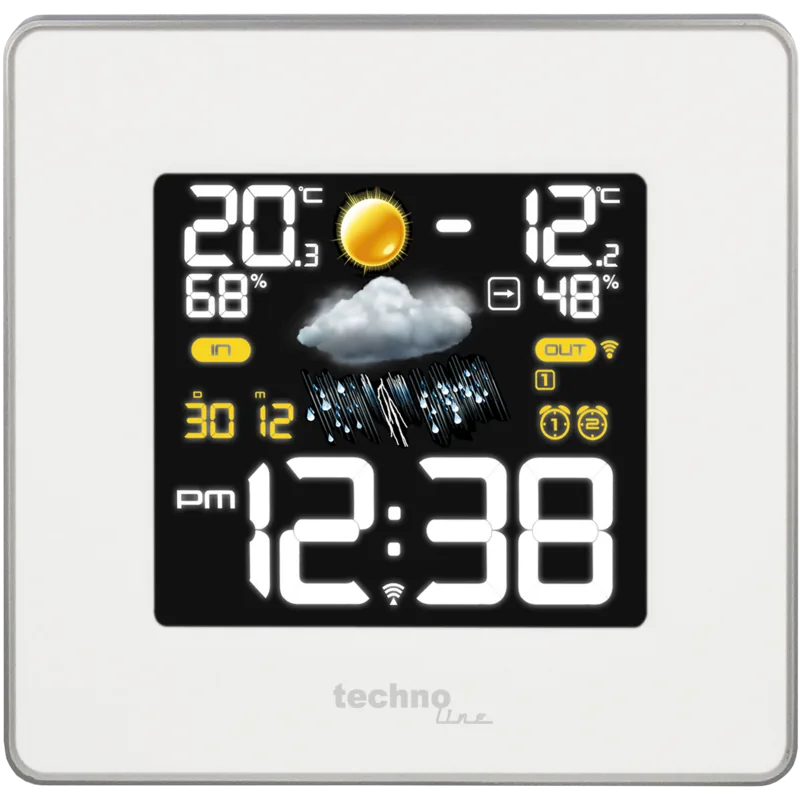
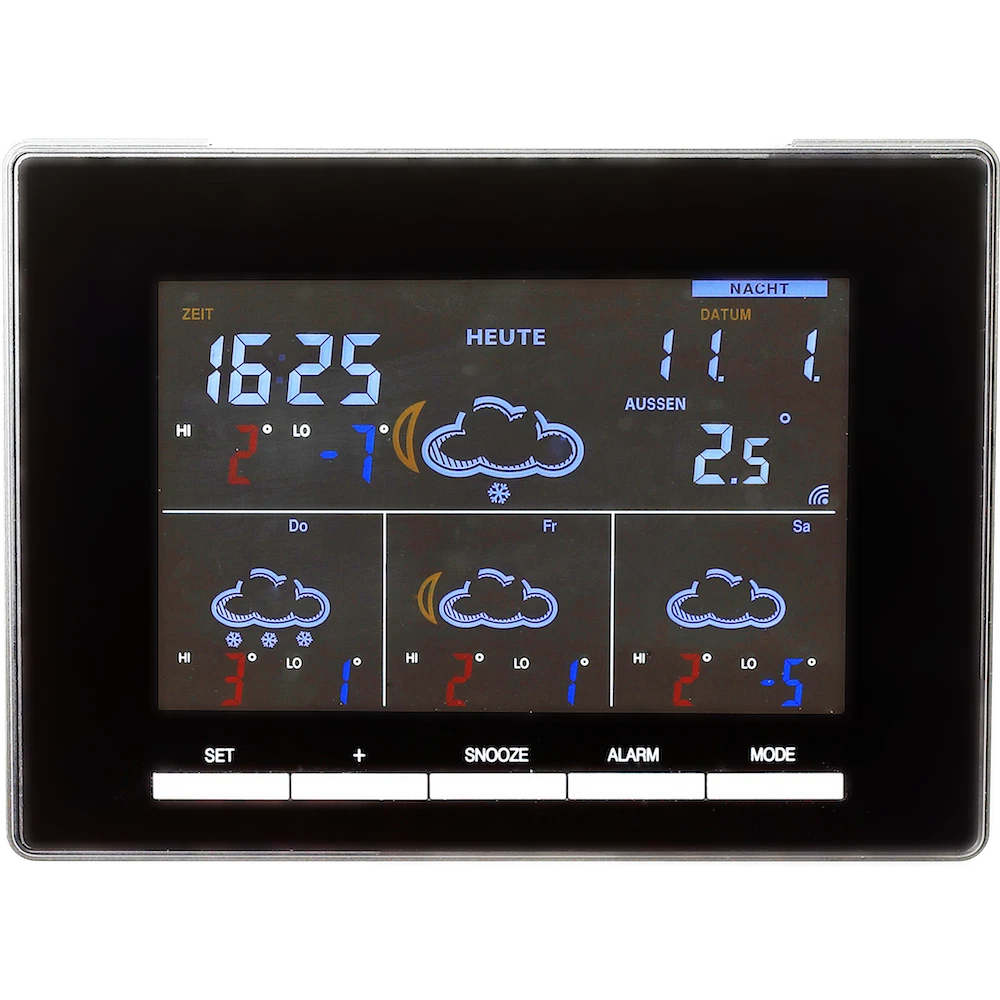
The Technoline WS 6448 is a compact radio-controlled weather station that combines accurate indoor climate monitoring with an outdoor wireless sensor and DCF radio time synchronization. Designed for home use, it displays indoor temperature and humidity, outdoor temperature (with Hi/Lo memory), date, weekday in seven languages, and a radio-controlled clock that auto-syncs via DCF signal. Setup is straightforward: insert two AAA batteries in both the indoor unit and the outdoor transmitter, select °C or °F on the transmitter, and allow the receiver a few minutes to pair with the outdoor sensor.
Beyond basic readings, the WS 6448 offers convenient clock and alarm features. The unit attempts DCF synchronization automatically after power-up and at early morning hours, with manual reception via a dedicated WAVE button. If DCF reception fails due to interference or building structures, manual time setting is available through an intuitive MODE/▲/▼ workflow that steps through year, month, day, language, timezone, and 12/24-hour format. A daily alarm with crescendo sound and a 5-minute snooze, LED backlight (5s), and selectable temperature units add practical usability.
Connectivity and placement matter: the outdoor transmitter communicates on 433.92 MHz with up to 60 m range (line of sight) and a maximum power of 8 dBm. Reception of the DCF time signal can be affected by concrete walls, nearby electronics, metal, large buildings, or geographic obstacles—placing the indoor unit near a window and away from interference sources improves reliability. The station reports indoor humidity (20–95% RH) and temperature ranges: indoor 0°C–50°C, outdoor -19.9°C–59.9°C.
Safety and maintenance are emphasized: use alkaline AAA batteries only, replace complete battery sets, avoid mixing old and new cells, and remove exhausted batteries immediately. The device is for indoor use only and must not be exposed to water, extreme heat, or corrosive materials. Disposal guidance follows EU regulations—recycle electronics and batteries responsibly.
Overall, the WS 6448 is aimed at users who want a simple, battery-powered weather station with reliable timekeeping, multilingual weekday display, and basic alarm features. Its straightforward controls and clear LCD make it suitable for bedrooms, kitchens, or living rooms where a compact climate overview and synchronized clock are useful.
Notes
- The DCF time sync can retry automatically up to several times per day; manual start is possible with the WAVE button.
- Backlight lasts 5 seconds on battery power; pressing SNOOZE/LIGHT activates it.
- Place the outdoor sensor within recommended range and observe polarity when inserting batteries.
Search for 67,706 Manuals online


Type-in Brand or Model
Sven_Klima
8 months ago
How accurate are the temperature readings? I worry there could be large deviations compared to real outdoor temperatures.
Manual.ly
8 months ago
The temperature readings are designed to be reliable, but small differences compared to other devices can happen depending on sensor placement and conditions. To get the best accuracy, mount the outdoor sensor away from direct sunlight and rain splash, ensure good airflow around it, and avoid measuring right after setup. Many stations also need a short stabilization period after batteries are inserted. If you want to verify accuracy, compare readings with a trusted reference thermometer over a few hours at the same location and time. If you notice a consistent and significant offset, contact our support with your model details and measurement comparison so we can advise on calibration or next steps.