
Technoline WS 6440 Manual
PDF manual · 83 Pages
English



Quick check
Incorrect answer, please try again.
Chat with your Technoline WS 6440 manual using AI
Get instant AI answers from your Technoline WS 6440 manual
Ask anything about the Technoline WS 6440. Answers come from this manual, with the pages they are based on.
WS 6440 Maintenance Schedule
Replace the two AAA alkaline batteries in the outdoor transmitter when the low battery icon appears or if extreme cold causes low voltage.
Insert three fresh AAA alkaline batteries into the weather station backup compartment when the unit loses power or to maintain settings during outages.
Ask a Question
Do you recommend WS 6440?
Yes NoFrequently Asked Questions
It combines time, date, indoor conditions, outdoor sensor data, and a weather forecast in one display. That means you can check the essentials quickly without using multiple devices or apps.
Is this answer helpful?
Yes. It comes with one transmitter and can be expanded with additional outdoor sensors. This is helpful if you want to monitor different areas such as a garden, garage, or separate room location.
Is this answer helpful?
The station uses air pressure changes measured over time to estimate the next 12 hours of weather. It then shows an icon such as sunny, rainy, cloudy, or stormy for easy reading.
Is this answer helpful?
Yes. The unit can receive a radio-controlled time signal and update the clock automatically. If needed, it also allows manual setup for time zone, date, time format, and alarms.
Is this answer helpful?
The display may show dashes instead of outdoor readings. In that case, repositioning the sensor, checking batteries, and reducing interference usually helps restore the connection.
Is this answer helpful?
Yes. The dimmer and snooze functions make it practical for bedside use, and the dual alarm setup is useful for households with different wake-up times. The screen is also easy to read at night.
Is this answer helpful?
Advantages and Disadvantages
Advantages

- Large 4.7-inch color display makes readings easy to scan quickly.
- Wireless outdoor sensor provides temperature and humidity data from up to 30 meters away.
- Dual alarms, snooze, dimmer, and automatic time sync improve daily usability.
- Barometric forecast and trend indicators add useful weather insight beyond basic readings.
Disadvantages

- Forecast accuracy can be affected by moving the station or changing its mounting height.
- Outdoor signal range may drop sharply through walls, roofs, trees, or metal surfaces.
- Batteries for backup and sensor use are not included.
- Best performance depends on careful placement away from electronics and interference sources.
Product Specification
Design
digital
Temperature
indoor
Humidity
indoor
Weather forecast
Symbols
Other displays
Time (radio controlled clock), Date, stored min./max. temperature
Alarms
Alarm time
Placement
Tabletop device
Power supply
2x AAA battery
Color
red
Product Description
Technoline WS 6440 Digital Wireless Weather Station
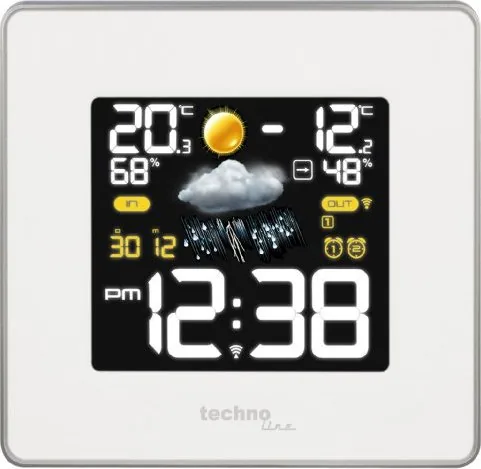
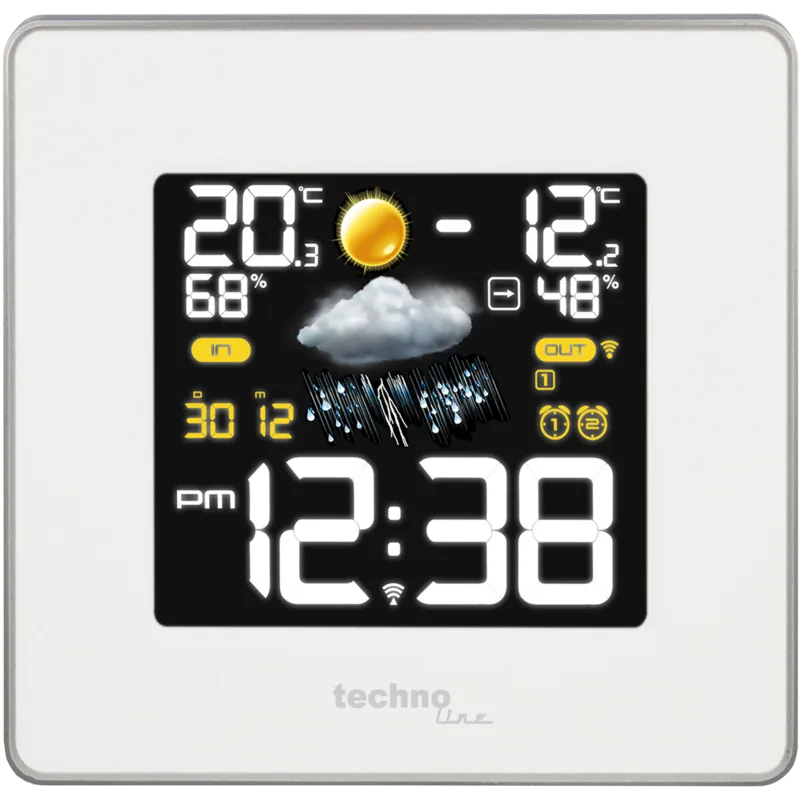
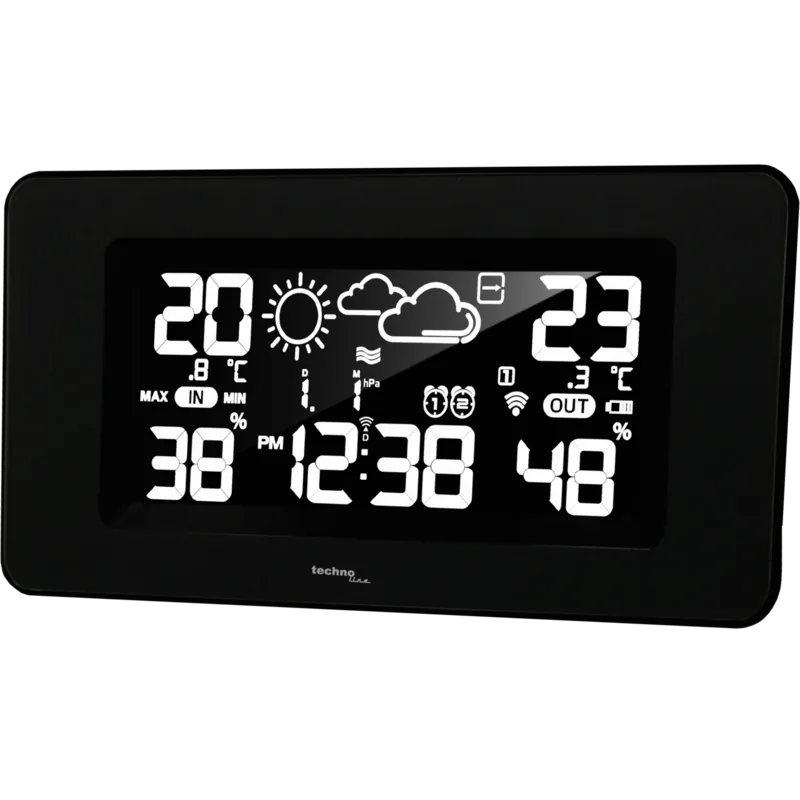
The Technoline WS 6440 Digital Wireless Weather Station is a smart home companion for anyone who likes clear weather data at a glance. With its 4.7-inch color display, it blends practical design with everyday convenience, showing indoor and outdoor temperature, humidity, forecast symbols, time, date, and air pressure in one compact unit. For blog readers looking for the Technoline WS 6440 Digital Wireless Weather Station Manual, the product stands out as a feature-rich station that is easy to live with once set up.
One of its biggest strengths is the wireless outdoor sensor support. The included transmitter sends outdoor readings up to about 30 meters in open space, while the main station keeps track of indoor conditions at the same time. That makes it useful for monitoring a living room, bedroom, greenhouse area, or patio environment without constantly checking outside. The station also stores max and min readings, so you can quickly review how conditions changed during the day.
The WS 6440 goes beyond basic temperature tracking by adding a barometric forecast system. It uses pressure trends to estimate the weather for the next 12 hours and displays easy-to-read icons such as sunny, cloudy, rainy, stormy, and partly cloudy. A frost alert helps when outdoor temperatures drop near freezing, while the pressure trend arrow gives a simple visual cue about improving or worsening conditions.
Daily convenience is another highlight. The unit includes dual alarms, snooze control, and a dimmer for nighttime viewing. It can show time in 12- or 24-hour format, update the clock automatically through radio signal reception, and continue running settings during power interruptions with backup batteries. The display can also switch between calendar and air pressure views, making it feel versatile without becoming complicated.
For users who enjoy a more complete home weather setup, the station can support additional outdoor sensors. This makes it a flexible option for watching different outdoor zones or multiple locations around a property. Overall, the Technoline WS 6440 is a practical weather station for anyone who wants a readable screen, useful forecast info, and simple controls in one device.
Notes
- Place the outdoor sensor in a shaded, dry spot for better results.
- Keep the main unit away from metal objects and heavy electronic interference.
- Backup batteries help preserve settings when mains power is interrupted.
- Radio signal reception can vary depending on walls, distance, and location.
Search for 67,706 Manuals online


Type-in Brand or Model
alena69
9 months ago
Is the weather station easy to read from a distance, and does it stay reliable after months of use?
Manual.ly
9 months ago
Yes. The display is designed to be readable at a glance, with clear information such as indoor and outdoor temperature, time and date, weather forecast, humidity, and air pressure. Customers report that the station continues to work flawlessly after several months, while looking high-quality and staying easy to use. If you need multiple alarms, it also supports setting several wake-up times. Overall, it is considered good value for the price due to its stable performance and clear, well-organized display.