
TechN RTX 2080 Manual
PDF manual · 2 Pages
English



Quick check
Incorrect answer, please try again.
Chat with your TechN RTX 2080 manual using AI
Get instant AI answers from your TechN RTX 2080 manual
Ask anything about the TechN RTX 2080. Answers come from this manual, with the pages they are based on.
Ask a Question
Do you recommend RTX 2080?
Yes NoFrequently Asked Questions
Yes, removing the stock cooler and installing the TechN water block will void the manufacturer's warranty. Additionally, any damage caused by improper installation is not covered by TechN GmbH.
Is this answer helpful?
You will need a Phillips screwdriver, a soft paper towel, and isopropanol for cleaning. You also need your own water cooling loop components and tubing with G1/4 inch fittings.
Is this answer helpful?
Plug the 4-pin connector into the motherboard RGB_HEADER. Ensure the arrow on the connector points to the +12V line to prevent damage to the board or LEDs.
Is this answer helpful?
Yes, a 24-hour leak test with the PC turned off is highly recommended before turning on the system to ensure there are no leaks in the cooling loop.
Is this answer helpful?
No, you must use coolant with anti-corrosion additives. Using incompatible fluids can damage the internal components of the water block.
Is this answer helpful?
Do not use too much force when tightening screws. The chip dies are prone to cracking, so tighten them evenly and gently in a cross pattern.
Is this answer helpful?
Advantages and Disadvantages
Advantages

- Superior thermal performance compared to stock air coolers
- Silent operation due to liquid cooling technology
- Premium build quality made in Berlin, Germany
- Includes pre-installed thermal pads and high-quality paste
- RGB lighting support for aesthetic customization
Disadvantages

- Installation voids the graphics card warranty
- Requires complex assembly and knowledge of water cooling
- Risk of damaging GPU die if screws are overtightened
- Additional cost of purchasing a compatible cooling loop
- Potential for leaks if the system is not tested properly
Product Specification
Type
GPU
Material
Copper (nickel-plated), Aluminum, PMMA
Compatibility
NVIDIA GeForce RTX 2080 Founders Edition
Connectors
G1/4"
Lighting
LED (RGB)
Dimensions (LxWxH)
10.43x4.92x1.02 in
Weight
2.34 lbs
Features
Voltage converter cooled with GPU
Product Description
TechN RTX 2080 Schwarz: The Ultimate Water Cooling Upgrade
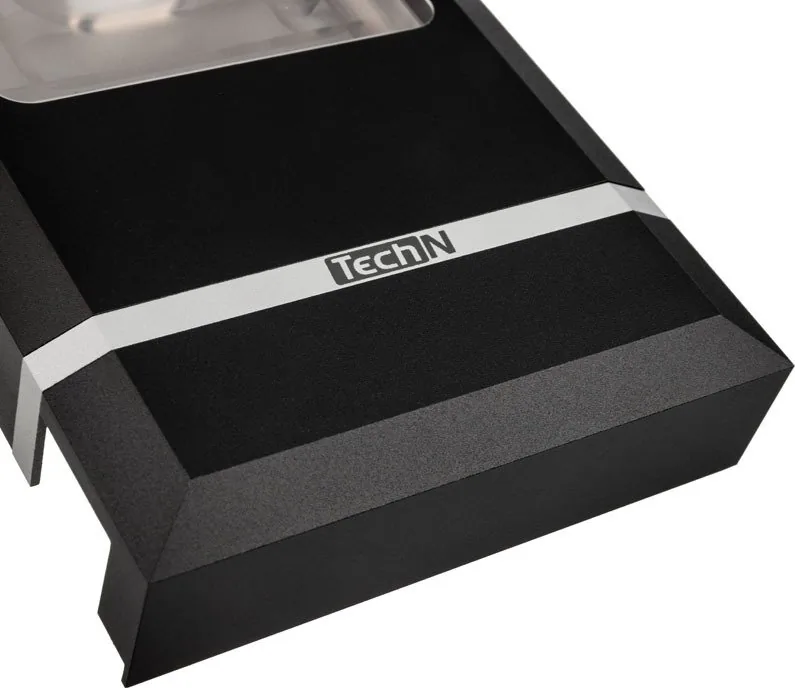
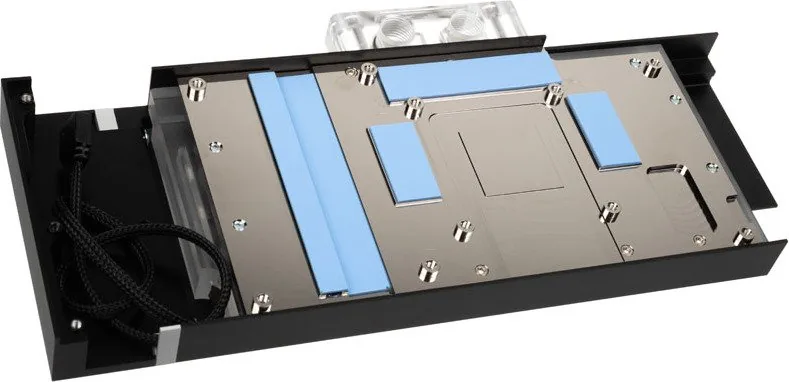
The TechN RTX 2080 schwarz manual guides enthusiasts through a transformative cooling experience for their high-performance graphics card. This water block is designed to replace the stock air cooler, offering significantly lower temperatures and quieter operation. Crafted with precision in Berlin, Germany, this component represents the pinnacle of custom loop integration.
Installing the TechN RTX 2080 requires careful preparation and adherence to specific steps to ensure safety and longevity. The process begins with removing the original backplate and air cooler from the PCB. Users must clean the GPU surface thoroughly using isopropanol and a soft paper towel to remove all old thermal paste. A new layer of provided thermal paste is applied with a diameter of approximately 3mm to ensure optimal heat transfer.
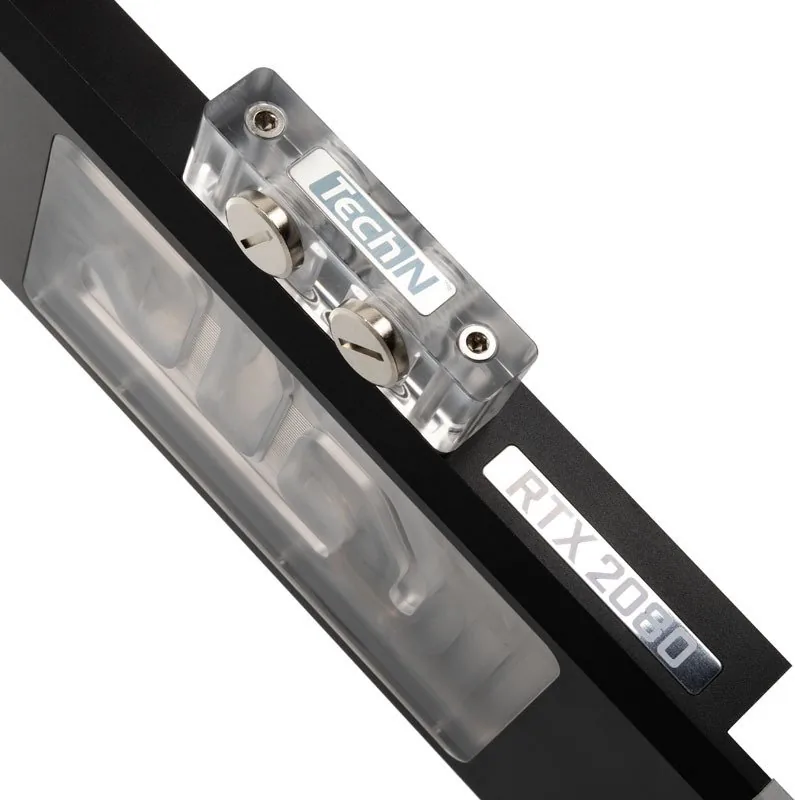
The installation involves securing the slot bracket and aligning the water block precisely over the GPU die. It is crucial to tighten the mounting screws evenly in a cross pattern to avoid cracking the delicate silicon dies. Once mounted, the G1/4 inch fittings are connected to the user's existing cooling loop, while the remaining ports are sealed with plugs. For added aesthetics, the RGB LED connector can be linked to the motherboard header, ensuring correct polarity to prevent damage.
Safety warnings emphasize that disassembling the stock cooler voids the leak warranty if not done correctly. Improper installation can lead to severe hardware damage. Users are strongly advised to perform a 24-hour leak test before powering on the system. Only coolant containing anti-corrosion additives should be used to protect the internal components of the water block.
This upgrade transforms the RTX 2080 into a silent powerhouse, ideal for demanding gaming sessions or professional rendering tasks where thermal headroom is critical.
Search for 67,706 Manuals online


Type-in Brand or Model