
Techly 10/100Mbps PoE Injector Manual
PDF manual · 2 Pages
English



Quick check
Incorrect answer, please try again.
Chat with your Techly 10/100Mbps PoE Injector manual using AI
Get instant AI answers from your Techly 10/100Mbps PoE Injector manual
Ask anything about the Techly 10/100Mbps PoE Injector. Answers come from this manual, with the pages they are based on.
Ask a Question
Do you recommend 10/100Mbps PoE Injector?
Yes NoFrequently Asked Questions
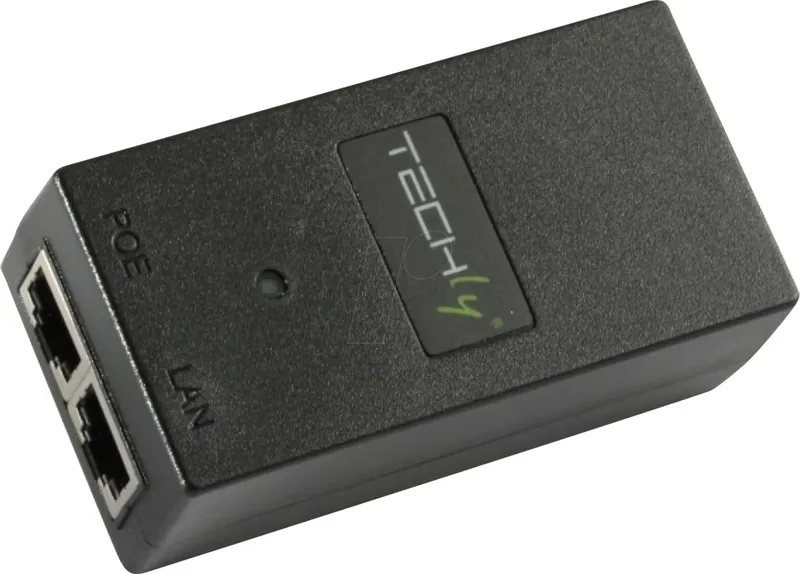
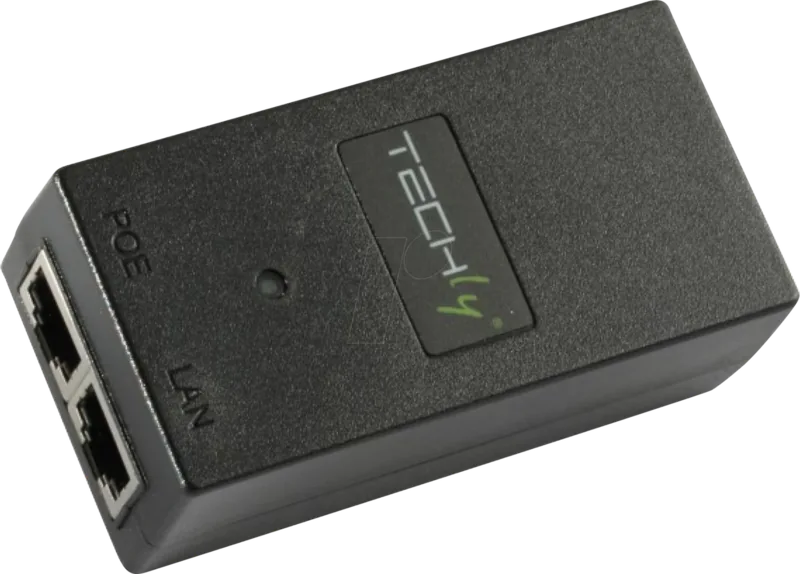
Connect a LAN port on your non-PoE switch to the LAN port on the injector. Connect your powered device to the POE port. Finally, plug the power cable into an AC outlet.
Is this answer helpful?
The device supports 10/100Mbps data transfer speeds suitable for standard Ethernet applications.
Is this answer helpful?
Yes, it adheres to the EU Directive WEEE and requires separate collection systems instead of general household waste to prevent pollution.
Is this answer helpful?
It uses Midspan PoE technology, supplying power on line pairs four and five for positive and seven and eight for negative.
Is this answer helpful?
Yes, the product has the CE sign ensuring it conforms to basic European standards and directives.
Is this answer helpful?
Yes, you can use existing Ethernet Cat5 cables for the LAN connection.
Is this answer helpful?
The full EU Declaration of Conformity text is available on the Techly website.
Is this answer helpful?
Advantages and Disadvantages
Advantages

- Easy installation with clear instructions for connecting switch and device.
- Cost effective alternative to replacing entire network switches.
- Compliant with EU WEEE and CE standards for safety and recycling.
- Compact desktop design fits easily in limited office spaces.
- Midspan power support ensures broad device compatibility.
Disadvantages

- Limited to 10/100Mbps data speeds instead of gigabit.
- Only supports a single powered device connection per unit.
- Requires access to a standard AC power outlet nearby.
- No PoE passthrough capability for daisy chaining devices.
- Relies on standard Ethernet cables which may need replacement.
Product Specification
Function
PoE Injector (1x Data, 1x Data/ PoE)
Type
Standalone
Network Connections
1x RJ-45
Speeds
1x RJ-45 (10/100Base-T)
PoE
1x RJ-45 PoE (1x 15W), total: 15W
Backplane
N/A
Officially Supported Standards
802.3af
Configuration
unmanaged
Cooling
Passive
Color
Black
Product Description
Enhancing Network Infrastructure with Techly Desktop PoE Injectors
In the contemporary landscape of digital networking, maintaining efficient power and data delivery is crucial for operational success and scalability. The Techly Desktop PoE Injector addresses a common challenge faced by IT professionals and home users alike on a daily basis. It enables the transmission of both electrical power and network data over a single Ethernet cable to compatible endpoints. This functionality eliminates the need to run separate power lines to every individual device, thereby reducing physical clutter and significantly lowering installation costs across the facility. The device is specifically engineered for use with non-PoE switches that require an extension to support powered equipment efficiently.
Detailed Installation Process
The setup procedure for this equipment is designed to be user-friendly and extremely quick for technicians. Begin by connecting an existing Ethernet cable from a LAN port on your non-PoE network switch directly. Plug the other end into the LAN port located on the Techly injector unit securely. This connection transfers network data to the powered device. Subsequently, connect your powered network device, such as an IP camera or wireless access point, to the dedicated POE port on the injector. This dedicated port delivers the necessary energy to operate the hardware reliably. Finally, plug the included power cable into a standard AC wall outlet to energize the injector unit. The system operates automatically to deliver power once all physical connections are verified.
Technical Compliance and Standards
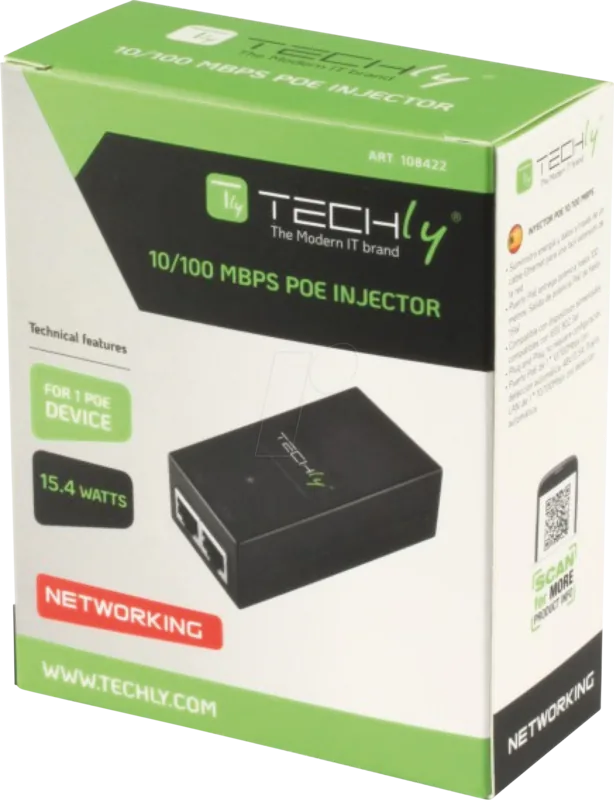
This unit supports 10/100Mbps data rates, which is suitable for standard networking requirements that do not demand gigabit throughput speeds. It utilizes specific Midspan PoE technology, delivering power on the spare line pair identified as positive four and five, negative seven and eight. This standard ensures compatibility with a wide range of industry devices available in the market today. Safety and compliance are critical for this product to meet regulatory requirements. Techly ensures adherence to basic European standards through the CE sign on the packaging. Furthermore, the product respects the EU Directive WEEE, promoting responsible environmental disposal rather than mixing with general household waste. Users can find full declaration documents on the manufacturer website.
Practical Applications and Conclusion
This solution is ideal for small offices, retail stores, and residential setups where expanding network capability is necessary without major hardware replacement costs. It allows users to upgrade their infrastructure cost-effectively and with minimal effort. The compact desktop design ensures it fits easily on shelves or desks without consuming excessive space in the office. By simplifying the connection between data and power, it allows technical staff to focus on network optimization tasks. Professionals seeking a reliable, compliant, and straightforward method to power legacy devices will find this injector highly beneficial for their needs. It ensures stable connectivity and consistent power delivery through simple integration. It remains a vital tool for modern network expansion projects requiring simplicity.
Search for 67,732 Manuals online


Type-in Brand or Model