
TC Helicon Go Twin Manual
PDF manual · 2 Pages
English



Quick check
Incorrect answer, please try again.
Chat with your TC Helicon Go Twin manual using AI
Get instant AI answers from your TC Helicon Go Twin manual
Ask anything about the TC Helicon Go Twin. Answers come from this manual, with the pages they are based on.
Ask a Question
Do you recommend Go Twin?
Yes NoFrequently Asked Questions
Yes, the device can run on bus power from your computer or mobile device. If that is insufficient, you can insert two AA batteries or use an external 5V DC power supply.
Is this answer helpful?
Absolutely. You can activate 48V phantom power using the dedicated switch on the front panel. A blue LED will illuminate to confirm the power is active.
Is this answer helpful?
The Go Twin features 24-bit A/D and D/A conversion at sample rates of 44.1 kHz and 48 kHz, providing a dynamic range greater than 98 dB for crisp audio.
Is this answer helpful?
Yes, the unit includes mini 2.5mm MIDI input and output jacks. You must use the included adapter cables to connect standard MIDI devices.
Is this answer helpful?
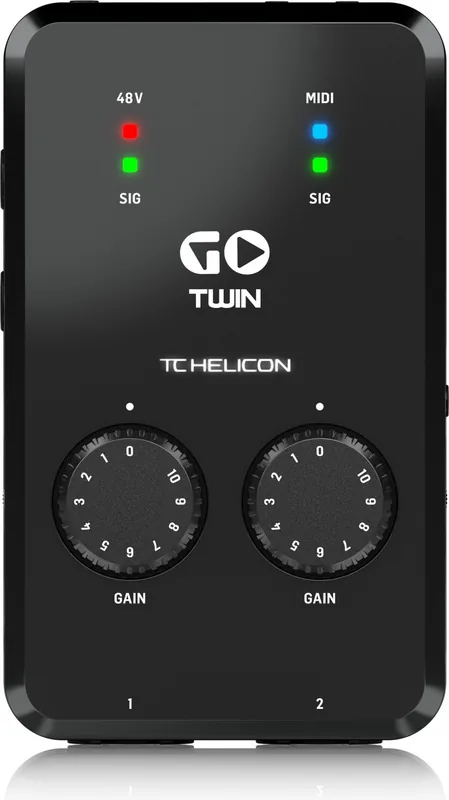
Monitor the SIG LED on the front panel. If it lights red, your signal is clipping. Simply turn down the corresponding GAIN wheel until the light turns green.
Is this answer helpful?
Advantages and Disadvantages
Advantages

- Portable design with dual power options including AA batteries for unlimited use
- High-quality 24-bit audio conversion ensures professional sound fidelity
- Direct monitor switch eliminates latency for real-time performance tracking
Disadvantages

- External 5V power supply is not included if bus power is insufficient
- Requires specific app downloads to fully utilize advanced effects features
- MIDI connectivity requires the use of included adapter cables which may be lost
Product Specification
Interface
USB
Input Channels
2
Output Channels
2
Mic Preamps
2
Analog Inputs
2x Mic/Line In (XLR/0.25in Combo)
Analog Outputs
2x Line Out (0.25in), 1x Headphone (0.14in)
Digital Inputs
No
Digital Outputs
No
AD/DA Converter
24-bit/48kHz
Features
Battery operated, Bus powered, MIDI In/Out
Dimensions
3.03x1.57x5.04in (WxDxH)
Weight
13.05oz
Product Description
Unlock Studio-Quality Sound on the Go with TC Helicon Go Twin
The TC Helicon Go Twin stands as a beacon for mobile musicians seeking professional audio capabilities without the bulk of traditional studio gear. This high-definition, two-channel audio and MIDI interface is meticulously designed to bridge the gap between your favorite recording apps and the physical world of microphones and instruments. Whether you are a singer-songwriter capturing vocals in a coffee shop or a podcaster recording interviews while traveling, the Go Twin delivers pristine sound quality directly to your computer, phone, or tablet.
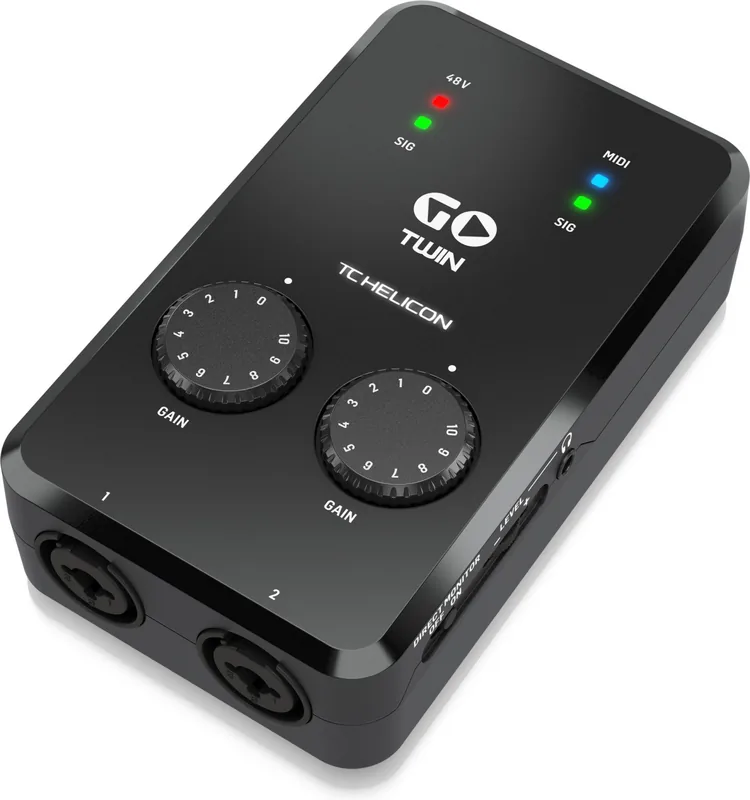
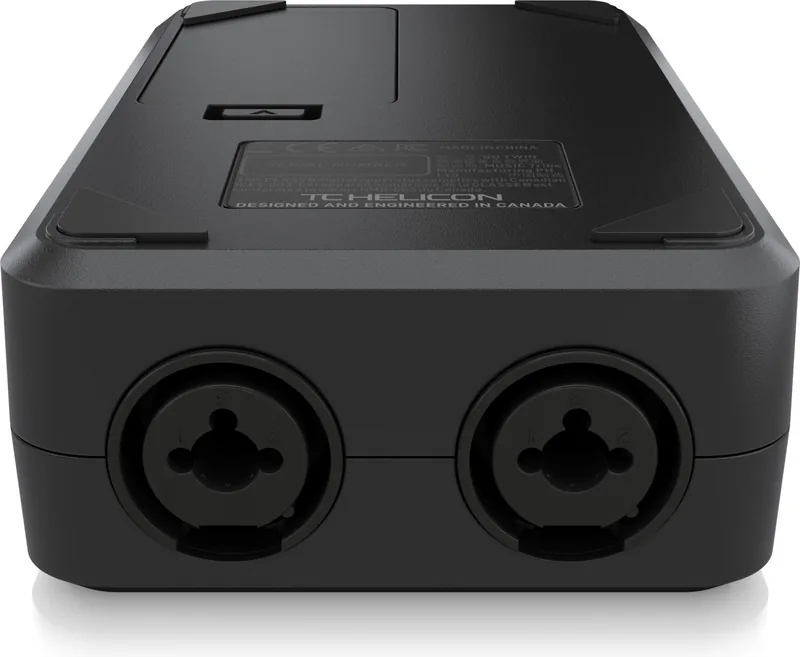
Setting up your rig is an intuitive process that requires minimal technical knowledge. Simply connect the device using the included cables to your preferred mobile device or computer. If your gadget does not supply sufficient bus power, the unit offers flexibility by accepting a pair of AA batteries or an external 5V power supply. The front panel features dedicated inputs for both XLR microphones and quarter-inch instrument connections, ensuring compatibility with a wide array of sources. Once connected, users can adjust levels with precision using the gain wheels while monitoring signal strength via clear LED indicators.
For vocalists requiring phantom power, a simple switch activates the 48V supply, indicated by a blue LED. The direct monitor feature allows artists to hear their dry input audio instantly, eliminating latency issues during performance or tracking. Additionally, the built-in MIDI ports enable seamless integration with external synthesizers and controllers using the provided adapter cables. By downloading compatible TC Helicon applications, creators can access a suite of effects and processing tools to elevate their recordings immediately.
Key Features and Notes
- Supports both USB bus power and battery operation for true mobility.
- Includes 24-bit A/D conversion for exceptional dynamic range exceeding 98 dB.
- Direct monitor switch provides zero-latency feedback for performers.
- Compact dimensions make it easy to slip into any gig bag or backpack.
- Class compliant drivers ensure instant connection without complex installations.
Search for 67,706 Manuals online


Type-in Brand or Model