

Free Tanita Manuals – Read, Download & Print
10 Manuals
Manuals
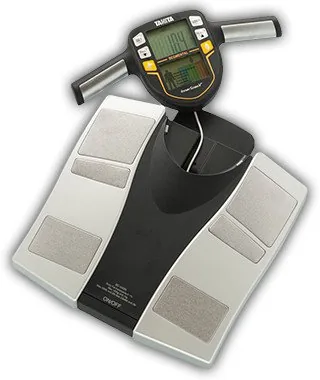
84 Pages
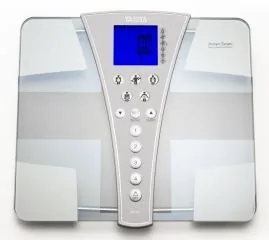
52 Pages
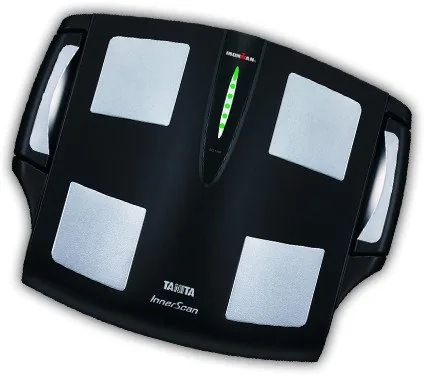
6 Pages
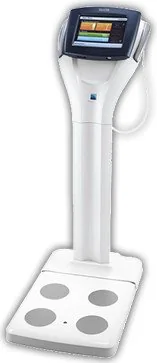
19 Pages
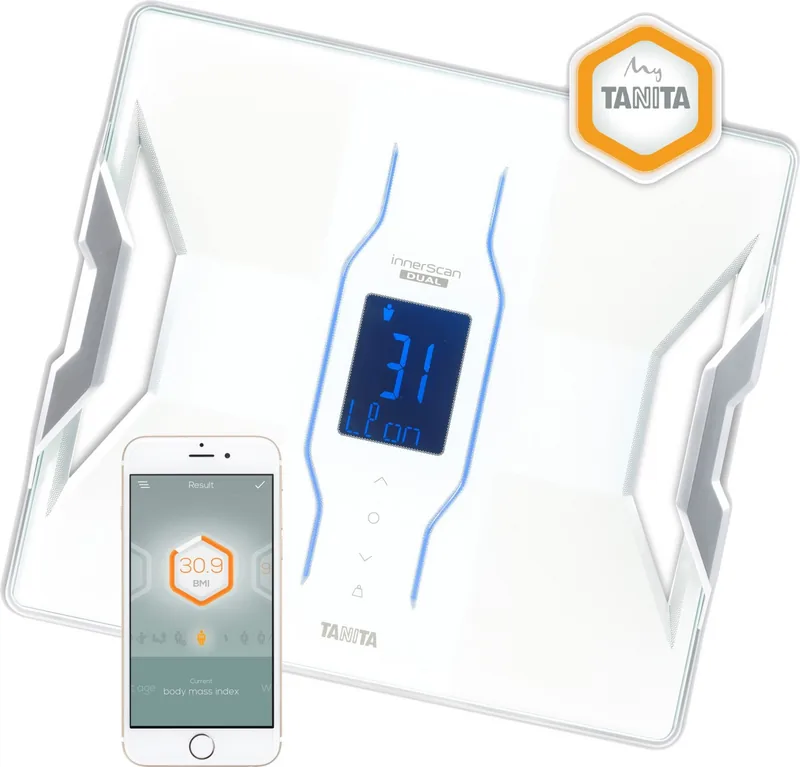
13 Pages
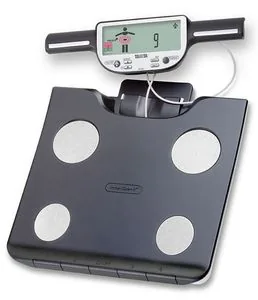
80 Pages
2 Pages
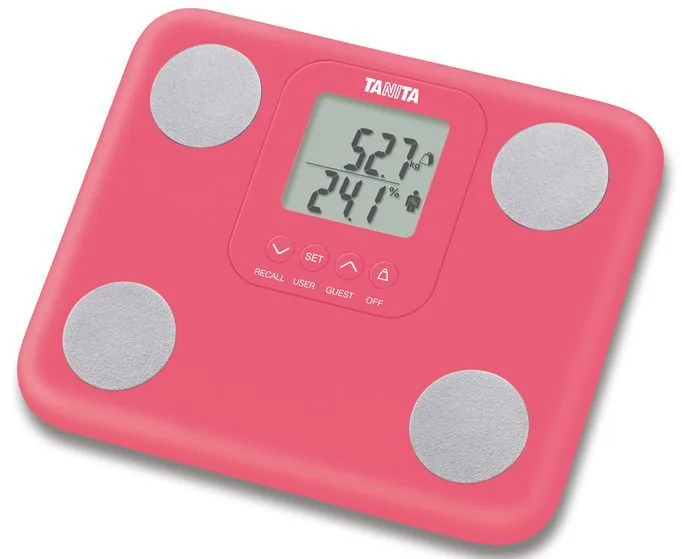
52 Pages
88 Pages
46 Pages
Categories

Free Tanita Manuals - Read, Download & Print
Find clear, practical information for locating and using free Tanita manuals for scales, body composition monitors, professional analyzers, and connected wellness devices. A manual is one of the best resources for understanding measurements, setting up a product correctly, maintaining accuracy, and resolving common issues. Whether you need instructions for a home bathroom scale or guidance for a professional body composition system, the right documentation can make everyday use simpler and more reliable.
Find the Right Tanita Manual
Tanita products are available in many model lines, and each model can have unique buttons, settings, display symbols, measurement features, power requirements, and user profiles. Before reading or downloading a manual, identify the exact model number printed on the device, product label, packaging, or original purchase paperwork. Model numbers often contain letters and numbers, so checking every character helps prevent using instructions for a similar but incompatible model.
Common Product Categories
Tanita manuals may cover several types of products, including:
- Digital bathroom scales
- Body fat and body composition monitors
- Smart scales with app or Bluetooth features
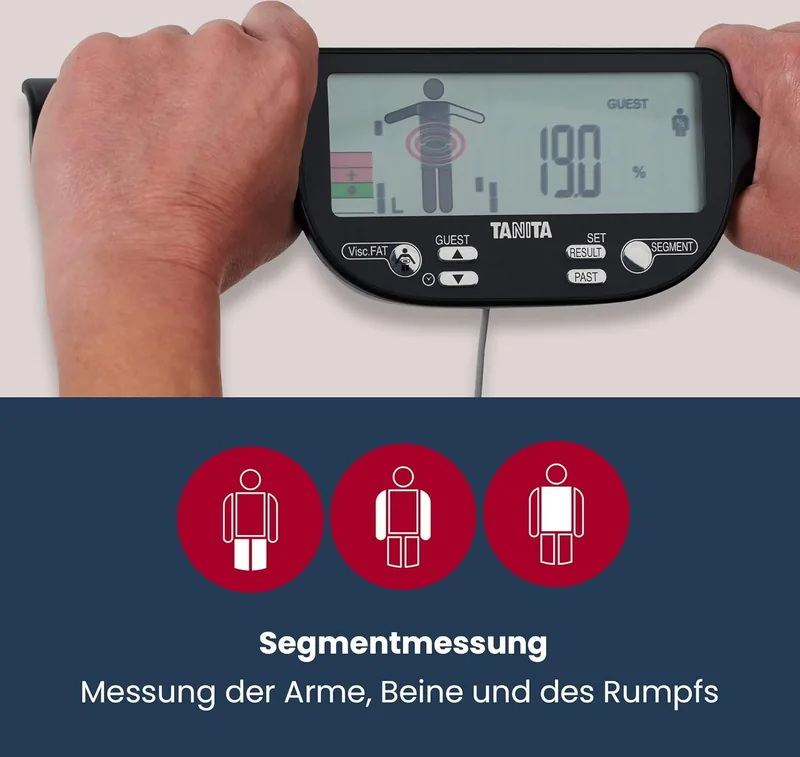
- Segmental body composition analyzers
- Professional health and fitness assessment equipment
- Kitchen scales and food scales
- Commercial weighing systems
The manual for your specific category explains the relevant functions, but it may also include important safety details that apply to the device as a whole. A body composition monitor, for example, may require personal data such as height, age, sex, and activity level before it can estimate body fat, water percentage, muscle mass, or other metrics.
Read Manuals Online
Reading a Tanita manual online is useful when you need a quick answer without saving a file. Online manuals can help you check setup instructions, confirm display messages, review a measurement procedure, or learn what a symbol means. Searchable digital documents are especially convenient because they allow you to find terms such as "unit," "guest mode," "athlete mode," "memory," "error," or "battery" quickly.
Information Usually Included
A complete product manual commonly includes the following sections:
- Product overview and package contents
- Safety warnings and intended use
- Battery installation or power connection
- First-time setup
- Unit selection and calibration guidance
- Personal profile entry
- Measurement instructions
- Understanding displayed results
- Cleaning and storage recommendations
- Error code explanations
- Troubleshooting steps
- Technical specifications
- Warranty and support information
Reading the setup section before using the device is important. Many scales need to be placed on a hard, level floor and allowed to stabilize before a measurement is taken. Soft carpet, uneven tile, wet surfaces, or movement during weighing can affect results.
Download Tanita Manuals for Offline Access
Downloading a manual provides a convenient copy for future reference. A saved PDF can be viewed on a phone, tablet, laptop, or desktop computer without repeatedly searching for the same instructions. It can also be helpful for households, clinics, gyms, and workplaces where more than one person uses the equipment.
Benefits of Keeping a Digital Copy
A downloaded manual makes it easier to:
- Refer to instructions when internet access is limited
- Share setup guidance with other authorized users
- Search the document for a specific feature or error message
- Keep product documents organized in one folder
- Compare operating details when replacing batteries or accessories
- Review maintenance instructions before cleaning the device
When saving files, use clear names that include the product model. For example, a file name such as "Tanita-model-manual.pdf" is easier to locate later than a generic file name. Keep manuals with receipts, warranty records, and service notes if you maintain several devices.
Print Instructions When You Need a Paper Copy
Printing a Tanita manual can be useful for users who prefer paper instructions or need a reference near the product. A printed copy is practical in clinics, fitness facilities, kitchens, shared bathrooms, and other locations where a phone or computer may not be convenient.
Smart Printing Tips
You may not need to print an entire document. Consider printing only the pages that cover setup, daily use, troubleshooting, and safety. This approach reduces paper use while keeping the most useful information nearby. If the manual includes diagrams or charts, choose a print setting that preserves legibility. For detailed charts, printing in color may make symbols and labels easier to understand.
Store printed pages in a folder or protective sleeve away from moisture. Avoid leaving documentation directly next to sinks, showers, or food preparation areas. If several people use the device, highlight the basic operating steps and keep the complete manual available for more detailed questions.
Set Up Your Tanita Device Correctly
Correct setup supports consistent measurements. Start by placing the device on a stable, hard, flat surface. Avoid moving it between measurements whenever possible. If it must be moved, follow the model-specific instructions for initialization or zeroing before use.
Personal Settings and Measurement Conditions
For body composition monitors, enter personal details carefully. Incorrect profile data can affect estimated values. Follow the manual's instructions for selecting the appropriate user mode and profile number. Some models support multiple user profiles, guest measurements, or special modes for athletic users.
For more consistent readings, measure under similar conditions each time. Hydration, food intake, exercise, bathing, alcohol consumption, time of day, and menstrual cycle can influence body composition estimates. These devices are generally most useful for tracking trends over time rather than focusing on a single reading. Consult a qualified healthcare professional for medical interpretation of any result.
Understand Measurements and Display Symbols
Tanita body composition devices may provide more than body weight. Depending on the model, results can include body mass index, body fat percentage, muscle mass, total body water, visceral fat rating, bone mass estimate, basal metabolic rate, metabolic age, physique rating, or other indicators. Not every device offers every measurement, so the manual is the best place to verify what your model can display.
Use Results Responsibly
Body composition readings are estimates based on the device's measurement method and stored user information. Readings can vary between devices and may differ from clinical assessments. Use the same device, similar conditions, and a regular schedule when monitoring changes. Do not use consumer measurements alone to diagnose a health condition or make major treatment decisions.
Display icons may indicate low battery power, unstable weight, user recognition, wireless connection status, profile selection, or an error condition. The manual explains these symbols and lists the appropriate action for each one. Checking the symbol chart can often solve a problem faster than repeated attempts to measure.
Troubleshooting Common Issues
Many scale issues have simple solutions. If the display does not turn on, check the batteries, battery orientation, battery contacts, or power source. If readings seem inconsistent, confirm that the scale is on a hard and level surface. Make sure feet are dry and positioned as described in the manual for body composition measurements.
Basic Checks Before Requesting Service
Try these general steps before contacting support:
- Verify the exact model and review its manual.
- Replace weak or expired batteries with the recommended type.
- Clean the platform with a soft, lightly damp cloth if needed.
- Keep water away from battery compartments and electrical connections.
- Confirm that the device is not used on carpet or an uneven floor.
- Re-enter profile information if the device shows unexpected user data.
- Follow the model-specific reset or initialization steps.
Do not disassemble the device unless the official instructions specifically allow a user-serviceable action. Opening a scale or analyzer can damage components, affect accuracy, or void warranty coverage.
Use Official and Authorized Sources
When searching for free Tanita manuals, prioritize official manufacturer pages, authorized distributors, reputable support libraries, or documentation supplied with the product. Official documents are more likely to match the correct model and include current safety information. Check the document title, model number, language, and revision date before relying on it.
Copyright and Safe Downloads
Manuals are often protected by copyright even when they are available to read or download for personal use. Use documents from legitimate sources and follow any terms provided by the publisher. Avoid suspicious download pages that require unnecessary software, request sensitive information, or use misleading buttons. A genuine manual is commonly offered as a standard PDF or a clearly identified support document.
Keep Your Device Accurate and Ready
Regular care can help extend the life of a Tanita scale or monitor. Keep the platform clean, dry, and free of debris. Store the device in a stable environment away from excessive heat, humidity, and direct sunlight. Replace batteries promptly when the low-battery symbol appears, and remove batteries during long periods of storage if the manual recommends it.
A free Tanita manual gives you the details needed to read, download, print, set up, and maintain your device with confidence. Use the exact model documentation, follow the safety guidance, and refer back to the troubleshooting section whenever a display message or unexpected reading appears.
Search for 67,732 Manuals online


Type-in Brand or Model