
Suhr PT15 I.R. Manual
PDF manual · 23 Pages
English



Quick check
Incorrect answer, please try again.
Chat with your Suhr PT15 I.R. manual using AI
Get instant AI answers from your Suhr PT15 I.R. manual
Ask anything about the Suhr PT15 I.R.. Answers come from this manual, with the pages they are based on.
Ask a Question
Do you recommend PT15 I.R.?
Yes NoFrequently Asked Questions
It is a 15-watt, three-channel tube guitar amplifier with an onboard reactive load and impulse response cabinet loader. It combines analog tube amplification with digital cabinet simulation for recording, practice, stage monitoring, and direct live sound.
Is this answer helpful?
Channel 1 offers a bold, clear, American-voiced clean sound with substantial headroom. Channels 2 and 3 provide British-inspired gain voices, covering low-gain crunch, thick rhythm tones, fluid leads, and higher-gain saturation.
Is this answer helpful?
Yes. Its internal 8-ohm reactive load supports cabinet-free operation for line-out recording and headphone practice. When no external cabinet is connected, set the impedance selector to 8 ohms to match the internal load.
Is this answer helpful?
The amplifier provides 16 IR positions arranged as four banks with four cabinet selections each. The included choices feature Suhr cabinets, Celestion-based captures, and several proprietary Pete Thorn blended cabinet sounds.
Is this answer helpful?
Yes. Connect the amplifier to a computer over USB and replace an IR with one mono, 24-bit, 48 kHz WAV response. Use one IR per cabinet position, back up the original content first, and power cycle after changes.
Is this answer helpful?
Select an amp channel and desired IR, then hold the Bank and Cab buttons for one second. The selected cabinet response is saved to that channel and recalled automatically whenever that channel is selected.
Is this answer helpful?
Yes. Connect headphones to the 1/8-inch headphone output and adjust the IR Level control. An external music source can be connected to the aux input, but that source is sent only to the headphone output.
Is this answer helpful?
Advantages and Disadvantages
Advantages

- Three tube-driven channels cover clean, crunch, lead, and high-gain tones.
- Built-in reactive load and 16 IR slots support direct recording and live DI use.
- Channel Link recalls assigned cabinet IRs automatically with channel changes.
- Headphone output and aux input enable quiet practice with backing tracks.
- Tube-buffered effects loop and footswitch support add performance flexibility.
Disadvantages

- Custom IRs must be mono, 24-bit, 48 kHz WAV files and are limited to 20.5 ms.
- Correct speaker impedance settings are essential when connecting cabinets.
- The aux input is heard only through headphones, not through the line output.
- Using the full-power speaker output requires a connected cabinet load.
- Only four IR banks with four cabinet positions are available at one time.
Product Specification
Type
Head
Instrument
Electric guitar
Construction
All-tube
Power
15 W
Channels
3
Features
Speaker simulation, AUX input (3.5 mm jack), headphones (3.5 mm jack)
Weight
24.69 lb
Product Description
Suhr PT15 I.R. - Read, Download & Print Free
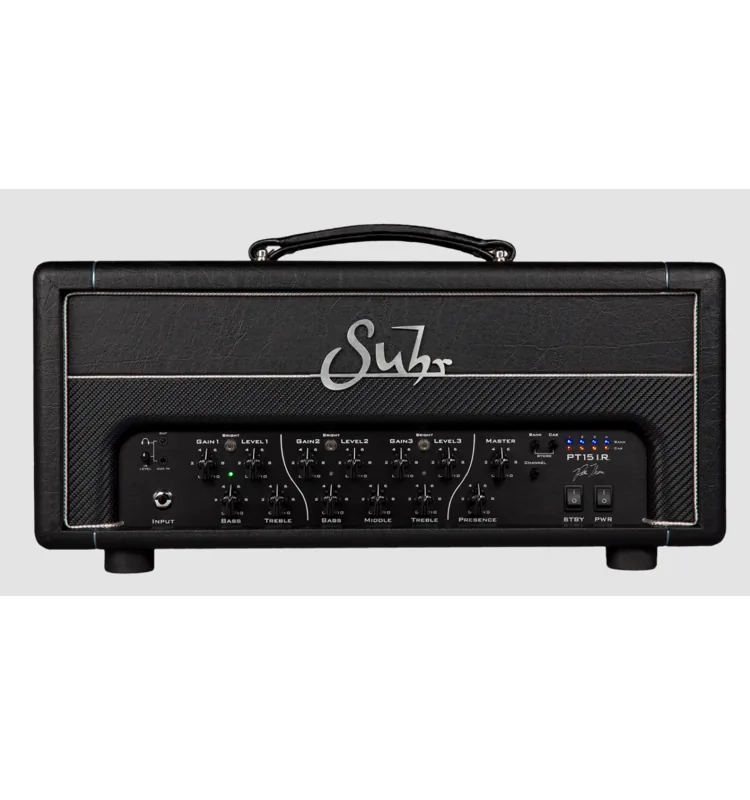
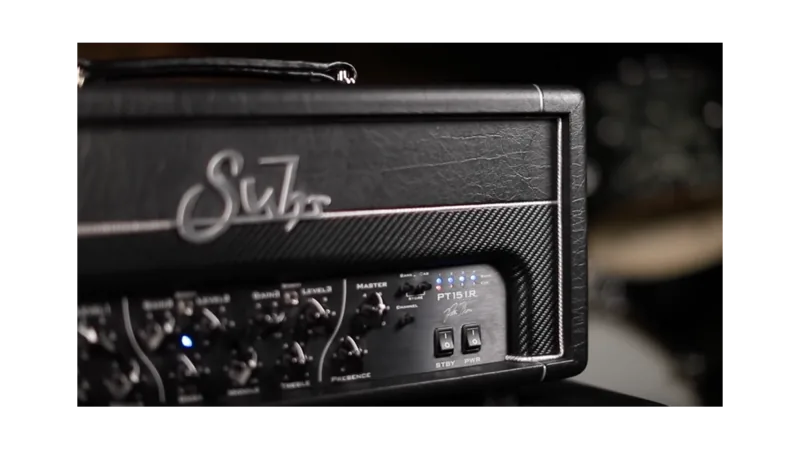
The Suhr PT15 I.R. brings premium tube amplification and modern speaker simulation into a compact 15-watt head built for serious guitarists. Created through the collaboration of John Suhr, Kevin Suhr, and Pete Thorn, it delivers three highly responsive channels, a built-in reactive load, and flexible impulse response technology for studio, stage, and silent practice.
Tube Tone With Modern Flexibility
At its core, the PT15 I.R. uses two 6V6GT power tubes and five 12AX7 tubes to produce touch-sensitive dynamics, harmonics, overdrive, and sustain. Channel 1 provides an American-voiced clean sound with bold headroom, adjustable bass and treble, plus a Bright switch for extra sparkle. Channels 2 and 3 cover a wide range of British-inspired gain tones, from articulate crunch to saturated lead and high-gain sounds.
Each high-gain channel includes independent gain and level controls, while shared bass, middle, treble, and Bright controls make it easy to refine the response. A global Master control manages total output, and Presence adjusts the top-end character across all three channels.
Built-In Reactive Load and IR Cabinet Sounds
The PT15 I.R. combines its tube power section with an onboard reactive load and impulse response loader. This setup captures the character of speaker cabinets and microphone placements through the balanced or unbalanced line output. It includes 16 selectable IR slots across four banks, featuring Celestion cabinet captures and proprietary Pete Thorn blends.
A useful Channel Link function lets players assign a preferred IR to each amp channel. When changing channels, the matching cabinet sound can be recalled automatically. Custom mono 24-bit, 48 kHz WAV impulse responses can also be loaded through USB, allowing the amplifier to adapt to different recording, rehearsal, and live-performance needs.
Ready for Recording, Practice, and Live Performance
For direct recording, connect the line output to an audio interface and use the onboard IR processing for a polished cabinet sound. The IR bypass option sends an unfiltered amp signal for external cabinet processing. A tube-driven buffered effects loop supports delays, reverbs, and other post-preamp effects.
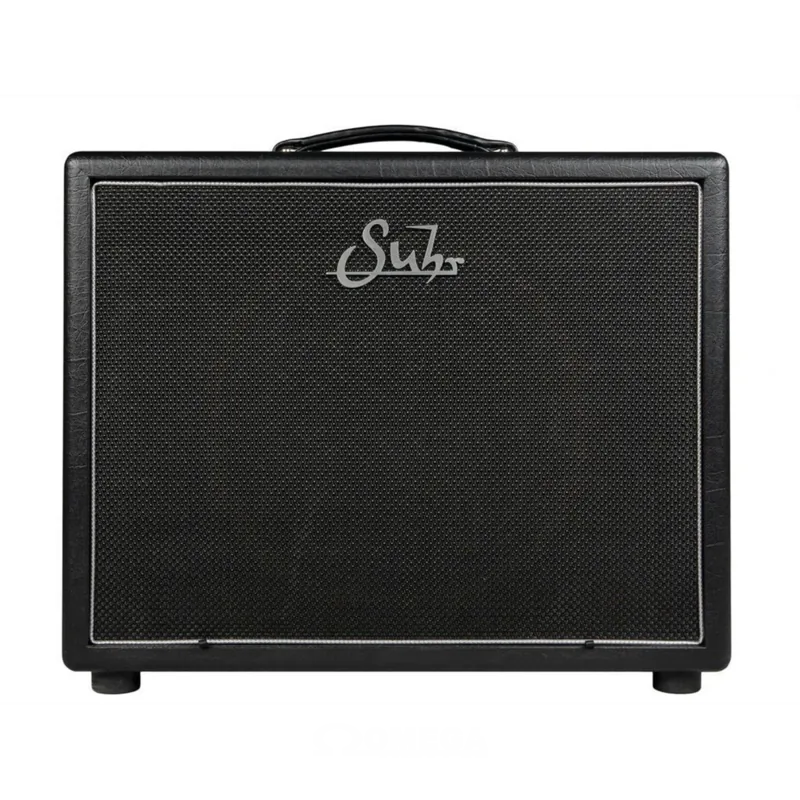
Silent practice is equally straightforward through the headphone output, with an auxiliary input for playing along with a phone or music player. Onstage, the PT15 I.R. can feed front of house through its line output while also driving a physical speaker cabinet for stage volume. Its reactive-load speaker output can reduce cabinet volume by approximately 3 dB, while the full-power output requires a properly matched speaker load.
Notes
- Match the impedance selector to the connected cabinet configuration.
- Use speaker cables for speaker outputs, never instrument or line-level cables.
- Back up factory IR content before replacing custom cabinet responses.
- Power cycle the amplifier after changing IRs through USB.
Search for 67,706 Manuals online


Type-in Brand or Model