
Strong HELO-PLUG Manual
PDF manual · 8 Pages
English



Quick check
Incorrect answer, please try again.
Chat with your Strong HELO-PLUG manual using AI
Get instant AI answers from your Strong HELO-PLUG manual
Ask anything about the Strong HELO-PLUG. Answers come from this manual, with the pages they are based on.
Ask a Question
Do you recommend HELO-PLUG?
Yes NoFrequently Asked Questions
No, this device only supports 2.4 GHz Wi-Fi networks. Please ensure your router is broadcasting on the 2.4 GHz band for successful connection.
Is this answer helpful?
First, add the device in the Helo by Strong app. Then open the Alexa app, enable the Helo by Strong skill, link your account, and say Alexa discover devices to complete the process.
Is this answer helpful?
If Easy Mode fails, switch to AP Mode. Press the power button twice to make the light flash slowly, then select AP Mode in the app and connect to the Helo_xxx network temporarily.
Is this answer helpful?
Yes, once the device is added successfully, you can share access with friends or family directly through the Helo by Strong app interface.
Is this answer helpful?
The Strong Helo Smart WiFi Plug has a maximum power rating of 3680 Watts and supports a single outlet current of up to 16 Amperes.
Is this answer helpful?
Open the Helo by Strong app, select your device, and change the name to something recognizable like Bedroom Plug. Note that you must re-discover devices on Alexa or Google Home after renaming.
Is this answer helpful?
Advantages and Disadvantages
Advantages

- Supports both Amazon Alexa and Google Home for hands-free voice control
- Allows remote control of appliances via the Helo by Strong mobile app
- High power capacity of 3680 W handles most household devices easily
- Simple setup process with Easy Mode and fallback AP Mode options
- Enables sharing device access with family members for collaborative management
Disadvantages

- Requires a stable 2.4 GHz Wi-Fi network and does not support 5 GHz bands
- Initial setup may require switching between modes if connection issues occur
- Voice assistant integration requires linking accounts and enabling specific skills
- LED indicator light might be too bright for sensitive sleep environments
- Device must remain powered on to maintain Wi-Fi connectivity and functionality
Product Specification
Type
Sensor, Actuator
Standard
WLAN (802.11b/g/n)
Function
Switched outlet (on/off), Power measurement
Dimensions
2.13x2.13x3.11in
Features
App controlled (iOS, Android), Voice assistant (Amazon Alexa, Google Assistant)
Product Description
Experience Seamless Home Automation with the Strong Helo Smart WiFi Plug
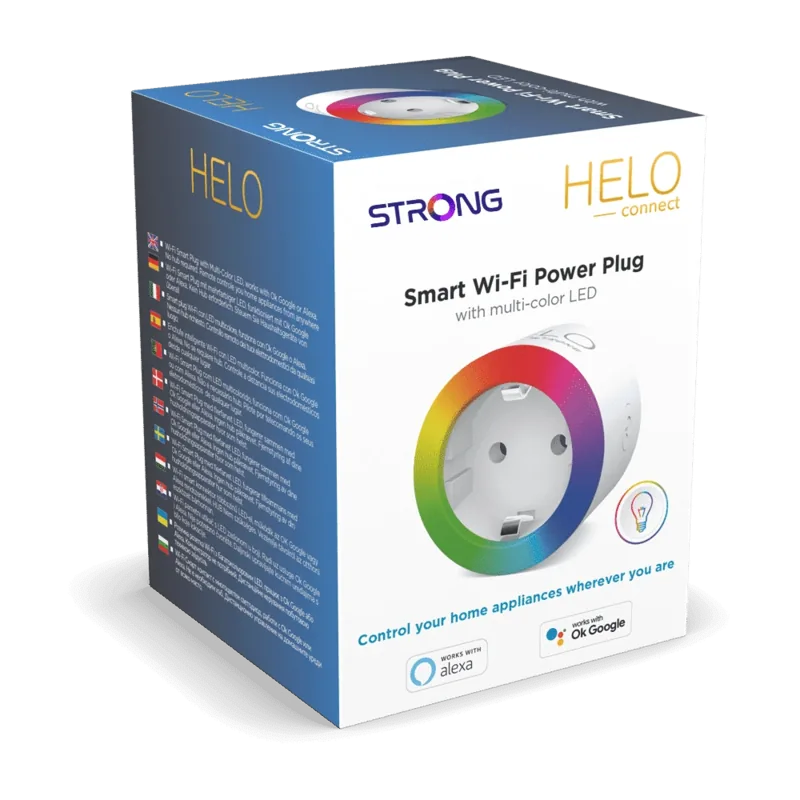
Transform your living space into a modern smart home with the Strong Helo Smart WiFi Plug. This innovative device allows you to control your electrical appliances from anywhere in the world using just your smartphone. Whether you want to turn on your coffee maker before you wake up or ensure your iron is switched off after leaving for work, this plug offers peace of mind and convenience.
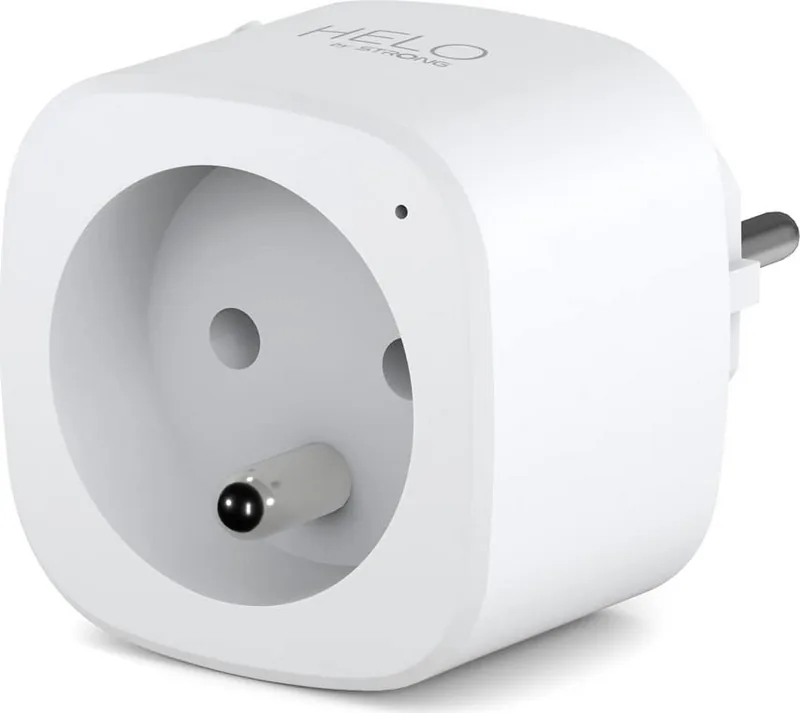
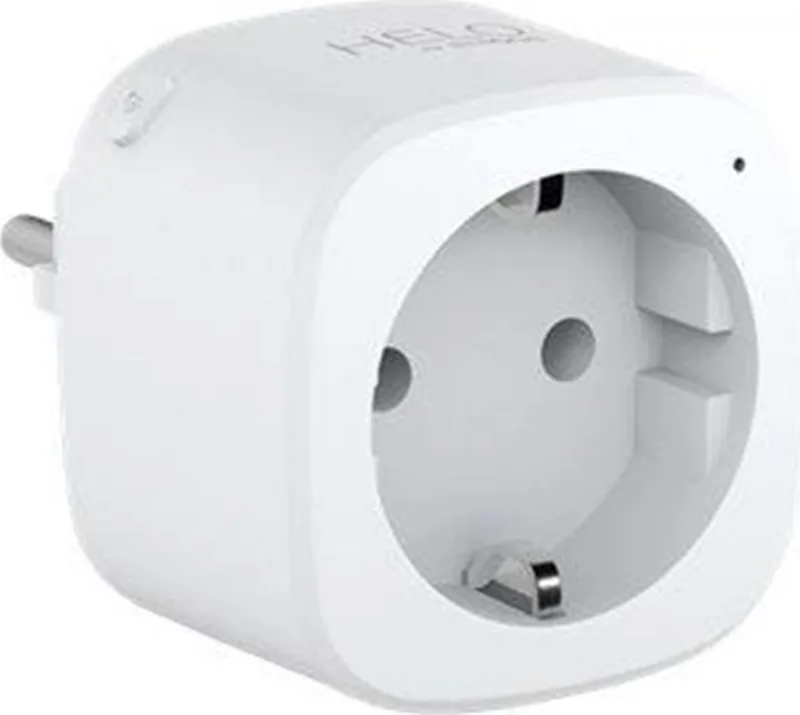
The Strong Helo Smart WiFi Plug connects effortlessly to your existing 2.4 GHz Wi-Fi network through the dedicated Helo by Strong app. Once connected, you gain full remote access to manage power outlets instantly. The device features a sleek design with an intuitive LED indicator that shows connection status at a glance. With a maximum power capacity of 3680 W, it is robust enough to handle various household electronics without compromising performance.
Integration with voice assistants like Amazon Alexa and Google Home makes controlling your devices even more natural. Simply issue voice commands to toggle power states or set timers. The app supports multiple device management, allowing you to organize all your smart gadgets in one place. You can also share access with family members, ensuring everyone stays connected to your smart ecosystem. The Strong Helo Smart WiFi Plug Manual provides detailed guidance for setup, but the interface is designed to be user-friendly for everyone.
Safety is a priority with built-in protections against overheating and overloading. The plug operates efficiently within standard temperature ranges and humidity levels, making it suitable for indoor use in any room. Its compact size ensures it does not block adjacent outlets, maximizing your available socket space.
Key Notes
- Ensure your router broadcasts a 2.4 GHz signal for optimal connectivity.
- Use the Easy Mode for quick setup or AP Mode if initial connection fails.
- Regularly update the Helo by Strong app for the best security and features.
Search for 67,706 Manuals online


Type-in Brand or Model