
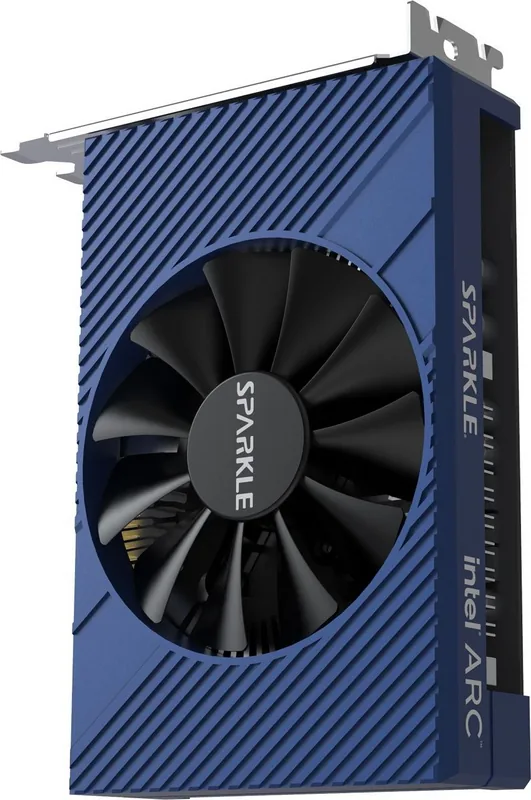
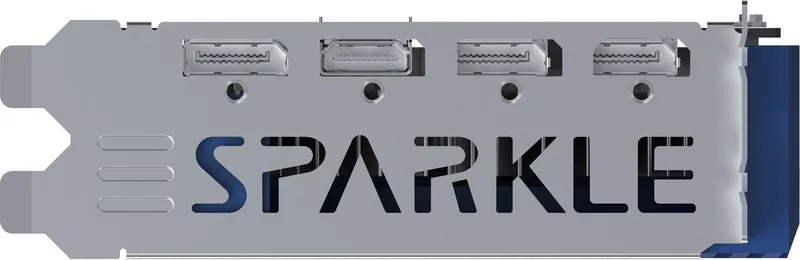
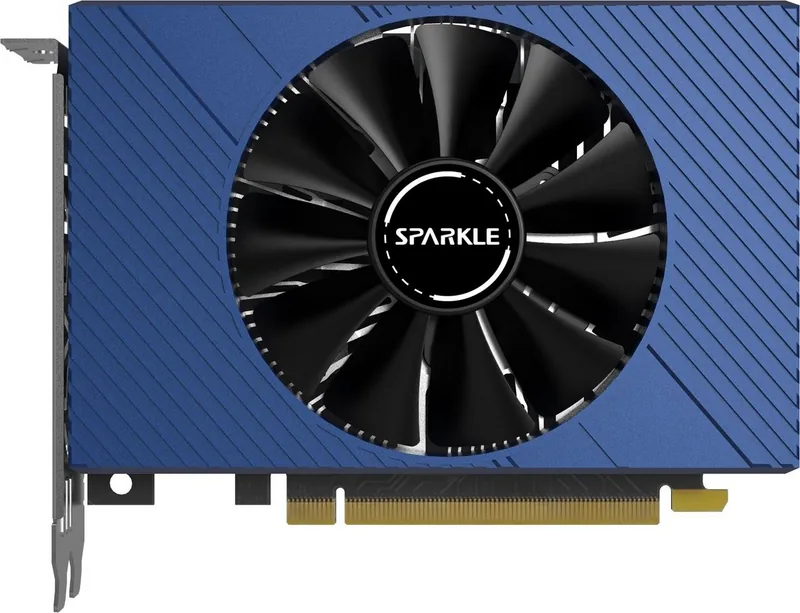
Sparkle Intel Arc Series Manual
PDF manual · 8 Pages
English



Quick check
Incorrect answer, please try again.
Chat with your Sparkle Intel Arc Series manual using AI
Get instant AI answers from your Sparkle Intel Arc Series manual
Ask anything about the Sparkle Intel Arc Series. Answers come from this manual, with the pages they are based on.
Ask a Question
Do you recommend Intel Arc Series?
Yes NoFrequently Asked Questions
You need 10th Gen Intel Core processors with Resizable Bar support or AMD Ryzen 3000 series with AMD 500 series motherboards supporting Smart Access Memory.
Is this answer helpful?
The Sparkle Intel Arc graphics card supports Linux, Windows 10, and Windows 11 operating systems for broad compatibility.
Is this answer helpful?
Turn off the computer, unplug the power cord, remove old cards if present, insert the new card into the PCIe slot, secure it, and connect power cables.
Is this answer helpful?
Visit the official Intel website to download the newest drivers tailored specifically for your Sparkle Intel Arc product model.
Is this answer helpful?
Yes, it is highly recommended to remove all previous drivers and perform a clean install to ensure optimal performance and stability.
Is this answer helpful?
Advantages and Disadvantages
Advantages

- Supports advanced features like Resizable Bar and Smart Access Memory for better performance
- Compatible with major operating systems including Linux, Windows 10, and Windows 11
- Straightforward installation process with clear physical connection steps
Disadvantages

- Requires specific CPU generations and motherboard compatibility for full feature access
- Power consumption varies by model requiring careful PSU calculation
- Clean driver installation is recommended which may take extra time for some users
Product Specification
Chip Data
Chip Architecture
Xe-HPG Alchemist / Gen 12.7 (from 2022/Q1)
Chip Manufacturing
TSMC 6nm
Chip Features
Ray Tracing
API Support
DirectX 12 Ultimate (12_2) / Vulkan 1.3 / OpenCL 3.0 / OpenGL 4.6 / Shader Model 6.6
Transcoding Engine
Info
Encoding
AV1 (8bit / 10bit), H.265 (4K YUV 4:2:0 / 4K YUV 4:4:4 / HEVC 10bit support), H.264 (YUV 4:2:0 / YUV 4:4:4), VP9
Decoding
AV1 (8bit / 10bit), H.265 (8bit 4:2:0 / 10bit 4:2:0 / 12bit 4:2:0 / 8bit 4:4:4 / 10bit 4:4:4 / 12bit 4:4:4), H.264, VP9 (8bit / 10bit / 12bit), VP8, VC-1, MPEG-2
Multi-GPU Connection
-
Product Description
Discover the Sparkle Arc Manual: Your Guide to High-Performance Graphics
Unlock the full potential of your gaming and creative workstation with the Sparkle Intel® Arc™ Graphics Card. This comprehensive guide, known as the Sparkle Arc Manual, is designed to help enthusiasts and professionals alike navigate the installation and setup process with ease. Whether you are building a new rig or upgrading an existing one, understanding the nuances of this powerful hardware is essential for optimal performance.
The Sparkle Arc series brings cutting-edge architecture to the table, offering incredible speed and efficiency. To get started, ensure your system meets the necessary requirements. You will need a motherboard equipped with PCI Express x16 slots and a compatible processor, such as 10th Gen Intel Core or AMD Ryzen 3000 series, to leverage features like Resizable Bar and Smart Access Memory. Compatibility extends to Linux, Windows 10, and Windows 11 operating systems, making it a versatile choice for diverse users.
Installation is straightforward when following the step-by-step instructions provided in the manual. Always begin by powering down your computer and disconnecting the power cord for safety. Carefully remove any existing cards, insert the Sparkle Intel® Arc card into the designated slot, and secure it firmly using the locking mechanism and thumbscrews. Connect the necessary external power connectors from your PSU and attach your display cable before booting up. For the best experience, perform a clean driver install after removing old drivers to avoid conflicts.
Updating your software is just as critical as the physical installation. Visit the official Intel website to download the latest drivers specific to your model. Follow the on-screen prompts to complete the installation smoothly. If you encounter any hurdles, both Sparkle and Intel offer robust support resources online. This manual serves as your trusted companion, ensuring you maximize the capabilities of your new graphics card without unnecessary complications.
Search for 67,732 Manuals online


Type-in Brand or Model