
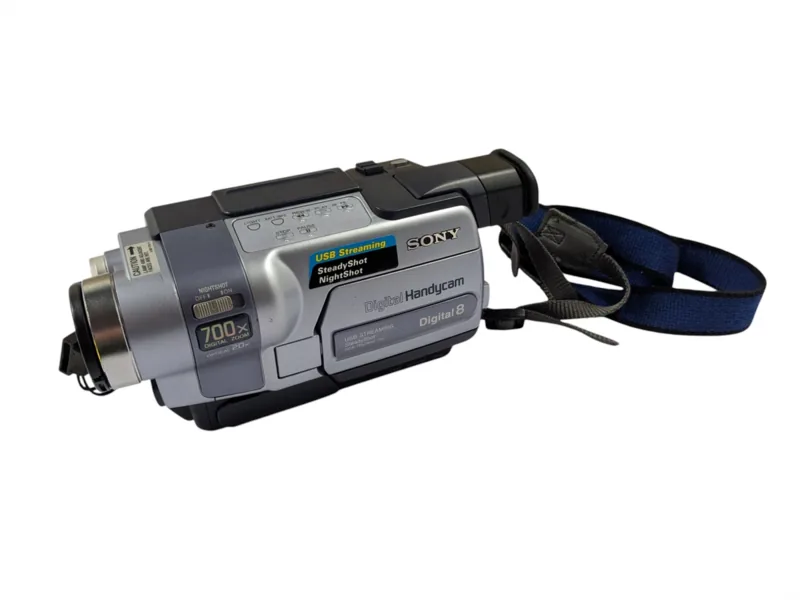
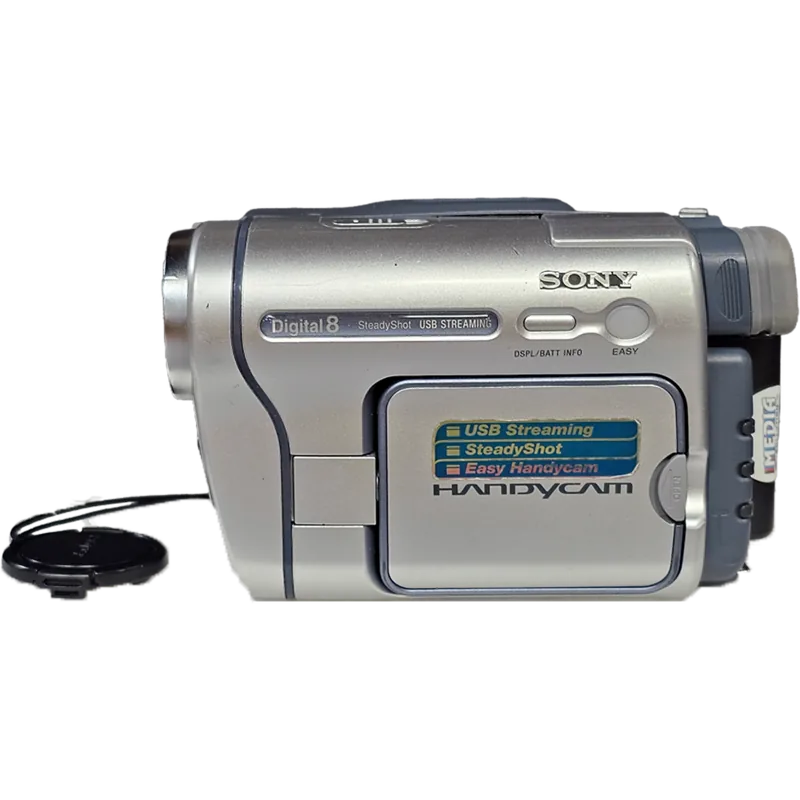

Sony Handycam DCR-TRV320 Manual
PDF manual · 132 Pages
English


Quick check
Incorrect answer, please try again.
Chat with your Sony Handycam DCR-TRV320 manual using AI
Get instant AI answers from your Sony Handycam DCR-TRV320 manual
Ask anything about the Sony Handycam DCR-TRV320. Answers come from this manual, with the pages they are based on.
Handycam DCR-TRV320 Maintenance Schedule
Use Sony V8-25CLD cleaning cassette if noise appears or pictures do not move.
Remove tape and run camera and VTR sections for about 3 minutes to prevent malfunction.
Use a soft brush for dust and a soft cloth for fingerprints.
Wipe with a dry soft cloth or one moistened with mild detergent solution.
Use an LCD Cleaning Kit to remove fingerprints or dust.
Replace with Sony CR2025 or Duracell DL-2025 when W indicator flashes.
Ask a Question
Do you recommend Handycam DCR-TRV320?
Yes NoFrequently Asked Questions
Yes, the DCR-TRV320 plays back standard 8 tapes. However, you should only play these tapes on this camcorder to avoid mosaic pattern noise that may appear on other devices.
Is this answer helpful?
SP (Standard Play) offers higher quality recording, while LP (Long Play) extends recording time by 1.5 times. LP mode is recommended for longer sessions but may introduce noise if played on other equipment.
Is this answer helpful?
Set the POWER switch to MEMORY mode, press PHOTO, and hold it deeper to record. You can adjust image quality settings in the menu before recording.
Is this answer helpful?
Yes, but you need an NTSC-based TV to view recordings. If traveling to regions with different color systems, ensure your TV is compatible or use a converter.
Is this answer helpful?
Yes, you can connect to a VCR or PC via i.LINK for digital editing. However, effects applied during playback cannot be recorded back onto the tape.
Is this answer helpful?
Advantages and Disadvantages
Advantages

- Records high-quality Digital8 video with support for Hi8 tapes
- Includes Memory Stick slot for still image storage and PC transfer
- Features NightShot and Super NightShot for low-light recording
- Offers multiple special effects and custom title options
- Supports i.LINK for high-quality digital editing
Disadvantages

- Digital zoom reduces picture quality beyond 25x magnification
- Super NightShot disables fader and digital effect functions
- LCD screen visibility may be poor in direct sunlight
- Cannot mix Hi8 and Digital8 recordings smoothly on one tape
- Memory Stick formatting erases all existing data
Product Description
Discover the Sony DCR-TRV320 Digital8 Handycam
The Sony DCR-TRV320 is a versatile digital video camera recorder designed to capture life's precious moments with superior picture and sound quality. This advanced camcorder combines ease of use with powerful features, making it ideal for creating home videos that last for years. The device supports both Hi8 and Digital8 video cassettes, ensuring compatibility with existing tape libraries while offering high-quality digital recording capabilities.
Advanced Features and Versatility
One of the standout capabilities of this model is its ability to record still images directly onto video tapes or store them on a Memory Stick. The Memory Stick functionality allows users to exchange image data with personal computers and other compatible devices. The camera includes specialized modes such as NightShot and Super NightShot for low-light photography, enabling clear recordings even in dark environments. Users can also utilize various special effects like sepia, black and white, and mosaic filters to add creative flair to their footage.
Ease of Use and Customization
Despite its advanced feature set, the DCR-TRV320 remains user-friendly. The menu system allows for extensive customization, including adjustments for exposure, focus, and audio settings. The self-timer function provides flexibility for group shots or solo recordings. Additionally, the camcorder supports editing operations such as inserting scenes from VCRs and dubbing tapes using i.LINK connections for high-quality digital-to-digital transfers. The inclusion of a wireless remote commander simplifies operation, allowing users to control playback and recording functions from a distance.
Important Notes
- Always ensure the write-protect tab on cassettes and Memory Sticks is correctly positioned to prevent accidental data loss.
- The LCD screen may display tiny points due to manufacturing processes, which do not affect recorded image quality.
- For best results when recording in LP mode, play back the tape on the same camcorder to avoid noise issues.
Search for 67,706 Manuals online


Type-in Brand or Model