
SoFlow SO4 Pro Manual
PDF manual · 143 Pages
English



Quick check
Incorrect answer, please try again.
Chat with your SoFlow SO4 Pro manual using AI
Get instant AI answers from your SoFlow SO4 Pro manual
Ask anything about the SoFlow SO4 Pro. Answers come from this manual, with the pages they are based on.
SO4 Pro Maintenance Schedule
Charge the battery for at least 1 hour every month even when not in use to prevent capacity loss and total discharge.
Verify that the handlebars are correctly engaged and that the brake function is working. Never ride if brakes do not work.
Check the battery level of the device before each journey. Never use the scooter when the battery level is low.
Check all screws of the device, especially on the handle, frontbar, mudguard, and wheels. Tighten them firmly to ensure safety.
Check that the wheels are undamaged before starting your trip.
Check regularly that the brakes are correctly adjusted. Adjust braking force by adjusting the brake cable if necessary.
Thoroughly clean the scooter with a dry cloth after usage. Use a slightly moist sponge if needed, then dry with a towel.
Lubricate the front and rear ball bearings from time to time using ordinary bicycle oil to ensure better durability.
Free maintenance reminders
Timed to your purchase date. Always free, unsubscribe anytime.
Ask a Question
Do you recommend SO4 Pro?
Yes No
naomi42
7 months ago
Why does the scooter make such a loud noise compared to other models?
Frequently Asked Questions
The SoFlow SO4 Pro has a technically permissible maximum mass speed limit of 20 km/h. This applies to both uphill and downhill driving to ensure safety.
Is this answer helpful?
Yes, the scooter is rated IPX6 splash-proof, meaning it can handle light rain and shallow puddles. However, you must never immerse it in water or ride in heavy storms as this will damage the electronics.
Is this answer helpful?
Charging time varies by battery capacity. The 7.8 Ah battery takes approximately 3.5 hours, while the 10.5 Ah battery requires about 5 hours to fully charge using the original charger.
Is this answer helpful?
The SO4 PRO 2nd Gen features a changeable battery that can be removed via the app. Standard models and earlier generations typically have fixed batteries that cannot be easily removed by the user.
Is this answer helpful?
The SoFlow SO4 Pro comes with a 6-month warranty specifically for the lithium-ion battery. The device itself has a 2-year warranty, excluding consumables and motor parts which have shorter coverage periods.
Is this answer helpful?
No, the scooter is designed strictly for one person only. Carrying passengers or heavy objects can damage the frame and void the warranty, posing a serious safety risk.
Is this answer helpful?
Advantages and Disadvantages
Advantages

- Powerful 500W motor with up to 40 km range on high-capacity battery
- Dual disc brakes on front and rear wheels for enhanced safety
- Integrated turn signals improve visibility and communication with traffic
- IPX6 water resistance allows use in light rain and puddles
- Removable battery option on PRO 2nd Gen simplifies charging
Disadvantages

- Maximum speed limited to 20 km/h which may feel slow for some
- Battery life decreases significantly in temperatures below 0°C
- Not waterproof; immersion in water or heavy rain causes damage
- Requires monthly charging even when not in use to maintain battery health
- Must be charged only with original charger to prevent voiding warranty
Product Specification
Type
Electric scooter
Colors
black, green
Material
Aluminum
Battery
Li-Ion, 48V, 504Wh, 10.5Ah
Motor power
500W
Charging time
5 hours
Max grade
18% / 10 degrees
Range
up to 25 miles
Max speed
12 mph
Front brake
Mechanical disc brake (handbrake)
Rear brake
Mechanical disc brake (handbrake)
Dimensions
43x18x45 inches
Max user weight
331 lbs
Tire diameter
10 inches
Suspension
None
Lighting
Headlight, taillight
Weight
37 lbs
Features
Foldable, battery status indicator
Product Description
SoFlow SO4 Pro Electric Scooter - Read, Download & Print Free
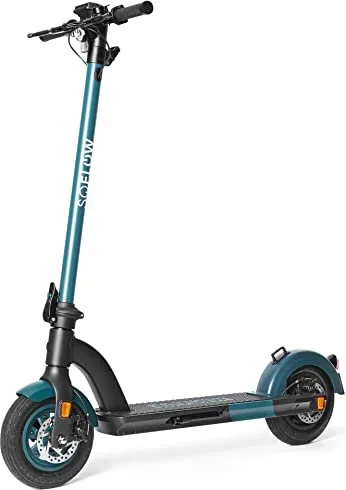
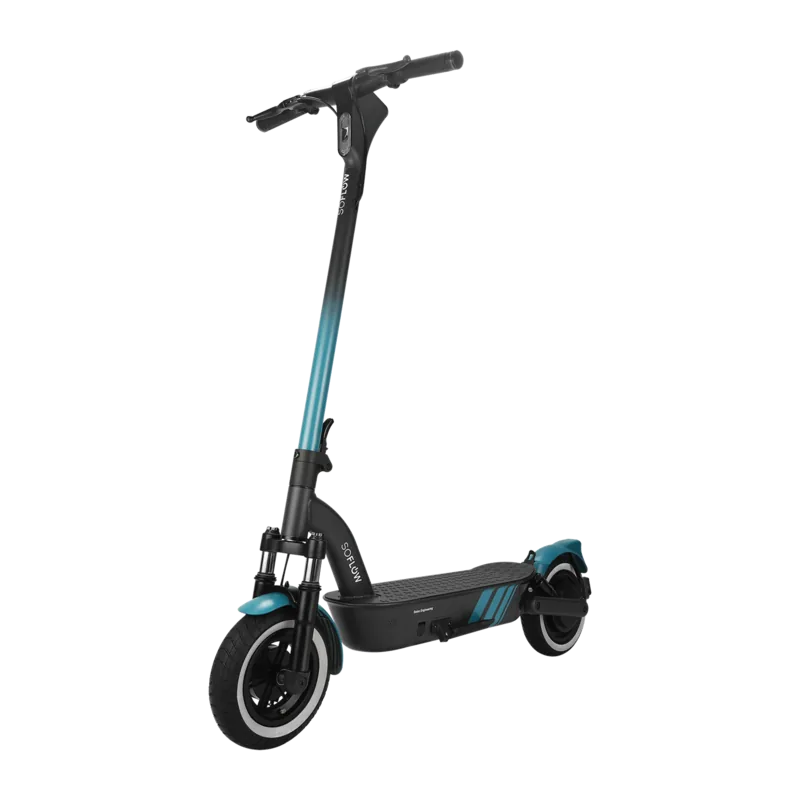
The SoFlow SO4 Pro Electric Scooter represents a leap forward in personal mobility, designed for those who value style, performance, and practicality. Whether you are commuting through city streets or enjoying a leisurely ride in the park, this scooter offers a seamless experience powered by advanced technology. The SO4 PRO model stands out with its robust 500W motor and 48V battery system, delivering a top speed of up to 20 km/h and an impressive range of up to 40 km on a single charge. Its larger 10-inch wheels provide superior stability and comfort over various terrains compared to standard models.
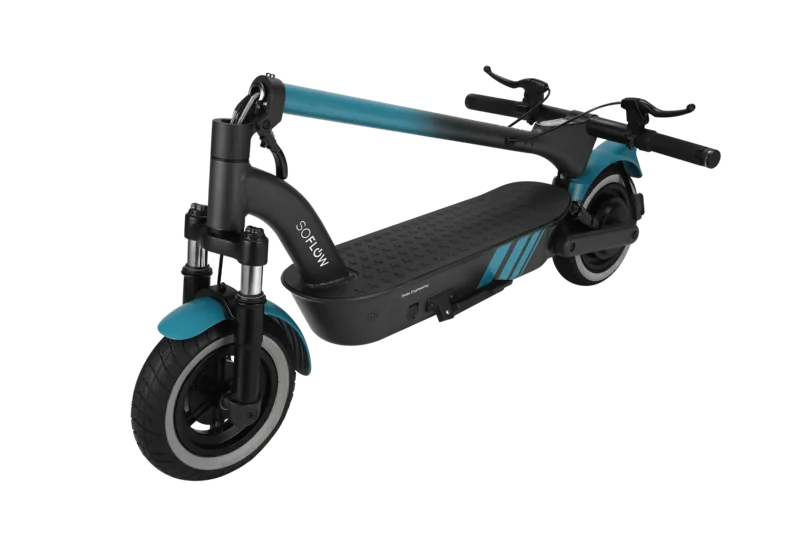
Safety is paramount in the design of the SoFlow SO4 Pro. It features dual disc brakes on both the front and rear wheels, ensuring reliable stopping power even in wet conditions. The IPX6 splash-proof rating allows riders to confidently navigate light rain and puddles without fear of damaging the electronics. For added security, the scooter includes integrated turn signals at the ends of the handlebars, making your intentions clear to other road users. The folding mechanism makes it incredibly portable, allowing for easy storage in apartments or transport in car trunks.
Connectivity enhances the riding experience through the dedicated SoFlow app. Users can lock and unlock the scooter remotely, monitor battery levels and speed in real-time, and track their routes to earn FlowMiles rewards. The app also allows customization of riding modes, letting you switch between ECO, STANDARD, and SPORT settings to match your preference and terrain. Maintenance is straightforward, with regular checks recommended for screws and tire pressure to ensure optimal performance. The removable battery feature on the 2nd Gen PRO model adds convenience, enabling users to charge the battery indoors while keeping the main unit secure.
This guide covers essential safety warnings, assembly instructions, and maintenance tips to help you get the most out of your new vehicle. Always wear protective gear, adhere to local traffic laws, and avoid operating the scooter under the influence of substances that impair judgment. With its durable aluminum alloy frame and intuitive controls, the SoFlow SO4 Pro is ready to elevate your daily commute.
Search for 67,706 Manuals online


Type-in Brand or Model
OdioIpsum74
7 months ago
Does the advertised range of 40km match real-world usage, especially on hilly terrain?
Manual.ly
7 months ago
The manufacturer states a maximum range of up to 40 km under ideal conditions. However, user feedback indicates that real-world range typically falls between 20 and 30 km depending on factors such as rider weight, terrain steepness, wind, and speed mode. Users with heavier loads or frequent uphill driving often report closer to 25 km per charge. While the scooter excels in climbing hills, the battery capacity is fully utilized quickly in demanding conditions.