
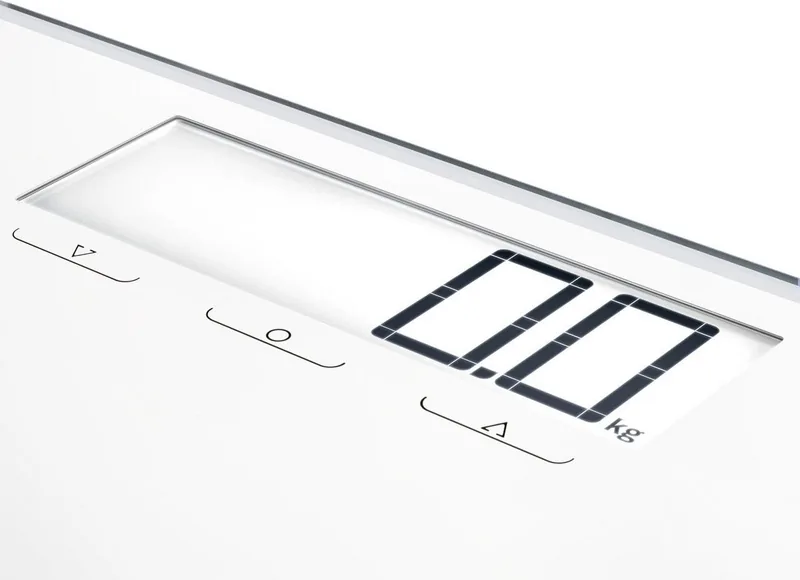
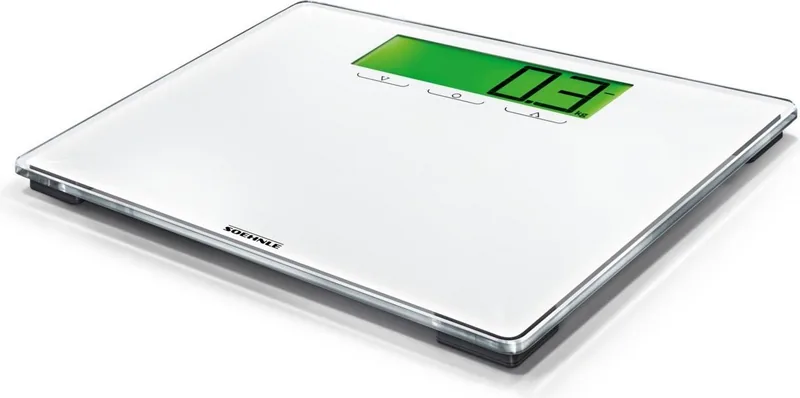
Soehnle Style Sense Multi 100 Manual
4.0 · 2 Ratings
PDF manual · 38 Pages
English



Loading...

4
A. Operating elements
1. Minus ( )
2. Confirm (
)
3. Plus (
)
Sensor Touch:
Touch keys only slightly!
B. Preparation
1. Insert batteries.
2. For all measurements, place scale on hard,
level surface (not carpet).
3. Cleaning and Care: clean only using slightly
damp cloth. Do not use solvents or abrasives.
Never submerge scale in water.
4. A country-specific option to switch from kg/cm
to lb/in or st/in is possible by pushing the key
on the bottom of the scale to switch units.
Attention! Slipping hazard
in case of wet surface.
C. Data input
1. Push key.
2. Use
/ keys to select memory slot and con-
firm (Press key 3 sec.).
3. Place the scale immediately on the floor, wait
until screen displays „0,0“ and then step on
the scale.
The initial weighing is indispensable and ser-
ves to store data for later automatic recogniti-
on. If user does not step on the scale, data
cannot be saved and must be entered again.
The first weighing is performed after a user
steps on the scale.
This scale is equipped with a Timeout mode.
It will automatically switch off after approx.
40 seconds, if no keys are pressed.
Data must be entered again after battery
change.
D. Weighing
Place scale on hard, level surface and wait
until the scale switches off automatically.
1. Step on the scale. Please stand still.
2. The determined body weight is displayed.
The automatic recognition of persons follows.
3. If the determined values cannot be clearly
allocated to one user, the possible memory
slots will be displayed.
If the determined weight can be allocated to
more than 2 users, other possible memory
slots will be displayed after 3 seconds.
Use the
/ keys ( = left, = right) to con-
firm the memory slot displayed there.
4. The difference to the last weighing is dis-
played as follows:
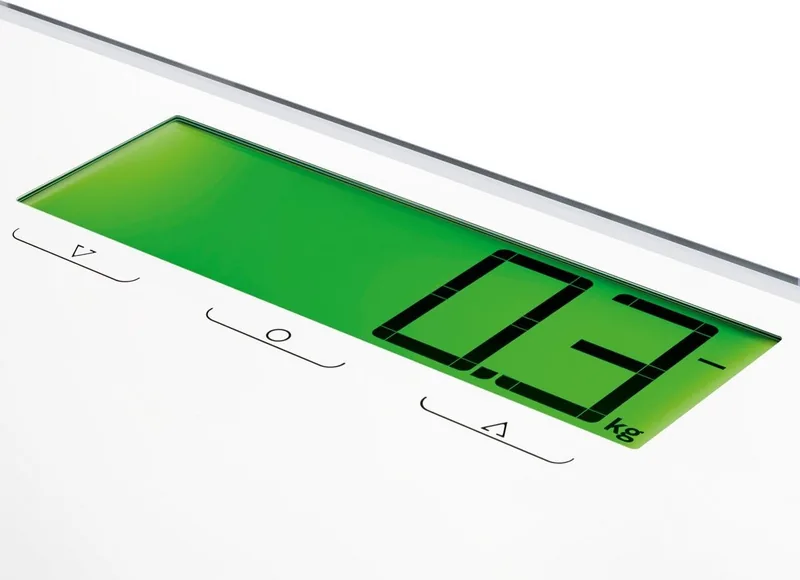
At identical weight, +/- 0 is displayed on
white background illumination.
At positive difference (current weight higher
than prior weight) with a plus sign and blue
background illumination.
At negative difference (current weight less
than prior weight) with a minus sign and green
background illumination.
The scale shuts off auto matically.
E. Notifications
1. Replace batteries
2. Overload: max.180 kg
F. Technical data
Max. 180 kg / 100 g
Max. 396 lb / 0.2 lb
Max. 28 st / 0.2 lb
Batteriy requirement: 3 x 1,5 V AAA
EN
63861-BA-PWD-Style-Sense-Multi-100-13199-A-Content-02-11-2016.indd 4 03.11.2016 14:05:12
Quick check
I'm not a robot
Incorrect answer, please try again.
Chat with your Soehnle Style Sense Multi 100 manual using AI
Get instant AI answers from your Soehnle Style Sense Multi 100 manual
Ask anything about the Soehnle Style Sense Multi 100. Answers come from this manual, with the pages they are based on.
Ask a Question
0/1000
Do you recommend Style Sense Multi 100?
Yes NoProduct Specification
Operating mode
Battery operated (3x AAA battery)
Material
Glass, Plastic
Color
white
Load capacity
396.83lb
Graduation
0.22lb
Units of measurement
kg, lb, st
Memory function
User memory (for 8 people)
Display
yes
Special features
automatic user recognition, automatic switch-on (Step-on), automatic switch-off
Product Description
Search for 67,706 Manuals online


Type-in Brand or Model
Lena Weber
10 months ago
Is the Soehnle digital scale easy to use, and can it recognize different people and show whether weight is going up or down?
Manual.ly
10 months ago
Yes. Customers report that the Soehnle digital scale is straightforward to operate. It can recognize users after you save individual profiles, so each person gets their own measurements. Weight changes are indicated clearly with a color display: green for a gain and red for a loss, making progress easy to interpret at a glance. The large display also helps with comfortable reading of the results without squinting. Overall, it is considered a hassle-free choice for everyday use and multi-user households.