
Soehnle Page Pro 200 Manual
PDF manual · 2 Pages
English



Quick check
Incorrect answer, please try again.
Chat with your Soehnle Page Pro 200 manual using AI
Get instant AI answers from your Soehnle Page Pro 200 manual
Ask anything about the Soehnle Page Pro 200. Answers come from this manual, with the pages they are based on.
Ask a Question
Do you recommend Page Pro 200?
Yes NoFrequently Asked Questions
The scale supports a maximum of 15 kg (33 lb). If you try to weigh beyond that range, it shows an "OVERLOAD" message to warn you that the measurement is not within the scale's intended limits.
Is this answer helpful?
The scale includes a conversion function that lets you change the display between metric and imperial units. Use the unit conversion option to toggle between g and lb:oz so your readings match the recipe you are following.
Is this answer helpful?
Yes. The tare function is made for this. Place your bowl or container on the scale, activate tare to reset the display, and then add ingredients. This produces the net weight of the ingredients only.
Is this answer helpful?
Yes. The device is intended for weighing plus additional weigh-ins. After you tare the first ingredient setup, you can add more ingredients and keep measuring without fully starting over, making multi-step recipes easier.
Is this answer helpful?
Yes. It features an auto-off function that shuts the scale down after 8 minutes, helping conserve battery life when you are not actively weighing.
Is this answer helpful?
It uses AAA batteries, 3x1.5 V. When the power needs attention, the display shows a "CHANGE BATTERY" message so you know when to replace the batteries to keep measurements reliable.
Is this answer helpful?
The scale uses sensor-touch keys intended to be pressed lightly. For best performance, touch the keys gently rather than applying force, which helps prevent incorrect input while cooking.
Is this answer helpful?
Advantages and Disadvantages
Advantages

- High capacity: up to 15 kg / 33 lb for bigger cooking batches
- Overload indication helps you stay within safe measuring limits
- Sensor-touch controls make operation quick and tidy
- Tare plus add-on weighing support container and multi-ingredient recipes
- Unit conversion between g and lb:oz for flexible recipe use
Disadvantages

- Uses AAA batteries (3x1.5 V), so ongoing operation depends on replacements
- Touch keys require gentle pressure, which may take brief adjustment
- If you exceed capacity, accuracy is not guaranteed and "OVERLOAD" stops the process
Product Specification
Material
Stainless steel
Color
stainless steel
Load capacity
33.07 lb
Graduation
0.04 oz
Special features
Tare function, Automatic shut-off
Smart Home
no
Product Description
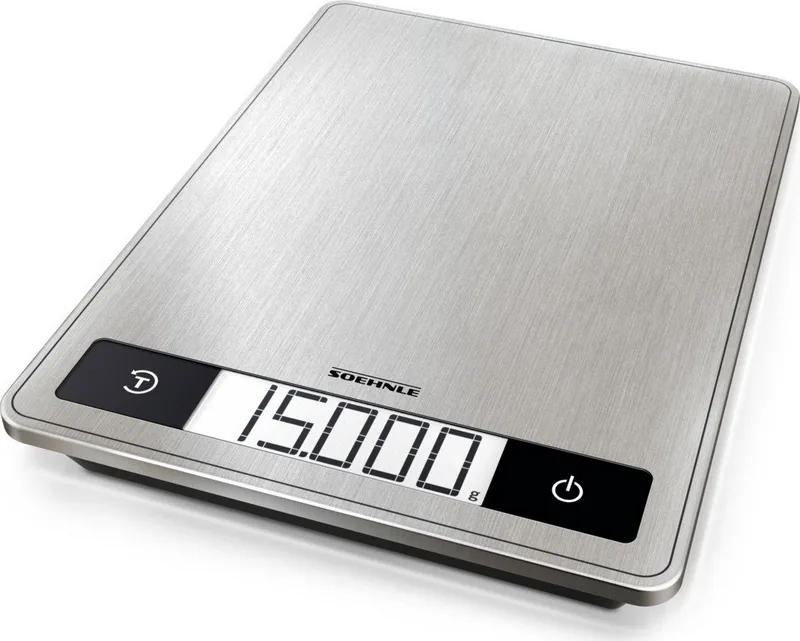
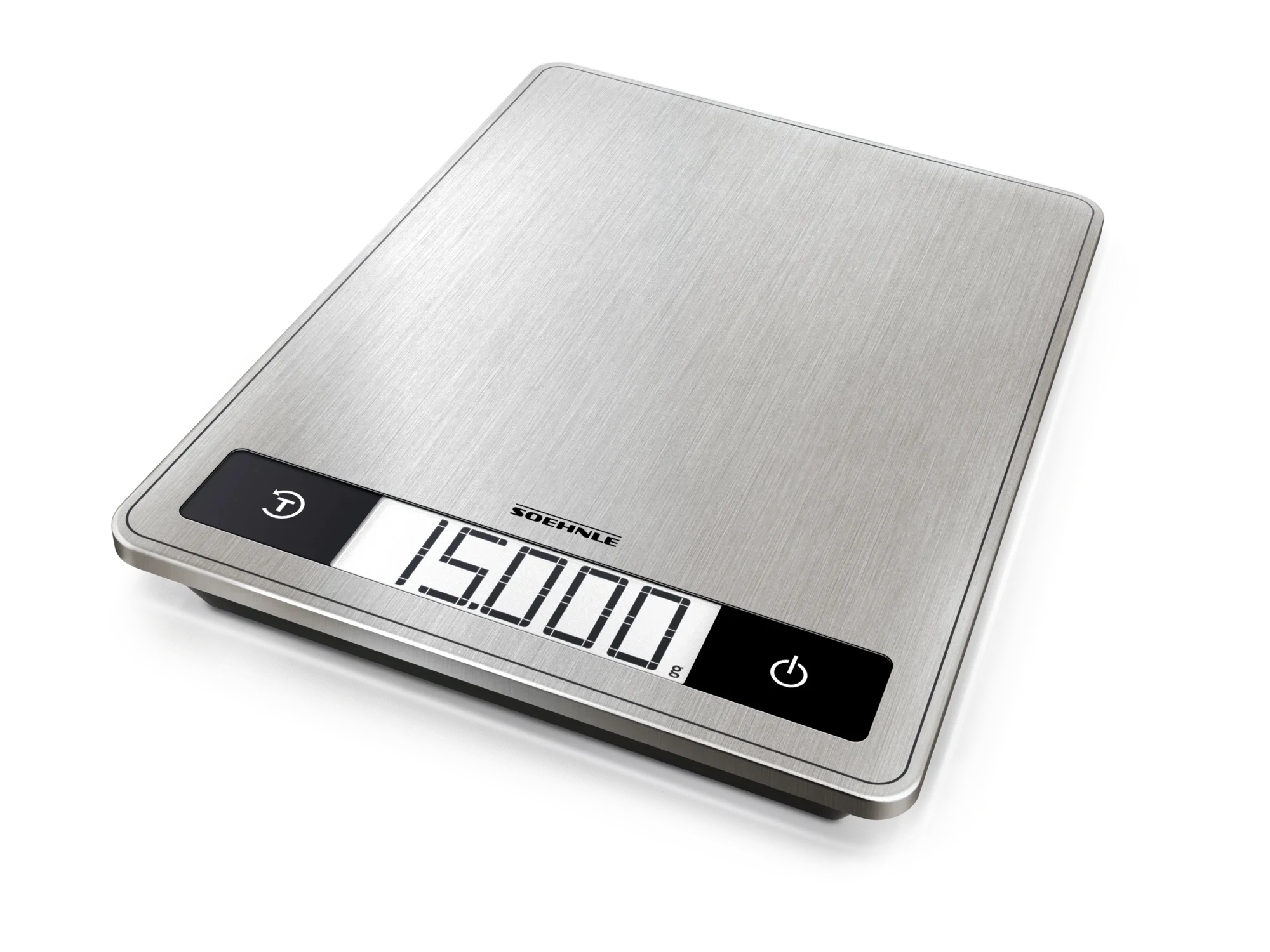
Soehnle Page Pro 200 Digital Kitchen Scale Manual
A kitchen scale built for clean, quick measuring
The Soehnle Page Pro 200 Digital Kitchen Scale is designed to make recipe weighing straightforward, whether you are portioning flour, portioning meat, or fine-tuning ingredients for baking. With a generous maximum capacity of 15 kg (33 lb), it suits everyday cooking tasks and larger prep sessions without constantly needing to transfer ingredients.
Touch controls that keep things simple
Operation is centered on sensor-touch buttons. The scale is meant to be controlled by gently touching the keys, which helps avoid accidental inputs while you work. If you exceed the intended range, the display indicates an "OVERLOAD" situation, giving you clear feedback before results become unreliable.
Tare, add-on weighing, and unit conversion
For recipes that require multiple ingredients, the tare function supports weighing plus additional weigh-ins. You can reset the display to account for a container, then keep adding ingredients without starting from scratch. The scale also supports converting between metric and imperial units, including g and lb:oz, so you can follow your preferred recipe format.
Power-saving convenience
To conserve battery power, the scale features an automatic shut-off after 8 minutes. When battery replacement is needed, a "CHANGE BATTERY" message appears, guiding you to swap batteries so the scale continues to perform accurately.
Key takeaways
- Max capacity up to 15 kg / 33 lb with clear overload indication
- Sensor-touch keys designed for gentle operation
- Tare and add-on weighing for container-free multi-ingredient prep
- Switch units between g and lb:oz to match your recipes
- Auto-off after 8 minutes plus AAA battery support and change prompt
Notes for safe and long-term use
- Touch the keys only lightly to ensure correct input.
- Battery type: AAA, 3x1.5 V; follow the battery change prompt when shown.
- Safety and compliance information is provided with the product, including guidance on proper disposal of batteries and electrical equipment.
- Coverage: Leifheit AG provides a 5-year warranty from the purchase date, with repair or replacement at their discretion.
Search for 67,706 Manuals online


Type-in Brand or Model
Sophie Klein
8 months ago
After using it for baking, flour can get under the display. How can I clean it properly, and is it really impossible to clean?
Manual.ly
8 months ago
You can clean it, but do it carefully to avoid damaging the electronics. First switch the scale off (and remove the batteries if needed). Use a soft, dry brush or a slightly damp microfiber cloth to wipe accessible areas. For particles around the display, use a cotton swab or a very gentle touch with a dry brush. Do not immerse the scale in water, and do not let moisture reach the display or buttons. For future use, place a baking tray or mat on the weighing surface to reduce crumbs getting inside. If debris is stuck in a hard-to-reach spot, stop cleaning with liquid and use only dry tools (cloth, brush, swab).