
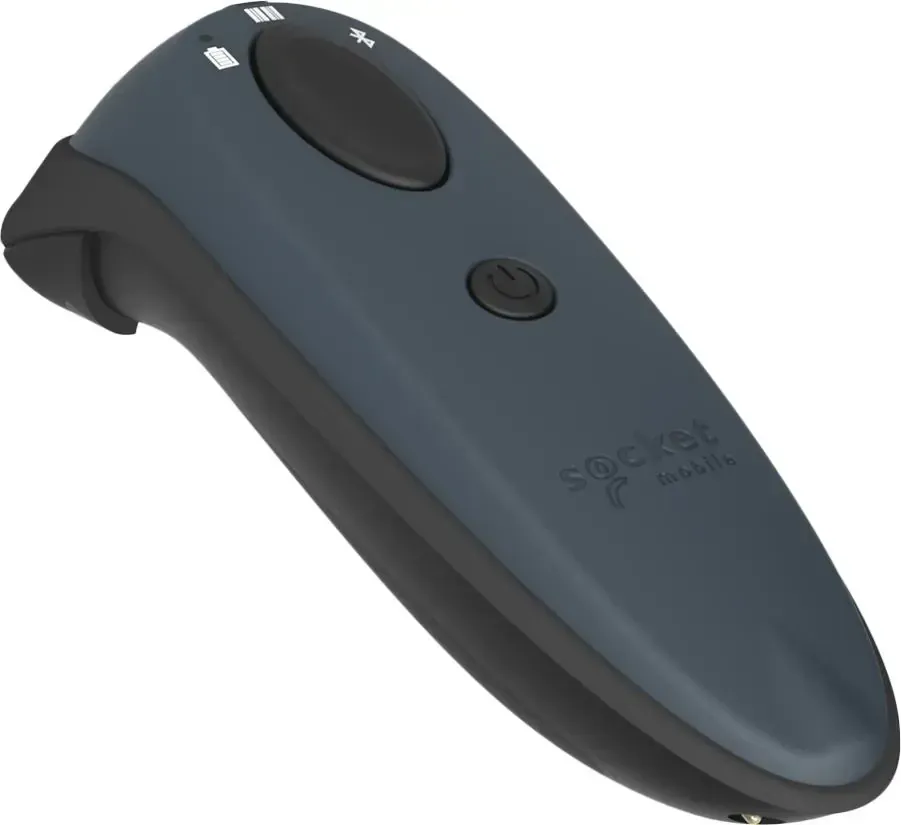
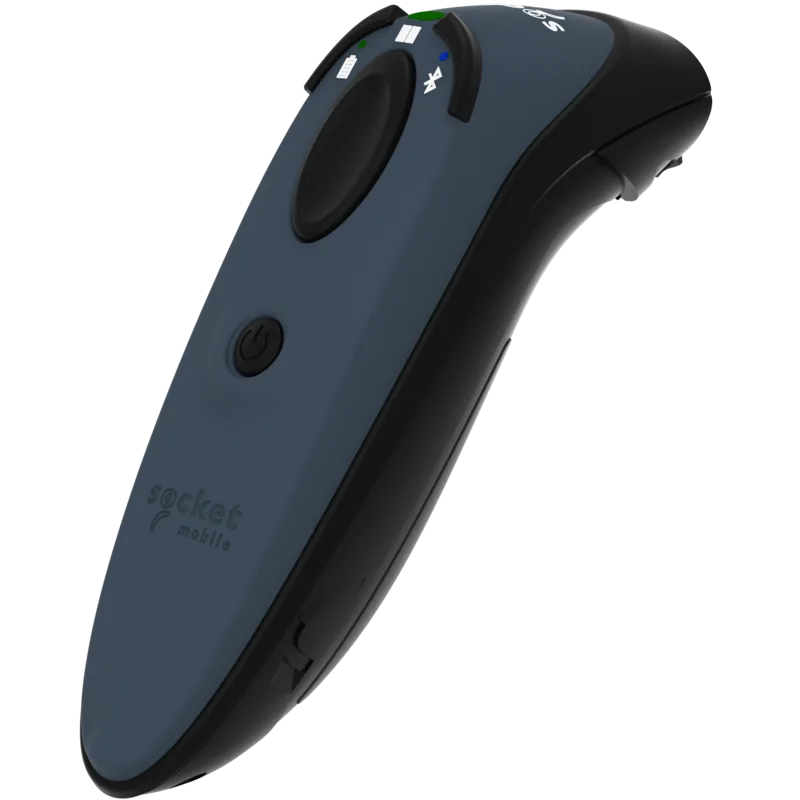
Socket Mobile DuraScan D760 Manual
PDF manual · 50 Pages
English



Quick check
Incorrect answer, please try again.
Chat with your Socket Mobile DuraScan D760 manual using AI
Get instant AI answers from your Socket Mobile DuraScan D760 manual
Ask anything about the Socket Mobile DuraScan D760. Answers come from this manual, with the pages they are based on.
Ask a Question
Do you recommend DuraScan D760?
Yes NoFrequently Asked Questions
The D760 supports a wide range of 1D and 2D symbologies including Code 39, Code 128, EAN/UPC family, GS1 Databar, QR Code, Data Matrix, PDF417, Aztec, MicroQR, plus passport OCR and multiple postal code formats.
Is this answer helpful?
By default the scanner is in Basic Mode (HID) and pairs like a keyboard: power on the scanner, enable Bluetooth on your host, scan for devices and select D740/D760 [xxxxxx]. For Application Mode, switch profiles using command barcodes or the Companion App and follow the OS-specific pairing steps.
Is this answer helpful?
Battery capacity is 1400 mAh. Charge time is approximately 6 hours for the initial charge. Standby and active life vary by usage: standby over 20 hours; active scan counts can be tens of thousands within a full charge. Avoid charging from certain computer USB ports when possible.
Is this answer helpful?
Auto Scan Mode lets the scanner automatically read barcodes when seated in a compatible charging dock or stand with power applied. Configure Auto Mode via the command barcode on the dock or label. Note that Auto Mode prevents the scanner from powering off and increases battery drain when used on battery power.
Is this answer helpful?
Use the provided command barcodes or the Socket Mobile Companion App to enable/disable beeps and vibration, change power-on timers, or set continuous-on behavior. Ensure the scanner is not paired to a host when scanning command barcodes.
Is this answer helpful?
Try a factory reset by following the button-hold sequence or, if still unresponsive, use the Restore Method to reinitialize hardware. Both procedures are documented; the Restore Method is a last-resort step and will reinitialize core hardware.
Is this answer helpful?
The D760 complies with FCC, IC, CE directives, RoHS and WEEE regulations. It has an IP54 ingress protection rating, meets LED safety standards, and is tested for multiple drops and a wide operating temperature/humidity range.
Is this answer helpful?
Advantages and Disadvantages
Advantages

- Reads both 1D and 2D barcodes including passport OCR and wide postal code support
- Multiple Bluetooth modes (HID, SPP, MFi-SPP) for broad device and app compatibility
- Rugged design: IP54 rating, multiple 5 ft drops to concrete, wide operating temperature range
- Long battery life with up to tens of thousands of scans per charge and optional charging docks
- Configurable feedback and behavior via command barcodes or Companion App
Disadvantages

- Initial charge requires ~6 hours and some USB ports (computer) are not recommended for charging
- Application Mode requires compatible software or extra driver/SocketScan installation for full features
- Auto Scan mode drains battery faster when left in a powered dock
- Factory reset and restore procedures are required for some recovery scenarios and can be complex
- Limited warranty and consumables (battery, cables) have shorter coverage periods
Product Specification
Type
Handheld Scanner
Decoding Capabilities
1D, 2D, GS1, Passport
Reading Distance
1.81-30.00in
Wireless
Bluetooth 2.1
Protection Class
IP54 certified
Dimensions
1.58x5.21x1.46in
Weight
0.50 lb
Special Features
Battery (Li-Ion, 1400mAh), Apple iOS App, Google Android App
Manufacturer Warranty
1 Year
Product Description
Socket Mobile D760 Series — Reliable, Compact Bluetooth Barcode Scanners
The Socket Mobile D760 Series delivers a compact, durable barcode scanning solution for retail, hospitality, logistics, and mobile POS environments. Designed to read both 1D and 2D barcodes with fast, accurate performance, the D760 emphasizes portability, battery life, and flexible Bluetooth connectivity. Antimicrobial materials on external surfaces and an IP54 rating make the device suitable for frequent handling and environments where hygiene matters.
Small but rugged, the D760 is engineered for continuous daily use: it withstands multiple 5 ft drops to concrete, endures harsh ambient light conditions, and operates across wide temperature ranges. The built-in lithium-ion battery offers long standby and active scan times and charges via a standard USB connector; optional charging docks and stands enable automatic scanning when the unit is seated. The scanner includes intuitive LED, beep, and vibration feedback for successful decodes and configurable behavior through command barcodes or the free Socket Mobile Companion App.
Connectivity is versatile. By default the D760 uses Bluetooth HID (Basic Mode) for immediate keyboard-style input without extra software. For applications requiring reliable, bulkier data exchange, Application Mode supports SPP (Serial Port Profile) for Android and Windows and MFi-SPP for iOS when used with compatible apps. Automatic reconnection to the last paired host, fast pairing methods, and EZ-pair support for Windows streamline deployments across multiple platforms.
The D760 reads a broad set of symbologies including common 1D barcodes (Code 39, Code 128, EAN/UPC), 2D formats (QR, Data Matrix, PDF417, Aztec), plus passport OCR and postal codes. Configuration options include toggling beeps, vibrate, power timers, and auto-scan mode for hands-free operation in charging docks or stands. If troubleshooting is needed, users can unpair, perform factory resets, or use the restore method to reinitialize hardware.
Robust compliance and safety features make the D760 suitable for global use: FCC, IC, CE and other regional certifications, RoHS and WEEE adherence, and LED safety classifications are included. Socket Mobile provides one-year limited warranty coverage with resources for support, firmware, and command barcode downloads.
Notes:
- Default mode is Bluetooth HID (Basic Mode) for plug-and-play keyboard input. Switch to Application Mode for app-integrated, higher-volume data handling.
- Allow approximately 6 hours for the initial full battery charge; avoid charging from certain USB ports and do not immerse the device in water.
- Use the Socket Mobile Companion App to simplify configuration and pairing for application mode.
Search for 67,706 Manuals online


Type-in Brand or Model