
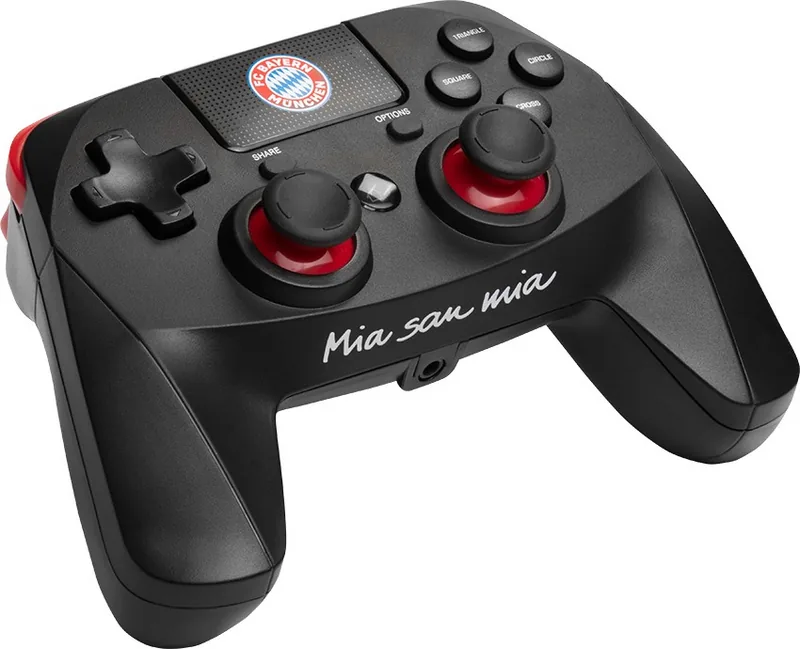
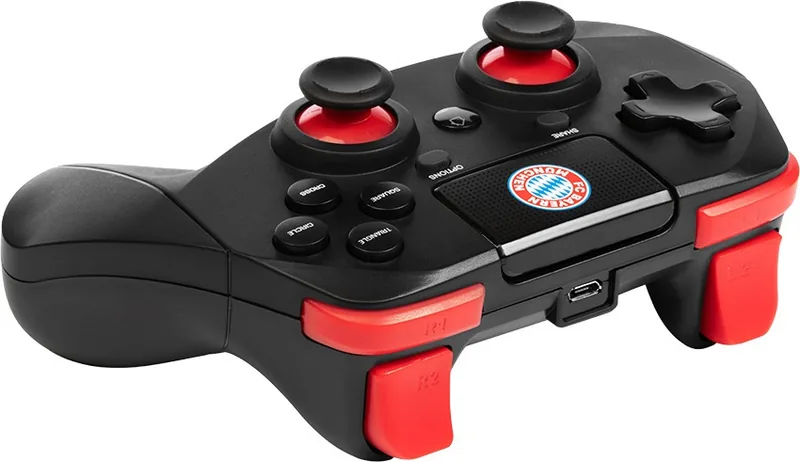
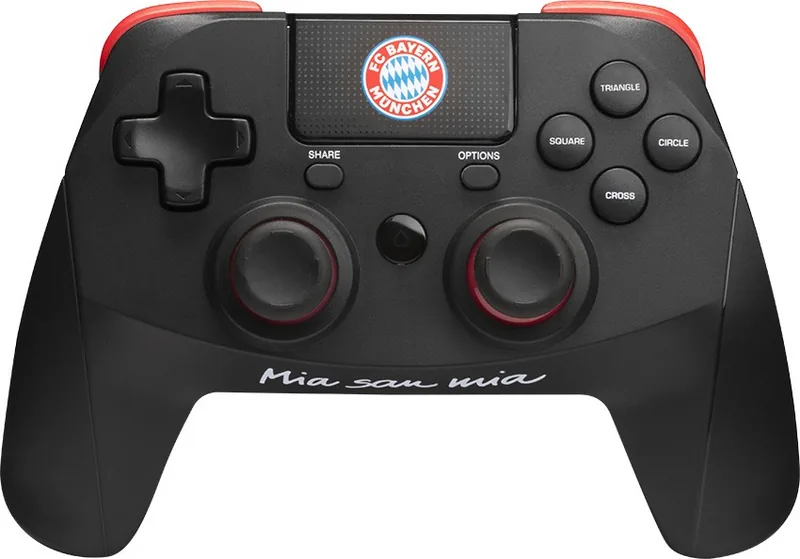
Snakebyte Pro Wireless Controller Manual
PDF manual · 2 Pages
English


Quick check
Incorrect answer, please try again.
Chat with your Snakebyte Pro Wireless Controller manual using AI
Get instant AI answers from your Snakebyte Pro Wireless Controller manual
Ask anything about the Snakebyte Pro Wireless Controller. Answers come from this manual, with the pages they are based on.
Ask a Question
Do you recommend Pro Wireless Controller?
Yes NoFrequently Asked Questions
Enter System Settings on the Home Screen. Select Change Grip/Order under Controllers and Sensors. Press and hold Home on the Wireless Pro Controller for approximately 5 seconds until the red LED starts flashing fast. Wait for the Gamepad Icon to show up under connected controllers. Once it appears, press A to finish the pairing procedure. This ensures the connection is established successfully.
Is this answer helpful?
The controller comes with a micro USB charging cable. To charge the controller, connect the micro USB connector to the controller and the USB connector to the console. Ensure the battery is fully charged before the first session for optimal performance. The battery type is polymer lithium ion with a capacity of 500 mAh.
Is this answer helpful?
Press and hold any button to program it. Then press the Turbo button to activate the feature for that button. You can program all buttons except ZR and ZL. To cancel, hold the programmed button and press the Turbo button again. Vibration control requires turning on settings and pressing L3 and minus simultaneously.
Is this answer helpful?
Please note that while the Console can be put to Sleep Mode using the controller, it cannot be woken up with it. You need to switch on the console manually using its Power Button. This restriction is important for sleep mode management. Press Home anytime when the Console is switched on to reconnect.
Is this answer helpful?
Do not expose the product to extremely hot or cold temperatures, high humidity or direct sunlight. Do not use it close to any heat sources. Do not subject the product to any liquids and never use it when it is wet. Clean only with a soft dry cloth and avoid cleaning solutions. Do not throw or drop the product.
Is this answer helpful?
If you experience functional issues, download the latest firmware installer from mys nakebyte.com. Run the installer program and follow the on screen instructions. Customer support email is support at mys nakebyte.com. Contact snakebyte distribution GmbH for further assistance. They reside at Konrad-Zuse-Strasse 13 in Schwerte Germany.
Is this answer helpful?
Advantages and Disadvantages
Advantages

- Bluetooth connectivity offers reliable wireless connection up to ten meters range.
- Turbo feature allows custom programming for rapid fire button functionality.
- Comfortable design reduces hand strain with recommended thirty minute breaks.
- Includes micro USB charging cable for convenient power management.
Disadvantages

- Battery is not replaceable by the user permanently.
- Cannot wake console from sleep mode manually via controller.
- ZR and ZL triggers cannot be programmed for turbo feature.
Product Specification
Type
Gamepad
Compatibility
PS4
Connection
Wireless (Bluetooth)
Power Supply
USB
Buttons
14 (total), 4 (function keys), 4 (action buttons), 2 (triggers), 2 (shoulder buttons), 2 (analog sticks)
Analog Sticks
1 concave (left below D-pad), 1 concave (right below action buttons)
D-Pad
Concave
Features
3.5mm jack, 2 vibration motors, motion sensor, touchpad
Product Description
Snakebyte Pro Wireless Controller Manual Guide
The Snakebyte Pro Wireless Controller Manual serves as an essential companion for new owners. Designed for the Nintendo Switch, it ensures users connect and use the device effectively throughout their gaming sessions. The document begins by welcoming the customer and outlines vital safety protocols for healthy usage. It details the initial setup process required to pair the controller with the console system securely. Users must navigate to the home screen settings first and select the change grip order option within the menu. Then they hold the home button on the device for approximately five seconds continuously. The red LED indicator flashes rapidly to confirm the pairing mode is active. Once the gamepad icon appears on the screen, the connection is fully stable.
Power management involves charging via a micro USB cable included with the retail package. The battery type is polymer lithium ion with a specific capacity listed. It is important to note that the battery unit is not replaceable by the user. Owners should charge the unit by connecting the USB end of the cable to the console directly. Technical specifications indicate a Bluetooth frequency used for wireless signal transmission. The working range extends between eight to ten meters to ensure reliable input without lag. Ensure the battery is fully charged before the first session for optimal performance.
A significant feature is the Turbo function which allows programming specific buttons for rapid firing. To use this, press and hold any button then press the Turbo button once. ZR and ZL triggers are strictly excluded from this customization process. This feature enhances gameplay for specific genres requiring rapid repetition of inputs. Vibration control can be toggled by combining specific button presses after enabling settings in the console.
Safety information advises avoiding exposure to extreme temperatures or direct liquids during operation. Direct sunlight and heat sources should be avoided during storage of the hardware. Cleaning requires a soft dry cloth to prevent damage to the surface. Health precautions recommend taking short breaks every thirty minutes to avoid physical fatigue. If discomfort occurs, discontinue use and rest immediately to recover.
Technical support is available via email provided on the official manufacturer website. Firmware updates can fix functional issues found during long term operation. The controller allows sleep mode activation but requires manual restart using the power button. This manual ensures compliance with regulatory standards like EU directives for electronics. Proper disposal follows WEEE guidelines to protect the environment from waste.
Search for 67,706 Manuals online


Type-in Brand or Model