
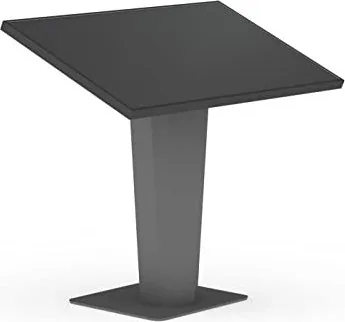
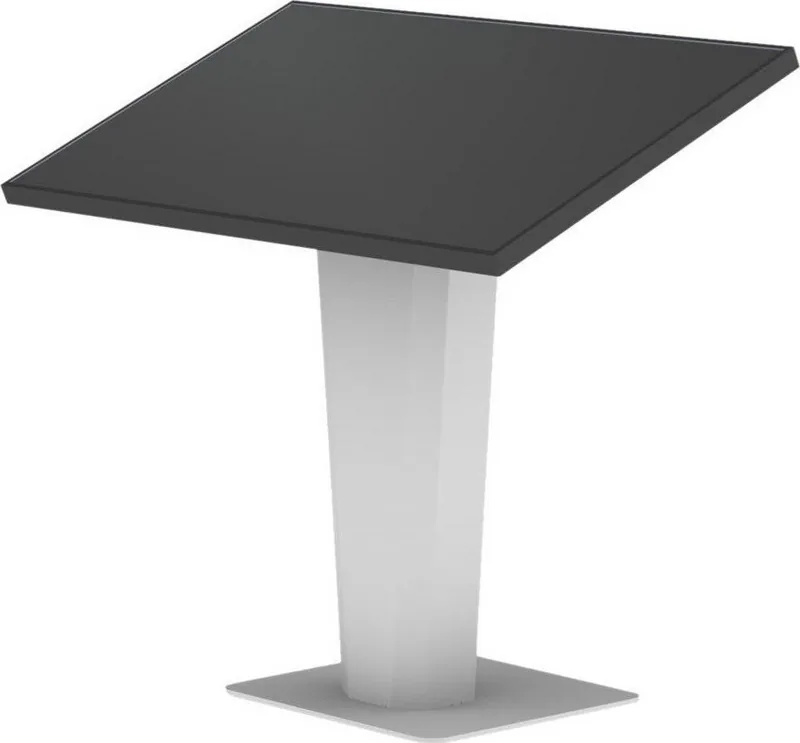
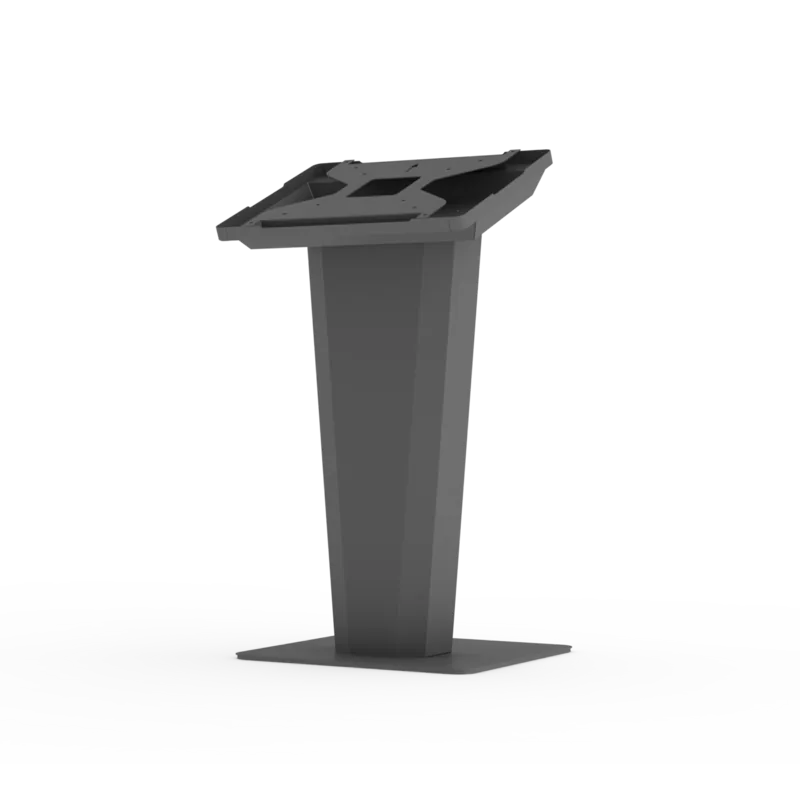
SMS Icon Navigator Manual
PDF manual · 16 Pages
English



Quick check
Incorrect answer, please try again.
Chat with your SMS Icon Navigator manual using AI
Get instant AI answers from your SMS Icon Navigator manual
Ask anything about the SMS Icon Navigator. Answers come from this manual, with the pages they are based on.
Ask a Question
Do you recommend Icon Navigator?
Yes NoFrequently Asked Questions
The warranty lasts for five years from the date of purchase.
Is this answer helpful?
No, mounting accessories are not included to ensure compatibility.
Is this answer helpful?
The maximum load capacity is 50 kg for this product.
Is this answer helpful?
No, external factors like water damage do not qualify.
Is this answer helpful?
The owner pays initial shipping and SMS pays return shipping.
Is this answer helpful?
No, unauthorized modifications void the warranty immediately.
Is this answer helpful?
Keep the original receipt with supplier name and purchase date.
Is this answer helpful?
Advantages and Disadvantages
Advantages

- Five year warranty coverage included
- Supports up to 50 kg load capacity
- Durable heavy-duty floor stand design
- Clear technical specifications provided
- Compatible with various display sizes
Disadvantages

- Mounting accessories not included in package
- Requires consultation for wall strength assessment
- Warranty void if modified by non-authorized parts
- Installation can be complex for beginners
- External damage not covered under warranty
Product Specification
Type
Floor
Number of Monitors
1
Screen Size
40-55"
Mobility
Fixed
Max Load
110.23 lbs
VESA
200x200, 300x300, 400x400
Shelves
0
Dimensions (WxHxD)
22.56x40.94x19.49in
Product Description
High Reliability Display Support Systems
The SMS Icon Navigator represents a robust solution for professionals seeking reliable display support in modern business and educational settings worldwide. This heavy-duty floor stand ensures stability for large screens and projectors, making it ideal for conference rooms, auditoriums, and large-scale digital signage installations. Safety is paramount, and the engineering behind this system prioritizes secure attachment to prevent accidents during use. Users must verify their floor or wall capacity before proceeding, as the structure demands significant load-bearing capability to support the designated weight limit effectively.
Proper installation is critical for maintaining the integrity of the setup and ensuring user safety for optimal results. The technical details specify that mounting accessories are not included with the unit to ensure full compatibility with diverse building structures. Installers must consult specialists regarding the specific material of their walls or ceilings to select appropriate fasteners that meet safety standards. Adhering to the recommended protocols prevents structural failures and protects both personnel and expensive equipment from potential harm. The maximum load capacity is clearly defined within the technical specifications to guide proper usage.
Maintenance and longevity are supported by a comprehensive warranty program offered by the manufacturer for peace of mind. Owners can expect coverage for manufacturing defects for a significant five-year period, provided the product remains unaltered and used exactly according to specifications. It is essential to retain proof of purchase and original receipts for any warranty claims or service requests. Any modifications made by unauthorized parties void the coverage immediately, highlighting the need for professional adherence during setup and future adjustments to the hardware in the final setup.
Returning defective items requires following specific communication channels and shipping instructions. The manufacturer covers return costs for repaired units while the owner manages initial shipping expenses to the service center. External factors such as weather exposure, water damage, or improper handling do not qualify for repairs under the standard agreement. This distinction ensures clarity regarding what constitutes a legitimate defect versus user error or environmental damage.
Selecting the right support system involves understanding the unique needs of the installation site and the display being mounted. The setup process detailed in the SMS Icon Navigator Manual provides extensive details on positioning cables, securing bases, and attaching screens securely to maximize utility. Attention to detail during assembly guarantees optimal performance and safety. By following these instructions strictly, users can enjoy a reliable display solution that enhances their environment without compromising on security standards or structural integrity.
Search for 67,732 Manuals online


Type-in Brand or Model