
SMS Flatscreen X WH 1105 Manual
PDF manual · 10 Pages
English



Quick check
Incorrect answer, please try again.
Chat with your SMS Flatscreen X WH 1105 manual using AI
Get instant AI answers from your SMS Flatscreen X WH 1105 manual
Ask anything about the SMS Flatscreen X WH 1105. Answers come from this manual, with the pages they are based on.
Ask a Question
Do you recommend Flatscreen X WH 1105?
Yes NoFrequently Asked Questions
It covers five years for manufacturing defects. Normal wear and tear are excluded from the coverage period.
Is this answer helpful?
No, you must select them based on your wall material and strength properties.
Is this answer helpful?
Check the table for your specific model variant. The wall must support four times this weight.
Is this answer helpful?
Refer to the tool symbol in the instruction manual to see necessary equipment.
Is this answer helpful?
Yes, the original language is English. It is also available in multiple other languages.
Is this answer helpful?
No, modifications void the warranty coverage and are not recommended for safety.
Is this answer helpful?
Two people are required for safety during the assembly section lifting process.
Is this answer helpful?
Advantages and Disadvantages
Advantages

- Five-year guarantee for peace of mind on build quality.
- Supports standard VESA mounting sizes for flexibility.
- Designed to support heavy displays safely with margin.
- Clear safety symbols guide installation process.
Disadvantages

- Mounting hardware not included in package.
- Requires two persons for safe assembly.
- Warranty invalid if mounted incorrectly.
- Wall must support four times screen weight.
Product Specification
Type
Wall Mount
Number of Monitors
2
Screen Size
40-46"
Adjustability
Height Adjustable
Distance From Wall
7.20"
Max Load
77.16 lbs
VESA
min. 200x200, max. 800x400
Color
white
Product Description
Revolutionize Your Meeting Space
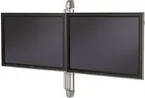
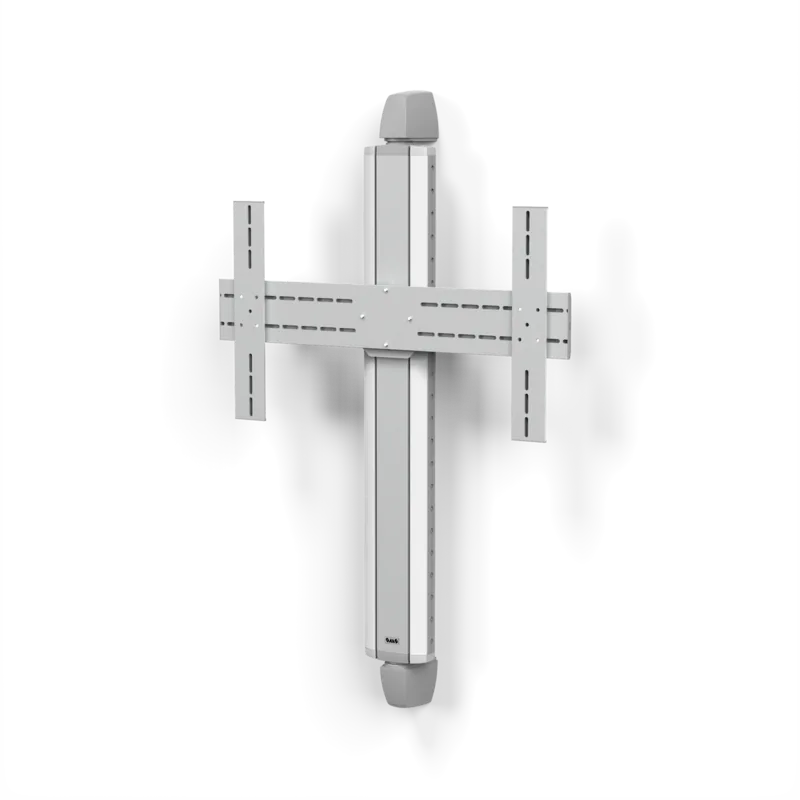
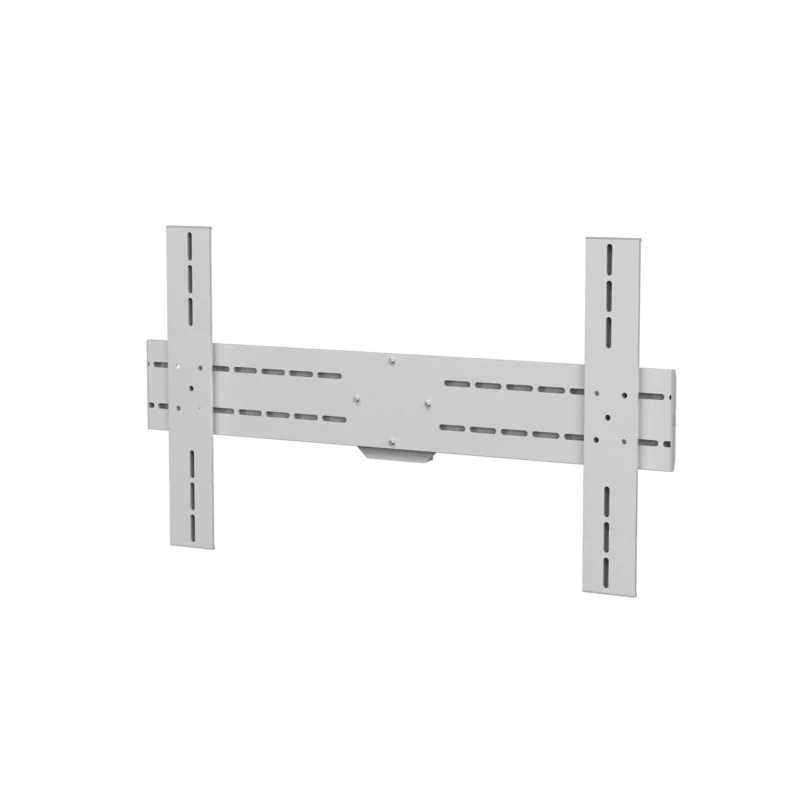
With the SMS Flatscreen X WH 1105 Video Conference mounting solution you unlock professional setup capabilities for your office. This robust bracket system is designed for seamless integration into any modern workspace environment. The product ensures your display remains secure while providing optimal viewing angles for all participants. Safety is paramount during the installation process. The manual emphasizes that incorrect mounting can lead to serious hazards. Therefore it is crucial to follow the provided guidelines strictly. Installers must verify that the wall or ceiling can support four times the combined weight of the screen and bracket. This safety margin protects both personnel and equipment from accidents during use. The document highlights specific symbols to guide the assembly including mandatory actions and prohibitory signs.
Comprehensive Compatibility
One of the standout features of this system is its versatile VESA compatibility. Models like the S1105 and S1455 series support various standard dimensions. This flexibility allows businesses to upgrade their equipment without replacing the mounting hardware. You can accommodate displays up to specific widths depending on the chosen model variant. The range covers common sizes used in video conferencing setups. Whether you need a compact unit for a small huddle room or a larger screen for a boardroom you find the right fit here. Dimensions vary slightly between the 1105 and 1455 versions offering tailored solutions for different spatial requirements. Specific measurements like max display width are clearly listed in the technical specifications.
Tools and Assembly Notes
Proper assembly requires basic tools and careful attention to detail. The manual indicates which equipment may be needed for successful mounting operations. It is strongly advised that two persons perform this assembly section. This requirement ensures stability and reduces the risk of injury during the lifting process. Do not use inappropriate fitting materials as this voids the safety certification. The supplier assumes no responsibility for damage caused by faulty mounting practices.
Warranty and Reliability
SMS Smart Media Solutions offers a generous five-year guarantee on this product. This commitment reflects confidence in the build quality and durability. However the warranty requires adherence to installation instructions. Modifications by unauthorized personnel or misuse void the coverage. Customers should keep the original purchase receipt for any future claims. Installation fittings are not included to cater to specific wall structures. Users must source appropriate hardware based on their building materials and consult a specialist. This ensures the mount performs safely over the long term. Always check the dimensions against your room layout before purchase to ensure smooth professional video conference experience. The manual is available in multiple languages ensuring global usability for all clients.
Warranty Limitations
The guarantee covers defects in manufacturing or materials but excludes normal wear and tear. External factors such as lightning strikes or water damage are not covered. Using the product for equipment not specified on the packaging also voids protection. Storage in extreme temperatures may damage components. Keep these conditions in mind to maintain your product lifespan.
Notes:
- Verify wall strength before installation.
- Consult specialist for mounting materials.
- Keep original receipt for warranty.
Search for 67,732 Manuals online


Type-in Brand or Model