
Siemens iQ700 HB672GBS1 Manual
PDF manual · 32 Pages
English


Quick check
Incorrect answer, please try again.
Chat with your Siemens iQ700 HB672GBS1 manual using AI
Get instant AI answers from your Siemens iQ700 HB672GBS1 manual
Ask anything about the Siemens iQ700 HB672GBS1. Answers come from this manual, with the pages they are based on.
iQ700 HB672GBS1 Maintenance Schedule
Use the self-cleaning function every 2 to 3 months or more often if needed. Remove loose food residues before starting.
Wipe smooth surfaces inside and outside with a soft damp cloth. Remove loose food residues, fat, and juices before operation to prevent fire hazards.
Let the cavity dry after use to prevent corrosion. Do not store wet food in the closed cavity for long periods.
After the self-cleaning cycle cools down, wipe remaining ash from the cavity, racks, and door area with a damp cloth.
Keep the seal clean to ensure proper closure. Clean door inner frame and edges with soap solution and a soft cloth.
Free maintenance reminders
Timed to your purchase date. Always free, unsubscribe anytime.
Ask a Question
Do you recommend iQ700 HB672GBS1?
Yes NoFrequently Asked Questions
Its 4D hot air system helps spread heat evenly, so cakes, pastries, and tray bakes can cook more consistently. It also supports multi-level baking, which is useful for larger batches.
Is this answer helpful?
Yes. It includes eco heating modes that are designed for more efficient cooking, and the manual notes that avoiding unnecessary preheating can reduce energy use further.
Is this answer helpful?
It is designed with maintenance in mind. The oven includes self-cleaning support, and parts like the door and racks can be removed for deeper cleaning when needed.
Is this answer helpful?
Yes. It offers grill-related modes for foods like steak, toast, fish, and larger meat cuts. A fan-assisted grill setting also helps with even browning and crisp results.
Is this answer helpful?
Yes. The oven includes a child lock and clear safety guidance for heat, steam, and hot accessories. Proper use helps reduce the risk of burns or accidental changes to settings.
Is this answer helpful?
Before cooking, the oven should be cleaned, set up with the correct language, time, and date, and heated once to remove manufacturing residues. Ventilation during first use is recommended.
Is this answer helpful?
Advantages and Disadvantages
Advantages

- 4D hot air helps distribute heat evenly for more consistent baking on one or several levels.
- Quick preheating and multiple cooking modes save time and make daily use more convenient.
- Self-cleaning support and removable parts make maintenance easier over the long term.
- Child lock, door safety guidance, and clear controls improve everyday confidence.
Disadvantages

- Some advanced functions may take time to learn for first-time users.
- Self-cleaning uses significant energy and the oven gets very hot during operation.
- Best results depend on correct rack placement, temperature, and timing settings.
Product Specification
Energy efficiency class
A+
Color
black, stainless steel
Usable capacity
18.74 gal
Number of programs
8
Programs
4D Hot Air, coolStart, Full-surface grill, Gentle hot air, Top/bottom heating, Gentle top/bottom heating, Pizza, Circulating air grill
Temperature range
86-572°F
Door system
Bottom hinge, Soft-close door
Pull-out system
no, pull-out system can be retrofitted
Steam system
no
Cleaning
coated oven walls (enamel), Pyrolysis (activeClean)
Display
yes
Special features
Touch control operation, Timer, Clock display, Rapid heating, Cool front, Child lock, Safety switch-off
Hob control
no
Energy consumption conventional heating
0.87kWh/cycle
Energy consumption convection/hot air
0.69kWh/cycle
Niche dimensions
23.62x23.62in (WxH)
Product Description
Siemens iQ700 HB672GBS1 Oven: Precision Cooking for Busy Homes
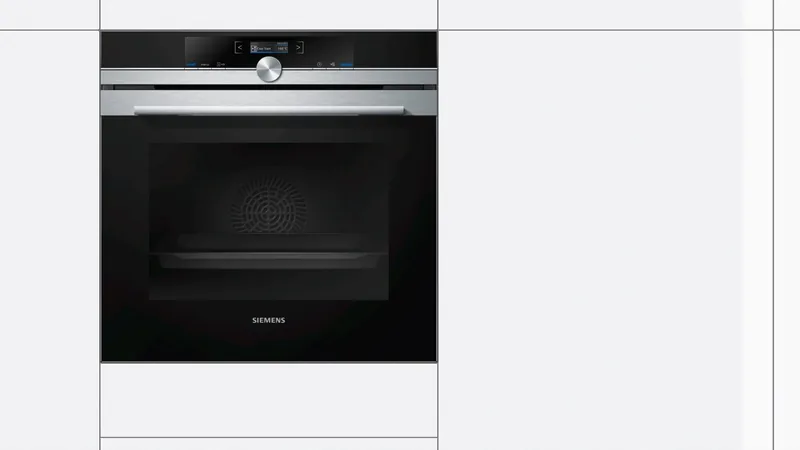
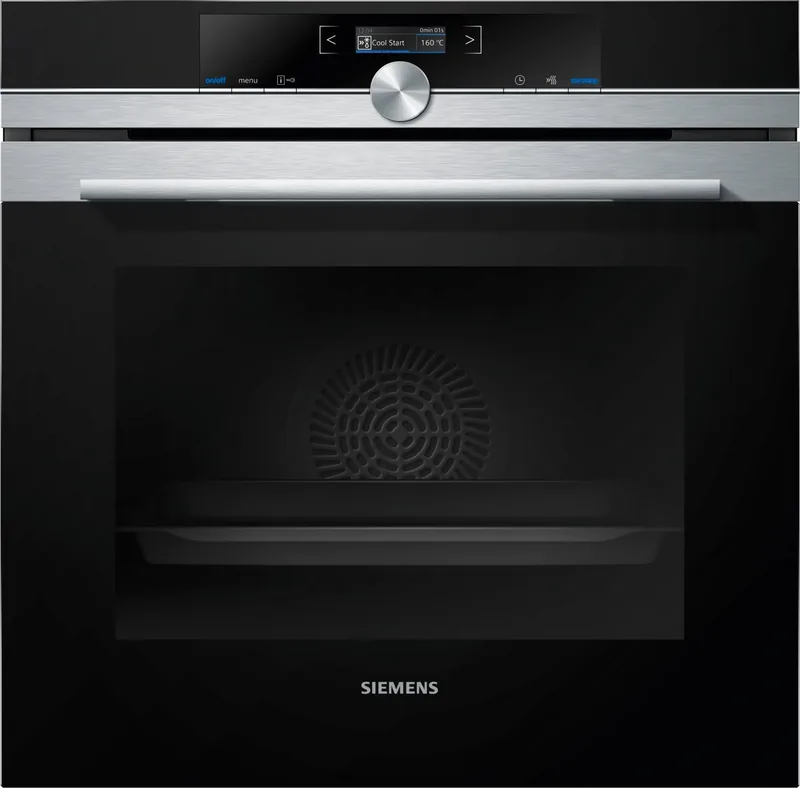
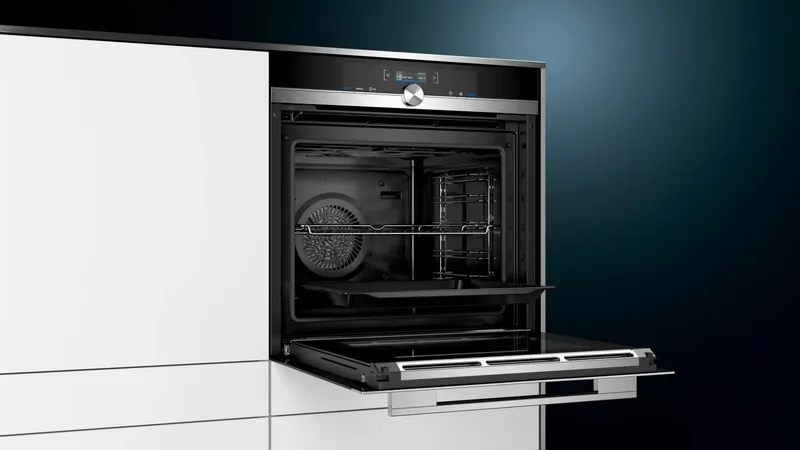
The Siemens iQ700 HB672GBS1 Oven is built for cooks who want reliable results without unnecessary complexity. It combines a clean built-in design with flexible heating modes, making it a strong fit for everyday baking, roasting, grilling, and reheating. If you are searching for the Siemens iQ700 HB672GBS1 Oven Manual, you will find a model focused on practical control, clear guidance, and helpful built-in safety features.
Smart performance with flexible cooking modes
At the heart of this oven is Siemens’ 4D hot air system, which distributes heat evenly across multiple levels. That means cookies, tray bakes, and family meals can be prepared more consistently, even when cooking on more than one shelf. Traditional top and bottom heat is also available for classic baking results, while fan-assisted grill settings help with meat, fish, and crisp finishes.
The oven also includes eco-focused options such as Hot Air Eco and Conventional Heat Eco. These settings are designed to support energy-conscious cooking, especially when you want to prepare food efficiently without sacrificing too much performance. Quick preheating further improves convenience by shortening the waiting time before cooking begins.
Everyday convenience and safer use
The HB672GBS1 is designed with a clear control panel, an easy-to-read display, and a rotary selector that makes adjustments straightforward. Timing functions such as the timer, cooking duration, and delayed end help structure meal preparation more accurately. A child lock adds peace of mind for households with young children, while the Sabbath setting expands its flexibility for special routine needs.
Maintenance is another highlight. The oven offers self-cleaning support, plus removable racks and a door design that can be taken apart for deeper cleaning. Siemens also places strong emphasis on safe use, reminding users about heat protection, ventilation, and proper accessory placement. This makes the oven feel well thought out, not only in cooking but also in long-term care.
A solid built-in choice for modern kitchens
For home cooks who value consistency, the Siemens iQ700 HB672GBS1 Oven delivers a balanced mix of power, control, and usability. It is especially appealing to anyone who bakes often, cooks large meals, or wants an oven that supports cleaner operation and more structured cooking routines.
Notes
- Best suited for built-in kitchen layouts
- Offers multiple heating styles for different recipes
- Self-cleaning and removable parts simplify upkeep
- Good choice for users who want precision with minimal fuss
Search for 67,706 Manuals online


Type-in Brand or Model
Florence Simpson
7 months ago
My Siemens HB672GBS1 arrived with only a French operating manual. I bought it in Germany. Where can I get the German instructions, and can the oven switch to German?
Manual.ly
7 months ago
You can get the German manual online. Check the Siemens support/manuals section (enter the exact model HB672GBS1) and download the operating instructions in German. For the oven itself: during first start-up the device typically prompts you to select the language and set the time. If you missed it, look for the language setting in the setup menu (in the display/system settings). If you want a paper replacement, contact the seller or Siemens support and request the German booklet for your model.