
Sharkoon 3-Port USB 3.0 Aluminium Hub RJ-45 USB-C Manual
PDF manual · 20 Pages
English



Quick check
Incorrect answer, please try again.
Chat with your Sharkoon 3-Port USB 3.0 Aluminium Hub RJ-45 USB-C manual using AI
Get instant AI answers from your Sharkoon 3-Port USB 3.0 Aluminium Hub RJ-45 USB-C manual
Ask anything about the Sharkoon 3-Port USB 3.0 Aluminium Hub RJ-45 USB-C. Answers come from this manual, with the pages they are based on.
Ask a Question
Do you recommend 3-Port USB 3.0 Aluminium Hub RJ-45 USB-C?
Yes NoFrequently Asked Questions
No, the hub does not require any software installation or driver updates. It is plug and play compatible with Windows operating systems including all recent versions. Users can connect the device and begin using the ports immediately.
Is this answer helpful?
The maximum data transfer rate is 5 Gbit/s using the USB 3.2 Gen 1 specification. This ensures fast file transfers between the host and connected peripheral devices or storage drives.
Is this answer helpful?
Yes, the integrated RJ45 connector supports 5 Gbit/s Ethernet connectivity. It provides reliable wired internet access suitable for standard office and home network requirements.
Is this answer helpful?
Yes, you can use it with USB-C port MacBooks by utilizing the included Type-A port to Type-C plug adapter. This allows you to connect the USB host interface of the hub to the computer.
Is this answer helpful?
The cable length provided with the unit is 45 cm. This offers sufficient reach for desktop setups while keeping the workspace tidy and organized without excess slack.
Is this answer helpful?
Advantages and Disadvantages
Advantages

- Durable aluminum chassis for heat dissipation
- Supports Windows, macOS, ChromeOS, and Linux
- Built-in Gigabit Ethernet RJ45 port
- LED indicator for connection status
- 3x USB 3.2 Gen 1 ports included
Disadvantages

- Fixed 45 cm cable length reduces flexibility
- Limited to 3 USB expansion ports
- Connects via USB-A host plug not C
- No active power for high power devices
- User responsible for potential data loss
Product Specification
Type
USB Hub
Form Factor
1x external wired (cable not detachable)
Host Connection
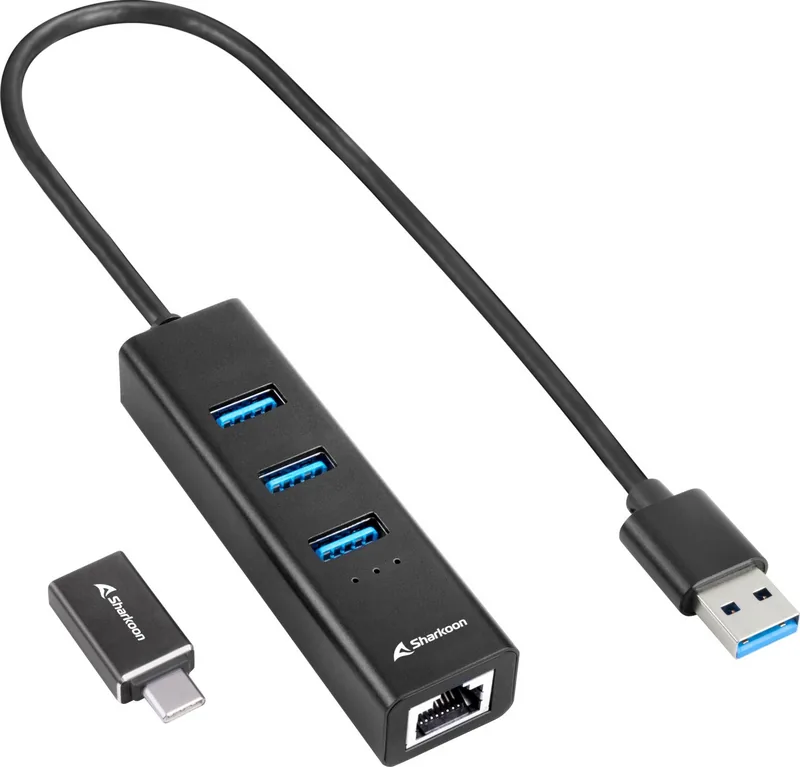
1x USB-A 3.0 (Plug via cable, 5Gbps, 17.72 in cable length), 1x USB-C 3.0 (Plug via adapter, 5Gbps)
Output Ports
1x RJ-45, 3x USB-A 3.0 (Port)
Transfer Speed
1x RJ-45 (10/100/1000Base-T), 3x USB-A 3.0 (Port, 5Gbps)
Power
Powered only via Connection
Chipset
Realtek RTL8153 (LAN Adapter, RJ-45), Genesys Logic GL3510 (USB Hub, USB 3.0)
Dimensions
1.00x0.73x3.54 in (WxHxD)
Weight
0.11 lbs
Color
black
Compatibility
universal
Features
Metal Housing
USB Spelling
Link
Product Description
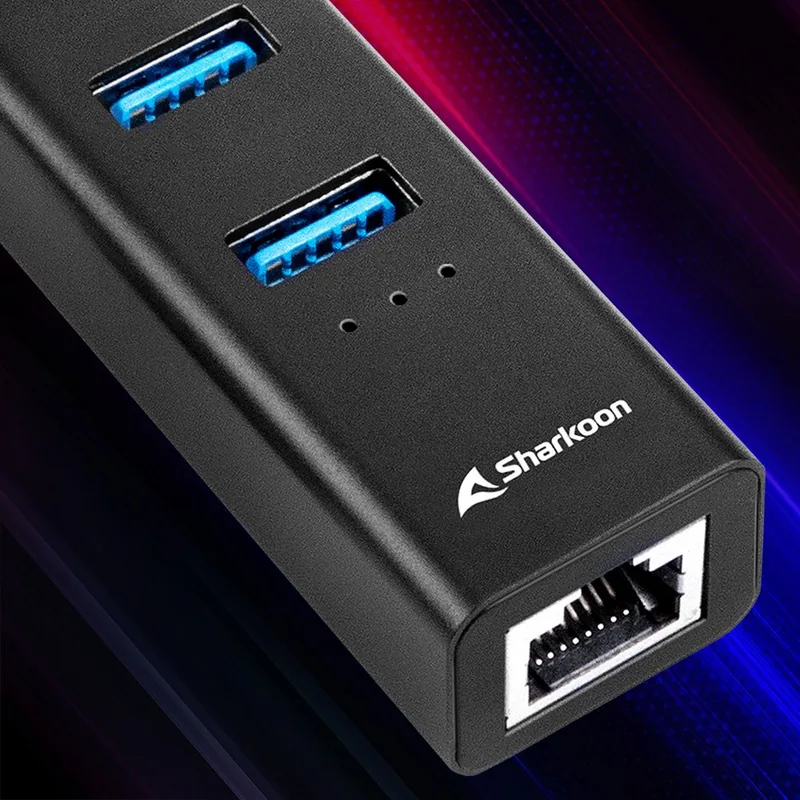
In the modern workspace, connectivity is key for productivity and efficiency. The Sharkoon 3-Port Aluminium Hub Black, RJ-45, USB-A 3.0/USB-C 3.0 [Plug] Manual provides essential guidance for owners of this versatile accessory. This hub transforms a single USB host port into multiple expansion options instantly. Users greatly appreciate the durable aluminum chassis which aids in effective heat dissipation during operation. The black color complements most computer setups aesthetically without drawing unwanted attention. It adds a professional touch to any environment regardless of the industry sector.
Three USB 3.2 Gen 1 ports support numerous peripherals such as external hard drives and flash storage devices. Data transfers occur at maximum rates suitable for daily tasks without latency issues interfering with workflow. Networking requires reliability which is ensured by this unit including a built-in RJ45 connector for wired internet access. Gigabit speeds are supported for stable browsing and continuous background file transfers between machines. This ensures a consistent experience for all users across different networks.
Additionally, a specific adapter connects the Type-A port to Type-C plugs if needed for newer devices. This flexibility addresses various device requirements across different generations of technology effectively. The LED light indicates connection status clearly so users know when active power is present. Power efficiency is maintained through the intelligent design of the internal components to prevent overheating. Installation is straightforward with no drivers required on supported operating systems. Windows, macOS, ChromeOS, and Linux platforms are fully compatible for broad usage scenarios.
Physical dimensions are compact, fitting within tight spaces on your desk or storage bag without obstruction. The cable length offers sufficient reach for various desktop arrangements to reach the laptop host comfortably. Weight remains minimal for portability yet feels sturdy in hand during transport. Proper handling ensures longevity over time for years of use. Documentation advises on disposal to follow environmental regulations regarding electronic waste components safely. Data loss liability rests with the user, so regular backups are highly recommended for important files. This product represents a solid choice for expanding functionality significantly within any setup. The included information ensures users maximize capabilities immediately after unboxing. It is a practical upgrade for increased productivity and connection stability in any office. The package includes the main unit, the adapter, and the necessary guides for setup. Users can begin using the hub immediately upon connection to a compatible host computer. No software installation is necessary which simplifies the process for average users. The materials used are designed for durability against daily wear and tear. Environmental compliance ensures responsible disposal practices when the product reaches end of life. Customers should review local laws for recycling programs in their area.
Search for 67,732 Manuals online


Type-in Brand or Model