
Schneider Electric Drayton Wiser Manual
PDF manual · 66 Pages
English



Quick check
Incorrect answer, please try again.
Chat with your Schneider Electric Drayton Wiser manual using AI
Get instant AI answers from your Schneider Electric Drayton Wiser manual
Ask anything about the Schneider Electric Drayton Wiser. Answers come from this manual, with the pages they are based on.
Drayton Wiser Maintenance Schedule
The radiator thermostat automatically fully opens and then closes the valve to prevent sticking.
Replace with two 1.5V AA alkaline cells when a flashing red light signals depletion or via app status.
Replace with two 1.5V AA alkaline batteries when the centre LED flashes red once per hour or five seconds per minute.
Ask a Question
Do you recommend Drayton Wiser?
Yes NoFrequently Asked Questions
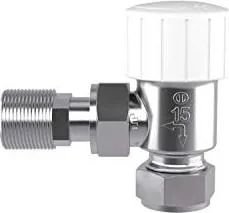
The TRV Body is supplied with M30x1.5 and Danfoss RA adapters that fit most radiator valves; if neither fits your valve consult the Valve Adapter Guide on the Drayton website or contact customer service for assistance.
Is this answer helpful?
Put the Heat Hub into Join Mode via the Wiser Heat app, insert batteries in the radiator thermostat, then follow the app prompts—twist and hold the TRV cap as instructed until LEDs indicate successful joining. If the hub times out, repeat setup or use a smart plug as an RF extender.
Is this answer helpful?
A boost triggered directly from the radiator thermostat is fixed at 1 hour. Boosts initiated from the Wiser Heat app or room thermostat can be set to 30 minutes, 1, 2, or 3 hours as supported by the system.
Is this answer helpful?
LEDs show status such as join success, join failure, calibration, boosts, low battery warnings (solid or flashing red patterns), and no-signal states. Refer to the device LED behaviour section in the Wiser guide for exact patterns and troubleshooting steps.
Is this answer helpful?
Yes—when heating is active the radiator thermostat can detect rapid temperature drops indicating an open window and will close the valve for ten minutes. It also participates in Eco Mode and Comfort Mode to optimise boiler run times and energy efficiency.
Is this answer helpful?
Replace with 2 x 1.5V IEC LR6 (AA) alkaline batteries, ensuring correct polarity. The TRV indicates low battery via LEDs; always dispose of batteries per local regulations and confirm device operation after replacement.
Is this answer helpful?
If RF signal is lost the device shows a ‘no signal’ LED and may need repositioning or an RF range extender (a Wiser Plug) to restore connectivity. The Wiser app also shows device signal status and recommended actions.
Is this answer helpful?
Advantages and Disadvantages
Advantages

- Enables precise room-by-room control as part of the Wiser multi-zone system.
- Automatic valve calibration and LED status indicators simplify setup and troubleshooting.
- Integrates with Eco and Comfort modes to optimise comfort and energy savings.
- Works with common valve adapters (M30x1.5 and Danfoss RA) for wide compatibility.
- Supports remote control, firmware updates, and cloud features via the Wiser Heat app.
Disadvantages

- Requires Wiser Heat Hub and app to access full feature set and remote control.
- Boost from TRV is fixed to 1 hour; more flexible boosts require the app or room thermostat.
- May need a specific adapter or customer service help for uncommon radiator valves.
- Battery-powered operation means periodic battery replacement and potential downtime.
- Some advanced features (OpenTherm, multi-channel assignment) may require professional installation.
Product Specification
Type
Accessory
Function
Heating control
Product Description
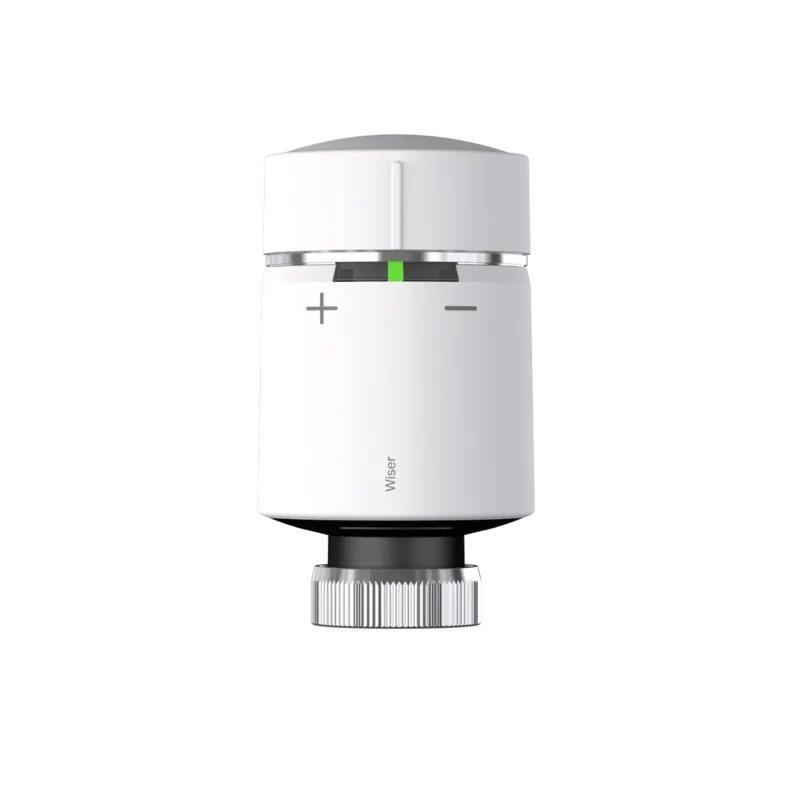
Schneider Electric Drayton Wiser Smart Radiator Thermostat TRV Body
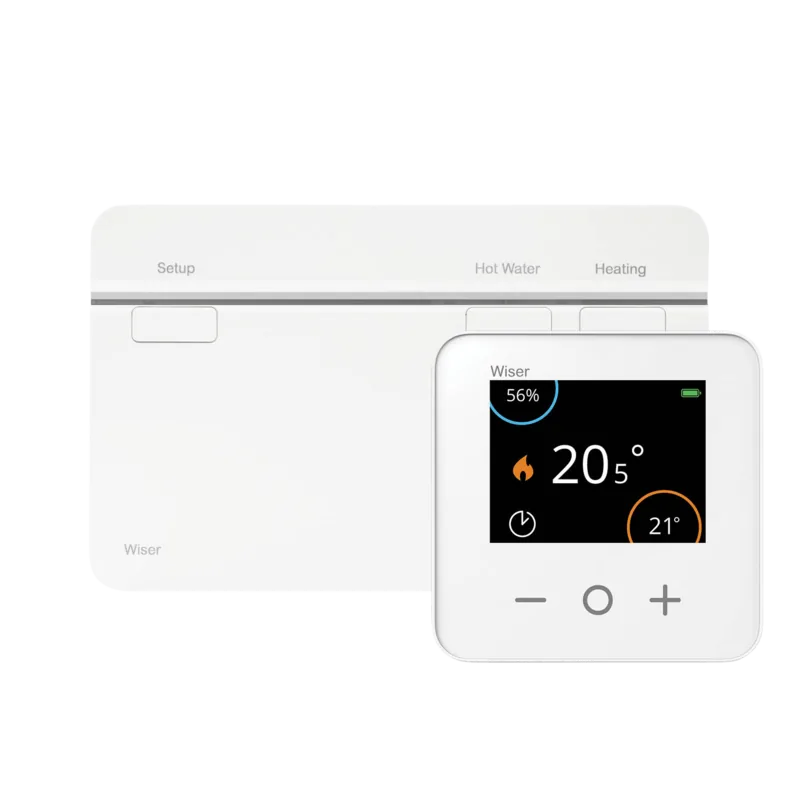
The Schneider Electric Drayton Wiser Smart Radiator Thermostat TRV Body is a smart heating accessory designed to give precise, room-by-room temperature control when used with the Wiser ecosystem. As part of the Wiser family, the TRV body pairs with the Wiser Heat Hub, room thermostats, and smart plugs to enable multi-zone heating schedules, boosts, open-window detection, Eco and Comfort modes, and remote control via the Wiser Heat app.
What it does
Installed on radiator valves, the TRV Body motorises valve operation to open and close radiators according to set temperatures and schedules. It supports quick boosts (fixed 1-hour boost from the valve), reports battery status via LEDs, and performs automatic valve calibration on first use. The device acts within the Wiser mesh so it can both receive commands and function as a local control point for a room—closing when an open-window event is detected and participating in energy-saving strategies like Eco Mode and Valve Protection cycles.
Integration and usability
The TRV Body is provided with common valve adapters (M30x1.5 and Danfoss RA) for broad compatibility. It joins the Wiser Heat system through the Heat Hub during setup and can be identified, moved between rooms, locked via Device Lock, reset to factory settings, and removed via the app. LED indicators communicate join status, errors, low battery warnings, and boost activity. Batteries are user-replaceable (2 x AA), and the device supports wireless firmware updates when connected to the Wiser ecosystem.
Smart features and behaviours
When part of a full Wiser setup the TRV Body works with OpenTherm-capable boilers (when configured) to help the system modulate heating efficiently. It contributes to insights and Heat Reports, enabling room-by-room historical temperature tracking. The TRV Body also benefits from voice assistant control (Alexa, Google Assistant) and IFTTT integrations through the Wiser cloud, allowing actions like geofenced Away Mode triggers.
Why choose this TRV Body
The Schneider Electric Drayton Wiser TRV Body is ideal for homeowners wanting refined zone control without rewiring boilers. It balances straightforward mechanical installation with the advanced logic of the Wiser platform: scheduled events, temporary boosts, open-window detection, and participation in Eco/Comfort modes to reduce fuel use and maintain comfort.
Notes
- Includes M30x1.5 and Danfoss RA adapters; consult the Valve Adapter Guide for uncommon valves.
- Replace batteries with 2 x 1.5V IEC LR6 (AA) alkaline cells and recycle responsibly.
- Use the Wiser Heat app (iOS 9+/Android 4.2+) to join devices, manage schedules, and access Heat Reports.
- For OpenTherm or multi-channel setups, installation or re-wiring by a qualified installer is recommended.
Search for 67,706 Manuals online


Type-in Brand or Model